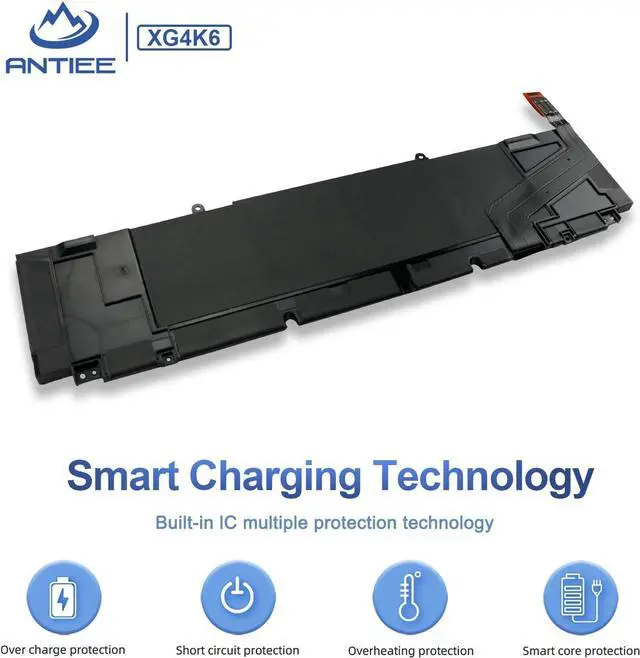
Welcome to ANTIEE
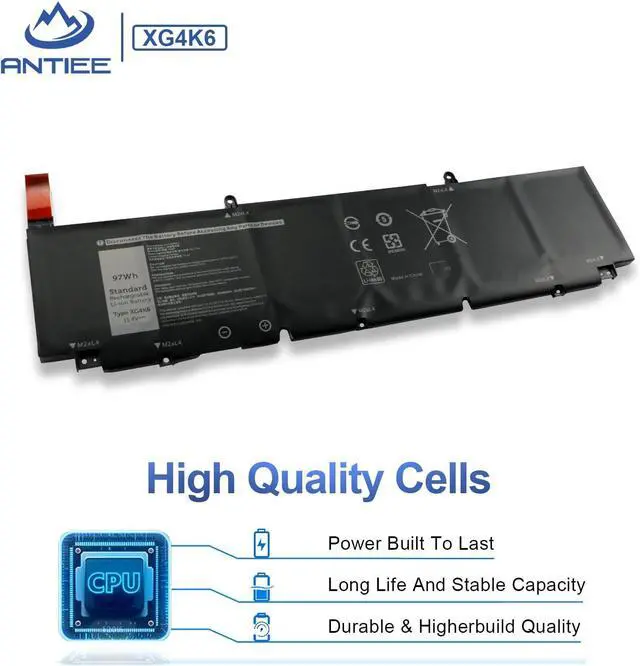
We are a manufacturer specializing in various laptop batteries and tablet batteries. We emphasizes the basic product concept of high-quality, safety and reliability. ANTIEE Laptop batteries are 100% DIRECT from Manufacturer with over 10 years' Laptop Battery Production experience.
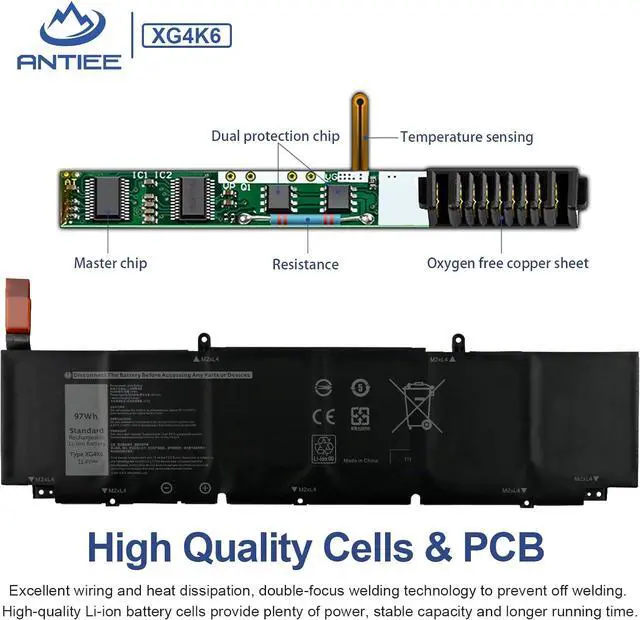
We are always working hard to ensure high quality laptop battery standards through multiple quality checks. With multi-protections such as short circuit, overheat, and overload.ANTIEE promises to deliver each customer to valuable, efficient and reliable battery. Let your notebook get more freedom.
SPECIFICATION
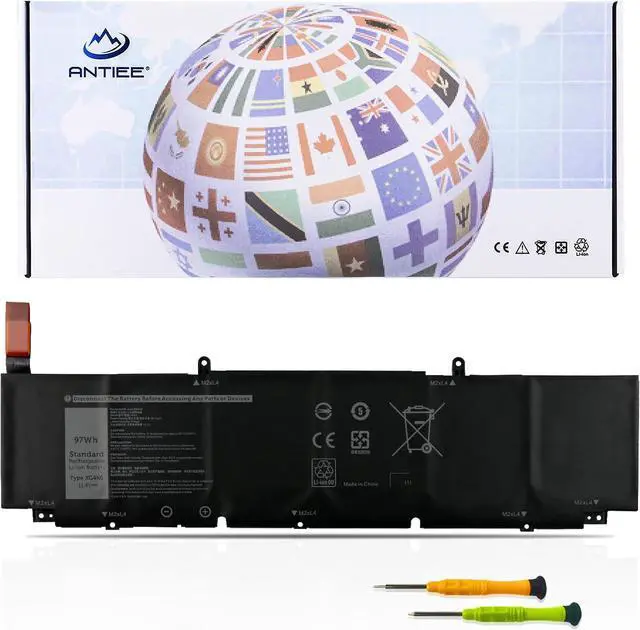
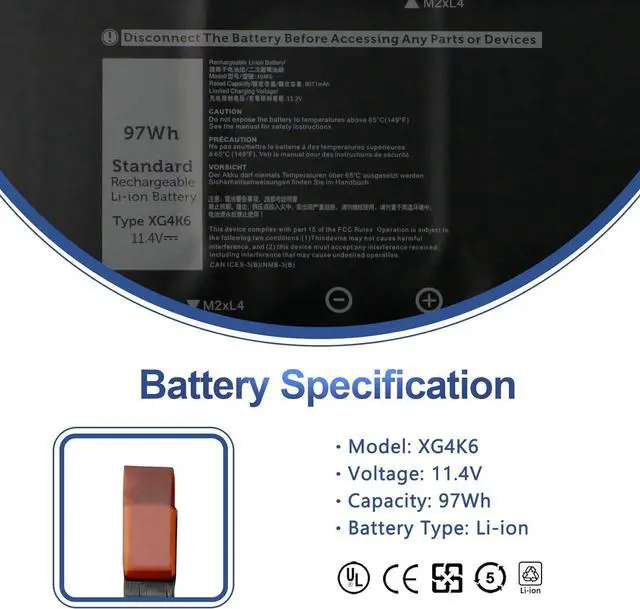
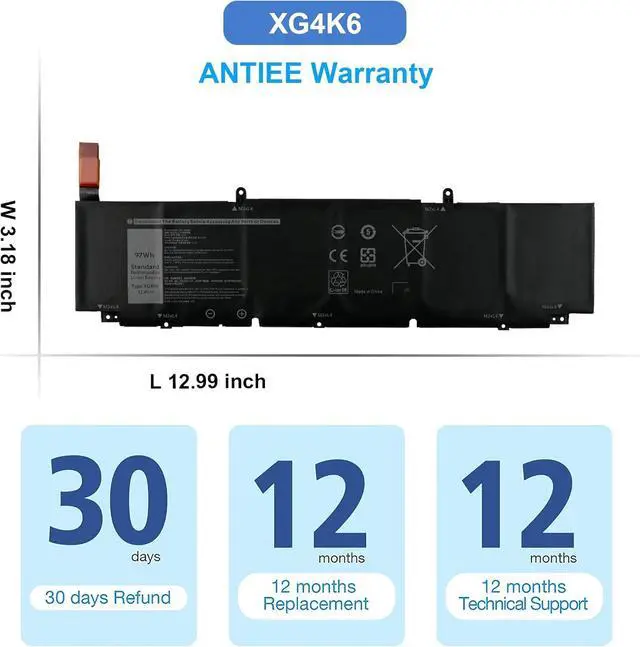
Battery Model: XG4K6
Voltage: 11.4V
Capacity: 97Wh/8071mAh/6-Cell
Battery Type: Li-ion
Condition: Brand new
REPALCE PART NUMBER
XG4K6 01RR3 001RR3 F8CPG 0F8CPG OF8CPG 5XJ6R 0YY3V KVPMY KRDHV 3ICP7/54/65-2.
PACKAGE INCLUDES:
1 X Battery
2 X Tools
COMPATIBLE LAPTOP MODELS(use "Ctrl+F" to find your model quickly)
for Dell XPS 17 9700 Series:
9700-Core-i7-RTX-2060-Max-Q 9700-XXFK2 9700-094CK 9700-YTHR8 9700-MXCWV 9700-i5-10300H 9700-0VN0J 9700-C9T5T
9700-D2968TS 9700-R1845S 9700-D1968TS 9700-D1961TS 9700-R1861TS 9700-R1745S 9700-D1868S 9700-D1768TS 9700-R1841S
9700-2194 9700-R1WMW 9700-RVN68 9700-6FNNW 9700-D1741S 9700-D1761TS 9700-D2961TS 9700-R1505S 9700-R1868TS 9700-D1861S
for Dell XPS 17 9710 Series:
9710-MKTXN9710EZUSSRT 9710-1J2VH 9710-XC3T1 9710-Core-i7-RTX-3060 9710-CTOX17W10P1C3001CA 9710-XN9710EVHJS
9710-H1DG4 9710-54RYX 9710-H1J4W 9710-XN9710CTO220STG2 9710-9XMHG 9710-WP78T 9710-VJD41 9710-CTOX17W10P1C3000CAF
9710-XN9710CTO230STG3 9710-XN9710EZWQSRT 9710-4FHTN 9710-7T53W 9710-3666J 9710-MKTXN9710EVHKS 9710-P7WN2
9710-M08HJ 9710-BN97101CB 9710-XN9710CTO210STG3 9710-RMC14
for Dell XPS 17 9720 Series:
9720-913N7 9720-CN97202CC 9720-CKMMG 9720-BN97203SB 9720-CN97205SC
9720-PV42T 9720-RTX-3060 9720-CTOX17W11P1C4002CA 9720-MKTXN9720FMJKS
for Dell XPS 17 9730 Series
for Dell Precision 5750 Series:
5750-G6F5V 5750-GCN7X 5750-370P9 5750-HH1N1 5750-W2DMX 5750-N9KK8 5750-P2KGC 5750-3JGT0 5750-DMJ2M
5750-4RWVR 5750-P92F 5750-TJ9YX 5750-XK9NF 5750-KVPMY 5750-0YY3V 5750-KRDHV 5750-MH0GX 5750-M3RD4 5750-9V5RY
for Dell Precision 5760 Series
for Dell Precision 5770 Series
for Dell P92F P92F001 P92F002 P92F003.
First check if the battery is the same size as your original battery after receiving it.
Before disassembling your laptop, put the old battery charge below 25%.
We recommend that you search for battery removal tutorials on the Internet in advance, or seek help from a professional technician. We won't responsible for any damage due to improper operation.
When installing the battery, pay attention to whether the battery cable is fixed. If the battery cable is not installed correctly, the battery may not be charged.
Why doesn't your laptop detect the battery or display the battery level properly after installing the battery?
Could be caused by battery loose. Please check whether the battery cable is installed properly.
May be due to conductive material damaged which the laptop motherboard and battery anode and cathode contact position, you can try to confirm it with your original battery.
Check whether the battery drive is in normal condition, if not, download the corresponding driver software to update.
New battery: Discharge the new battery to 10% (not 0%), then charge it to 100%. Cycle 3-5 times to activate its maximum capacity before use.
Overuse: Do not run out of battery power to 0%, the lithium battery will turn on the charge protection so that it can not be recharged, which is the nature of lithium batteries.
Long-term storage: Charge it to around 50% when you store it long term. (Charge it once a month) Do not store at low power to prevent reduce the lifespan of a battery.
Adapter: Always use