Welcome to ANTIEE
We are a manufacturer specializing in various laptop batteries and tablet batteries. We emphasizes the basic product concept of high-quality, safety and reliability. ANTIEE Laptop batteries are 100% DIRECT from Manufacturer with over 10 years' Laptop Battery Production and Research experience.
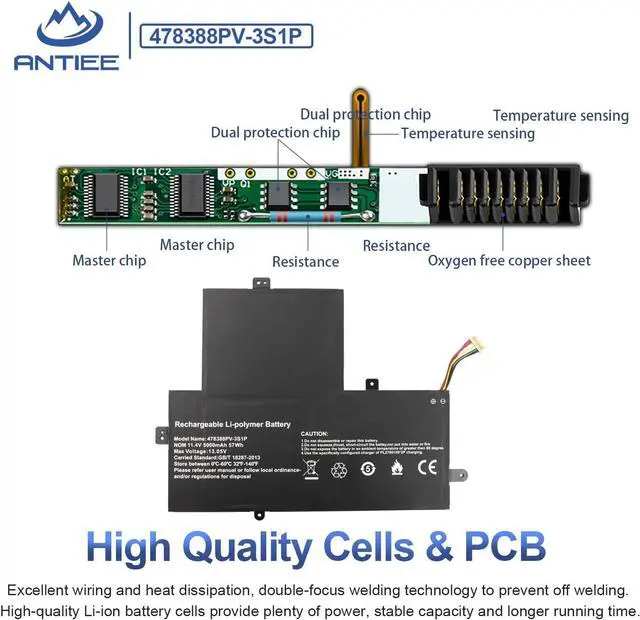
We are always working hard to ensure high quality laptop battery standards through multiple quality checks. Every one of our replacement notebook batteries are tested. ANTIEE promises to deliver each customer to valuable, efficient and reliable battery. Let your notebook get more freedom.
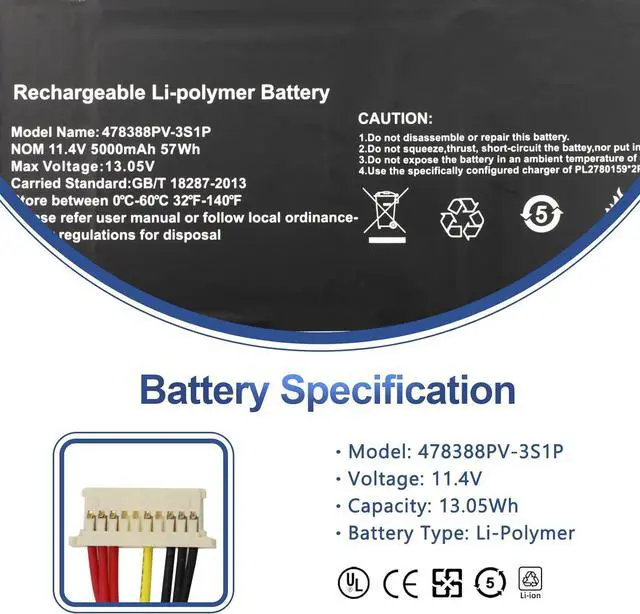
Specification:
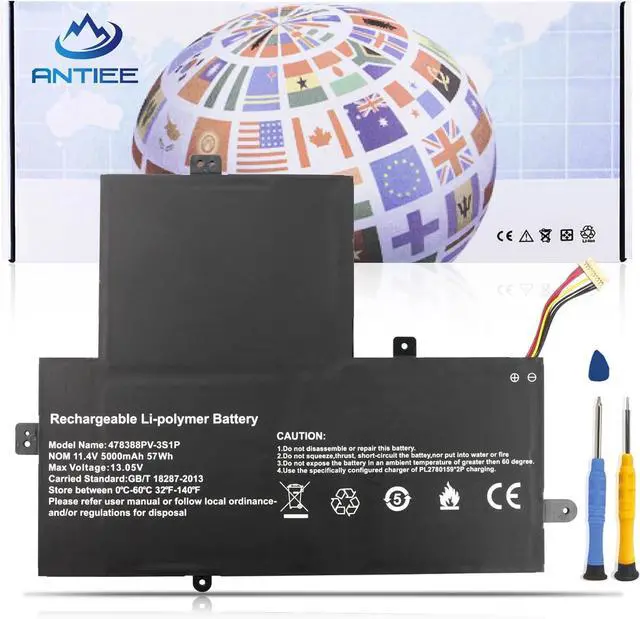
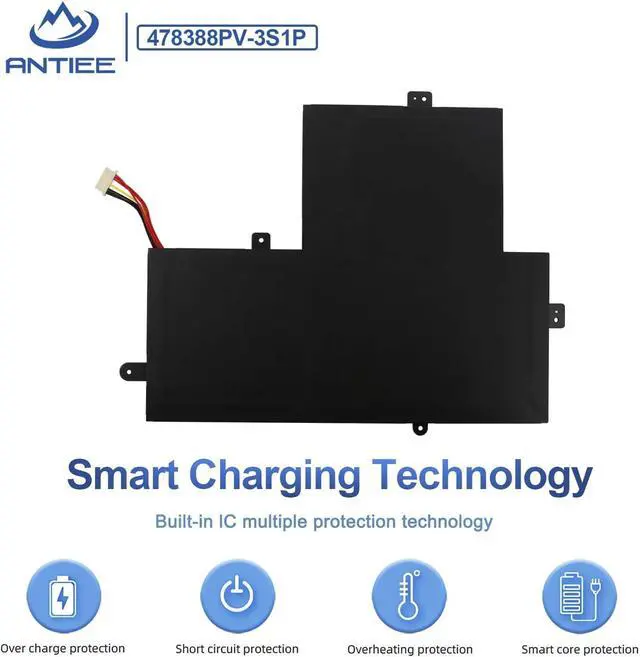
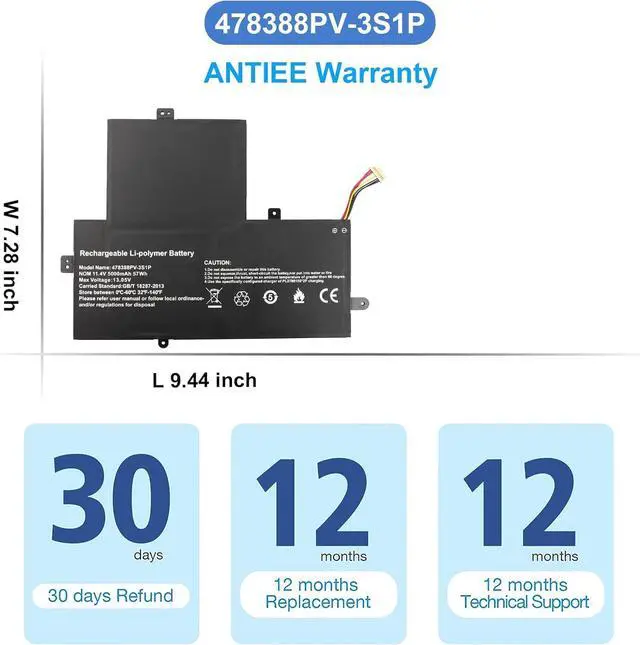
Battery Model: U478388PV-3S1P
Voltage: 11.4V
Capacity: 57Wh/5000mAh
Condition: Brand New
Battery Type: Li-ion
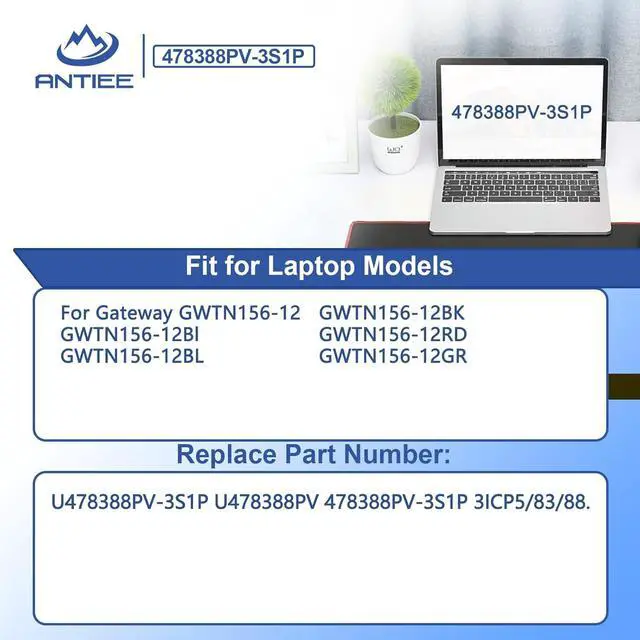
RAPLACE PART NUMBER:
U478388PV-3S1P U478388PV 478388PV-3S1P 3ICP5/83/88.
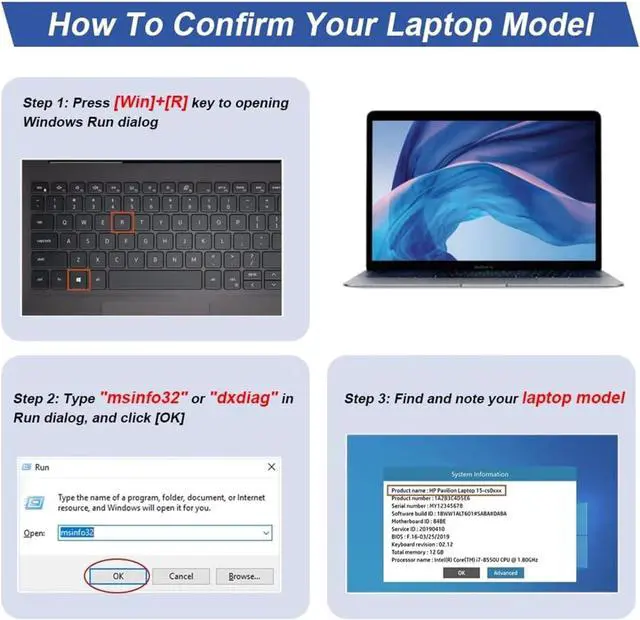
COMPATIBLE LAPTOP MODELS(use "Ctrl+F" to find your model quickly)
For Gateway GWTN156-12
GWTN156-12Bl
GWTN156-12BL
GWTN156-12BK
GWTN156-12RD
GWTN156-12GR
Item does not include instructions. You can search for tutorials from Google. It is best to check the tutorial before DIY, so as to avoid unnecessary losses during the disassembly process.
Before disassembling your laptop, put the old battery charge below 25%. If a fully charged lithium battery is accidentally punctured, it will have serious consequences.
Protect your screen and touchpad. Keep every screw you removed.
Do not reverse the positive and negative. Make sure the power connector is fully seated, the tabs needed to touch the metal.
New battery: Discharge the new battery to 10% (not 0%), then charge it to 100%. Cycle 3-5 times to activate its maximum capacity before use.
Overuse: Do not always run out of a battery to 0%, this would make it damaged or usage life shortened.
Charging sequence: When charging, first install the battery, then plug in the power; when fully charged, first cut off the power, then pull the power plug.
Adapter: Use the adapter from a regular manufacturer. If the original adapter cannot be applied due to malfunction or damage, please replace it, so as not to reduce the service life of the battery due to incompatibility.
Why the laptop does not recognize the battery or the laptop does not display the battery?
Could be caused by battery loose. Please re-install the battery and make sure that the battery cable and the motherboard interface are tightly inserted.
May be due to conductive material damaged which the laptop motherboard and battery anode and cathode contact position, you can try to confirm it with your original battery.
Check whether the battery drive is in normal condition, if not, download the corresponding driver software to update.
Battery
Help others learn more about this product by uploading a video!4.1 out of 5 starsANTIEE U478388PV-3S1P U478388PV 478388PV-3S1P Laptop Battery Replacement for Gateway GWTN156-12Bl GWTN156-12BK GWTN156-12BL GWTN156-12GR GWTN156-12RD Series 3ICP5/83/88 11.4V 57Wh 5000mAh
Share:
Found a lower price? Let us know. Although we can't match every price reported, we'll use your feedback to ensure that our prices remain competitive.
Fields with an asterisk * are required
**