About Us:
A professional manufacturer in the field of power tool batteries, laptop batteries and charger.
provides high-quality, real capacity power products with excellent customer service.
Specification:
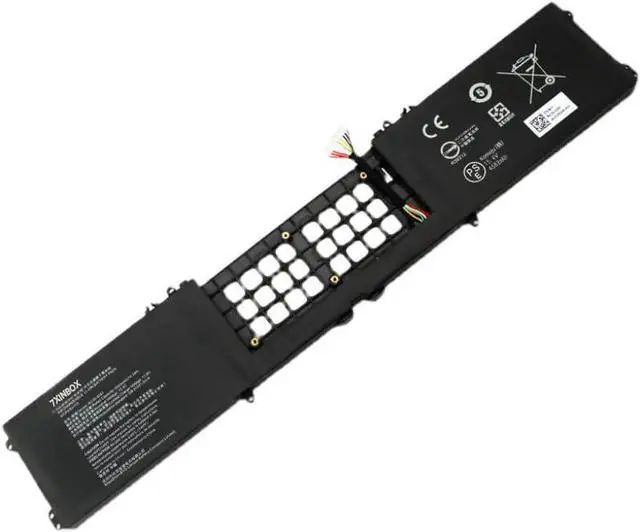
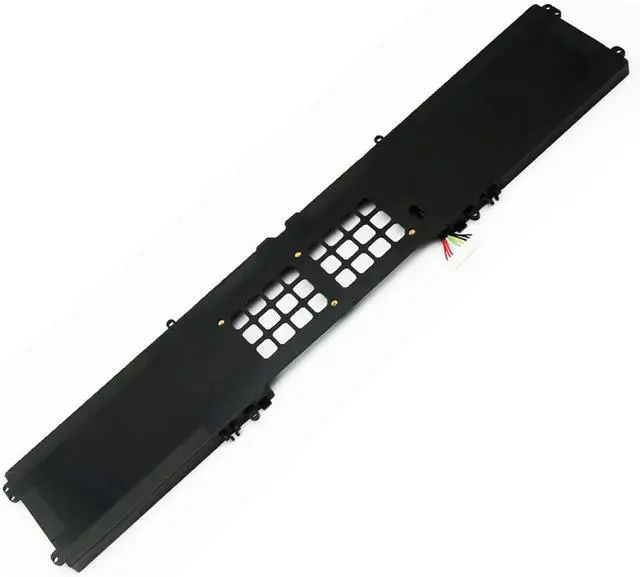
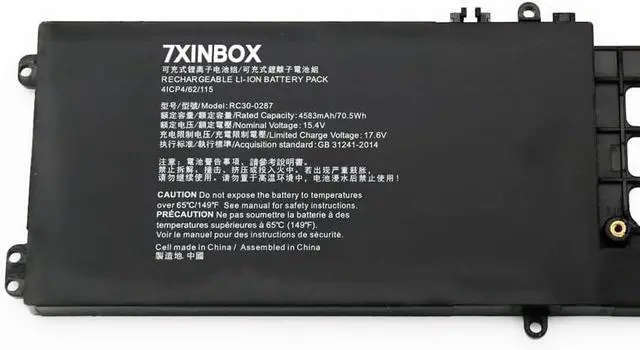
Battery type: Li-ion;
Capacity:70.5Wh 4583mAh
Voltage: 15.4V;
Certificate: CE,RoHS,FCC
Condition: 100% compatible as original battery, Grade A Cell
Compatible with following the Part Number:
RC30-0287 4ICP4/62/115
Compatible with Models (Use "Ctrl + F" to quickly find your model)
For Razer Blade Pro 17 2019 i7-9750H RZ09-0287 RZ09-02876 RZ09-02877 RZ09-02878 RZ09-02876E92-R3U1 Series. For Razer Blade Pro 17 2020 i7-10875H RZ09-03295 RZ09-03297 Series and more.
Note:
1. Please make sure the product you are about to buy fits the brand number, model and part.
2.Download the new battery at 5% (not 0%), then charge up to 95% and scroll 3-4 times.
3.The first use of the battery, the battery voltage may be too low, it is necessary to recharge the standby 24 hours before normal use.
4. Do not connect the adapter for a long time while using the battery, as it may damage it.
5. If you remove the battery for a long time, charge more than 80% at least once within a month.
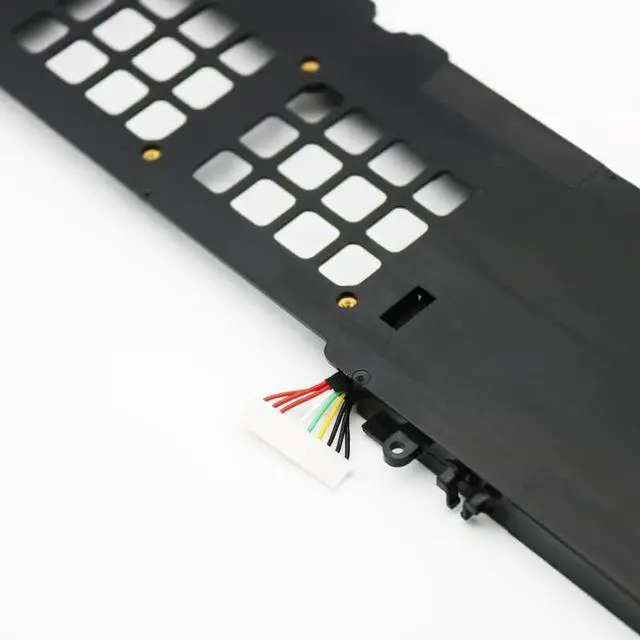
6. The computer does not recognize the battery, the battery connector may be in bad contact with the computer socket. At this time it is necessary to check if the copper battery connector is exposed.
We have always been trying our best to provide the best service and reliable products for every customer. Please contact us via message to resolve the issue.