Specification:
Brand: COWOOGMZ
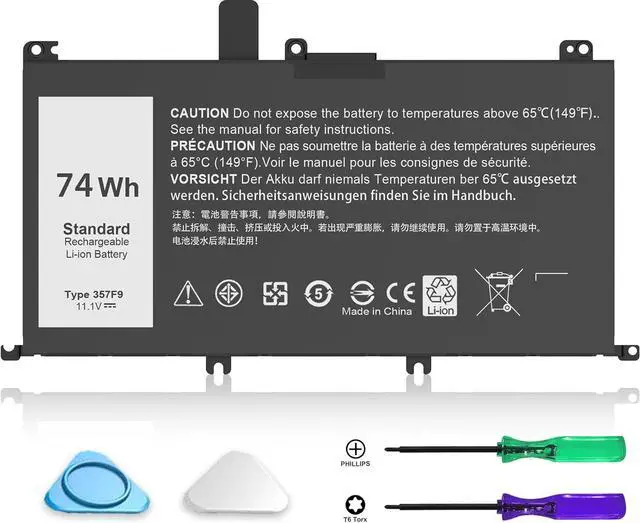
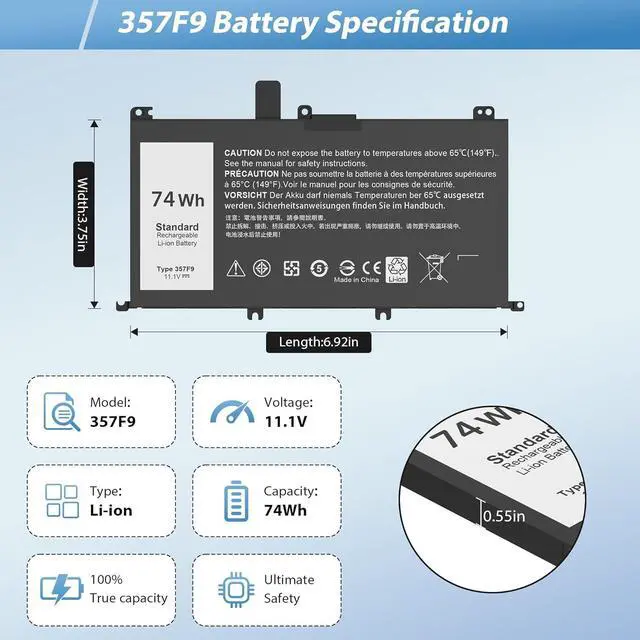
Item: 357F9 Battery
Battery Type: Li-ion
Cells: 6-cell
Voltage: 11.1V (Compatible for 11.4V )
Capacity:74Wh
Condition: 100% New from Manufacturer, Grade A Cell
Easy Installation: Battery comes with included screwdrivers for easy & quick installation
Main Features:
True capacity
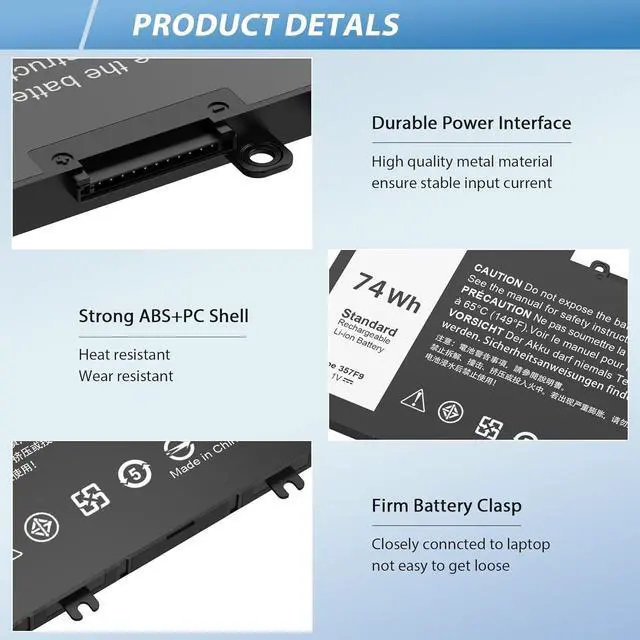
Grade A NMC cells - Ensure longer life and dirability
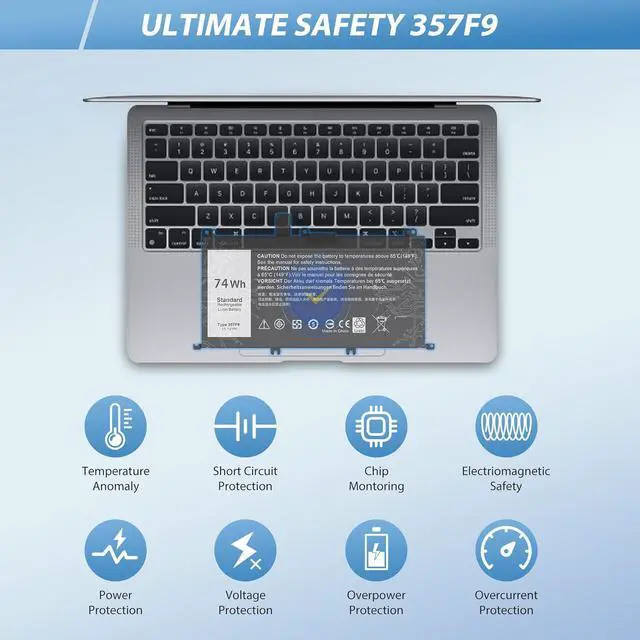
Built in multi-protection functions - short circuit, overheat overload Up to 1000 recharge cycles
Smart control chip - Quicker charging, lower power consumption and longer discharge time
Main Benefits:
Economical alternative to costly OEM batteries
100% compatible to meet OEM specifications for safety and performance Constructed of high quality materials and circuit board to ensure durability and performance
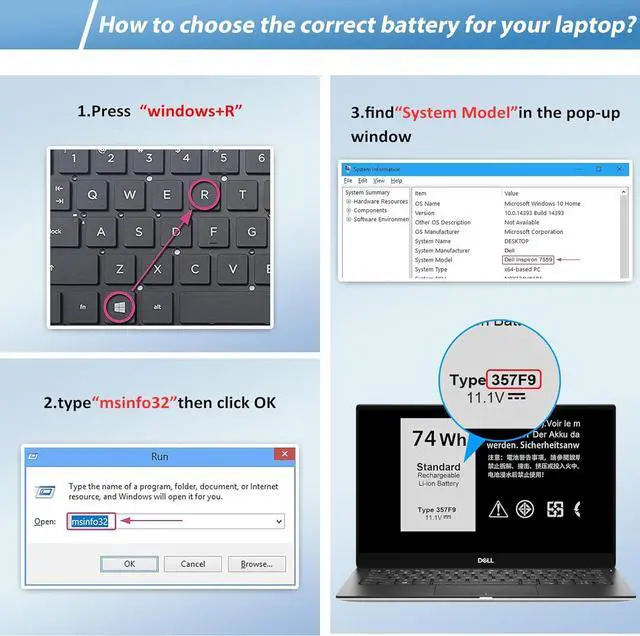
Compatible With Part Numbers & Models (Please "Ctrl+F" search your laptop model)
Compatible with Part Number
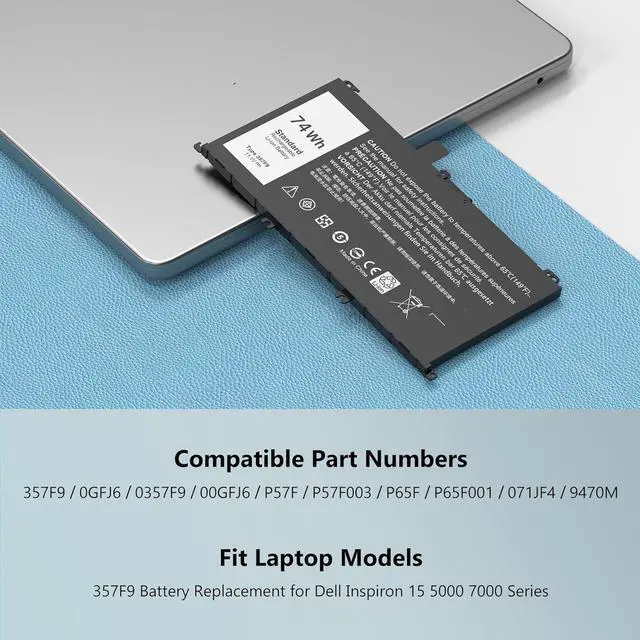
357F9 0357F9 0GFJ6 00GFJ6 71JF4 071JF4 P57F P57F003 P65F P65F00
Compatible with Laptop Models:
for Dell Inspiron 5576Dell Inspiron 5577Dell Inspiron 7566Dell Inspiron 7567Dell Inspiron 7557Dell Inspiron 7559
for Dell Inspiron 15 5000 Series (5576)
for Dell Inspiron 15 5000 Series (5577)
for Dell Inspiron 15 7000 Series (7566)
for Dell Inspiron 15 7000 Series (7567)
for Dell Inspiron 15 7000 Series (7559)
for Dell Inspiron 15 5576 5577 7566 7567 7557 7559
for Dell INS15PD-1548B INS15PD-1548R INS15PD-1748B INS15PD-1748R INS15PD-2548R INS15PD-2548B INS15PD-2748R INS15PD-3948B INS15PD-1848B INS15PD-3848B INS15PD-2748B
Q&A
What do we need to pay attention to using batteries for the first time?
1.The battery must be full charged before first use.
2.You need to turn off your laptop and disconnect the power when you install a new battery.
3.Do Discharge the new battery use to 5%/7%(not to 0%) and then charge to 95%, and cycle 3-4 times.
How do I install a new battery
1. You need to turn off your laptop and disconnect the power.
2. Disconnect the connection between the old battery and the motherboard to avoid unnecessary damage caused by disassembling the battery.Then unscrew the old battery screws one by one and carefully save each screw.
3. Remove the old battery, carefully install the new battery on the battery case, screw in the screw, and connect the wiring of the new battery.
4. If you don't understand the above steps, you can search for the video about laptop battery installation on YouTube.Maybe it will help you.
How to maintain a laptop
1.New battery: For use a new battery, youd better try a few cycles of discharging to 5%.then charging up to 95%.So that it can be activated completely.
2.Overuse: Do not always run out of a battery to 0%, this would make it damaged or usage life shortened.
3.Charging sequence: when charging, first install the battery, then turn on the power, when fully charged, first cut off the power, then pull the power plug.
4.Long-term storage:Please store the unused battery fully charged.(Charge it once a month) Do not store at low power to prevent reduce the lifespan of a battery.
5.Charger: Do not replace the laptop adapter casually.If the original adapter cannot be applied due to malfunction or damage, please replace the models, so as not to reduce the service life of the battery due to incompatibility.
How should I do if the battery is not recognised?
When the computer is turned on, if it is not recognised, it is recommended to update the BIOS settings or please disconnecting the old battery, and holding down the power button for 20 seconds, then connect the new battery.
How should I do if we received the item doesn't work?
Our itme have 12 months replace a new one and 60 days moeny back guarrante. please Contact COWOOGMZ INC .we will replace it with a new one for free.
How should I charge my laptop battery?
It is sug