Welcome to Anepoch
Anepoch are a manufacturer specializing in varioushigh-quality laptop batteries and tablet batteries. We emphasizes thebasic product concept of high-quality, safety and reliability.
And our team has strict product quality standards, and eachbattery will be strictly tested before we send. We aim to provideproducts of great value for our customers and give you a longer lifebattery.
Specifications:
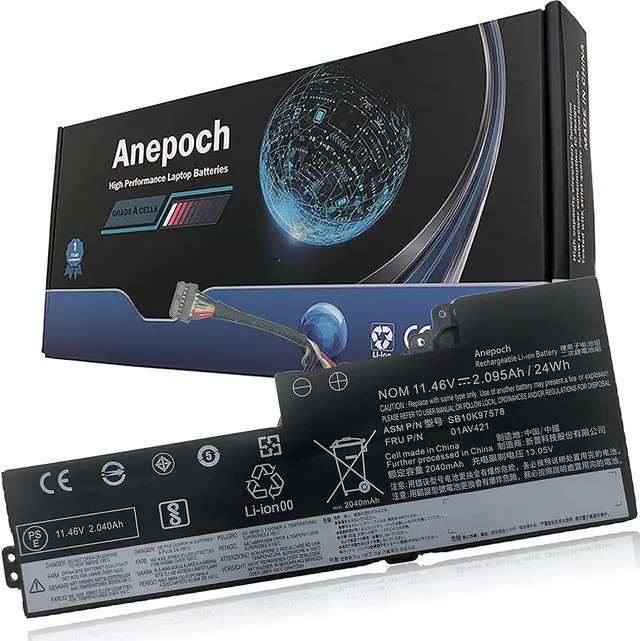
Battery Condition :Brand New
Battery type :Li-ion;
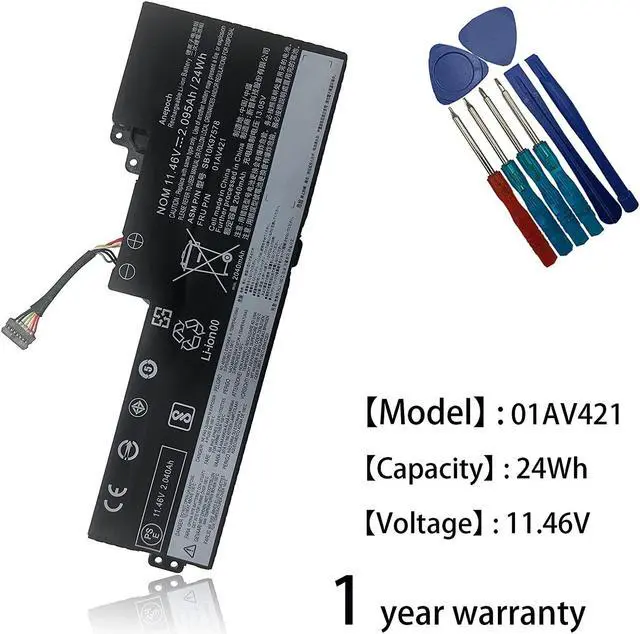
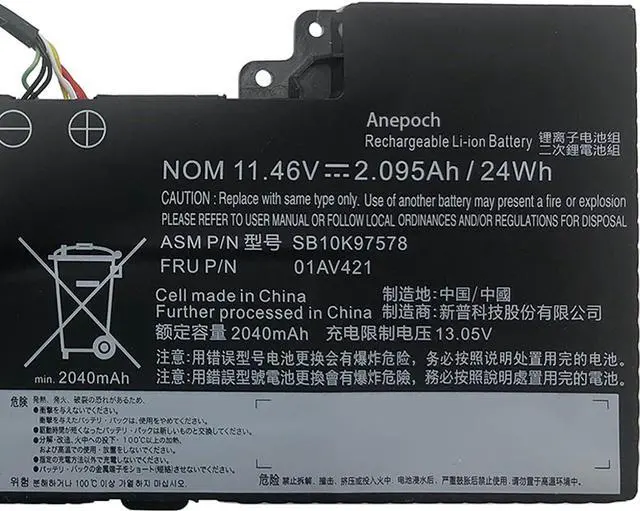
Voltage :11.46V
Capacity :24Wh 2095mAh
Condition: 100% New from Manufacturer, Grade A Cell
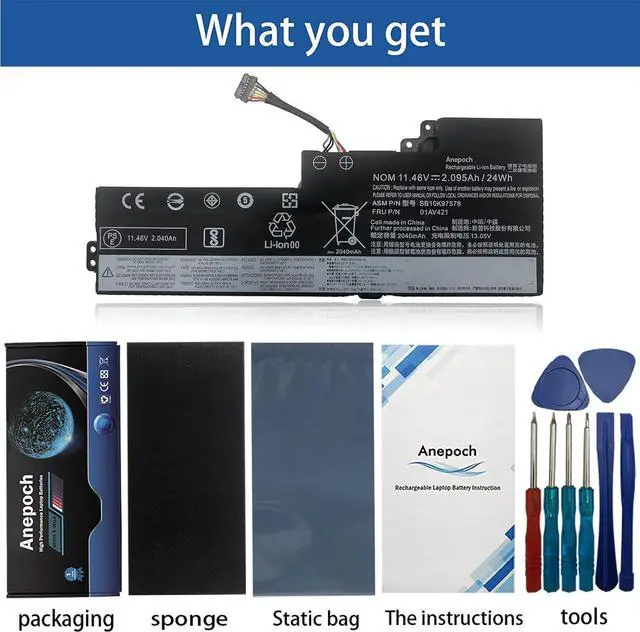
Package Includes:
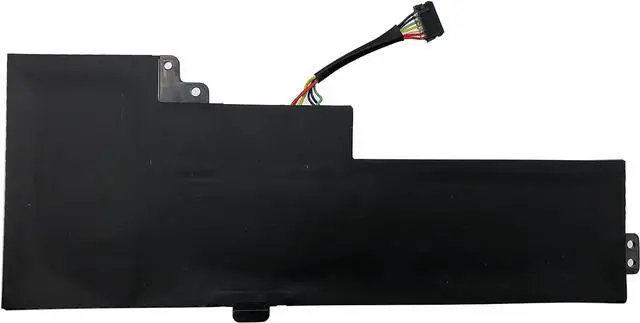
1 X 01AV421 / 01AV489 battery
1 X manual
4 X free screwdriver
4 X Other tools
Replacement for Part Number
01AV421 SB10K97578 01AV489 01AV419 01AV420 SB10K97577 SB10K97576
Compatible Models:
Lenovo ThinkPad T470 Series
Lenovo ThinkPad T480 Series
Lenovo ThinkPad A475 Series
Lenovo ThinkPad A485 Series
Lenovo ThinkPad TP25 (Anniversary Edition 25) Series
Install A New Battery:
1, You need to turn off your laptop and disconnect the power.
2, Disconnect the connection between the old battery and themotherboard to avoid unnecessary damage caused by disassembling thebattery. Then unscrew the old battery screws one by one and carefullysave each screw.
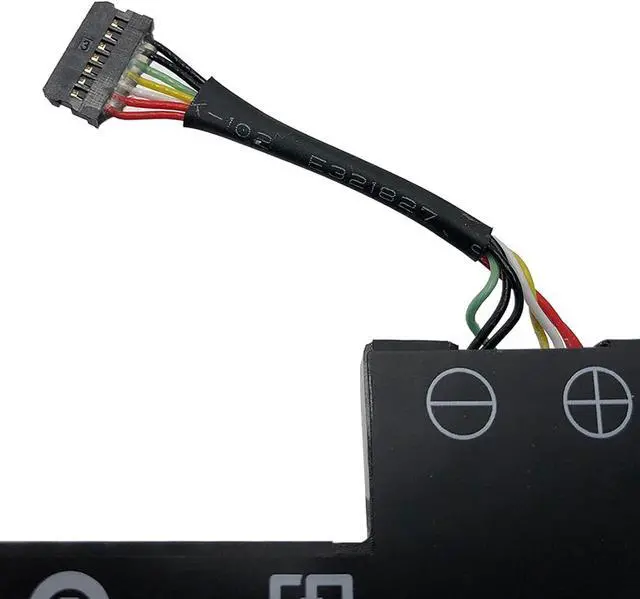
3, Remove the old battery, carefully install the new batteryon the battery case, screw in the screw, and connect the wiring of thenew battery.
4, If you don't understand the above steps, you can searchfor the video about laptop battery installation on YouTube. Maybe itwill help you.
Anepoch laptop battery instruction:
1.Please use the remaining battery capacity to reach 10-15%for the first time.Then fully charge the battery, use it up.This processcan be cycled 3 -5 times, which is beneficial to comprehensive toactivate maximum capacity of lithium ions.
2.Do not disassemble, crush or puncture. Do not dispose of in fire or water.
3.If you remove battery for a long time, charge more than 80% at least one time within one months.
4.Don't connect adapter for a long time while using the battery. It may damage the battery.
5.When using the battery, care should be taken to prevent exposure and moisture.
The following are troubleshooting methods:
1.Turn off the laptop.
2.Unplug AC power.
3.Remove the battery.
4.Replace AC power.
5.Turn on laptop,allow OS to boot.
6.Once logged in to the machine,perform a normal shut donw.
7.Unplug AC power.
8.Replace battery.