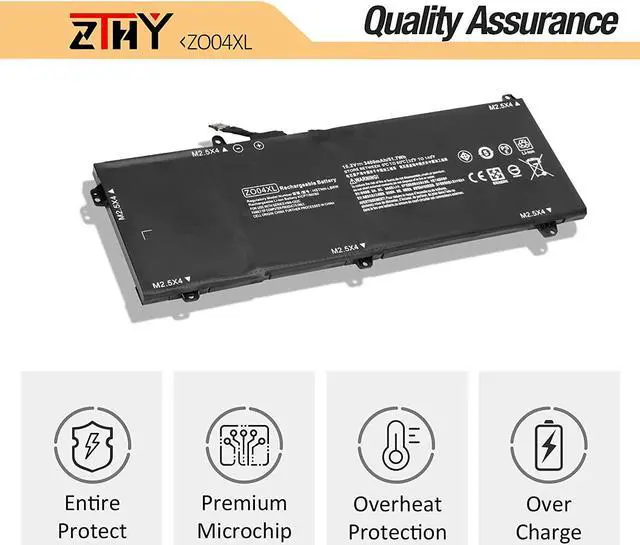
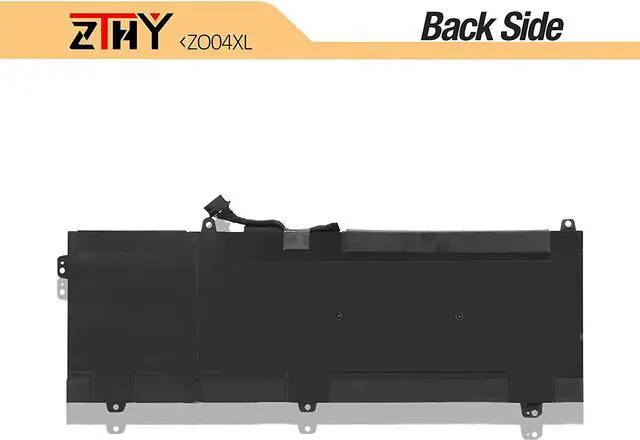
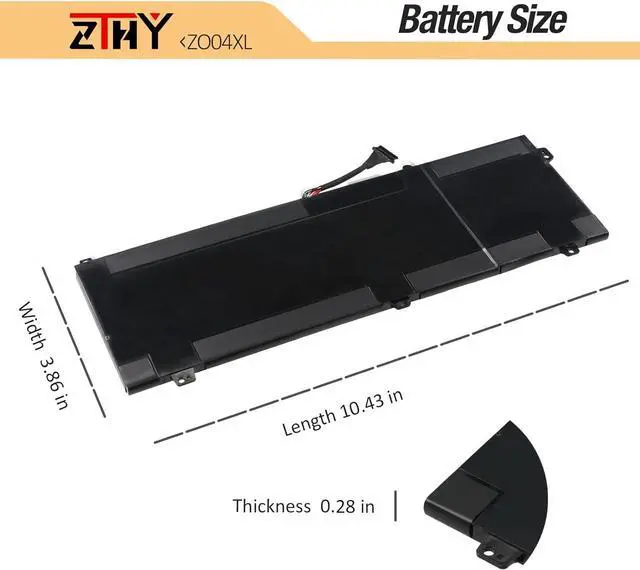
Why should I choose this battery? 1: High capacity circulatory function
2: Tested with strict quality control standards
3: Low power consumption IC design
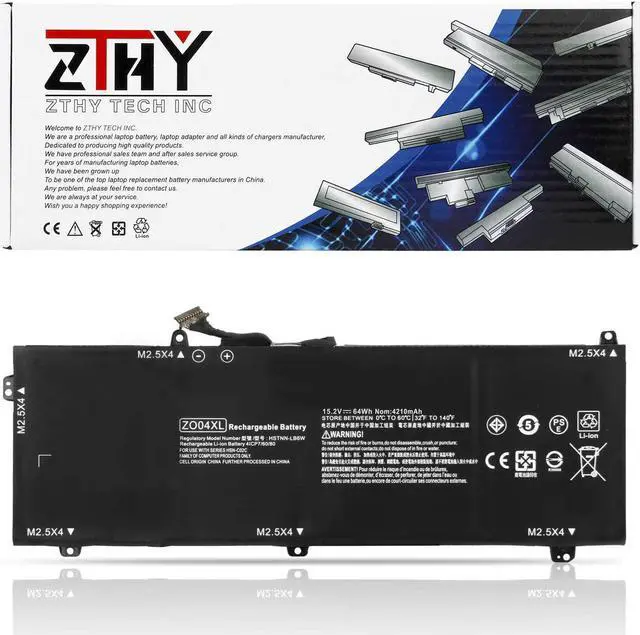
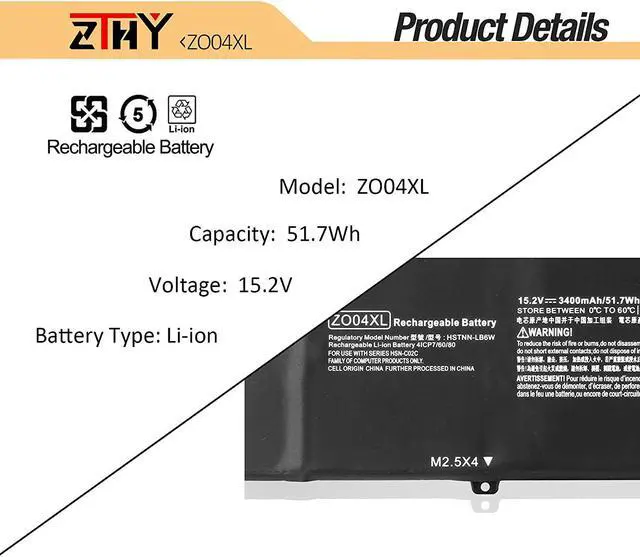
Specifications: Battery Type: Li-ion
Battery Condition: Brand New
Battery Voltage: 15.2V
Battery Capacity: 64Wh
Replacement Part Number:
HP ZO04XL ZO04 ZO06 ZO06XL HSTNN-KB6W HSTNN-LB6W HSTNN-CS8C HSTNN-C88C 808396-421 ENR606080A2-CZO04
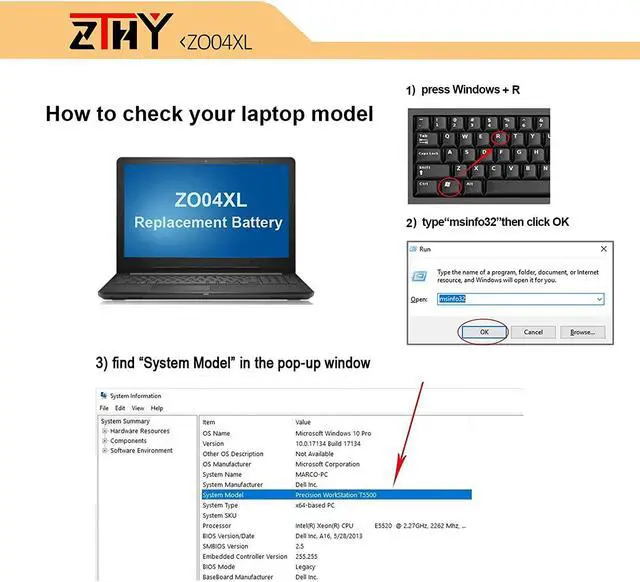
Fit Laptop Machine Models (please use ctrl+f to search for your laptop model) HP ZBook Studio G3 Mobile Workstation Series
:
HP ZBook Studio G3(V8N26PA) ,HP ZBook Studio G3(V8N22PA) ,
HP ZBook Studio G3(V8N27PA) , HP ZBook Studio G3(V8N25PA) ,
HP ZBook Studio G3(V8N24PA) , HP ZBook Studio G3(V8N23PA) ;
HP ZBook Studio G4 HSN-C02C Mobile Workstation Series:
HP ZBook Studio G4-1RR16EA , HP ZBook Studio G4-2WU02ES ,
HP ZBook Studio G4-2ZC19ES ,HP ZBook Studio G4-Y6K15EA ,
HP ZBook Studio G4-Y6K17EA ,HP ZBook Studio G4-Y6K33EA.
ZTHY laptop battery instruction: 1.Please use the remaining battery capacity to reach 10-15% for the first time.Then fully charge the battery, use it up.This process can be cycled 3 -5 times, which is beneficial to comprehensive to activate maximum capacity of lithium ions.
2.Do not disassemble, crush or puncture. Do not dispose of in fire or water.
3.If you remove battery for a long time, charge more than 80% at least one time within one months.
4.Don't connect adapter for a long time while using the battery. It may damage the battery.
5.When using the battery, care should be taken to prevent exposure and moisture.
Easy to deal a variety of use environment Install A New Battery: 1, You need to turn off your laptop and disconnect the power.
2, Disconnect the connection between the old battery and the motherboard to avoid unnecessary damage caused by disassembling the battery. Then unscrew the old battery screws one by one and carefully save each screw.
3, Remove the old battery, carefully install the new battery on the battery case, screw in the screw, and connect the wiring of the new battery.
4, If you don't understand the above steps, you can search for the video about laptop battery installation on YouTube. Maybe it will help you.
Installing New Battery Frequently Asked Question Solution: Q: Why my computer didn't recognize this battery or I install this battery and it doesn't seem to work?
A: The reason is residual power stored in the laptop components that was preventing the battery from working properly. Please disconnecting the old battery, and holding down the power button for 20 seconds, then connect the new battery. This drains the residual or flea power and once the laptop is reassembled the battery will function properly.
The following are troubleshooting methods: 1.Turn off the laptop.
2.Unplug AC power.
3.Remove the battery.
4.Replace AC power.
5.Turn on laptop,allow OS to boot.
6.Once logged in to the machine,perform a normal shut donw.
7.Unplug AC power.
8.Replace battery.