• $76.99
  • Free 30-day Returns
  • Price alert
    Shop it at NeweggBusiness.

    Meet Your Seller

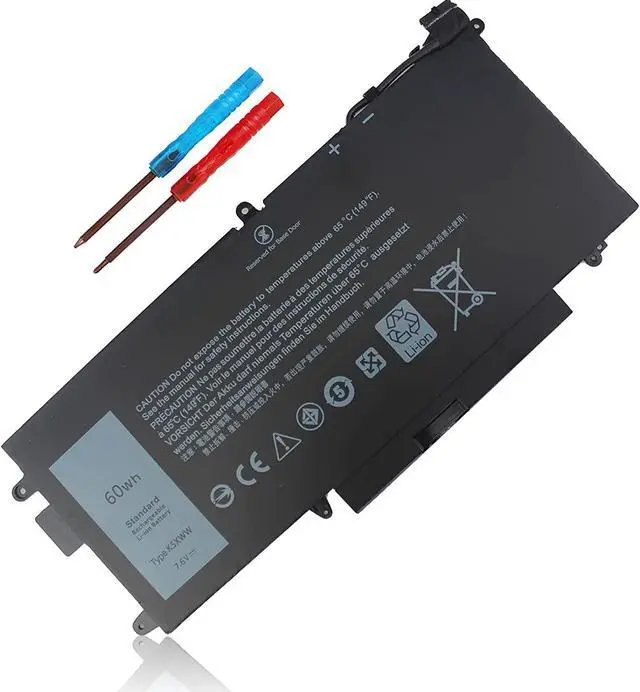
    K5XWW Battery for Dell Latitude 5289 7389 7390 2-in-1 Latitude E5289 L3180 2-in-1 P29S Series 71TG4 N18GG 6CYH6 725KY 451-BBZC 7.6V 60Wh

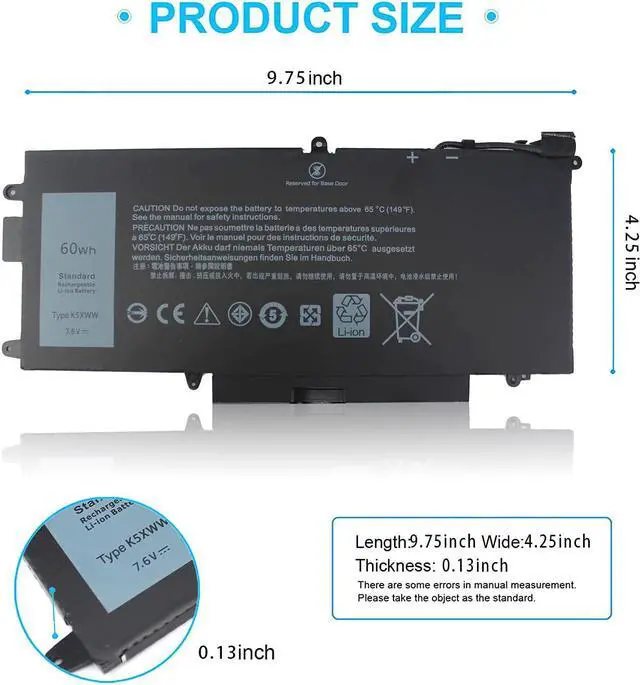
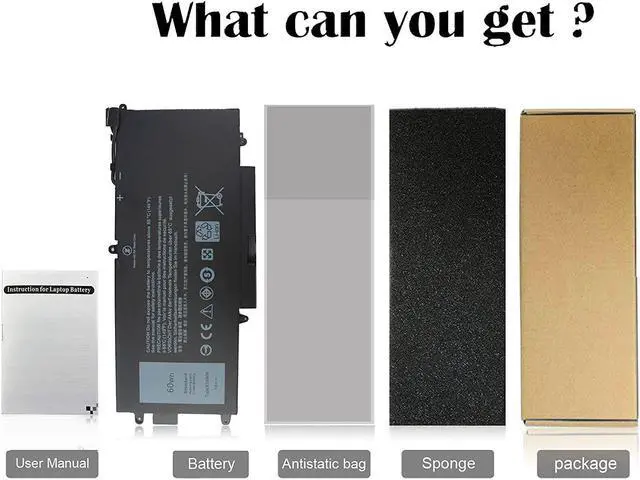
    • Specifications :Model Name: 60wh standard Rechargeable Li-ion Battery; Type: K5XWW; Battery Type: Lithium polymer; Voltage: 7.6V; Capacity: 60Wh; Cells: 4 cells; Color: Black; Condition: New; Packages includes: 1x laptop battery(with free screwdrivers for easy installation)
    • Compatible Part Number:K5XWW 71TG4 6CYH6 725KY N18GG 451-BBZC
    • Compatible Laptop Models: K5XWW Laptop Battery for Dell Latitude 5289 7389 E5289 L3180 7390 2-in-1 P29S Series Note: (NOT Compatible with Dell Latitude 7390)
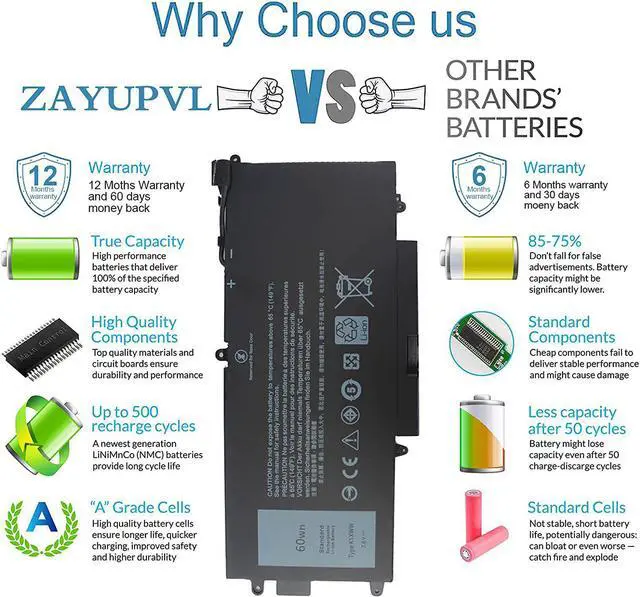
    • Security:100% new from manufacturer, every battery has passed factory testing, grade A cells ensure fast charges and low power consumption, built-in circuit protection ensures both safety and stability. Up to 500 recharge cycles over the life of the battery
    • Perfect After-sale: 60 Days no-questions-asked full money back and 12 Months free exchange guarantee. The return window will be closed a month after you received the the product.Contact us by follow step:Please click on seller store on right
    +
    +
    Overview
    Specs
    Reviews
    avatar

    Any questions? Our AI beta will help you find out quickly.

    Compatible with Part Number :

    6CYH6 725KY K5XWW N18GG 71TG4 451-BBZC
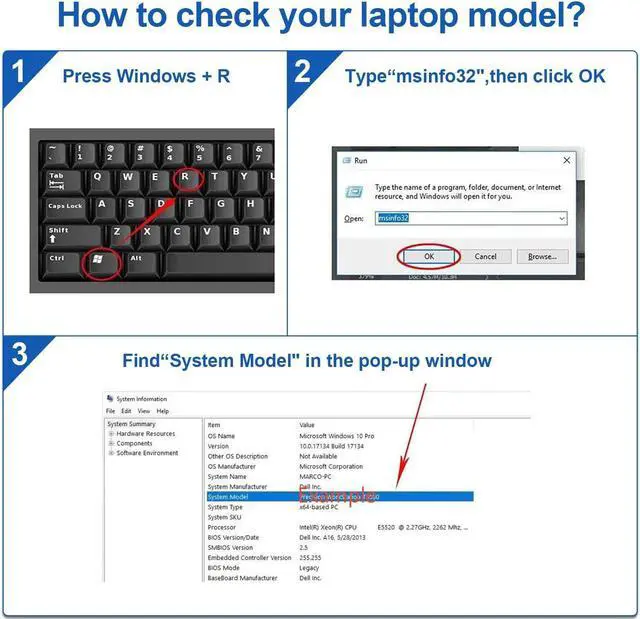
    Compatible with Dell Laptop Models:

    fit for Dell Latitude 5289 2-In-1 Series
    fit for Dell Latitude E5289 2-In-1 Series
    fit for Dell Latitude 7389 2-in-1 Series
    fit for Dell Latitude 7390 2-in-1 Series(NOT Compatible with Dell Latitude 7390),If you need Dell Latitude 7390. Please copy and paste B096B6L4FC into your browser of Amazon
    fit for Dell Latitude L3180 Series
    How to install a new battery?


    1, You need to turn off your laptop and disconnect the power.
    2, Disconnect the connection between the old battery and the motherboard to avoid unnecessary damage caused by disassembling the battery. Then unscrew the old battery screws one by one and carefully save each screw.
    3, Remove the old battery, carefully install the new battery on the battery case, screw in the screw, and connect the wiring of the new battery.
    4, If you don't understand the above steps, you can search for the video about laptop battery installation on YouTube. Maybe it will help you

    Warranty & Returns

    Warranty, Returns, And Additional Information

    Warranty

    • Please contact the Seller directly for warranty information. Warranty information may also be found on the Manufacturer's website.
    • CONTACT

    Return Policies

    • Return for refund within: 30 days
    • Return for replacement within: 30 days
    • This item is covered by Nature Return Policy

    Manufacturer Contact Info

    LOADING...