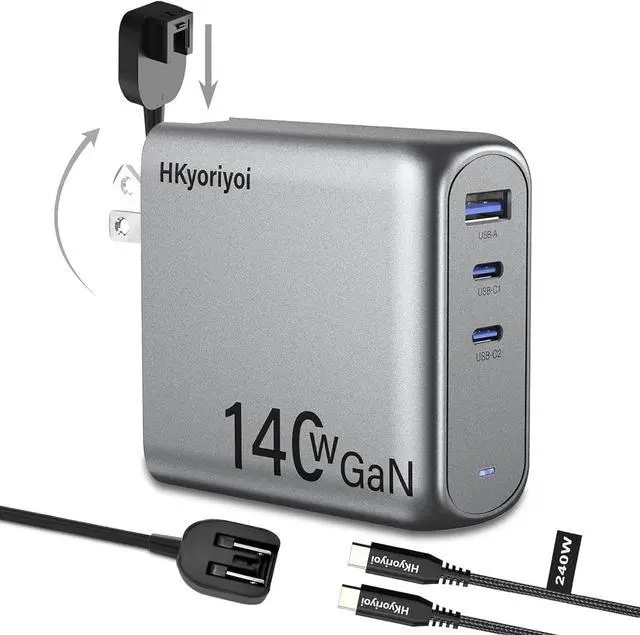
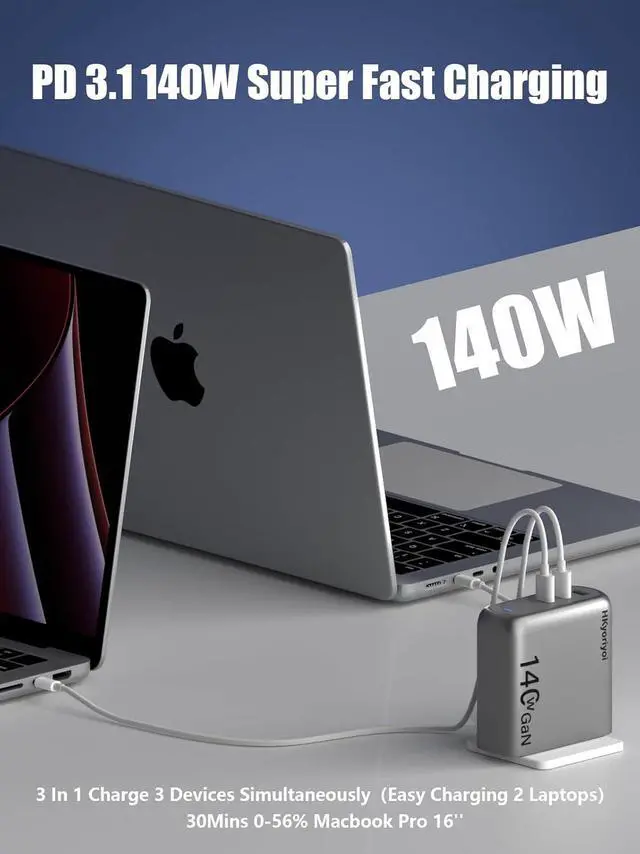
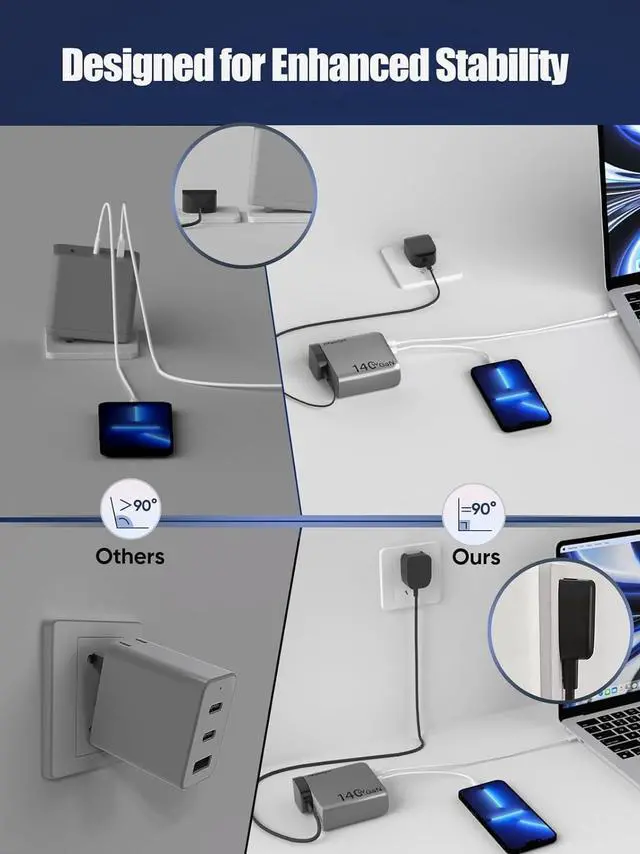
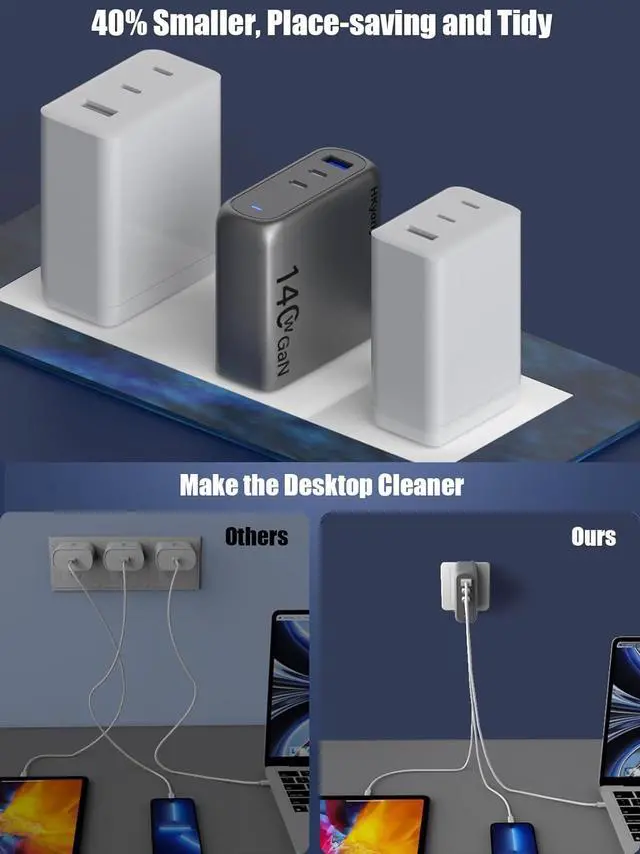
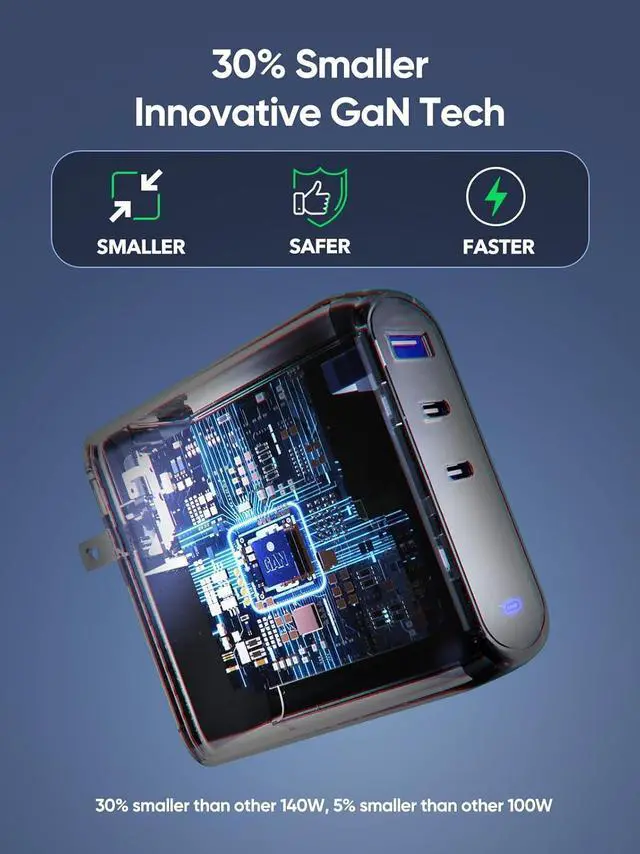
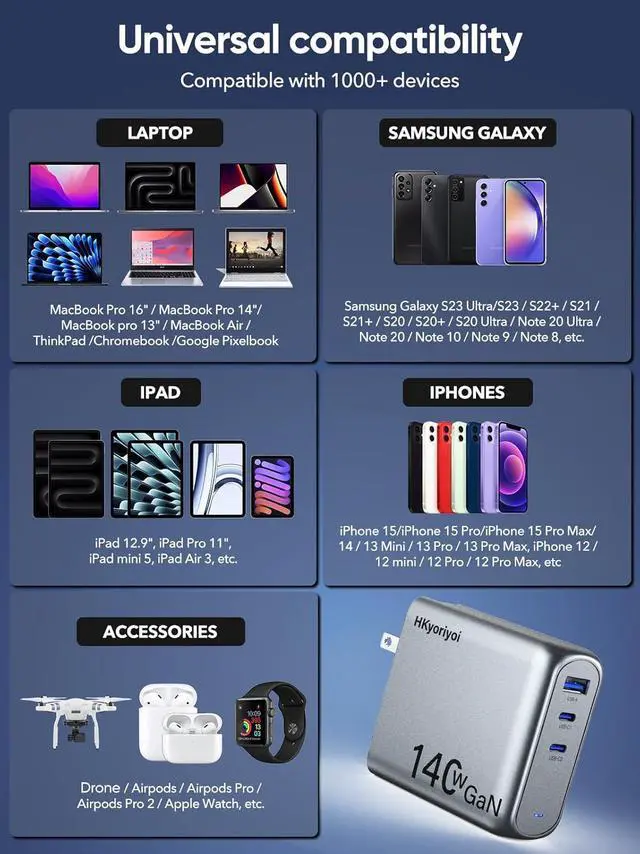
1HKyoriyoi 140W Charger 2Charge 3 Devices at Once3Portable PD3.1 charger1The Latest GaN Chip2Wide compatibility 1One-Port charging2Two-Port charging3Three-Port charging Input 100-240V 50/60Hz 2A Max Output USB-A :5V/3A 9/2A 12V/1.5A(18WMax) USB-C1:5V/3A 9/3A 12V/3A 15V/ 3A 20V/5A 28V/5A(140W Max) USB-C2:5V/3A 9/3A 12V/3A 15V/ 3A 20V/5A 28V/5A(140W Max) Total Output 140W Max Protection Input Overvoltage Protection, Output Overcurrent/Overvoltage/Over Temperature/Short Circuit Protection Case temperature 75 Max (ambient temperature 23, 140W full load test) Operating temperature -10~40 Storage temperature -20~80 Laptops Compatible with MacBook Pro 16", MacBook Pro 14", MacBook Pro 13", MacBook Air, Dell XPS/Inspiron/Latitude, HP Spectre/Elite, Google Pixelbook, Chromrbook, Microsoft Surface Book 2, Lenovo ThinkPad, Samsung Galaxy Book, etc. Tablet Compatible with iPad 12.9", iPad Pro 11", iPad mini 5, iPad Air 3, etc. Phone Compatible with iPhone 16 Pro / iPhone 16 Plus / iPhone 16/iPhone 15/iPhone 15 Pro/iPhone 15 Pro Max/ 14 / 13 Mini / 13 Pro / 13 Pro Max, iPhone 12 / 12 mini / 12 Pro / 12 Pro Max, iPhone SE , iPhone XS / XS Max / XR / X, iPhone 8 Plus / 8; Samsung Galaxy S23 Ultra/S23 / S22+ / S21 / S21+ / S20 / S20+ / S20 Ultra / S10 / S10e / S10+ / S9 / S9+ / S8 / S8+ / Note 20 Ultra / Note 20 / Note 10 / Note 9 / Note 8; Google Pixel / Pixel 3XL / 3 / 2XL / 2, Sony Xperia, LG G7 / V30+, and more. Others Compatible with Switch Host, Switch Dock, DJI Mavic 3 / Air 2S, AirPods, Apple Watch, Steam Deck, etc. Note 1 When multiple devices are connected at the same time, plugging a new device in or unplugging any of the devices from the charger will render a short charging pause for other devices. This short pause is due to the power redistribution of the charger. Note 2 Dell XPS 15 series cannot charge at full speed due to Dell's proprietary fast charging protocol Note 3 Please unplug the cable if it is not in use in case the max output power of other ports is restricted. Note 4 Due to MacBook charging identification, it is normal to see a plug symbol in the battery icon when charging a MacBook with a third-party wall charger. Charging will revert to normal automatically after around one minute. Why does it sometimes wakeup my device when plugging or unplugging another device?
Plugging or unplugging a new device causes a brief pause in charging of other devices. This is normal because the control chip reads the charging device and redistributes the charging current.
How do I charge my laptop fast?
To charge at 140w, firstly only single connect UsB C 1 port, your device must support the Power Delvery 3.1 protocol and use a 140w rated USB-C cable
Does this product include batteries? Is the 240W cable available for data transfer?
No batteryThe 240W cable can only be used for charging, not for data transfer
Why I cannot charge my Dell laptop at full speed with this 140W gan charger?
Since Dell adopts proprietary charging protocol, such as Dell Mobile Precision Workstation 5570, Alienware X14, Dell XPs15(9500/9510) which does not allow the maximum power input from third party chargers.
Why HKyoriyoi 140W usb c charger slightly heavier than others?
In order to achieve effective heat dissipation and consistent output in a smaller size, a more robust internal structure is required, as well as high-end GaN+ technology. This design makes the device slightly heavier than others.
140W fast gan chargercharging adapter comes with a 5ft power extension cord 140W 3 port usb wall charger Why does it sometimes wakeup my device when plugging or unplugging another device?
How do I charge my laptop fast?
Does this product include batteries? Is the 240W cable available for data transfer?
Why I cannot charge my Dell laptop at full speed with this 140W gan charger?
Why HKyoriyoi 140W usb c charger slightly heavier than





 here!
here!