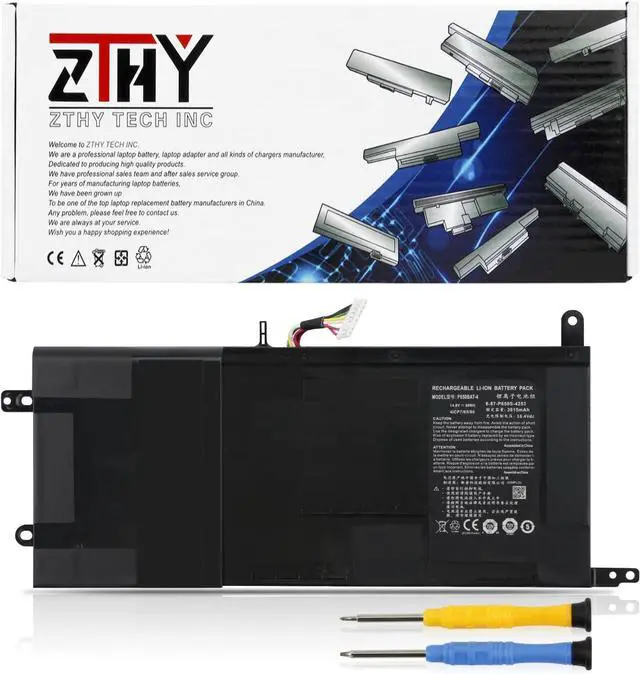
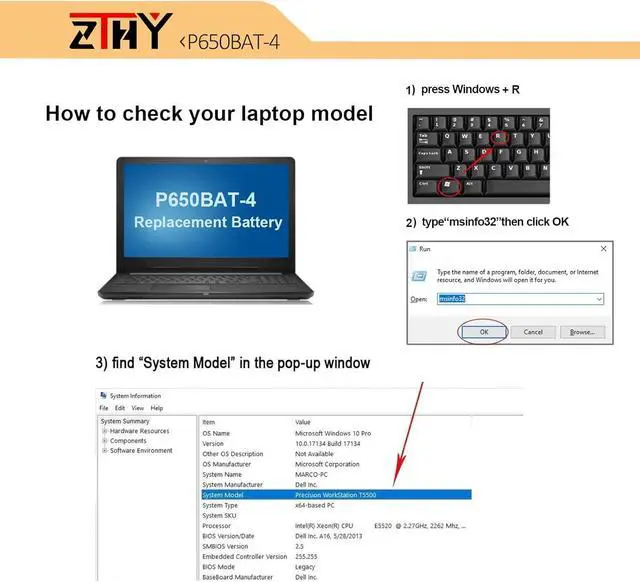
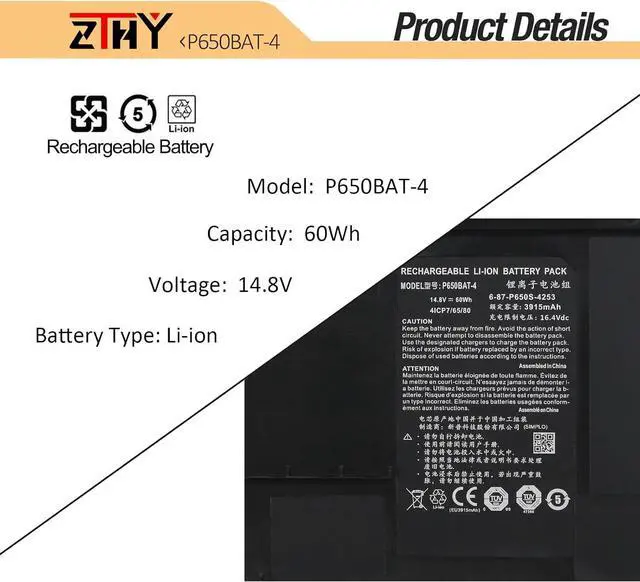
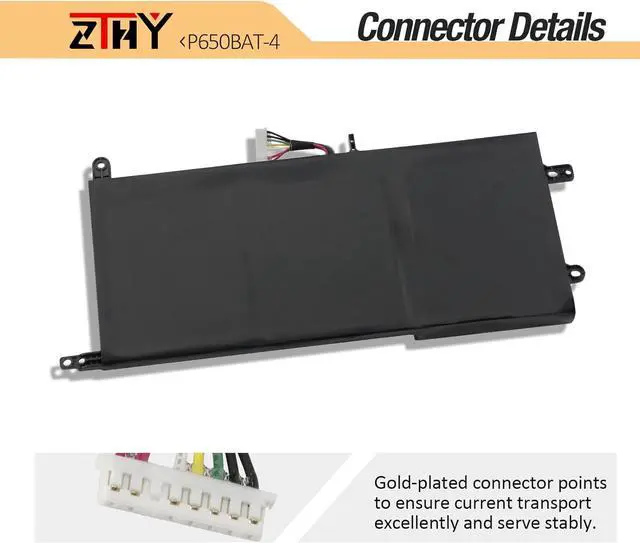
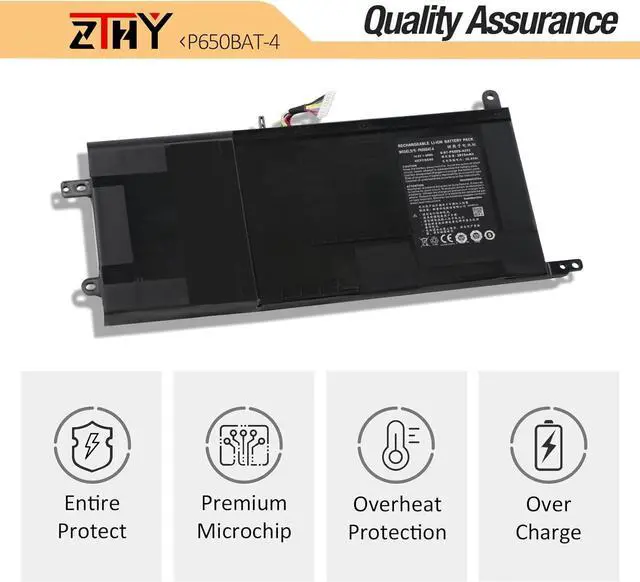
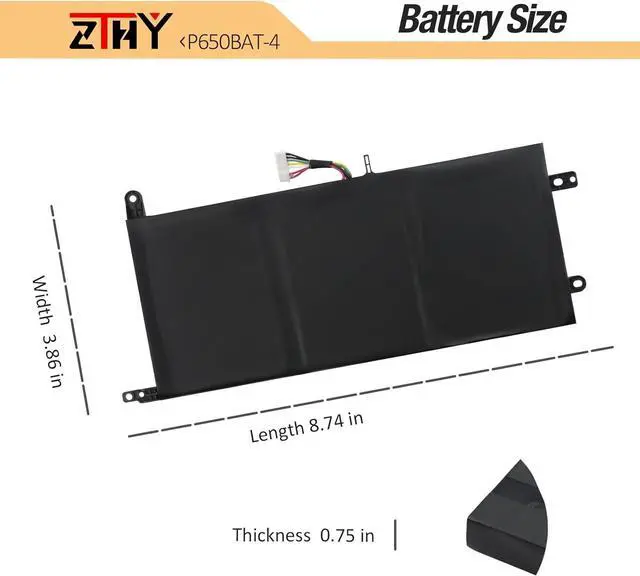
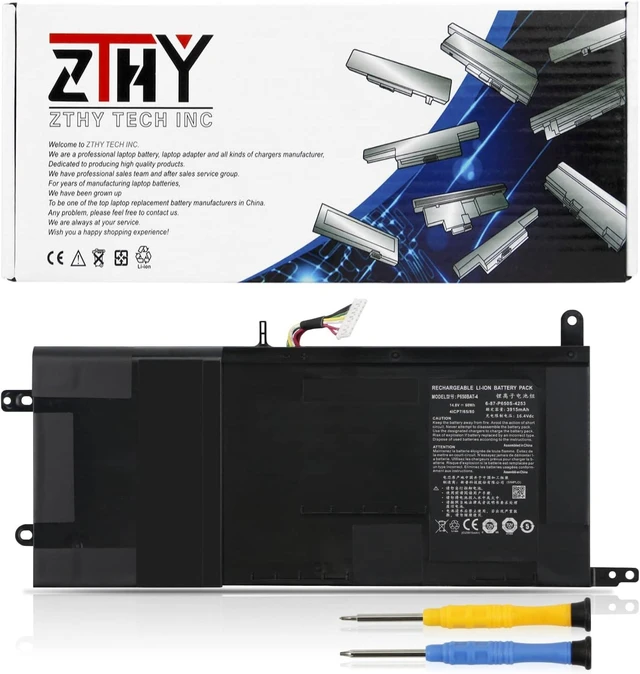
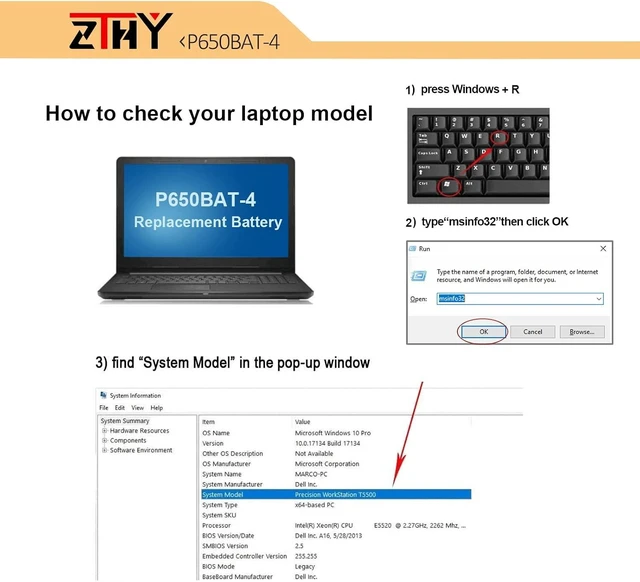
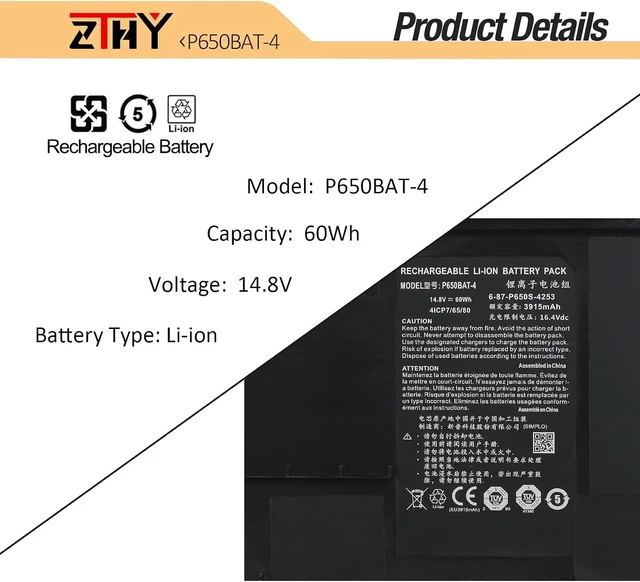
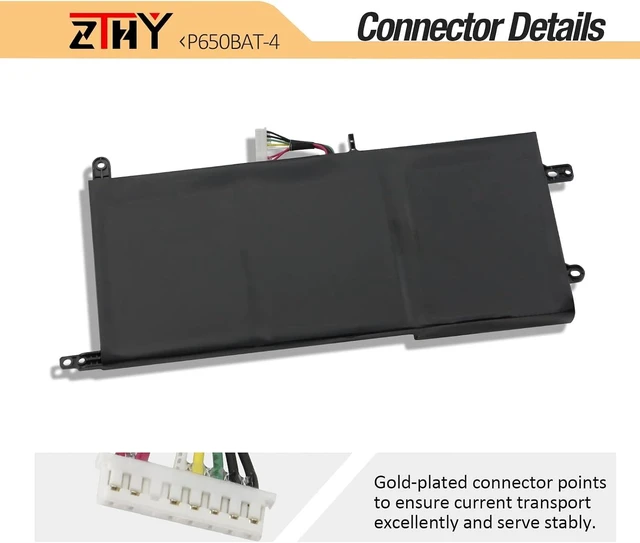
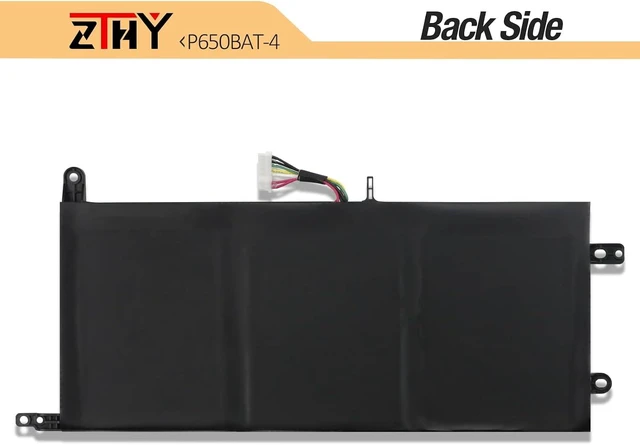
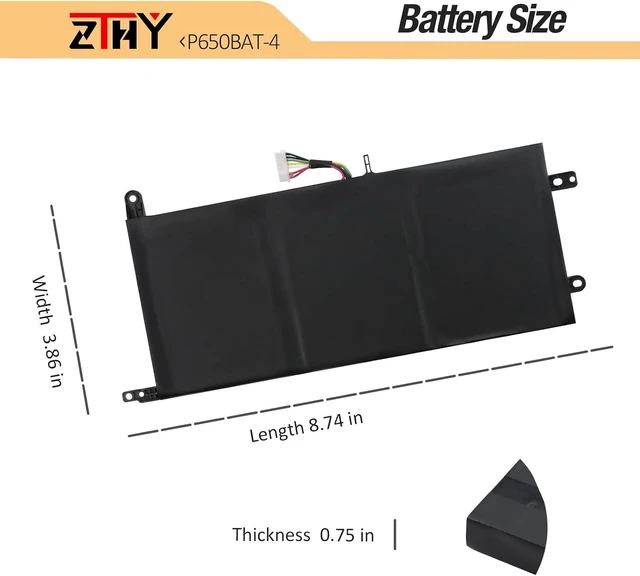
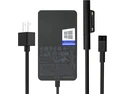
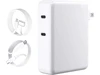
Compatible Part Number AP19B8M KT0030G024 3ICP5/82/70 Compatible Model Replacement for Advent T5 Series; Compatible Model Replacement for Nexoc G734 G734II G734III G734IV Series; Compatible Model Replacement for Clevo T5S Z7S2 Z7M Z8 Series; Compatible Model Replacement for Eurocom Sky MX5 R3 Series; Compatible Model Replacement for Thunderobot ST Pro ST-R3 Series; Compatible Model Replacement for Terrans force T5/T5 SKYLAKE 970M/T7/T7 SKYLAKE Series; Compatible Model Replacement for Medion Erazer X7841 X7843 X7847 X7849 X7851 X7853 Series; Compatible Model Replacement for Schenker XMG P505/P505 Pro P506/P506 Pro P507 P705/P705 Pro P706 P707 Series; Compatible Model Replacement for Clevo P650RA P650RE P650RE3 P650RE3-G P650RE6 P650RE6-G P650RG P650RS-G P650SA P650SE P650SG P650HP3 P650GP6-G P650HS-G Series; Compatible Model Replacement for Clevo P651HP6-G P651HS-G P651RA P651RE P651RE3-G P651RE6 P651RE6-G P651RG P651RG-G P651RS-G P651RP6-G P651SA Series; Compatible Model Replacement for Clevo P655HP6-G P655RA P655RE3-G P655RE6-G P655RP6-G P655RE3 P651SE P655SA P651SG P655SE P655RE P655RE6 Series; Compatible Model Replacement for Clevo P670RE P670HS-G P670RA P670RG P670RG-G P670RE3 P670RE3-G P670RE6 P670RE6-G P670RS P670RS-G P670SE P670SG Series; Compatible Model Replacement for Clevo P671HP6-G P671HS-G P671RA P671RG P671RG-G P671RE P671RE3 P671RE3-G P671RE6 P671RE6-G P671RP6-G P671SE Series; Compatible Model Replacement for Hasee Z7 Z7-I7 Z7-D3 Z7-I7R0 Z7-KP5D1 Z7-KP5S1 Z7-KP7 Pro Z7-KP7D1 Z7-KP7D2 Z7-KP7DC Z7-KP7EC Z7-KP7G1 Z7-KP7G2 Z7-KP7GA Z7- KP7GC Z7-KP7GH Z7-KP7GT Z7-KP7Pro Z7-KP7S1 Series; Compatible Model Replacement for Hasee Z7M Z7M-I7 Z7M-I7D0 Z7M-I7R0 Z7M-KP5DC Z7M-KP5GC Z7M-KP5GH Z7M-KP7GC Z7M-KP7GH Series; Compatible Model Replacement for Hasee Z8 Z8-I7 D0 Z8-I78172D1 Z8-I78172S1 Z8-KL7S2 Z8-SL7S2 Z8-SL7S3 Z8-SP7S1 Series; Compatible Model Replacement for Sager NP8153 NP8155 NP8156 NP8157 NP8173 NP8173-S NP8174 NP8176 NP8177 Series; Compatible Model Replacement for Sager NP8650 NP8651 NP8652 NP8657 NP8658 NP8670 NP8671 NP8677 NP8678 Series. Attention If you install the battery, you find that the laptop cannot detect the battery or the battery level cannot be displayed normally. Please check whether the battery cable is installed properly. Sometimes the battery cannot be charged because the cable is not fixed properly. What do I need to be aware of when I receive a battery?
You need to check its appearance, confirm the model, read the instruction manual. Cycle and charge it 5 to 6 times to activate the maximum usage space of the battery. When not in use temporarily, charge the battery to 50%-60%.
What should I do if laptop won't boot up after installing a new battery?
1.Check if the battery is properly seated and connections are clean. 2.Try charging it or use the adapter alone to start. 3.Examine hardware links, like RAM and adapters. 4.Reset BIOS settings if needed. 5.Enter Safe Mode to fix system issues.
How should I do if the battery is not recognised?
If it is not recognised, it is recommended to update the BIOS settings or please disconnecting the old battery, and holding down the power button for 20 seconds, then connect the new battery.
What should I do if the battery expands?
1.Power off your laptop and disconnect it from any power source. 2.Carefully remove the swollen battery from the laptop in a well-ventilated area, avoid pressing or squeezing the battery during removal.
What can you do if you are not satisfied with the battery?
Please Contact ZTHY, we'll help you. Our battery have 12 months replace a new one and 30 days moeny back guarrante.
Compatible with Laptop models: Press [Ctrl + F] to search for your type What do I need to be aware of when I receive a battery?
What should I do if laptop won't boot up after installing a new battery?
How should I do if the battery is not recognised? <





 here!
here!