We are a professional laptop/tablet battery provider, dedicated to providing different types of high-quality batteries for our customers to bring their laptops back to life again. Thanks for your choice and trust, Enjoy your shopping!
Warm tips before purchasing
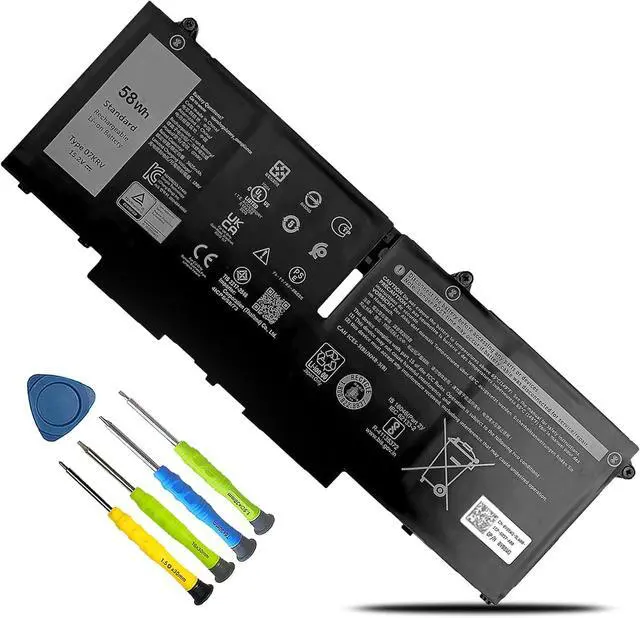
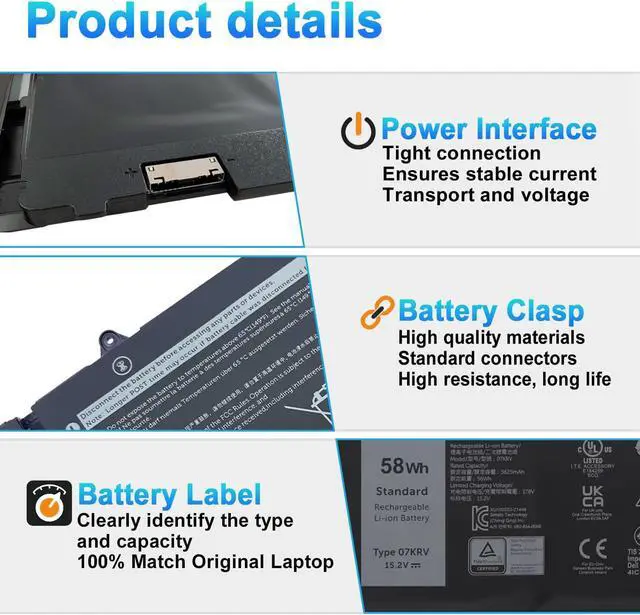
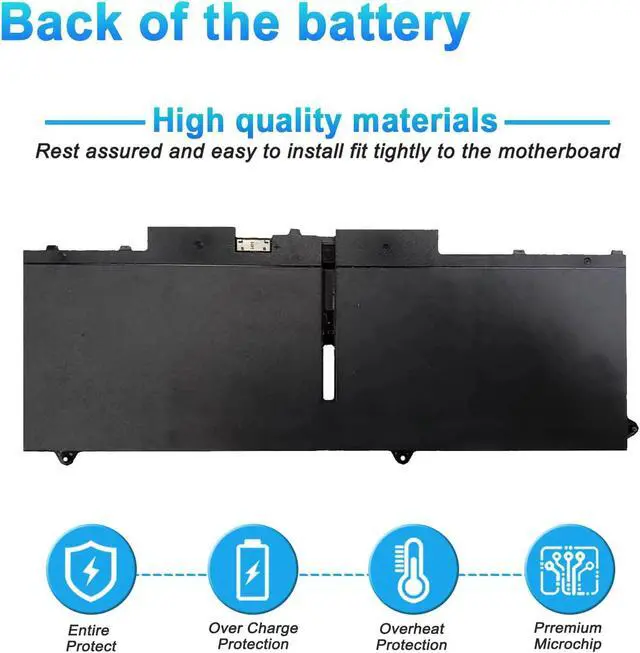
Please open your laptop case, check and confirm your original battery model and appearance, compared with our battery image, and make sure that's what you need. Especially the location of the connector and the cable length (long or short).
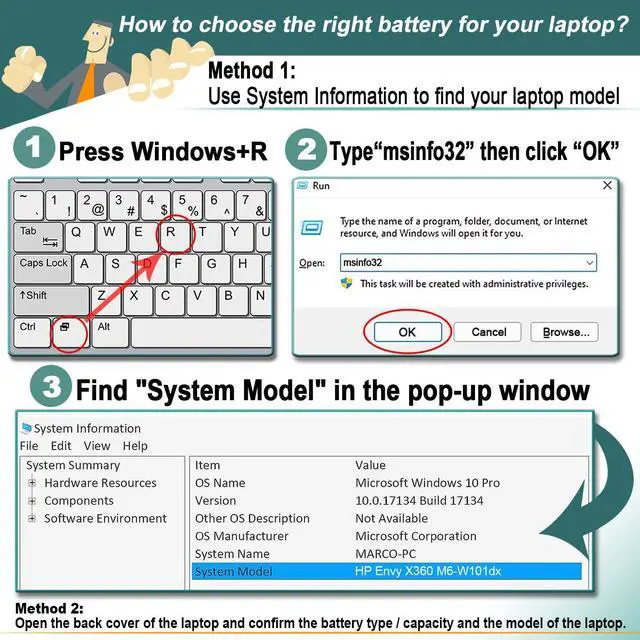
Method 1: Use System Information to find your laptop model
Step 1: Press "Windows + R" to open the Run window.
Step 2: Type "msinfo32" in the empty box and click OK to open System Information.
Step 3: Keep in the "System Summary" section and you will find the "System Model " item in the right pane.
Method 2: Open the back cover of the laptop and confirm the battery type and capacity, as well as the model of the laptop.
Step 1: Turn off the laptop and unplug the power cord (to prevent electric shock)
Step 2: Remove the back panel with a screwdriver. (Please proceed with care to avoid damage to the laptop's components.)
Step 3: Disconnect the cable connected to the battery and remove it. After that, you can check the specifications of your battery.
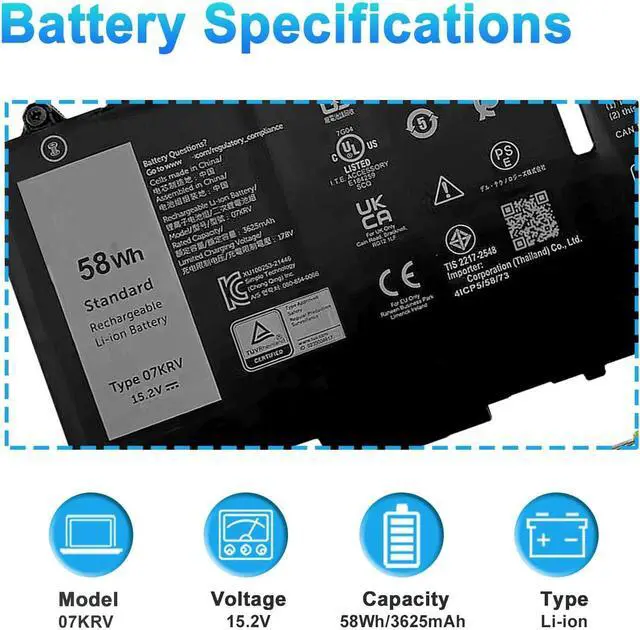
Model Name: 07KRV
Battery Type: Li-ion
Battery Voltage: 15.2V
Battery Capacity: 58Wh
Battery cells: 4-cell
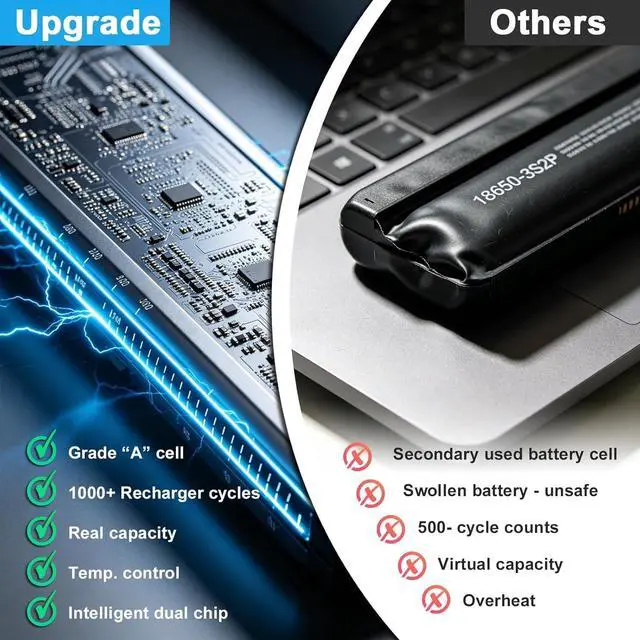
Condition: 100% New from Manufacturer, Grade A Cell
Replacement for Part Number:
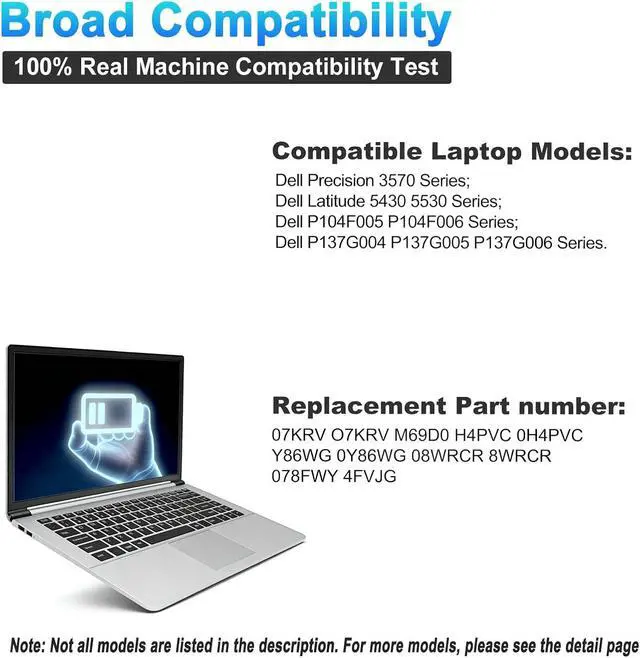
07KRV O7KRV FK0VR H4PVC 0H4PVC Y86WG 0Y86WG 08WRCR 8WRCR 078FWY 4FVJG
Dell Latitude 5430 5530 Series;
Dell Precision 3570 Series;
Dell P104F P104F005 P104F006 Series;
Dell P137G P137G004 P137G005 P137G006 Series.
Dell Latitude 14 7430 D1GX0,
Latitude 14 7430(2-in-1), Latitude 14 7430 4FVJG,
Latitude 14 7430 VTCWY, Latitude 14 7430 3W64P
Latitude 15 7530 112CM, Latitude 15 7530 9K5Y9, Latitude 15 7530 8C8J1, Latitude 15 7530.
When you get the new battery, discharge the battery to 5% (not 0%), then charge it to 95%, and cycle 3-4 times to wake up the new battery.
The important point is to perform a full discharge and charge every other month to extend the battery life.
Do not connect the adapter for a long time while using the battery. It may damage the battery.
Avoid artificial shocks, disassembly, crush or puncture. Do not dispose of it in fire or water.
Could be caused by a battery loose. Please remove the battery and try to install it more than once.
This may be due to conductive material damage which the laptop motherboard and battery anode and cathode contact position, you can try to confirm it with your original battery.
Check whether the battery drive is in normal condition, if not, download the corresponding driver software to update.
Take out the battery and press the power button for about 15 seconds to consume the internal residual power (Do not connect the power cord), and then reinstall the battery. You can try several times.
The battery capacity is designed to meet the OEMs specifications, is stable and last longer, and provides stronger power for your laptop, not falsely labeled battery capacity.
Problems you may encounter when installing a new battery
Q: The battery cannot be identified by your laptop or it doesnt seem to work. That may be caused by different situations.
Welcome to BOWEIRUI How to choose the correct battery? Battery Specification Compatible Models (use "Ctrl+F to find your model quickly") Battery Maintenance Methods for Optimal Use Troubleshooting Methods True Capacity





 here!
here!