

Your Browsing History


Meet Your Seller

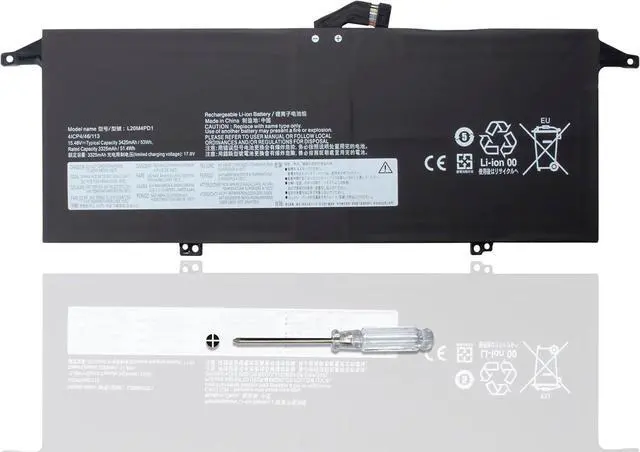
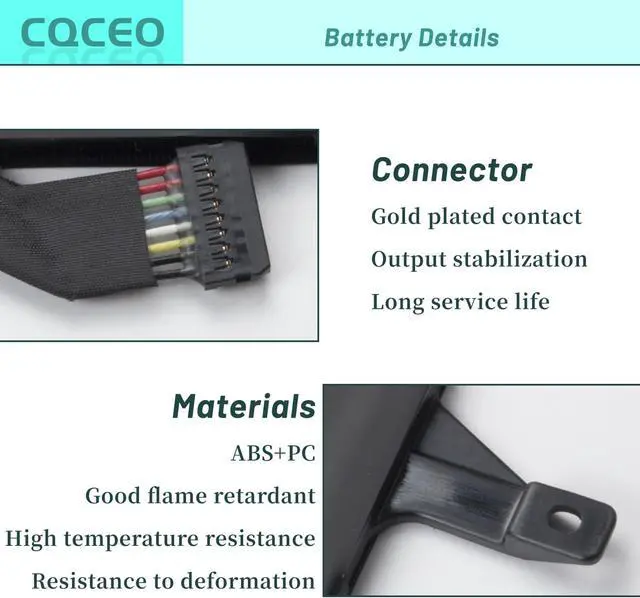
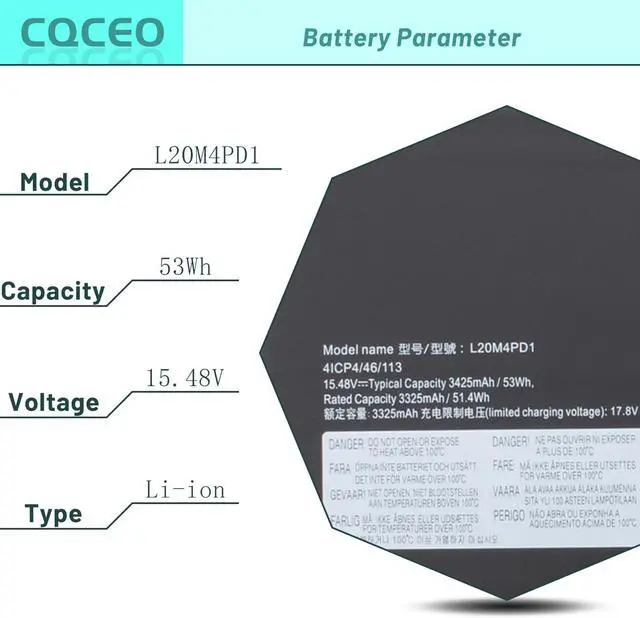
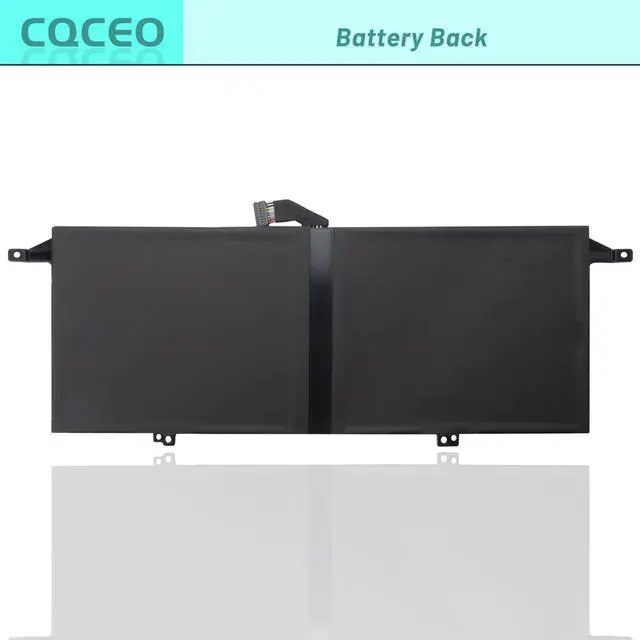


L20M4PD1 L20D4PD1 Laptop Battery for Lenovo ThinkBook 13x G1-20WJ ThinkBook 13x ITG ThinkBook Plus G2 ITG Series 5B11B65323 SB11B65324 5B11B65325 SB11B65326 4ICP4/46/113 15.48V/53Wh/3425mAh/4-Cell
- Battery type: Lithium ion ; Battery Condition: Brand New ; Voltage: 15.48V; Capacity: 53Wh 3425mAh 4-Cell
- Replacement Part Number: L20M4PD1 L20D4PD1 5B11B65323 SB11B65324 5B11B65325 SB11B65326 4ICP4/46/113
- Compatible Models: for Lenovo ThinkBook 13x G1-20WJ001KGE Series, for Lenovo ThinkBook 13x ITG Series, for Lenovo ThinkBook Plus G2 ITG Series
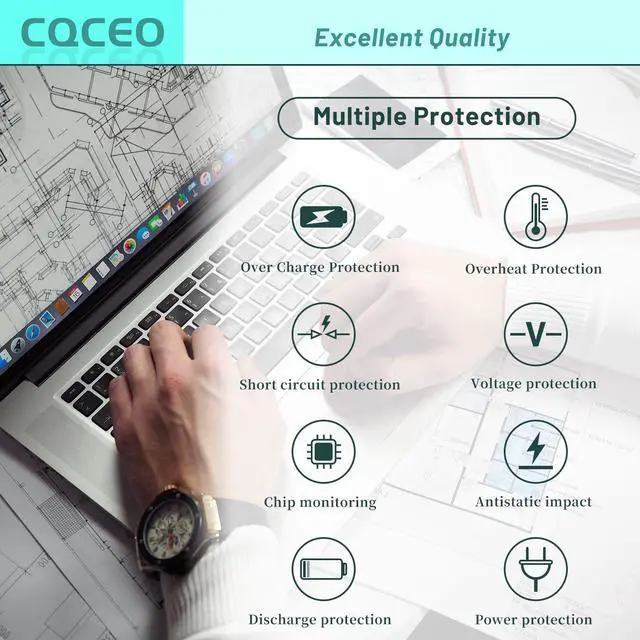
- Grade A cells mitigate the risk of battery leakage and maximize output stability. Built-in circuit protection, enhances safety of usage and extends battery life
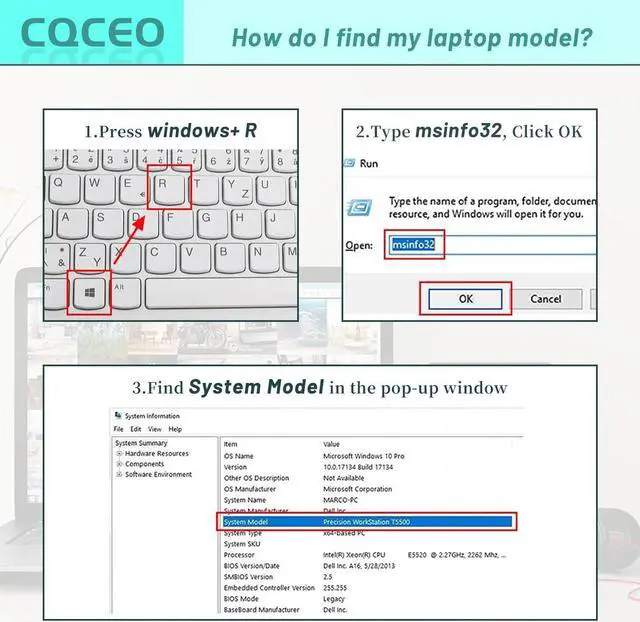
- Note 1: In order to find the right model, please open the back case of your laptop and check the model number of your original battery.When using the new battery, discharge it to 5% (not 0%) and then charge it to 95%. Repeat this cycle 3-4 times
+
+
Overview
Specs
Reviews

Any questions? Our AI mode will help you find out quickly.
Try me now
Specifications:
Voltage: 15.48V
Capacity: 53Wh/3425mAh/4-Cell
Battery Type: Lithium ion
Battery Condition: Brand New
Color: black
Condition: 100% New from Manufacturer, Grade A Cell
Compatible Part Numbers:
L20M4PD1 L20D4PD1 5B11B65323 SB11B65324 5B11B65325 SB11B65326 4ICP4/46/113
Compatible Machine Models:
for Lenovo ThinkBook 13x G1-20WJ001KGE Series
for Lenovo ThinkBook 13x ITG Series
for Lenovo ThinkBook Plus G2 ITG Series
How to use the battery correctly :
1. To prevent safety issues from transportation, all battery out off factory are charged 40-50%,(you can check from laptop Battery indicator icon). For initial using of the battery, please discharge it to 5%(not to 0%) and then charge to 100%, and cycle 3-4 times to activate the batterys maximum capacity.
2. Please recharge immediately when battery reduced to 15% level,when you use the battery. Or it will shorten the battery life and cause damages to the battery.
3. If the battery do not use for a long time, please keep the battery to charge to a minimum 50% electricity. Or, it will maybe cause unable to charge again.To maintain the best battery state,replacement battery needs to be fully discharge to 15% and recharge to 100% each 2 month.
4.Do not unplug the battery during charging , better to turn off the laptop when recharge the it.
5.If your laptop cant be charged or cannot be fully charged,there may be possibilities that the adapter does not compatible with the laptop or theres some damage with the adapter. Please switch off your laptop and try again or change to a correct adapter.
6.The battery usage time is related to factors such as the CPU processor speed, application, program, screen brightness, wireless device external ports, and battery life of the laptop, so the actual usage time of the battery may differ from that of the same model of battery.
Voltage: 15.48V
Capacity: 53Wh/3425mAh/4-Cell
Battery Type: Lithium ion
Battery Condition: Brand New
Color: black
Condition: 100% New from Manufacturer, Grade A Cell
Compatible Part Numbers:
L20M4PD1 L20D4PD1 5B11B65323 SB11B65324 5B11B65325 SB11B65326 4ICP4/46/113
Compatible Machine Models:
for Lenovo ThinkBook 13x G1-20WJ001KGE Series
for Lenovo ThinkBook 13x ITG Series
for Lenovo ThinkBook Plus G2 ITG Series
How to use the battery correctly :
1. To prevent safety issues from transportation, all battery out off factory are charged 40-50%,(you can check from laptop Battery indicator icon). For initial using of the battery, please discharge it to 5%(not to 0%) and then charge to 100%, and cycle 3-4 times to activate the batterys maximum capacity.
2. Please recharge immediately when battery reduced to 15% level,when you use the battery. Or it will shorten the battery life and cause damages to the battery.
3. If the battery do not use for a long time, please keep the battery to charge to a minimum 50% electricity. Or, it will maybe cause unable to charge again.To maintain the best battery state,replacement battery needs to be fully discharge to 15% and recharge to 100% each 2 month.
4.Do not unplug the battery during charging , better to turn off the laptop when recharge the it.
5.If your laptop cant be charged or cannot be fully charged,there may be possibilities that the adapter does not compatible with the laptop or theres some damage with the adapter. Please switch off your laptop and try again or change to a correct adapter.
6.The battery usage time is related to factors such as the CPU processor speed, application, program, screen brightness, wireless device external ports, and battery life of the laptop, so the actual usage time of the battery may differ from that of the same model of battery.
Warranty & Returns
Warranty, Returns, And Additional Information
Warranty
- Please contact the Seller directly for warranty information. Warranty information may also be found on the Manufacturer's website.
- CONTACT
Return Policies
- Return for refund within: 30 days
- Return for replacement within: 30 days
- This item is covered by LionTech Direct Return Policy
Manufacturer Contact Info
- For a directory of all our manufacturers, please click below.
- Manufacturers Directory
LOADING...