

Your Browsing History


Meet Your Seller

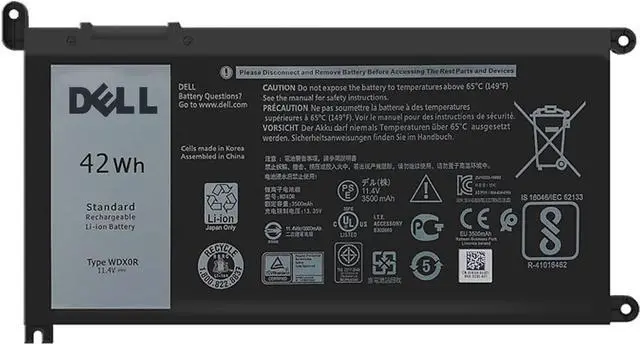
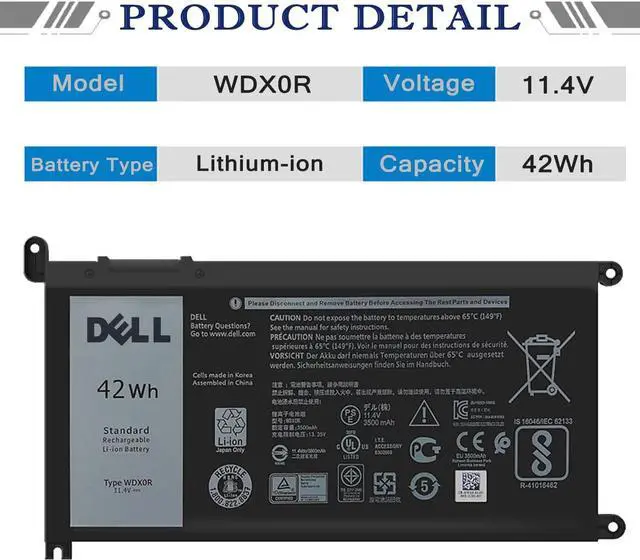
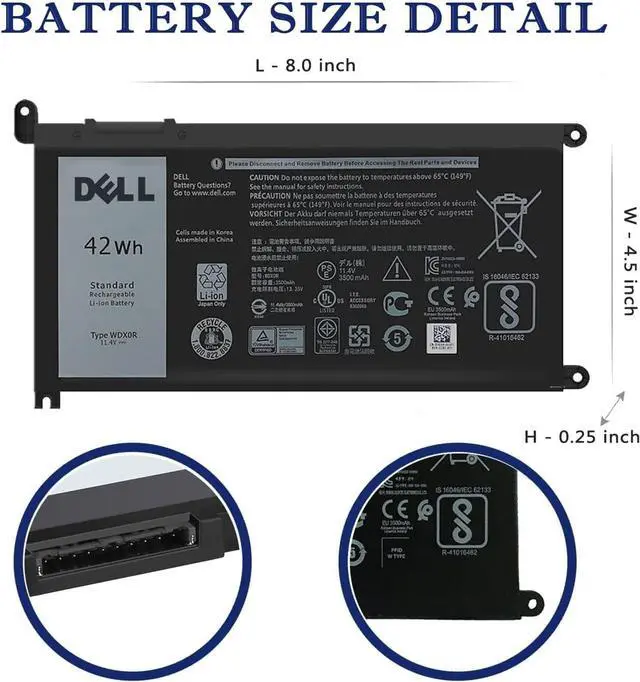
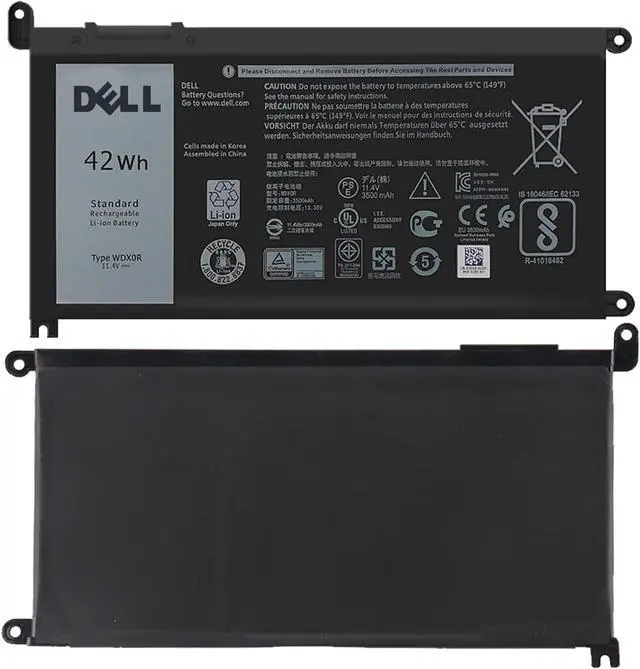
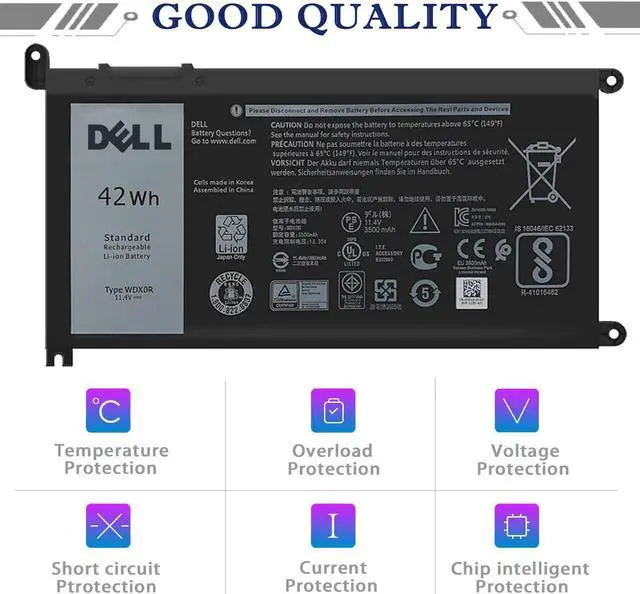
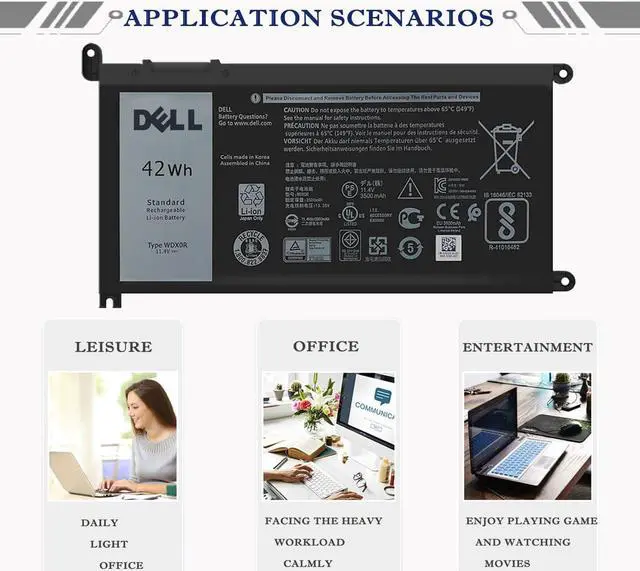


DELL WDX0R Notebook Battery for Dell Inspiron 15 7579 7573 7560 7569 7570 5565 5567 5568 5570 5578 5579 7586 13 7368 7378 5368 5378 5379 17 5765 5767 5775 Latitude 3490 3590 P66F P58F P32E11.4V 42Wh
- Battery Information - WDX0R/11.4V/42Wh/3500mAh/3Cells, Grade A cells battery, quality assurance, 500+ recharge cycles over
- Replace Part Number - WDX0R WDXOR 451-BBVN 0WDX0R FC92N 0FC92N 3CRH3 03CRH3 P69G P69G001 P74G P75F P32E P58F P58F001 P66F T2JX4 0T2JX4 C4HCW 0C4HCW CYMGM P35E001 P35E006 P35E002 P35E007 P58F001 P70F001 P75F002
- Compatible Models Dell 5368 5378 5379 7368 7378 5468 7472 3585 5565 5567 5570 5578 7573 7580 7569 7570 5767 5770 3781 Latitude 3189 3379
- Note - DELL Inspiron 7586 laptop models are compatible with 3 battery models:WDX0R(42Wh 3-Cell), YRDD6(42Wh 3-Cell), 33YDH(56Wh 4-Cell) , So please open bottom case to check it before you buy this battery for your DELL Inspiron 7586 laptop
- Friendly Customer Service - Full refund in 30 days, 12 months warranty. If you have any questions, please contact us.
+
+
Overview
Specs
Reviews

Any questions? Our AI beta will help you find out quickly.
Try me now
Battery Models: WDX0R
Battery Voltage: 11.4V
Battery Cells: 3Cells
Battery Capacity: 42Wh/3500mAh
Battery Condition: 100% Brand New
In order to avoid your buying mistakes, please check your original battery model before purchasing, or tell us the model of your laptop and let us give you the exact answer.
Attention:
There are 3 batteries(51KD7 - 11.4V/42Wh/3500mAh/3Cells, YRDD6- 11.4V/42Wh/3500mAh/3Cell, 357F9 - 11.1V/74Wh/6333mAh/6Cells) that are similar to this one, but they are not compatible.
Compatible Part Number:
WDX0R WDXOR 451-BBVN 0WDX0R FC92N 0FC92N
3CRH3 03CRH3 P69G P69G001 P74G P75F P32E
P58F P58F001 P66F T2JX4 0T2JX4 C4HCW 0C4HCW
CYMGM P35E001 P35E006 P35E002 P35E007 P58F001 P70F001 P75F002
Compatible Laptop Models:
(Use "Ctrl"+"F" to find your model)
Dell Inspiron 13 5000 Series
- Dell Inspiron 13 5368 / 13 5378 / 13 5379 / Ins 13MF-2505T / Ins 13MF-D1208TA / Ins 13MF-D1508TA
- Ins 13MF-D2205TA / Ins 13MF-D2505TA / Ins 13MF-D2605TA
Dell Inspiron 13 7000 Series
- Dell Inspiron 13 7368 / 13 7378 / Ins 13MF PRO-D1508TS / Ins 13MF PRO-D1708TS
Dell Inspiron 14 7000 Series
- Dell Inspiron 14 7460 / Ins 14-7460-D1525G / Ins 14-7460-D1525S/ Ins 14-7460-D1605G
- Ins 14-7460-D1605S / Ins 14-7460-D1625S/ Ins 14-7460-D1725G/ Ins 14-7460-D1725S
Dell Inspiron 15 5000 Series
- Dell Inspiron 15 5538 / 15 5565 / 15 5567 / 15 5578 / 15MF PRO-1508T / 15MF 1508TA
- Ins 15-5567-D1525A / Ins 15-5567-D1525R / Ins 15-5567-D1545A / Ins 15-5567-D1625A
- Ins 15-5567-D1625L / Ins 15-5567-D1625R/ Ins 15-5567-D1725A / Ins 15-5567-D1745A
- Ins 15-5567-D1745L
Dell Inspiron 15 7000 Series
- Dell Inspiron 15 7560 / 15 7569 / 15 7570 / 15 7579
Dell Inspiron 17 5000 Series
- Dell Inspiron 17 5767 / 17 5770
Dell Vostro 14 5000 Series
- Dell Vostro 14 5468 / 14 5468D
Dell Vostro 15 5000 Series
- Dell Vostro 15 5568 / 15 5568D
- Dell Latitude 3189 3379 Series
1. Unplug all external devices from the laptop, then remove your laptop back cover.
2.Disconnect the old battery, remove the screw with a screwdriver and save it, remove the old battery, and press and hold the laptop's power button for about 10-15 seconds (In order to release the remaining power inside the laptop).
3. Put the new battery into the battery slot, tighten the screws, and connect the cable.
4. Connect the AC adapter and check if your machine can detect the battery again.
WDX0R Specification: How to install a new battery?
Warranty & Returns
Warranty, Returns, And Additional Information
Warranty
- Please contact the Seller directly for warranty information. Warranty information may also be found on the Manufacturer's website.
- CONTACT
Return Policies
- Return for refund within: 45 days
- Return for replacement within: 45 days
- This item is covered by Xalvion E-Commerce Limited Return Policy
Manufacturer Contact Info
- For a directory of all our manufacturers, please click below.
- Manufacturers Directory
LOADING...