

Your Browsing History


Meet Your Seller



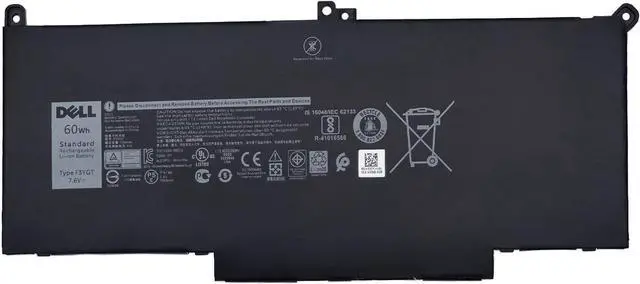
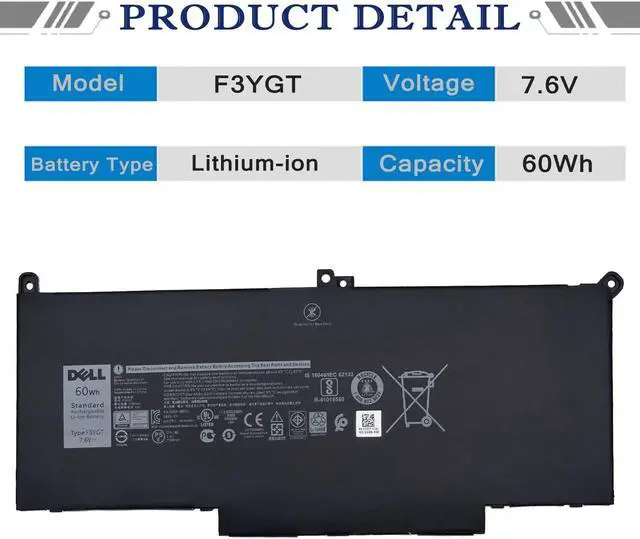
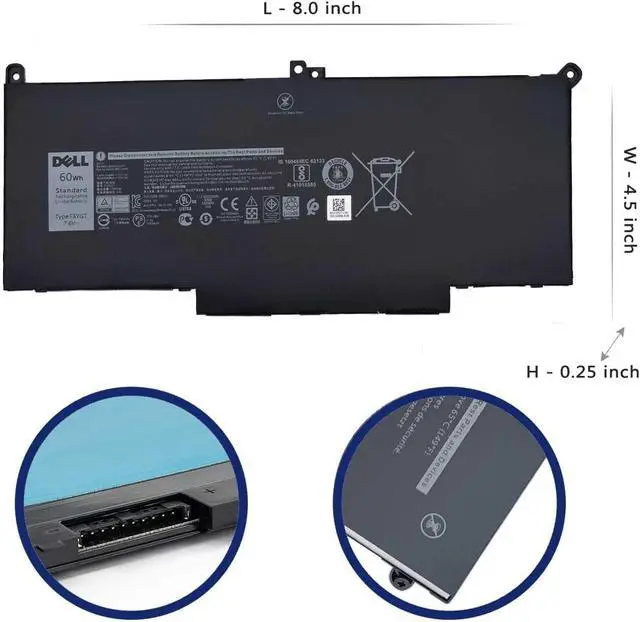
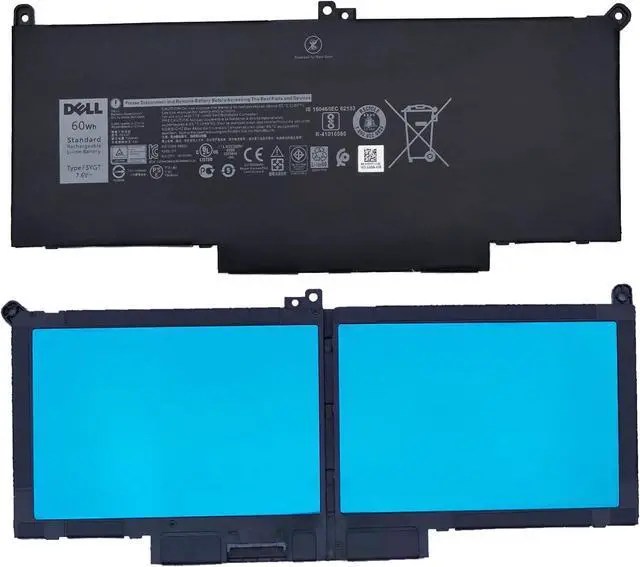
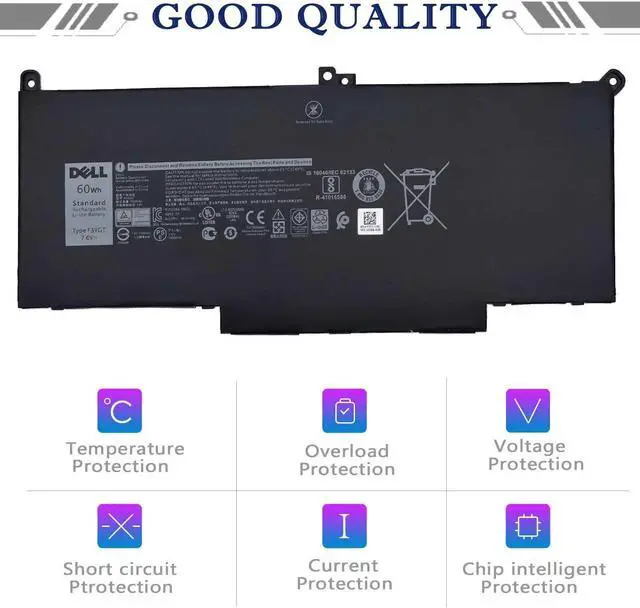
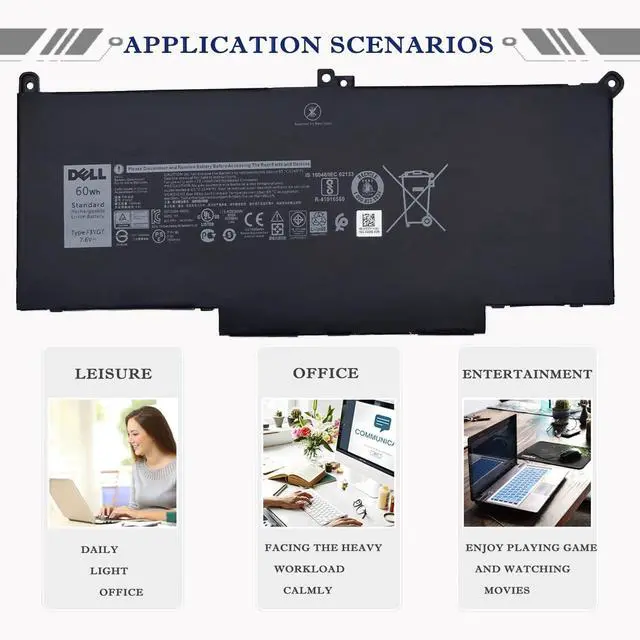


DELL F3YGT Battery for Dell Latitude 12 7280 7290 13 7380 7390 P29S002 14 7000 7480 7490 P73G002 Series P28S P28S001 P73G P73G002 Series F3YGT DM3WC DM6WC 2X39G KG7VF 451-BBYE 453-BBCF 7.6V 60Wh
- Battery Information - F3YGT/7.6V/60Wh/7500mAh/4Cells, Grade A cells battery, quality assurance, 500+ recharge cycles over
- Replace Part Number - F3YGT DM3WC 0DM3WC 2X39G 02X39G
- Compatible Models DELL Latitude 7280 7290 7380 7390 7480 7490 E7280 E7290 E7380 E7390 E7480 E7490
- Multi-Protect - Multi-Protect security system provides superior protection for you and your equipment, Grade A cells mitigate the risk of battery leakage and maximize output stability.
- Friendly Customer Service - Full refund in 30 days, 12 months warranty. If you have any questions, please contact us.
+
+
Overview
Specs
Reviews

Any questions? Our AI beta will help you find out quickly.
Try me now
Battery Models: F3YGT
Battery Voltage: 7.6V
Battery Cells: 4Cells
Battery Capacity: 60Wh/7500mAh
Battery Condition: 100% Brand New
In order to avoid your buying mistakes, please check your original battery model before purchasing, or tell us the model of your laptop and let us give you the exact answer.
Attention:
F3YGT - (F3YGT/7.6V/60Wh/7500mAh/4Cells), DJ1J0 - (11.4V/42Wh/3Cells) and are not compatible.
Compatible Part Number:
F3YGT DM3WC 0DM3WC 2X39G 02X39G
Compatible Laptop Models:
(Use "Ctrl"+"F" to find your model)
- DELL Latitude 12 7280 Series
- DELL Latitude 12 7290 Series
- DELL Latitude 13 7380 Series
- DELL Latitude 13 7390 Series
- DELL Latitude 14 7480 Series
- DELL Latitude 14 7490 Series
F3YGT Battery care instructions:
1. Discharge the new battery use to 5%(not to 0%) and then charge to 95%, and cycle 3-4 times.
2. Do not disassemble, crush or puncture. Do not dispose of in fire or water.
3. After the battery is exhausted, please charge it in time. If it is not charged for a long time, the battery may be damaged.
4. If the battery is not used for a long time and needs to be stored above 70%, the storage time should not exceed 3 months.
5. If you use the charger frequently, please use the battery power regularly, and use it more than once a week.
6. Please use the original charger or famous brand charger, inferior charger will affect the normal charging of the battery.
7. Regularly clean the fan dust, increase the heat dissipation effect, reduce the power consumption, and effectively extend the battery life.
8. When using the battery, care should be taken to prevent exposure and moisture.
1. Unplug all external devices from the laptop, then remove your laptop back cover.
2.Disconnect the old battery, remove the screw with a screwdriver and save it, remove the old battery, and press and hold the laptop's power button for about 10-15 seconds (In order to release the remaining power inside the laptop).
3. Put the new battery into the battery slot, tighten the screws, and connect the cable.
4. Connect the AC adapter and check if your machine can detect the battery again.
See More F3YGT Specification: How to install a new battery?
Warranty & Returns
Warranty, Returns, And Additional Information
Warranty
- Please contact the Seller directly for warranty information. Warranty information may also be found on the Manufacturer's website.
- CONTACT
Return Policies
- Return for refund within: 45 days
- Return for replacement within: 45 days
- This item is covered by Xalvion E-Commerce Limited Return Policy
Manufacturer Contact Info
- For a directory of all our manufacturers, please click below.
- Manufacturers Directory
LOADING...