

Your Browsing History


Meet Your Seller

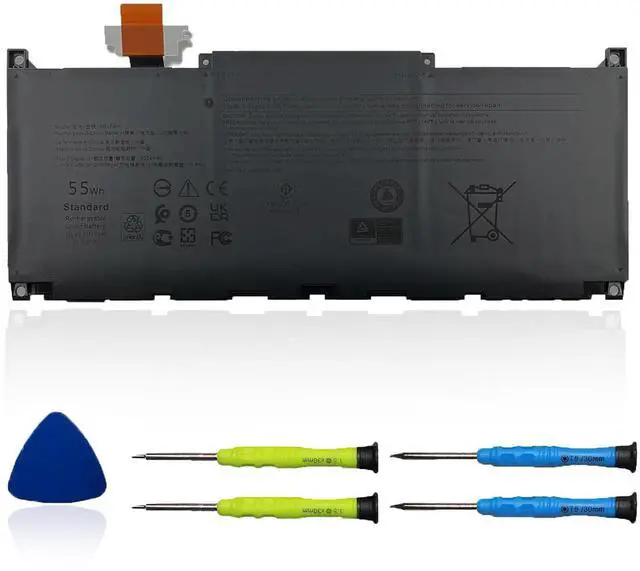


MN79H Laptop Battery Compatible with Dell XPS 9320 XPS 13 Plus 9320 XPS 13 9340 9345 Series XPS9320-7523BLK-PUS XPS9320-7585SLV-PUS J7H5M 0J7H5M NXRKW 0NXRKW 55Wh 4524mAh 11.55V
Limited time offer, ends 08/24 By Jeronrtion
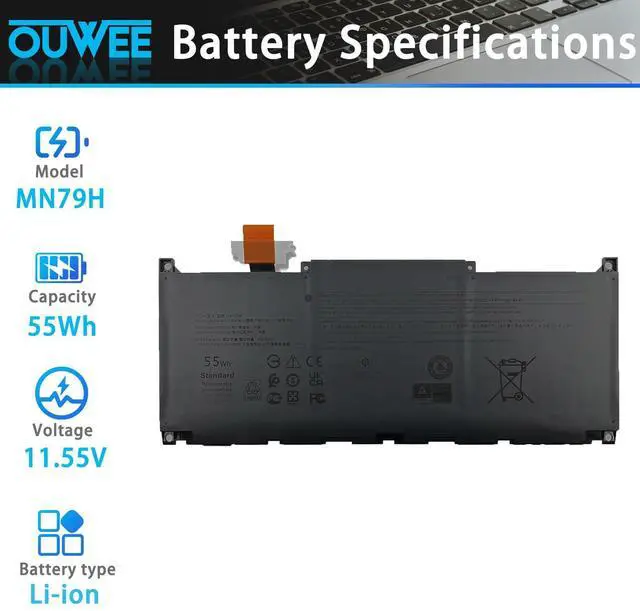
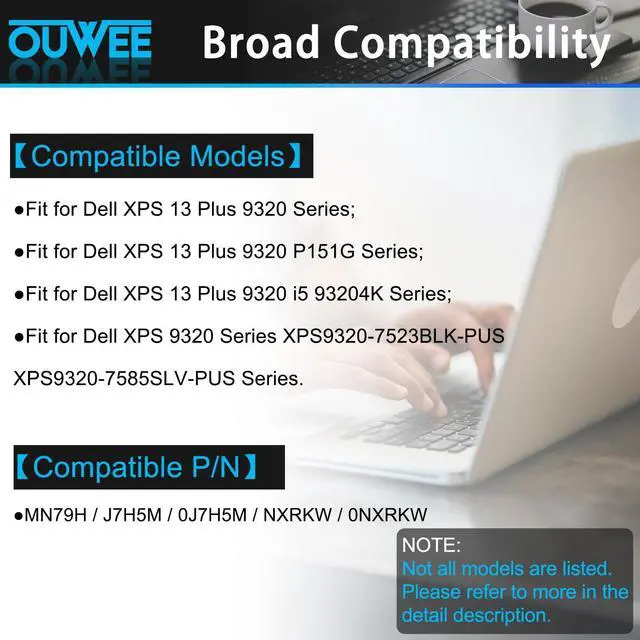
- Specifications: - MN79H battery replacement for HP Envy x360. - Type: Li-ion. - MN79H battery replacement for HP 55Wh standard MN79H rechargeable li-ion battery. - Voltage: 11.55V. - Capacity: 55Wh 4524mAh. - Color: Black. - Condition: New. Fully compatible and highly stable: - Fits DELL XPS 13 Plus 9320 Series. - Fits DELL XPS 9320 Series XPS9320-7523BLK-PUS XPS9320-7585SLV-PUS. Replacement Battery Part Numbers: Battery for MN79H / J7H5M / 0J7H5M / NXRKW / 0NXRKW. Safe to Use: Products are certified by UL / CE / FCC / RoHS for safety. Strict compatibility guidelines and rigorous quality control standards ensure true capacity, stable current, low self-discharge, and adherence to environmental safety standards. Advice: If the new battery is not recognized upon initial installation, reinstall it and confirm the interface is fully connected. Next, discharge the new battery to 5% (avoid discharging to 0%). Then, charge the battery and carry out 3 - 4 charge - discharge cycles to "wake up" the new battery
+
+
Overview
Specs
Reviews

Any questions? Our AI mode will help you find out quickly.
Try me now
Specifications: - MN79H battery replacement for HP Envy x360. - Type: Li-ion. - MN79H battery replacement for HP 55Wh standard MN79H rechargeable li-ion battery. - Voltage: 11.55V. - Capacity: 55Wh 4524mAh. - Color: Black. - Condition: New. Fully compatible and highly stable: - Fits DELL XPS 13 Plus 9320 Series. - Fits DELL XPS 9320 Series XPS9320-7523BLK-PUS XPS9320-7585SLV-PUS. Replacement Battery Part Numbers: Battery for MN79H / J7H5M / 0J7H5M / NXRKW / 0NXRKW. Safe to Use: Products are certified by UL / CE / FCC / RoHS for safety. Strict compatibility guidelines and rigorous quality control standards ensure true capacity, stable current, low self-discharge, and adherence to environmental safety standards. Advice: If the new battery is not recognized upon initial installation, reinstall it and confirm the interface is fully connected. Next, discharge the new battery to 5% (avoid discharging to 0%). Then, charge the battery and carry out 3 - 4 charge - discharge cycles to "wake up" the new battery
Warranty & Returns
Warranty, Returns, And Additional Information
Warranty
- Please contact the Seller directly for warranty information. Warranty information may also be found on the Manufacturer's website.
- CONTACT
Return Policies
- Return for refund within: 30 days
- Return for replacement within: 30 days
- This item is covered by Jeronrtion Return Policy
Manufacturer Contact Info
- For a directory of all our manufacturers, please click below.
- Manufacturers Directory
LOADING...