

Your Browsing History

- $139.99
- Free 30-day Returns

Meet Your Seller

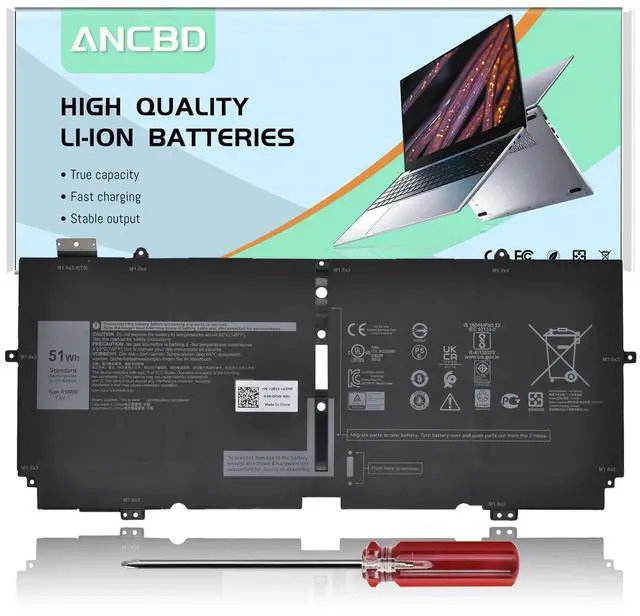
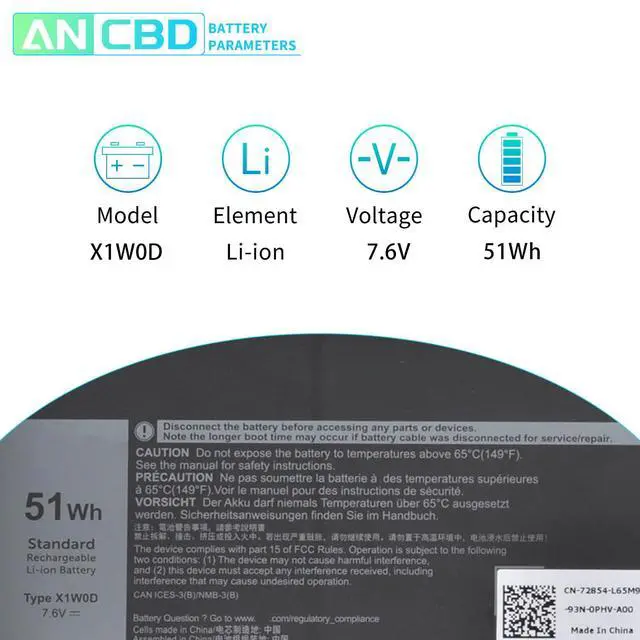
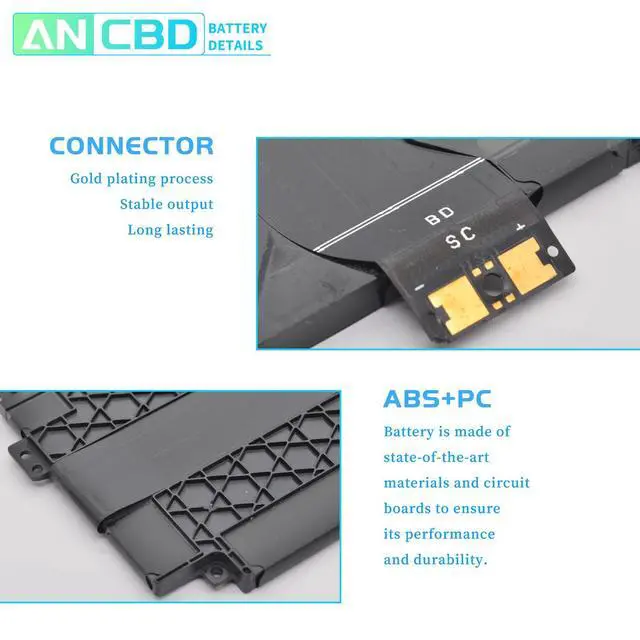
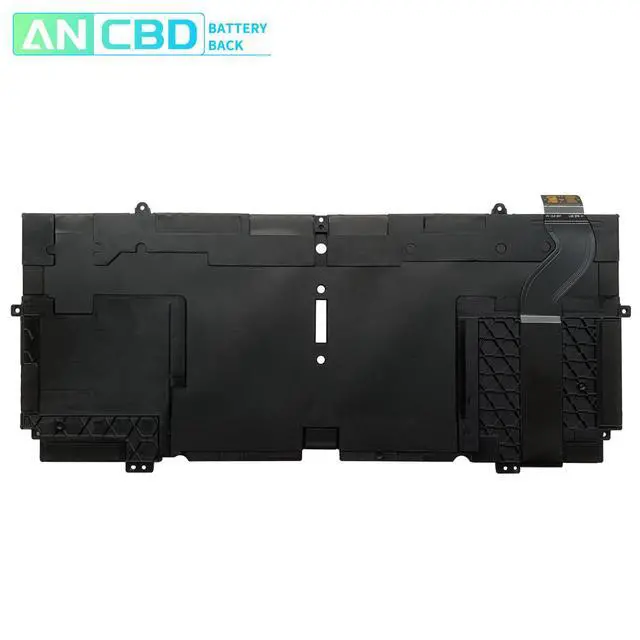
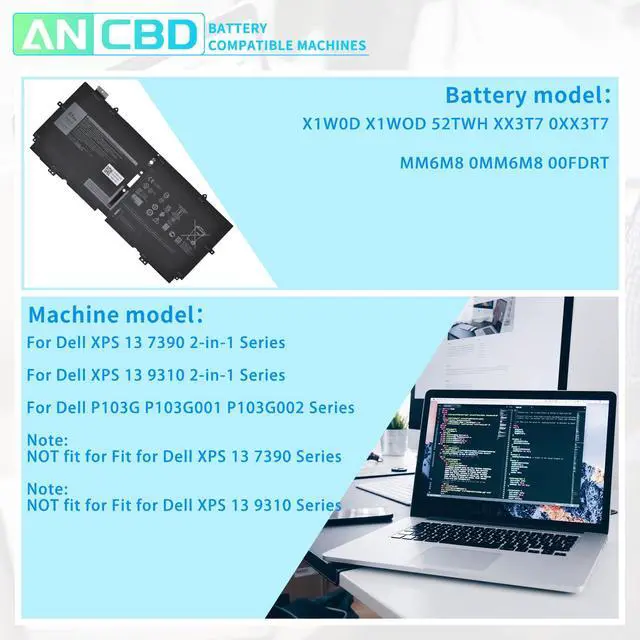



X1W0D Battery for Dell XPS 13 7390 2-in-1 XPS 13 9310 2-in-1 P103G P103G001 | P103G002 Series Laptop X1WOD 52TWH XX3T7 0XX3T7 MM6M8 0MM6M8 00FDRT 7.6V 51Wh/6375mAh 4-Cells
Limited time offer, ends 09/14 By Fornierwoly
- Specifications: Voltage: 7.6V Capacity: 51Wh / 6375mAh Condition: 100% brand new. Compatible Part Numbers: X1W0D, 52TWH, XX3T7, 0XX3T7, 00FDRT, X1WOD, MM6M8, 0MM6M8. Compatible Laptop Models: For Dell XPS 13 7390 2-in-1, Dell XPS 13 9310 2-in-1, P103G, P103G001, and P103G002 Series Laptops. Note: This battery is not compatible with the Dell XPS 13 7390 Series and is also not compatible with the Dell XPS 13 9310 Series. Usage and Care Reminders: 1. It is recommended not to fully drain the battery when charging. For a new battery, discharge it to around 5% (instead of 0%), then charge it completely. Repeat this process 3-4 times. 2. For best performance, conduct a full discharge and recharge cycle every other month. 3. Avoid keeping the adapter connected for long periods while using the battery, as this could cause harm. 4. Avoid physical shock, disassembly, squeezing, or piercing. Do not expose the battery to fire or water. 5. Avoid using the battery in very high or low temperature environments. Do not place it near sources of ignition. 6. Do not store the battery unused for extended periods
+
+
Overview
Specs
Reviews

Any questions? Our AI mode will help you find out quickly.
Try me now
Specifications: Voltage: 7.6V Capacity: 51Wh / 6375mAh Condition: 100% brand new. Compatible Part Numbers: X1W0D, 52TWH, XX3T7, 0XX3T7, 00FDRT, X1WOD, MM6M8, 0MM6M8. Compatible Laptop Models: For Dell XPS 13 7390 2-in-1, Dell XPS 13 9310 2-in-1, P103G, P103G001, and P103G002 Series Laptops. Note: This battery is not compatible with the Dell XPS 13 7390 Series and is also not compatible with the Dell XPS 13 9310 Series. Usage and Care Reminders: 1. It is recommended not to fully drain the battery when charging. For a new battery, discharge it to around 5% (instead of 0%), then charge it completely. Repeat this process 3-4 times. 2. For best performance, conduct a full discharge and recharge cycle every other month. 3. Avoid keeping the adapter connected for long periods while using the battery, as this could cause harm. 4. Avoid physical shock, disassembly, squeezing, or piercing. Do not expose the battery to fire or water. 5. Avoid using the battery in very high or low temperature environments. Do not place it near sources of ignition. 6. Do not store the battery unused for extended periods
Warranty & Returns
Warranty, Returns, And Additional Information
Warranty
- Please contact the Seller directly for warranty information. Warranty information may also be found on the Manufacturer's website.
- CONTACT
Return Policies
- Return for refund within: 30 days
- Return for replacement within: 30 days
- This item is covered by Fornierwoly Return Policy
Manufacturer Contact Info
- For a directory of all our manufacturers, please click below.
- Manufacturers Directory
LOADING...