

Your Browsing History


Meet Your Seller

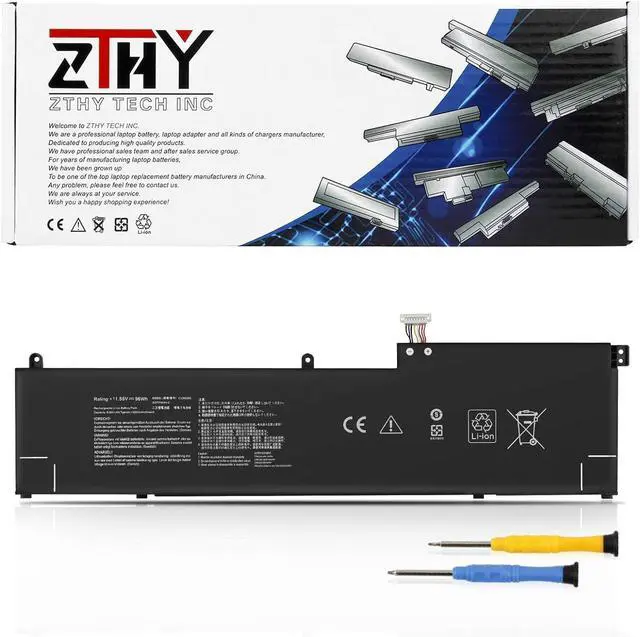
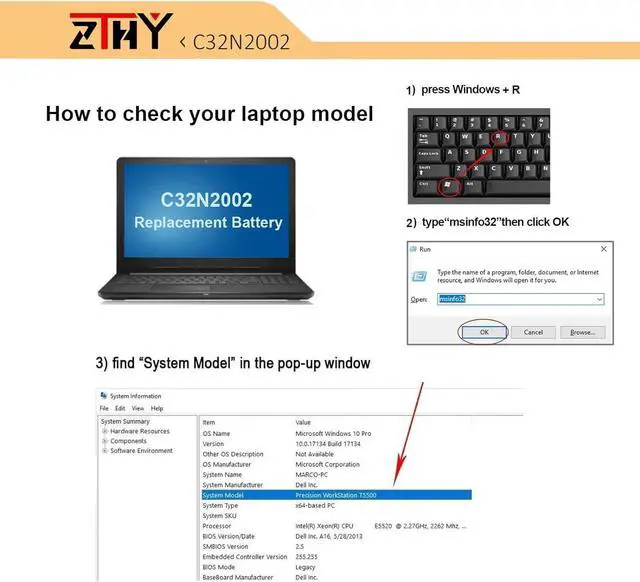
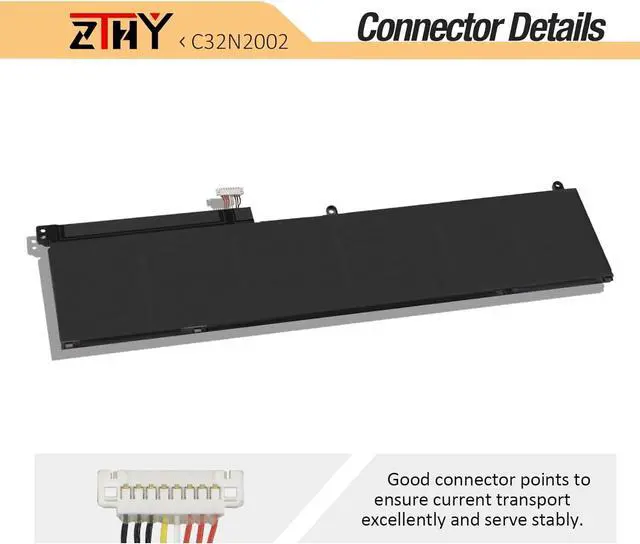
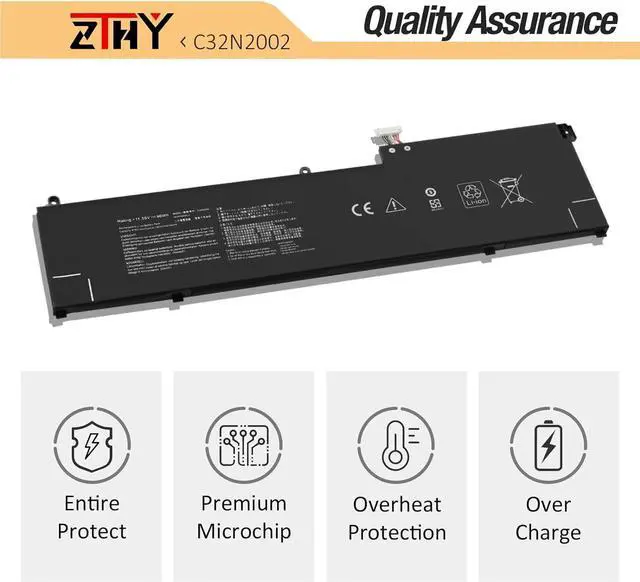
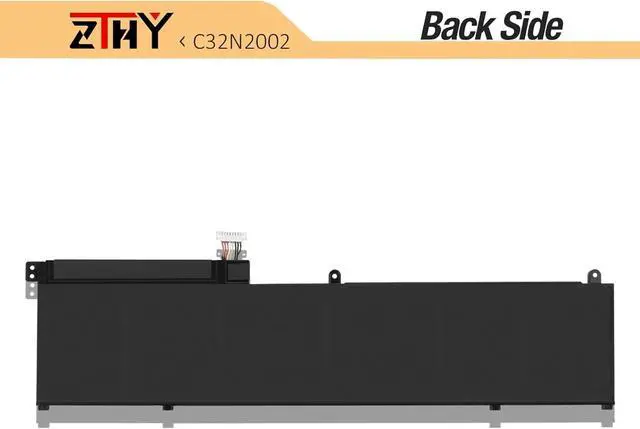


C32N2002 Battery Replacement for Asus ZenBook Pro 15 OLED UM535 UM535Q UM535QE UM535QA UM535QH UX535 UX535L UX535LI Flip 15 UX564 UX564EH UX564EI UX564P UX564PH Q538 Q538E Q538EI Q528 Q528E Q528EH
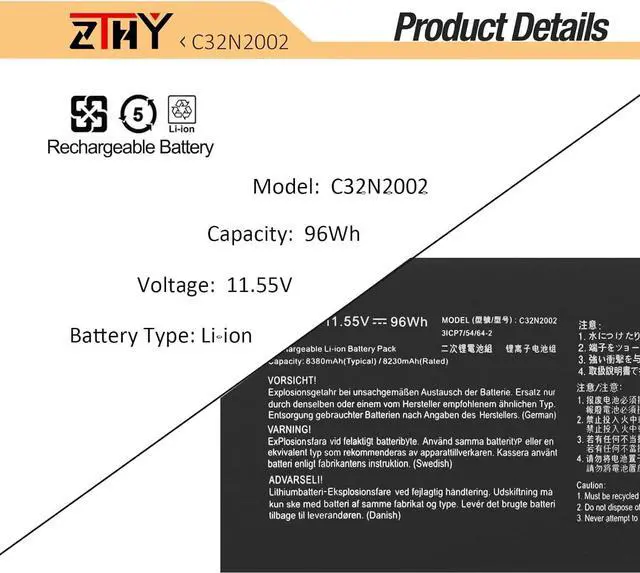
- Specifications: Battery type: Li-ion. Color: Black. Voltage: 11.55V. Capacity: 96Wh/8380mAh. ZTHY specializes in Laptop and camera Accessories including Laptop Batteries, Tablet batteries, Camera Batteries, Vacuum Batteries, Camcorder Batteries, and chargers
- Compatible Part Number: C32N2002 0B200-03770000
- Compatible Models: Replacement for Asus ZenBook Pro 15 UX535 UX535L UX535LI OLED UM535 UM535Q UM535QE UM535QA UM535QH Series; Replacement for Asus ZenBook Flip 15 UX564 UX564EH UX564EI UX564P UX564PH Q538 Q538E Q538EI Q528 Q528E Q528EH Series
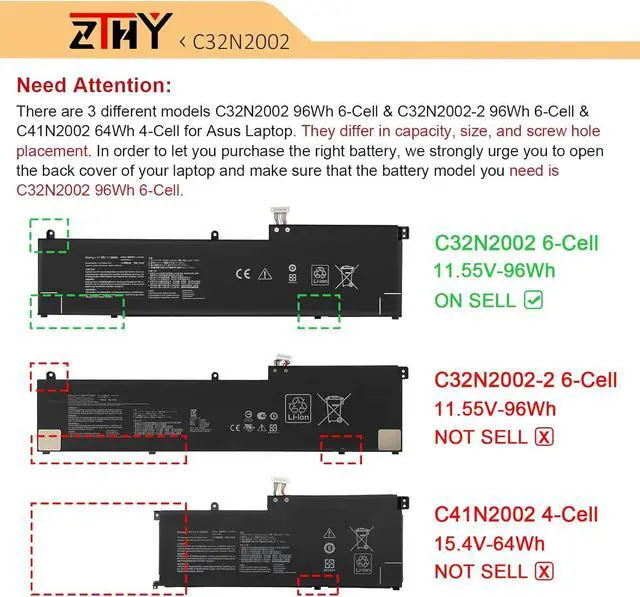
- Attention: There are 3 different models C41N2002 64Wh 4Cell & C32N2002 96Wh 6Cell & C32N2002-2 96Wh 6Cell for Asus Laptop, they come in different sizes and different screw hole positions. In order to let you purchase the right battery, we strongly urge you to open the back cover of your laptop and make sure that the battery model you need is C32N2002 96Wh 6Cell.
- Note: If the new battery is not recognized during the initial installation, plea
+
+
Overview
Specs
Reviews

Any questions? Our AI beta will help you find out quickly.
Try me now
Compatible Part Number C32N2002 0B200-03770000 Compatible Model Replacement for Asus ZenBook Pro 15 UX535 UX535L UX535LI Series; Compatible Model Replacement for Asus ZenBook Pro 15 OLED UX535Q UX535QA UX535QE Series; Compatible Model Replacement for Asus ZenBook Pro 15 OLED UM535 UM535Q UM535QE UM535QA UM535QH Series; Compatible Model Replacement for Asus ZenBook Flip 15 UX564 UX564EH UX564EI UX564P UX564PH Series; Compatible Model Replacement for Asus ZenBook Flip 15 Q538 Q538E Q538EI Series; Compatible Model Replacement for Asus ZenBook Flip 15 Q528 Q528E Q528EH Series; Compatible Model Replacement for Asus ZenBook Pro 15 UX535 UX535L UX535LI UX564 UX564PH Series: ZenBook Pro 15 UX535LI-XH77T,UX535LI-E3090T,UX535LI-E3133T,UX535LI-BN198T,UX535LI,UX535LI-BO237T Compatible Model Replacement for Asus ZenBook Flip 15 UX564 UX564PH UX564PH UX564EI Series: ZenBook Pro 15 UX564EI-H2030T,UX564EI-H2017T,UX564PH-71A15CB1,UX564EH-EZ035R,UX564PH-71B15CP1,UX564EH,UX564PH-EZ004T,UX564PH-EZ007R,UX564EI-H2038T,UX564PH-EZ002T,UX564EI-EZ711R,UX564PH,UX564EI-WB711R,UX564PH-EZ003R,UX564EH-EZ018T,UX564PH-WB721R,UX564EH-EZ006R,UX564EI,UX564EI-H2005T,UX564EI-EZ006T,UX564EH-EZ035RZ,UX564EH-EZ004T Note There are 2 different models C32N2002 96Wh 6-Cell & C41N2002 64Wh 4-Cell for Asus Laptop. They differ in capacity, size, and screw hole placement. In order to let you purchase the right battery, we strongly urge you to open the back cover of your laptop and make sure that the battery model you need is C32N2002 96Wh 6-Cell. Note If you install the battery, you find that the laptop cannot detect the battery or the battery level cannot be displayed normally. Please check whether the battery cable is installed properly. Sometimes the battery cannot be charged because the cable is not fixed properly. What do I need to be aware of when I receive a new laptop battery?
Check appearance, model, manual. Do 5-6 full charge-discharge cycles to activate. Store long-term at 50%-60% in cool dry place; check every 2-3 months & recharge if needed. These steps extend battery life & reliability.
What should I do if laptop won't boot up after installing a new battery?
1. Check battery seated & contacts clean. 2. Run laptop on charger alone (battery out). 3. If charger works, charge new battery 30 mins then boot with battery. 4. Reset BIOS/EC (hold power 30s). 5. Reinstall old battery to verify laptop hardware.
How should I do if the battery is not recognised?
Update BIOS to latest version. Power off, disconnect battery (and adapter), hold power button 20s, reconnect battery and adapter, reboot. If still not recognised, reseat battery and clean contacts.
What should I do if the battery expands?
1. Power off & unplug laptop. 2. Do not charge or use. 3. In ventilated area, remove swollen battery carefully, avoid pressing or puncturing.
What can you do if you are not satisfied with the battery?
Please use Amazon's messaging system with your order details. We are committed to your satisfaction and will do our best to help resolve any issue.
Battery Installation Guidelines
1.Prepare Before Installation: While installing a battery is generally straightforward, it is recommended to watch online installation tutorials for your specific laptop model or seek assistance from a professional.
2.Follow Installation Procedures: Handle all components with care during installation. Be particularly gentle with the battery connector on the laptop motherboard; do not use excessive force. Any damage caused by improper operation is the user's responsibility.
3.If the New Battery Doesn't Charge: If the battery isn't charging after installation, try a power reset: remove the battery, unplug the charger, hold the power button for 15 seconds, and then reinstall the battery. Repeat this process if necessary.
Battery Identification Troubleshooting Guide
1.Check the Connection: A
Check appearance, model, manual. Do 5-6 full charge-discharge cycles to activate. Store long-term at 50%-60% in cool dry place; check every 2-3 months & recharge if needed. These steps extend battery life & reliability.
What should I do if laptop won't boot up after installing a new battery?
1. Check battery seated & contacts clean. 2. Run laptop on charger alone (battery out). 3. If charger works, charge new battery 30 mins then boot with battery. 4. Reset BIOS/EC (hold power 30s). 5. Reinstall old battery to verify laptop hardware.
How should I do if the battery is not recognised?
Update BIOS to latest version. Power off, disconnect battery (and adapter), hold power button 20s, reconnect battery and adapter, reboot. If still not recognised, reseat battery and clean contacts.
What should I do if the battery expands?
1. Power off & unplug laptop. 2. Do not charge or use. 3. In ventilated area, remove swollen battery carefully, avoid pressing or puncturing.
What can you do if you are not satisfied with the battery?
Please use Amazon's messaging system with your order details. We are committed to your satisfaction and will do our best to help resolve any issue.
Battery Installation Guidelines
1.Prepare Before Installation: While installing a battery is generally straightforward, it is recommended to watch online installation tutorials for your specific laptop model or seek assistance from a professional.
2.Follow Installation Procedures: Handle all components with care during installation. Be particularly gentle with the battery connector on the laptop motherboard; do not use excessive force. Any damage caused by improper operation is the user's responsibility.
3.If the New Battery Doesn't Charge: If the battery isn't charging after installation, try a power reset: remove the battery, unplug the charger, hold the power button for 15 seconds, and then reinstall the battery. Repeat this process if necessary.
Battery Identification Troubleshooting Guide
1.Check the Connection: A
Warranty & Returns
Warranty, Returns, And Additional Information
Warranty
- Please contact the Seller directly for warranty information. Warranty information may also be found on the Manufacturer's website.
- CONTACT
Return Policies
- Return for refund within: 45 days
- Return for replacement within: 45 days
- This item is covered by Xalvion E-Commerce Limited Return Policy
Manufacturer Contact Info
- For a directory of all our manufacturers, please click below.
- Manufacturers Directory
LOADING...