

Your Browsing History


Meet Your Seller

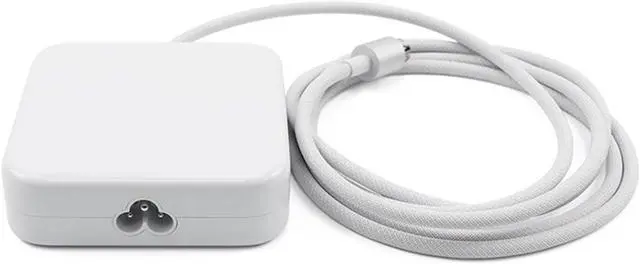
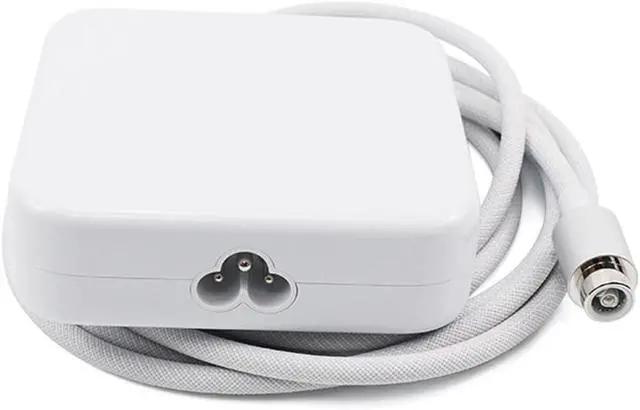
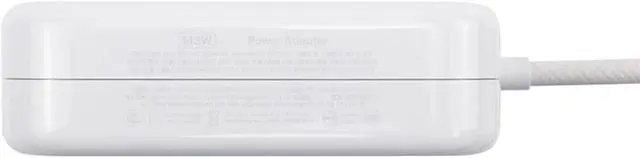
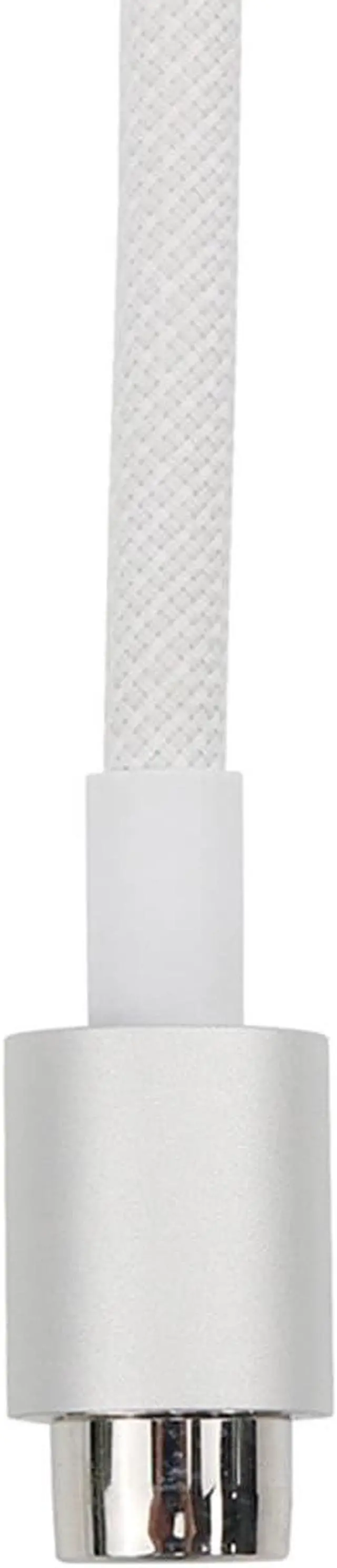


143w Power Adapter Without Ethernet A2388 Replacement for iMac (24 inch M1/M3/M4) A2290 A2439 A2438 A2873 A2874 A3137 A3247 US Power Cord Cable 661-18535 661-46778 (Silver)
- Compatible Models143w Power Adapter without Ethernet Model Number is A2388 ,it compatible for iMac (24 inch M1/M3/M4) A2290 A2439 A2438 A2873 A2874 A3137 A3247 US Power Cord Cable 661-18535 661-46778
- What's Include1PC* 143w Power Adapter without Ethernet A2388,1PC*Power Cord US Version,1PC*Fiber Polishing Cloth
- APN and PPNPower Adapter Part Number: 661-18535 661-46778 (Silver w/Ethernet),Power Cord US Part Number:923-05141
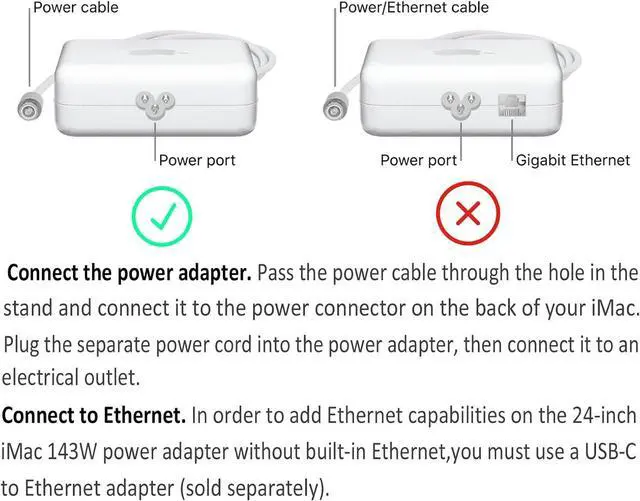
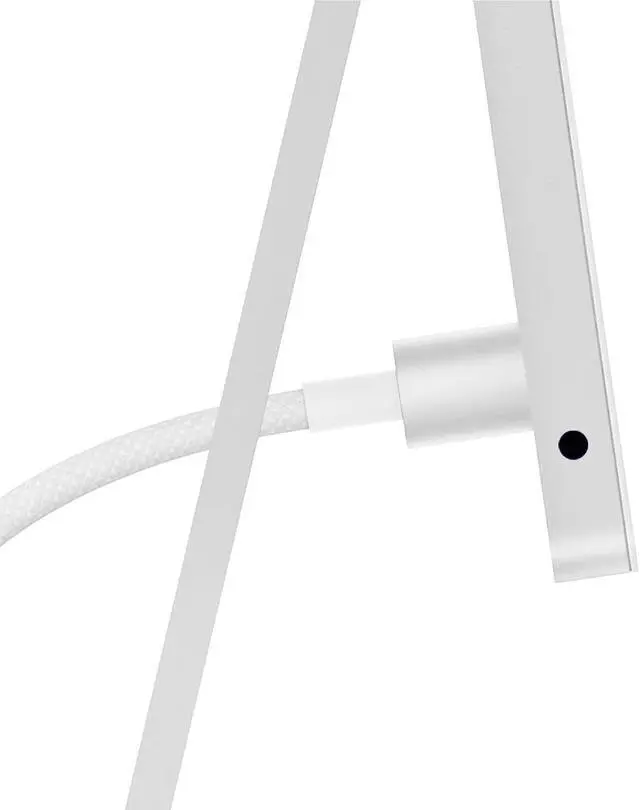
- Connect the Power AdapterPass the power cable through the hole in the stand and connect it to the power connector on the back of your iMac. Plug the separate power cord into the power adapter, then connect it to an electrical outlet.
- Important NoteIn order to add Ethernet capabilities on the 24-inch iMac with two/four ports after purchase, you must use a USB-C to Ethernet adapter (sold separately).
+
+
Overview
Specs
Reviews

Any questions? Our AI beta will help you find out quickly.
Try me now
Adatper Model 143W Power Adapter A2388 (without Ethernet Port) Mac Model Number M1 A2439(2-ports)A2438(4-ports) ; M3 A2874(2-ports)A2873(4-ports) ; M4 A3247(2-ports)A3137(4-ports) APN 661-18535 661-46778 Silver Mac Model identifier M1 Mac21,2(2-ports) Mac21,1(4-ports); M3 Mac15,4(2-ports) Mac15,5 (4-ports) ; M4 Mac16,2 (2-ports)Mac16,3 (4-ports) Input & Output Input:100-240V~2.0A 50-60Hz,Output:15.9V-9.0A Adatper EMC EMC 3955 Adatper Model A2388 Mac EMC M1 3664(2-ports)3663(4-ports) ; M3 8207(2-ports)8206(4-ports) ; M4 8531(2-ports)8532(4-ports) How to Connect the Power Adapter?
Pass the power cable through the hole in the stand and connect it to the power connector on the back of your iMac. Plug the separate power cord into the power adapter, then connect it to an electrical outlet.
Technical Specifications 143w Power Adapter A2388 (Without Ethernet) 143w Power Adapter A2388 for iMac 24 inch M1 M3 M4 What is the difference between adapters with and without Ethernet ports?
How to Connect the Power Adapter?
Pass the power cable through the hole in the stand and connect it to the power connector on the back of your iMac. Plug the separate power cord into the power adapter, then connect it to an electrical outlet.
Technical Specifications 143w Power Adapter A2388 (Without Ethernet) 143w Power Adapter A2388 for iMac 24 inch M1 M3 M4 What is the difference between adapters with and without Ethernet ports?
How to Connect the Power Adapter?
Warranty & Returns
Warranty, Returns, And Additional Information
Warranty
- Please contact the Seller directly for warranty information. Warranty information may also be found on the Manufacturer's website.
- CONTACT
Return Policies
- Return for refund within: 45 days
- Return for replacement within: 45 days
- This item is covered by Xalvion E-Commerce Limited Return Policy
Manufacturer Contact Info
- For a directory of all our manufacturers, please click below.
- Manufacturers Directory
LOADING...