




 here!
here!
I’m your shopping assistant for PC builds, upgrades, and everything tech.
Got questions? Ask away!
Start a conversation
here!
I’m your shopping assistant for PC builds, upgrades, and everything tech.
Got questions? Ask away!
Start a conversation



Any questions? Ask CelesteSM will help you find out quickly.
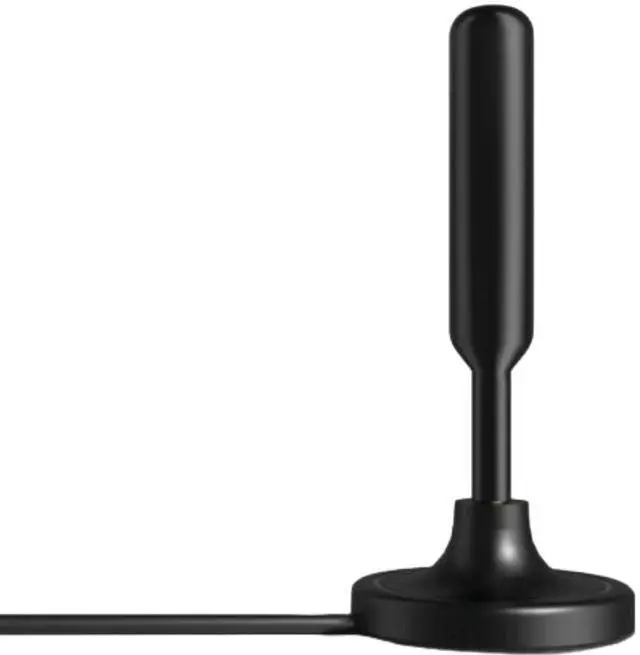
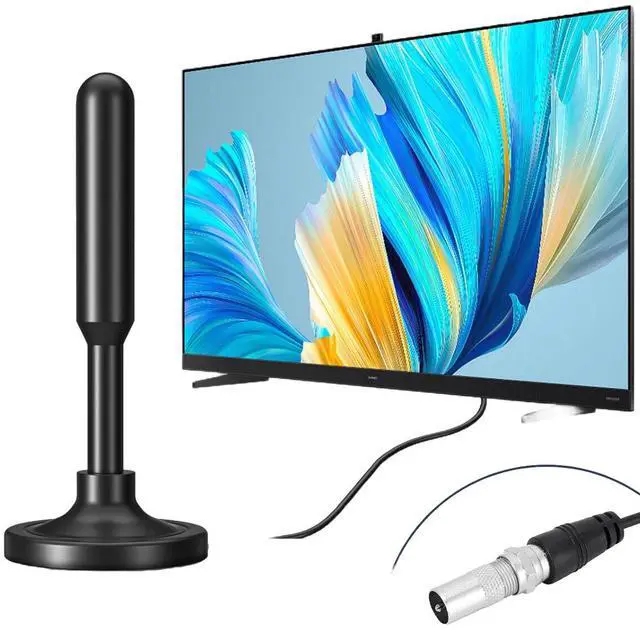
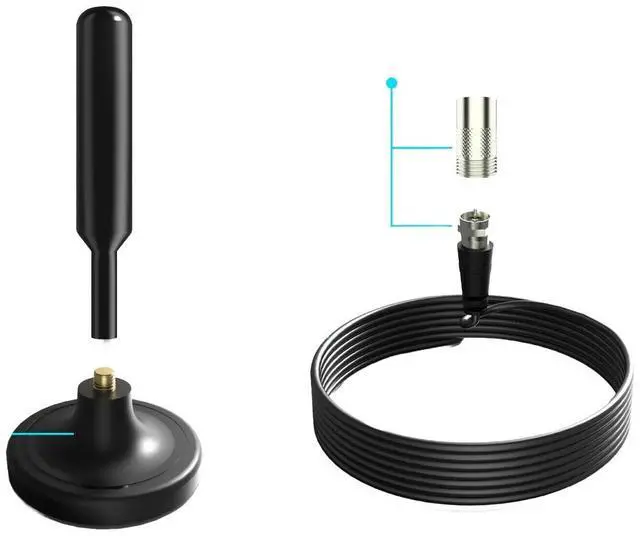
Up to 300+ Miles Reception Range Antenna. The HDTV digital antenna can reach up to 300 miles range (depending on the area) and can be placed almost anywhere in your home. Long Coaxial Cable: HDTV antenna with new improved 10FT coaxial cable can reduce more 80% signal attenuation and pick up clearer TV Channel. (NOTE: If a signal cannot be received with the external amplifier, please adjust the signal amplifier and try again.) Upgraded Amplifier Signal Booster: With the use of the latest amplifier technology, it greatly boosts signal reception. TV antenna amplifier with the most advanced Smart IC Chip and CleanPeak Filter technology which filters out cellular and FM signals result in a clearer picture with low noise. Easy to Setup: You can use the included magnetic base to tuck away your new digital antenna for smart TVs. We recommend attaching on the bracket that holds up your TV or on the back of the TV itself. How to Use: Connect the end (f-male) of an attached coaxial cable to the ANT/IN connector on the back of the TV or DVB-T tuner. In the TV's setup menu, set the tuner mode to Antenna or Air. For more detailed instructions, please refer to your TV manual. In the TV's setup menu, set TV to scan for channels. This can sometimes be listed as auto-program, auto-scan, channel search or channel scan. Consult the TV manual for detailed instructions. If the reception is sporadic, try moving the antenna to another location and rescanning the TV until the optimal position is found. Fix the antenna at the optimal position you found.


