• $37.43
  • $51.99
  • Save: $14.56 (28%)
  • Free 30-day Returns
  • Sold by Direct from manufacturerLenovo
    Top Rated
    4.5 (1,125 seller ratings)

    Shipped by Direct from manufacturerLenovo

    Price alert

    Best Sellers

    Hot Seller
    4.1 (2,368 total ratings)
    • $51.69
    • + FREE SHIPPING
    Hot Seller
    4 (3,725 total ratings)
    • $54.06
    Top Rated
    4.4 (8,593 total ratings)
    • $64.80
    • + FREE SHIPPING
    Shop it at NeweggBusiness.

    Meet Your Seller

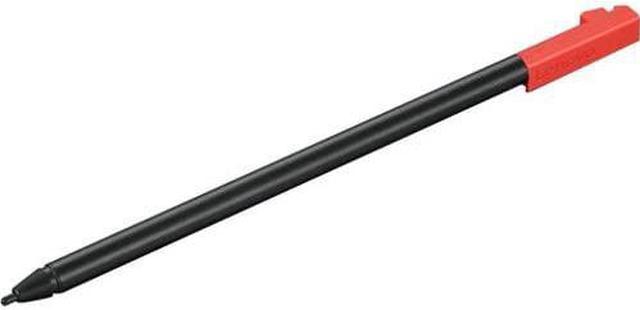
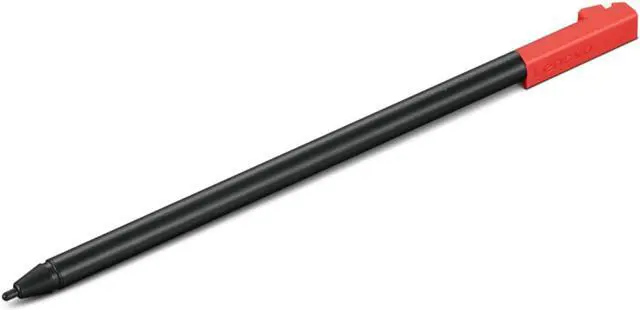
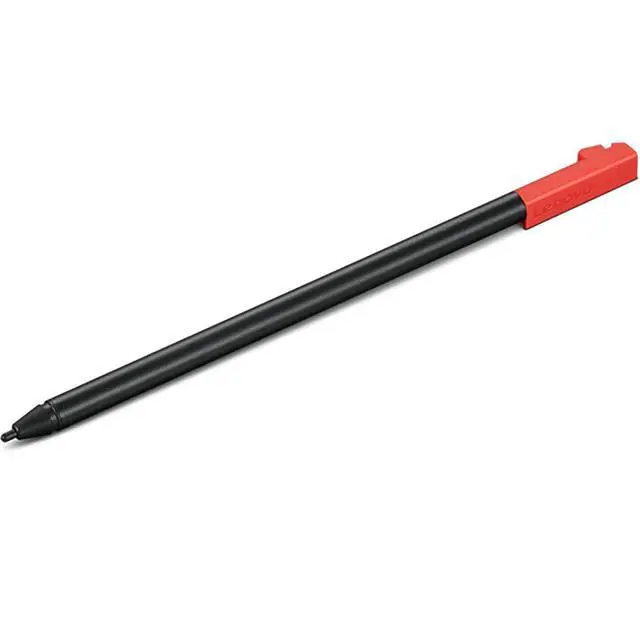
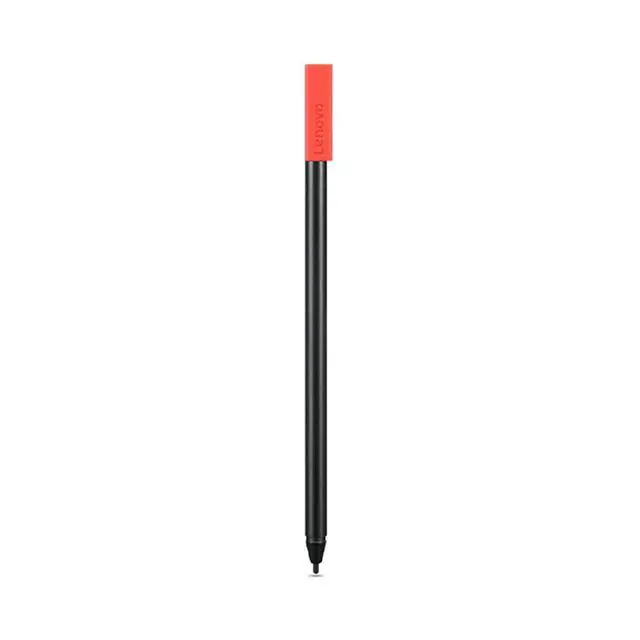
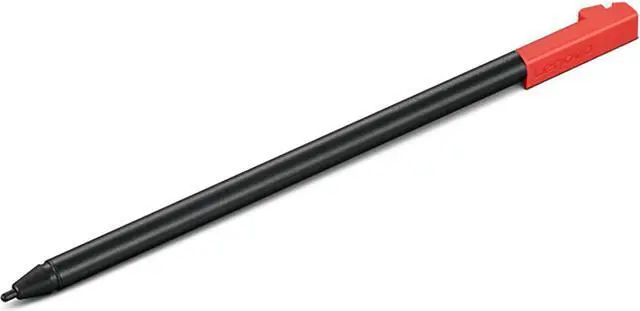
    Lenovo Rechargeable USI Pen for 300e/500e Chromebook Gen 3 - Black - Notebook Device Supported

    • BlackNotebook Device Supported
    +
    +
    Overview
    Reviews

    Any questions? Ask CelesteSM will help you find out quickly.

    Overcome your creative boundaries with the Lenovo Rechargeable USI Pen, specifically designed for the 300e/500e Chromebook Gen 3. This high-precision tool offers an impressive 4096 levels of pressure sensitivity, enabling you to create content with unparalleled accuracy. Whether you're sketching, annotating, or simply navigating, this pen enhances your digital experience, making it more interactive and engaging.

    Unique to the Lenovo 300e/500e Chromebook Gen 3, this USI Pen boasts a sleek, black design that perfectly complements your device. It conveniently fits into a specially designed pen slot on the Chromebook, ensuring it's always within reach when inspiration strikes.

    Not only does this slot provide secure storage, but it also recharges the pen, offering up to 40 minutes of active use from a single full charge. This means you can focus more on your creativity and less on the battery life.

    Experience the seamless integration of technology and creativity with the Lenovo Rechargeable USI Pen for 300e/500e Chromebook Gen 3. It's not just a pen; it's your key to unlocking a world of digital possibilities.

    Warranty & Returns

    Warranty, Returns, And Additional Information

    Warranty

    • Please contact the Seller directly for warranty information. Warranty information may also be found on the Manufacturer's website.
    • Read full details
    • CONTACT

    Return Policies

    • Return for refund within: 30 days
    • Return for replacement within: 30 days
    • This item is covered by Lenovo Return Policy

    Manufacturer Contact Info

    LOADING...
    LOADING...

    The Lenovo Rechargeable USI Pen is a black stylus for compatible Lenovo 300e and 500e Chromebook Gen 3 models, suited to students and other users who want to write, annotate, or draw directly on a supported Chromebook.

    Recommended For

    • Students using a compatible Lenovo 300e/500e Chromebook Gen 3 who want to handwrite class notes, annotate coursework, or sketch directly on the touchscreen.
    • Users who already have a compatible 300e or 500e Chromebook Gen 3 and want a USI pen designed for that model family, rather than guessing at cross-device stylus compatibility.
    • People who use the pen in short sessions and can return it to the Chromebook’s pen slot to recharge between tasks; Lenovo lists up to 40 minutes of active use per full charge and rapid charging.
    • Chromebook users who want pressure-sensitive input for everyday handwriting and basic on-screen sketching, without needing a separate graphics tablet.

    Real-World Use Scenarios

    • During class, a student uses the pen on a compatible 300e or 500e Chromebook Gen 3 to write notes by hand; in a note-taking app, their notes stay digital and can be saved with their schoolwork.
    • When reviewing digital assignments, a teacher writes comments or marks directly on the Chromebook screen, making feedback visible on the student’s document without printing it.
    • While completing a worksheet or test on the touchscreen, a student uses the pen to select answers or write where the learning app supports pen input; the result is direct on-screen work rather than finger-only navigation.
    • In a lesson or brainstorming session, a student sketches a simple diagram or adds visual notes on the Chromebook; the pen supports on-screen drawing, though the experience depends on the app being used.
    • When working in tablet mode, a user taps items on the touchscreen or presses and holds the pen to bring up a shortcut menu or make a selection, offering a more direct alternative to touchpad navigation.