here!
here!
I’m your shopping assistant for PC builds, upgrades, and everything tech.
Got questions? Ask away!
Start a conversation
here!
I’m your shopping assistant for PC builds, upgrades, and everything tech.
Got questions? Ask away!
Start a conversation



Any questions? Ask CelesteSM will help you find out quickly.


The XP-Pen graphics tablet and display can help users adjust picture details more easily in digital art creation. The design of drawing tablet with screen is very suitable for beginners, professional animators and graphic designers. In order to help you use the digital art pen tablets better, please kindly read the following information:
1. Each XP drawing tablet has a detailed user manual. If you have trouble connecting to a computer or installing a driver, please feel free to ask customer service for help.
2. XP Art sketch drawing tablet cannot be used alone and download APP. It needs to be connected to a computer or smartphone to use.
3. Digital graphics tablet and display is an input tools, it is not drawing toy and not suitable for young children to have fun.
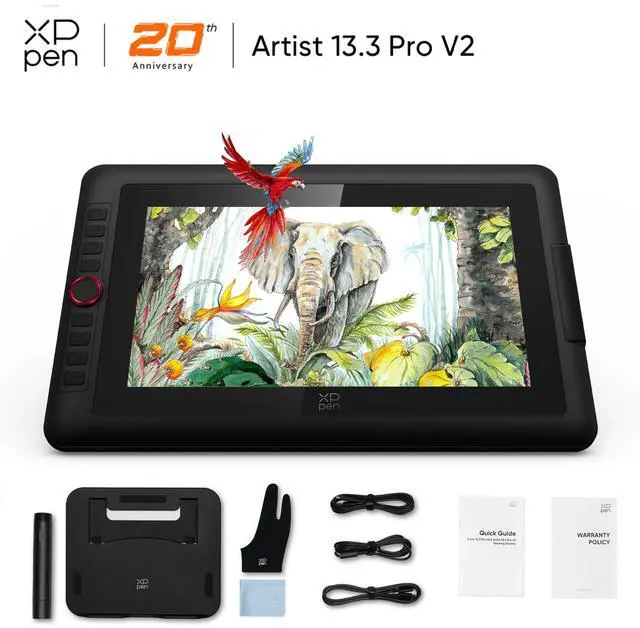
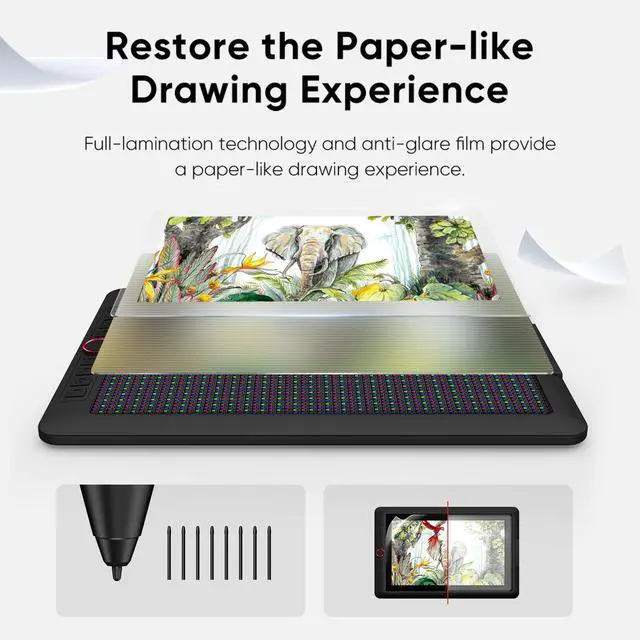
The XPPen Artist Pro is a 15.4-inch-class pen display for digital artists, illustrators, and designers who want a full-laminated 1920×1080 screen, 16,384 pressure levels, 60-degree tilt sensing, and customizable controls for precise work in Photoshop, Illustrator, Krita, and similar software. It connects to a compatible computer or device.
| Attribute | Value |
|---|---|
| Best For | Digital artists and illustrators who need a 15-inch drawing display with a pressure-sensitive X3 Pro stylus, tilt support, and customizable on-device controls |
| Display | 15-inch display with 1920 × 1080 screen resolution |
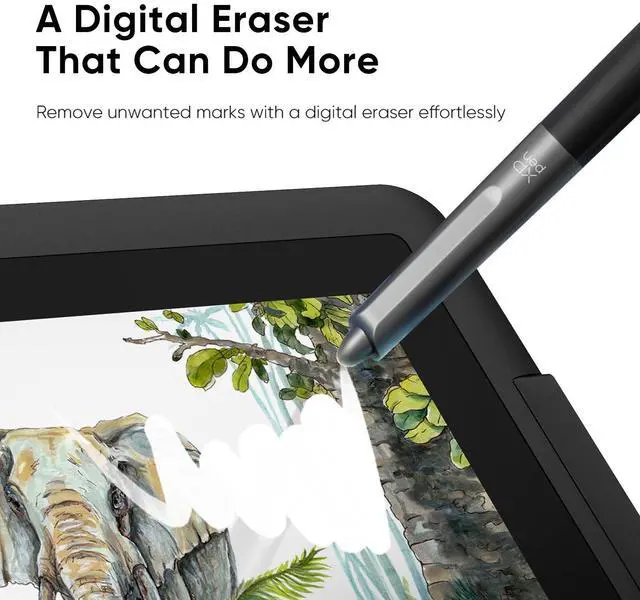
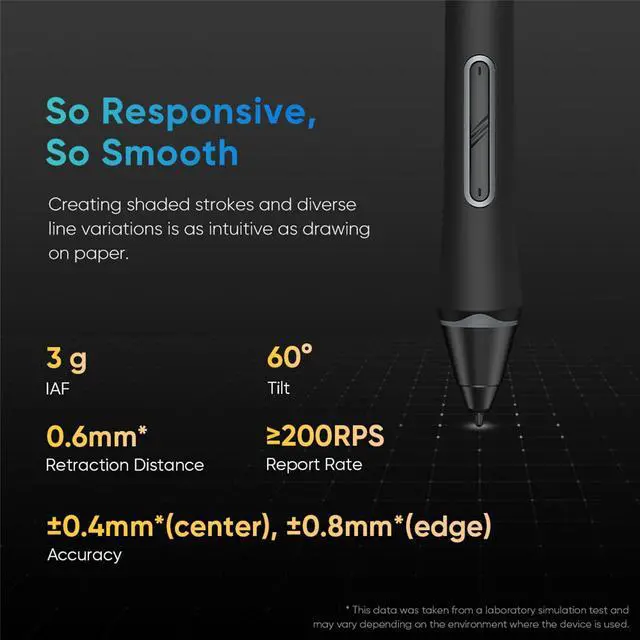
| Stylus And Pen Performance | X3 Pro Smart Chip Stylus with 16,384 pressure levels, ±60° tilt support, 5080 lpi resolution, and a maximum data rate of 200 RPS |
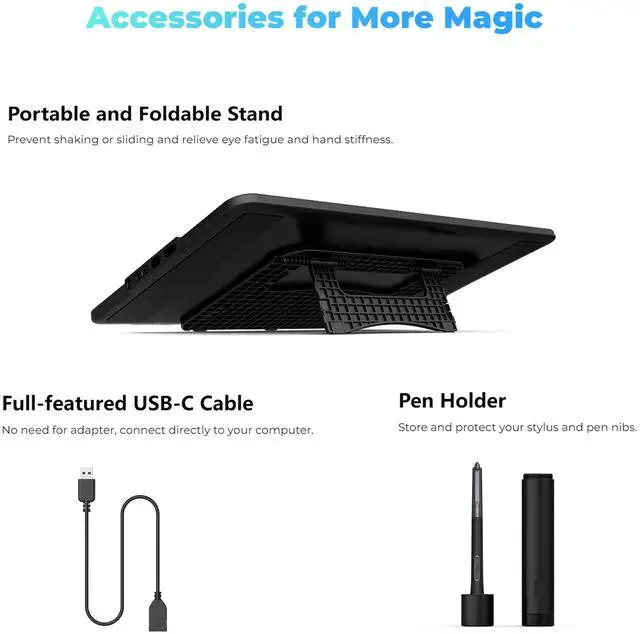
| Controls And Accessories | Red Dial quick keys with a foldable stand, pen holder, eight pen nibs, and drawing glove included |
| System Compatibility | Requires connection to a compatible device running Windows 7 or later, macOS 10.13 or later, Android with USB 3.1 DP1.2, ChromeOS 88 or later, or Linux |
| Included Cables And Supplies | Includes USB-C to USB-C, USB-C to USB-A, USB-A extension, and 3-in-1 cables, plus a cleaning cloth |
| Model Identifiers | XPPen Artist Pro series drawing display |
Q: Should I choose the XPPen Artist Pro 15.6 V2 or the Huion Kamvas 16 Gen 3?
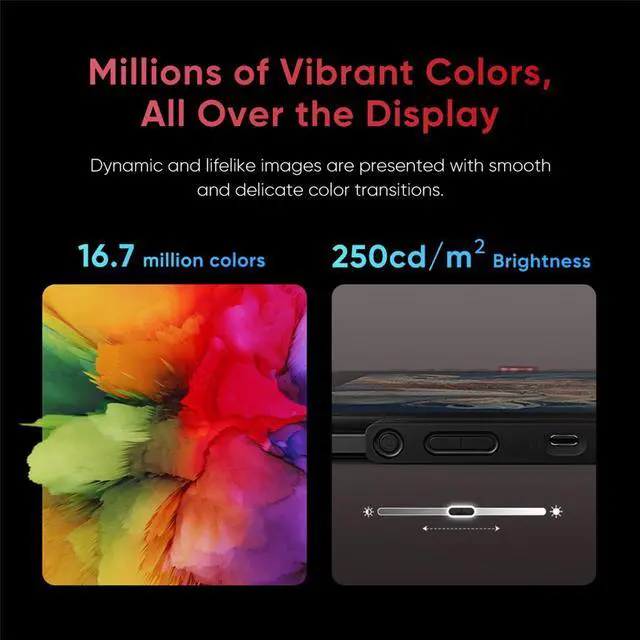
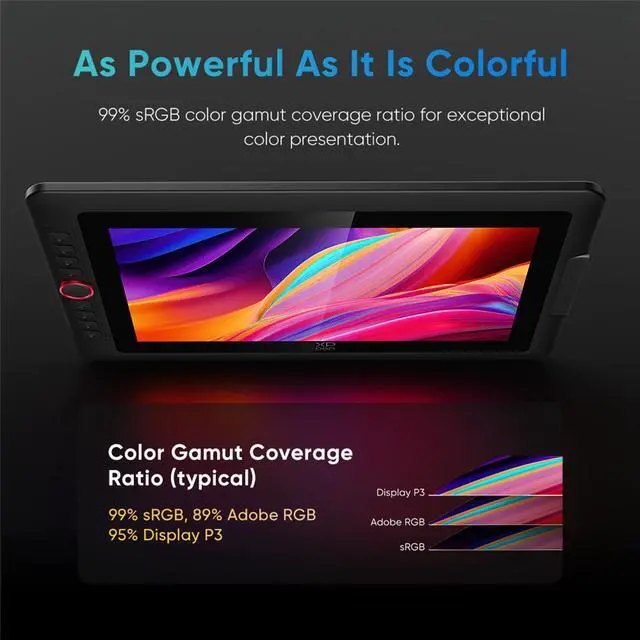
A: Choose the XPPen Artist Pro 15.6 V2 if you prioritize wide color coverage, including 96% Adobe RGB and 96% Display P3, plus a familiar layout with eight shortcut keys and a red dial. Choose the Huion Kamvas 16 Gen 3 if you want a sharper 2560×1440 display, newer PenTech 4.0 hardware, dual dials, and more physical controls. The XPPen is better suited to users who value color-gamut coverage and a 1920×1080 workflow; the Huion is better suited to detail-heavy work and users who prefer higher screen resolution.
Q: Is the XPPen Artist Pro 15.6 V2 worth choosing over the Artist 13.3 Pro V2?
A: Choose the Artist Pro 15.6 V2 if you want more drawing space for illustration, photo editing, or animation while keeping the same 1920×1080 resolution and X3 Pro 16K stylus. Choose the Artist 13.3 Pro V2 if lower weight and easier portability matter more. The 15.6-inch model weighs about 1.45 kg without the stand, compared with about 1.14 kg for the 13.3-inch model, so the smaller version is more convenient for frequent travel.
Q: Should I buy the XPPen Artist Pro 15.6 V2 or the newer Artist 16 3rd?
A: Choose the Artist 16 3rd if you want the newer X4 Smart Chip Stylus, a slightly lighter body, higher stated brightness, and improved center accuracy. Choose the Artist Pro 15.6 V2 if you prefer its 96% Adobe RGB and 96% Display P3 coverage or find it at a substantially lower price. Both models use a roughly 15.4-inch, 1920×1080 full-laminated display with 16K pressure sensitivity, so the upgrade is mainly about stylus generation, ergonomics, and workflow controls rather than resolution.
Q: Is the Artist Pro 15.6 V2 a meaningful upgrade over the original Artist 15.6 Pro?
A: The Artist Pro 15.6 V2 is the more complete choice for a new purchase because it adds the X3 Pro Smart Chip Stylus with 16,384 pressure levels and supports full-featured USB-C video connection. The original Artist 15.6 Pro remains suitable for basic pen-display work if it is considerably less expensive, but the V2 is the better upgrade when you want newer pen hardware and simpler connectivity.
Q: Is the XPPen Artist Pro 15.6 V2 portable enough for travel, or should I choose a smaller display?
A: Choose the Artist Pro 15.6 V2 for a larger workspace that is still lighter than many larger pen displays, but choose the Artist 13.3 Pro V2 for frequent commuting, cramped desks, or travel where bag space matters. Neither model is a standalone tablet: both require connection to a compatible computer or mobile device. The 15.6-inch model is therefore more suitable for portable workstation use than for tablet-style mobile drawing.
Q: Does this drawing display work by itself, or does it need a computer?
A: It requires a compatible computer or Android device to operate. It functions as an external pen display rather than a standalone tablet, so drawing applications, storage, and most processing come from the connected device.
Q: Is this a good choice for digital drawing, illustration, and animation?
A: It is designed primarily for digital art and supports popular applications such as Photoshop, Illustrator, and Krita. The full-laminated 15.4-inch 1920×1080 display, 16,384 pressure levels, and 60-degree tilt sensing support detailed drawing, illustration, and animation workflows. The connected computer must still run the creative software.
Q: Can this tablet be used for note-taking, online meetings, teaching, or marking up documents?
A: Yes, when connected to a compatible computer and supported software. It can be used for handwriting, document annotation, presentation markups, and live instruction in applications that accept pen input, such as OneNote or meeting software with drawing tools. It is less suitable if you need a standalone note-taking device.
Q: Is it practical to use as a travel or portable work device?
A: It is portable enough for mobile creative work, but it is not a fully self-contained travel tablet. You need a compatible host device, connection cables, and drawing software. The included USB-C and USB-A cables support flexible setup, while the 15.4-inch display, foldable stand, and wired operation make it better suited to temporary workspaces than ultra-light travel.
Q: What should I check before connecting it to my computer or Android device?
A: Confirm that the host device meets the listed requirements: Windows 7 or later, macOS 10.13 or later, ChromeOS 88 or later, Linux, or compatible Android hardware with USB 3.1 and DisplayPort 1.2 support. Check the available ports and video-output capability before buying, because pen displays require both data and display connectivity. App support for pressure sensitivity and shortcuts can also vary.
Q: Is the XPPen Artist Pro 15.6 V2 worth buying for digital art?
A: It is a practical choice for hobbyists, students, and commission artists who want a mid-size pen display with a 1080p laminated screen, 16K-pressure X3 Pro stylus, dial, and shortcut keys. The main trade-off is that newer or higher-end models may offer higher resolution, newer stylus technology, or lower pen activation force. It is most compelling when priced below those newer alternatives. ([reddit.com](https://www.reddit.com/r/XPpen/comments/1hcwgph/is_the_artist_pro_156_v2_a_good_option/?utm_source=openai))
Q: Should I choose the 15.6-inch or 13.3-inch Artist Pro V2?
A: Choose the 15.6-inch version for more drawing area and a more comfortable fixed-desk setup. Choose the 13.3-inch version when portability, smaller desk space, or easier transport matters more. Community discussions describe the two sizes as having essentially the same core features, so the decision is mainly workspace versus portability. ([reddit.com](https://www.reddit.com/r/XPpen/comments/1w1l6io/which_one_is_better_artist_133_pro_v2_or_artist/?utm_source=openai))
Q: Is the 1920×1080 display sharp enough for a 15.6-inch drawing tablet?
A: For a 15.6-inch pen display, 1920×1080 is generally usable for illustration, sketching, and photo or design work, but it provides less workspace and sharpness than 1440p or higher-resolution alternatives. The 15.6-inch model is a better fit if you prioritize built-in shortcut controls and price over maximum display detail. ([reddit.com](https://www.reddit.com/r/XPpen/comments/1m7fpkl?utm_source=openai))
Q: Can the Artist Pro V2 work with one USB-C cable?
A: Yes, a single USB-C connection can simplify setup when the computer's USB-C port supports video output, data transfer, and sufficient power. Otherwise, the included 3-in-1 cable or additional USB connections may be required. Check the host computer's USB-C specifications before buying if cable simplicity is important. ([reddit.com](https://www.reddit.com/r/XPpen/comments/1w1l6io/which_one_is_better_artist_133_pro_v2_or_artist/?utm_source=openai))