The stylus pen compatible with Surface devices perfectly
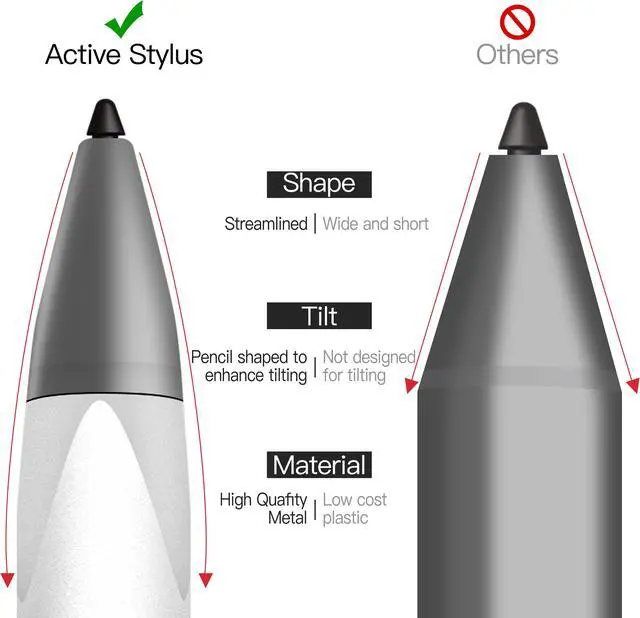
Slim sleek and light, just like a conventional pen.
The stylus with tilt angle pressure sensitivity, perfect for smooth writing&drawing.
Precise point control writing, no scratches on the screen, no lag/offset/break!
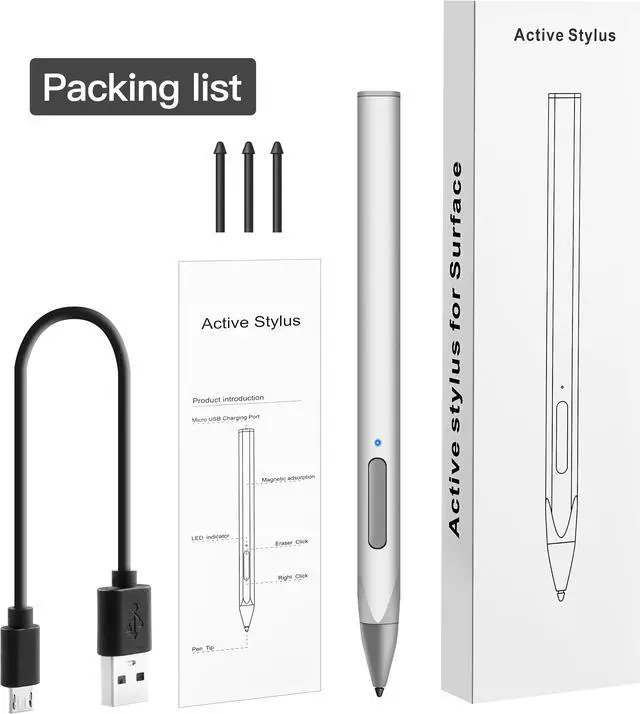
Package
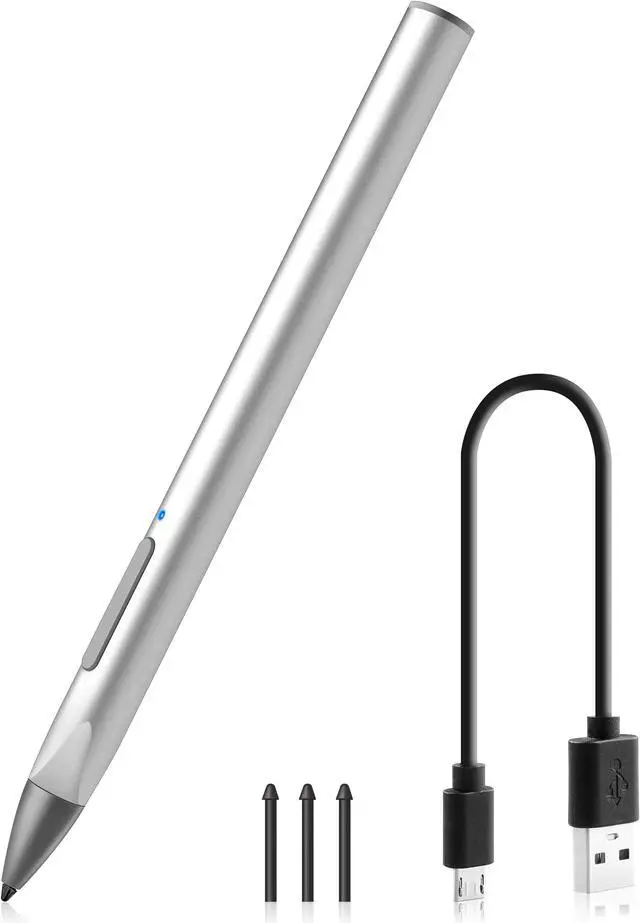
- 1* KUYiA Active Pen
- 3* Pen Tips
- 1* Charging Cable
- 1* User manual
Product Description
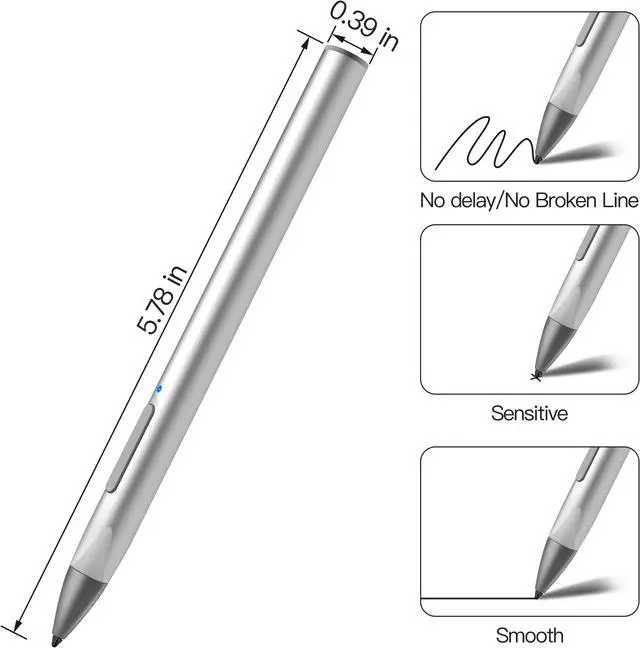
- Dimension:
- Length:5.78in
- Diameter:0.39in
- Material
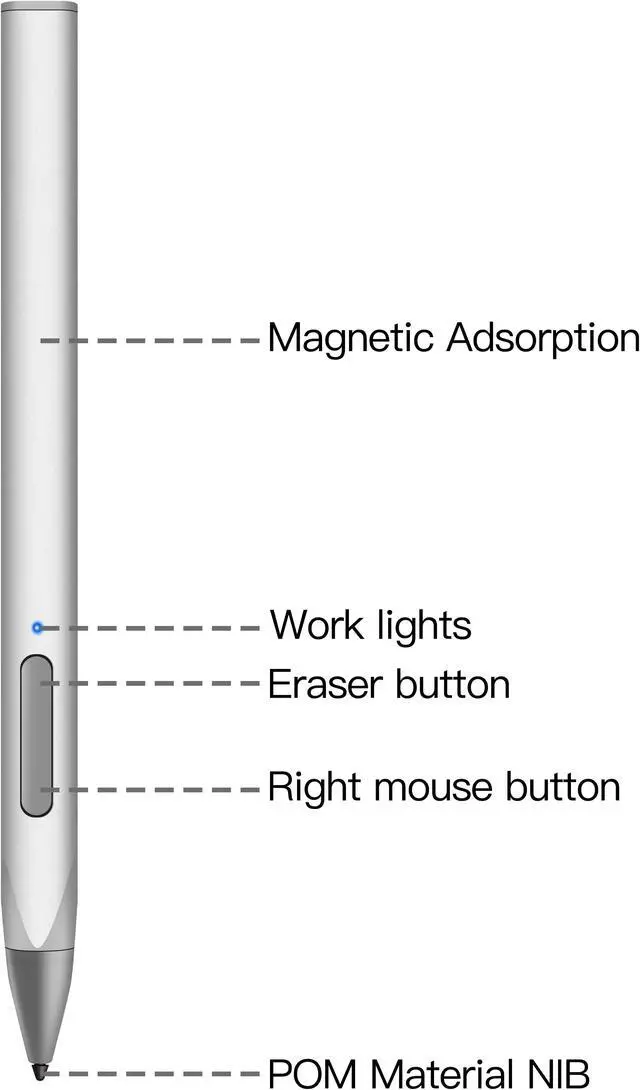
- Right Button&Eraser Button
- Short press any button to turn on.
- It can be used after power on, no need to connect to Bluetooth.
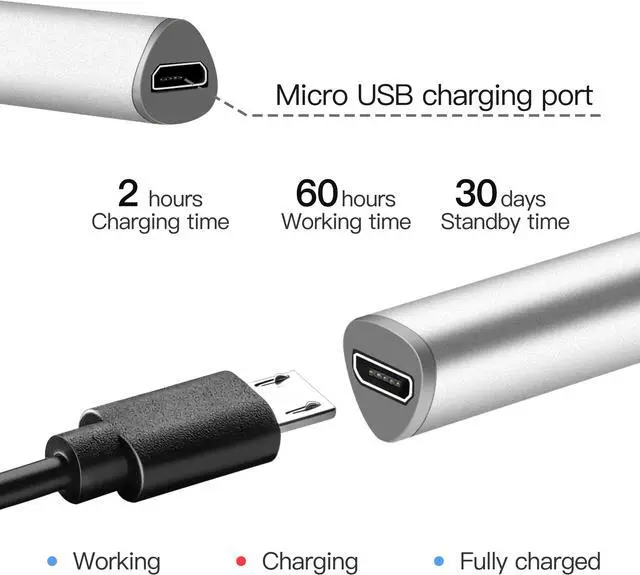
- Micro USB-C Charging Port
- 40-60 minutes of charging provides power for 12 hours working.
- Indicator Light
- Blue light:Working
- Red light:Charging
- Green light:Fully charged
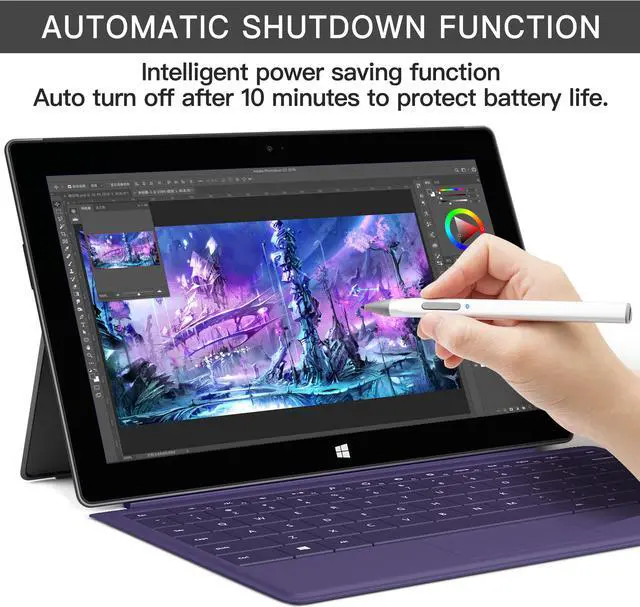
- Sleep Mode Time
- Pen Body
- Pen Tip
- Removable
- With tilt and 4,096 levels of pressure sensitivity, sensitive touch, smooth writing.
- Others
Compatible With Devices
- Microsoft:Surface Pro X/8/7+/7/6/5/4/3, Surface Book/2/3, Surface GO/2/3, Surface Laptop/2/3/4,
Surface studio/2 - HP:Envy17-aexxx, EnvyX36015bp0xx, Pavilionx36011m-ad0xx, Pavilionx36014m-ad0xx, Pavilionx36015m-ad0xx,
Spectrex212c0xx, Spectrex360 15-bl0xx, Spectrex36013ac0xx - ASUS:Transformer mini(T102HA), Transformer 3Pro(T303UA), Transformer 3(T305CA), Transformer Pro(T304UA),
ZenBook Flip s(UX370UA), Vivobook flip 12 R211NA, Vivobook Flip 14 R211NA - SONY:VAIO Z FliP, 5ACER, Acer Spin 5, Acer Nitro 5Spin
- DELL:Inspiron 137373, Inspiron 157573.
Compatible With Software
- Office/ Autodesk SketchBook/ Autodesk SketchBook/ CollaBoard/ Microsoft 365/ Index Cards/ Adobe Suite/ Drawboard PDF/ Bluebeam
Revu/ StaffPad/ CorelDRAW/ Sketchable/ Staffpad/ OneNote/ Xodo
Notice
- Please do not use the product after soaking in water.
- This product has a built-in battery, please do not throw it into the fire.
Tips: When using this stylus pen, please be sure to turn off the Bluetooth of your original pen, otherwise the stylus pen cannot be used normally.