The XP-Pen graphics tablet and display can help users adjust picture details more easily in digital art creation. The design of drawing tablet with screen is very suitable for beginners, professional animators and graphic designers. In order to help you use the digital art pen tablets better, please kindly read the following information:
1. Each XP drawing tablet has a detailed user manual. If you have trouble connecting to a computer or installing a driver, please feel free to ask customer service for help.
2. XP Art sketch drawing tablet cannot be used alone and download APP. It needs to be connected to a computer or smartphone to use.
3. Digital graphics tablet and display is an input tools, it is not drawing toy and not suitable for young children to have fun.
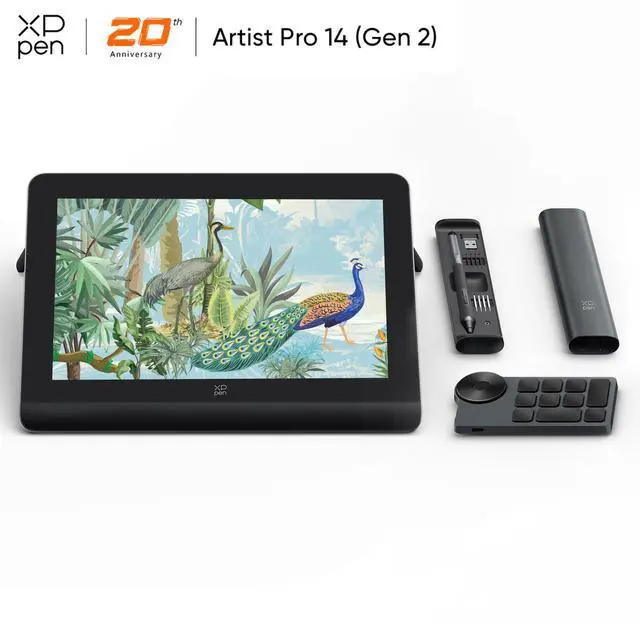
- XPPen Artist Pro Series Drawing Tablets: Artist Pro 14 (Gen 2), Artist Pro 16 (Gen 2), Artist Pro 16, Artist Pro 19 (Gen 2), Artist Pro 22 (Gen 2), Artist Pro 24 (Gen2) 4K, Artist Pro 24 (Gen2) 165Hz
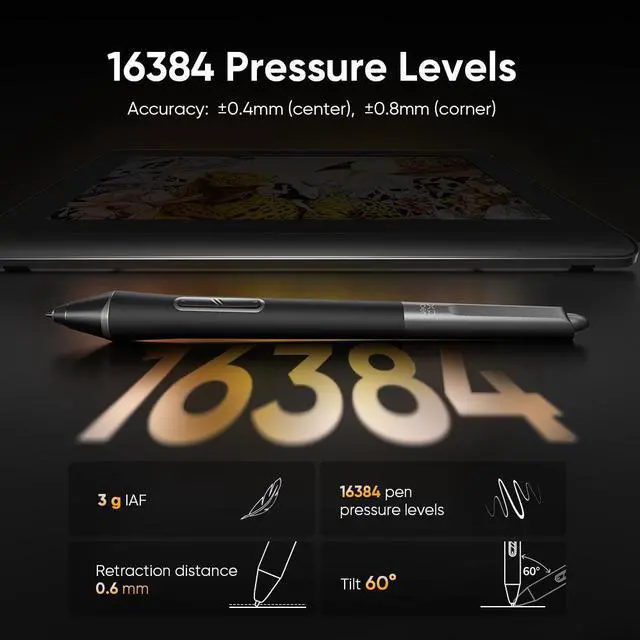
- The pressure sensing of the X3 Pro stylus is twice that of the 8194, the initial response speed is increased by 1.5 times, and the accuracy is increased by 20%. Its 60° tilt sensing function supports the use of various brush tools, making your inspiration never stop.
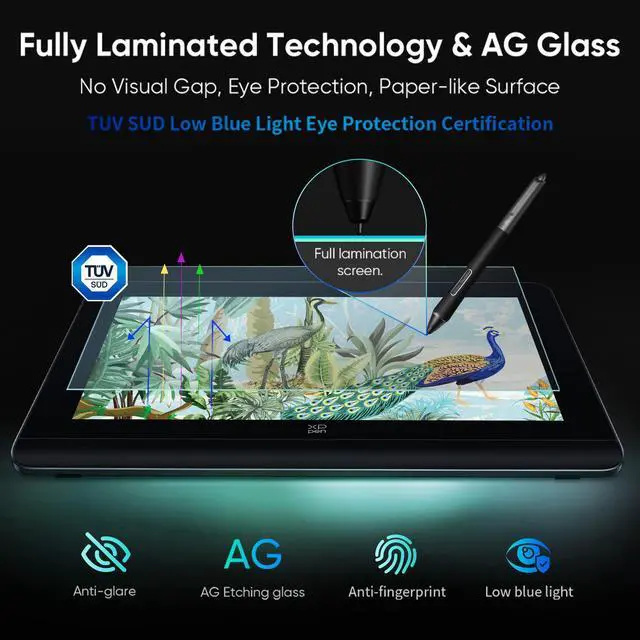
- The low-blue light technology of Artist Pro 2nd generation drawing tablet obtained the TUV certificate. Anti-glare screen, the picture is still clear in the outdoor environment. This can effectively relieve eye fatigue during long-term work.
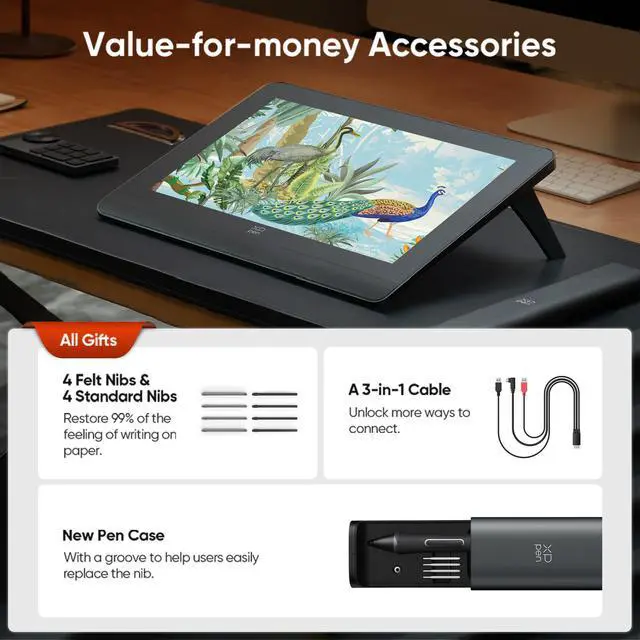
- Support Type-C to Type-C connection (Type-C cable included in the package), one cable connection more convenient. And we also give away a 3-in-1 cable worth $39.99 for free to provide convenience for customers whose computers do not support C-type connections.
- Using the etching process, the screen is anti-fingerprint and anti-scratch. The friction of the nib across the screen is extremely similar to the feeling of real paper, giving you an immersive painting experience.
- The screen glass and the color rendering layer are fully laminated, which can reduce the distortion of the lines by light refraction, and eliminate parallax to the greatest extent. Each of your strokes can be accurately connected to the previous stroke.
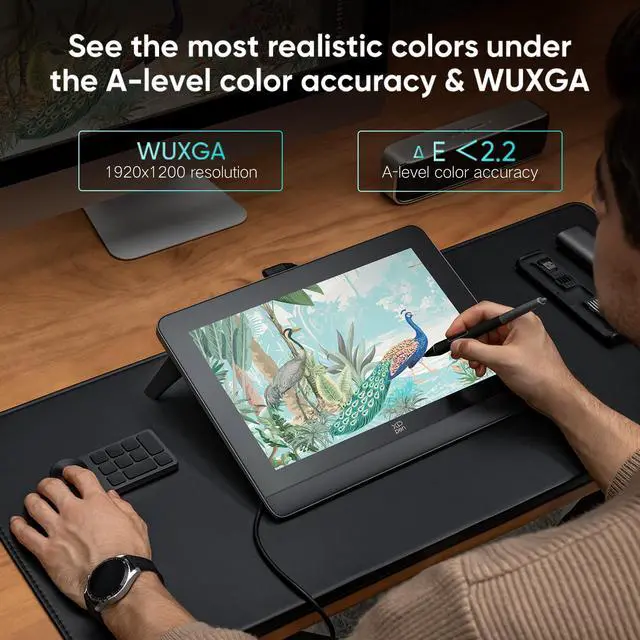
- Use the color switching function in the XPPen driver to enjoy the charm of different color gamut spaces (159% SRGB / 118% Adobe RGB / 117% DCI-P3). The A-level color standard allows your work to maintain the same color as the drawing tablet when displayed on paper or in other ways.
- Compatible with Windows 7 (or later), mac OS 10.10 (or later), Android (USB3.1 DP1.2), Chrome OS 88 (or later), and Linux. Support popular digital art software such as Adobe Photoshop, Illustrator, SAI, CDR, GIMP, Krita, MediBang, FireAlpaca, Toonboom, Maya, Blender3D, etc.
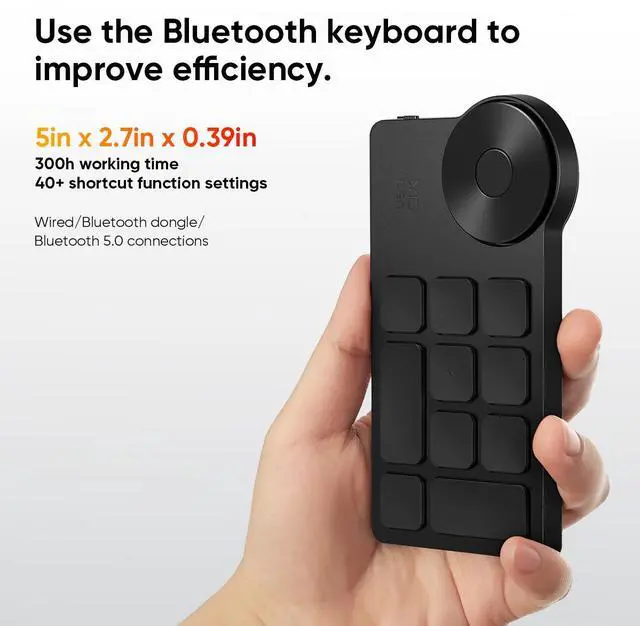
- 1 x Drawing Tablet, 1 x X3 Pro Smart Chip Stylus, 1 x USB-A to USB-C Cable, 1 x Extension Cable, 1 x 3-in-1 Cable, 1 x Power Adapter, 1 x Power Cable, 1 x Drawing Glove, 1 x Cleaning Cloth, 1 x Customer Service Card, 1 x Quick Guide, 1 x Warranty Card 1 x Pen Case (includes 4 Standard Nibs & 4 Felt Nibs ), 1 x Wireless Shortcut Remote, 1 x USB-C to USB-C Cable