• $59.99
  • Free 30-day Returns
  • Price alert
    Shop it at NeweggBusiness.

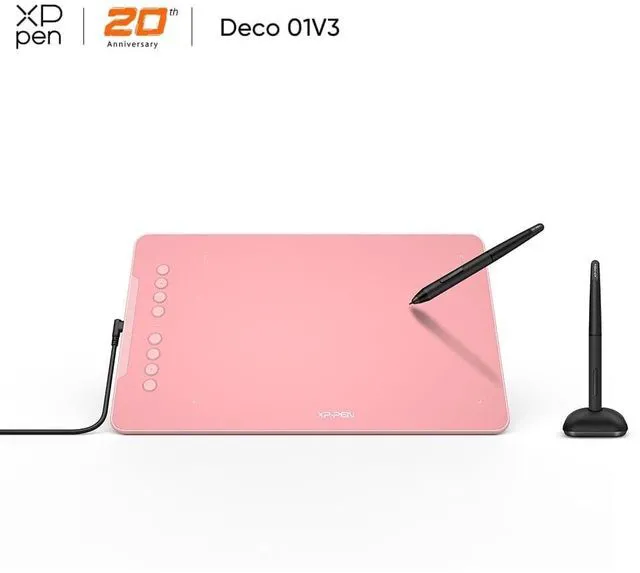
    XPPen Graphic Tablet 10"x6.25" ,Drawing Pad with Pen, 16384-Levels Pressure/60° Tilt Function/8 Shortcut Keys, Digital Art Tablet for Phone/Computer OSU/Digital Painting

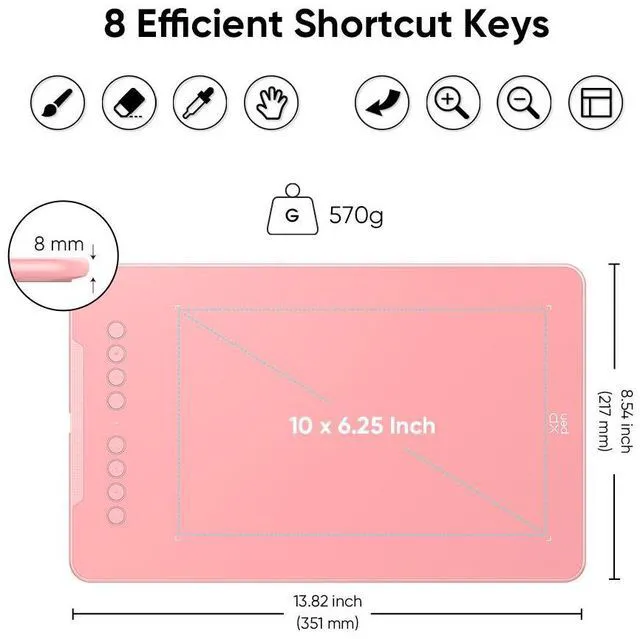
    • Thin and Light Body: XPPen art tablet equips with a 10 x 6.25 inches working area, but with only 8 mm thickness, more lightweight and portable. Minimalist design of appearance make the drawing tablet more attractive.
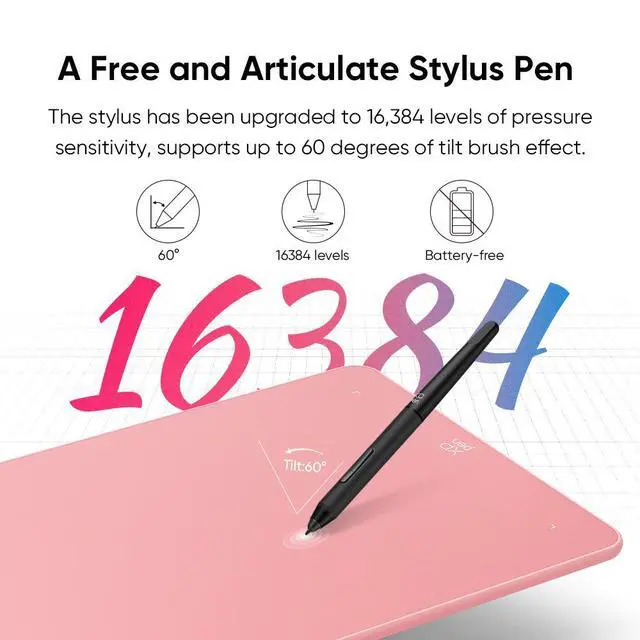
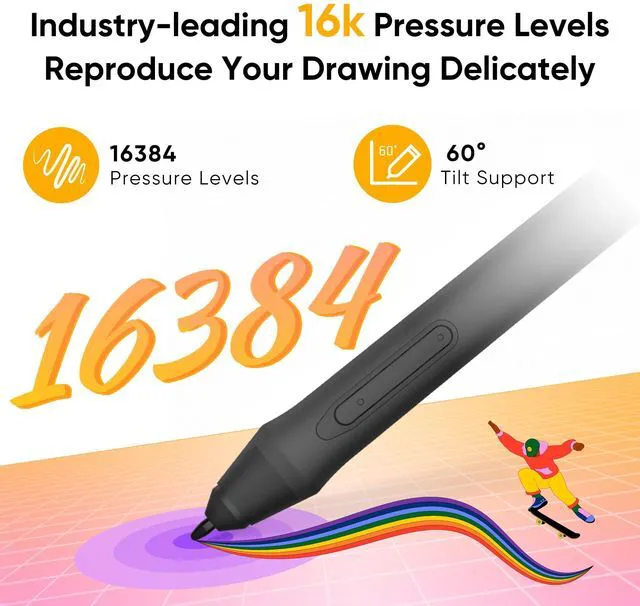
    • Battery-free Stylus Upgrade: The pen pressure sensitivity has doubled to 16,384 levels, and 60° tilt sensing is supported, with a maximum report rate of 266RPS and 5080 LPI, bringing an extremely smooth drawing experience.
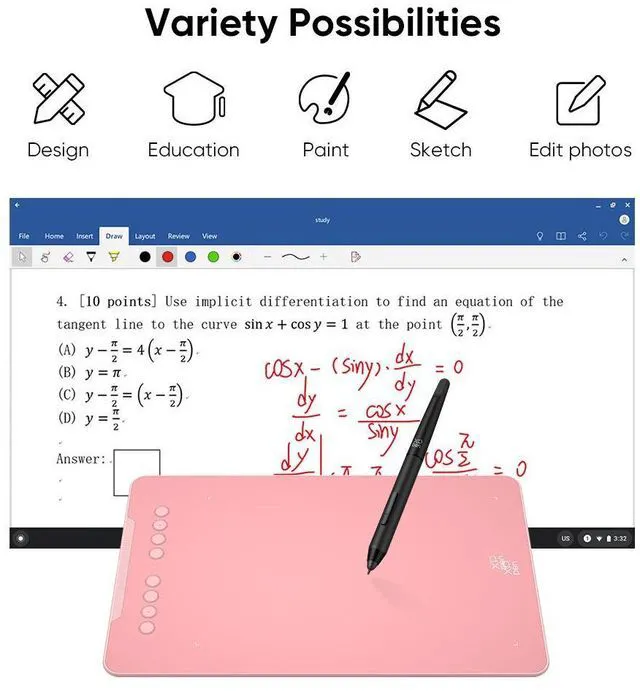
    • 8 Customizable Express Keys: You can customize the functions of the shortcut keys through the drawing tablet driver according to your personal preferences, such as erase, zoom in/out, scroll up and down, etc.
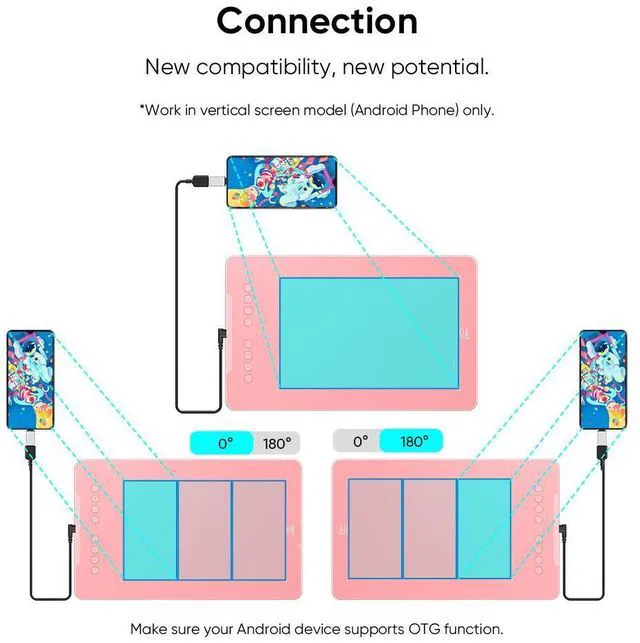
    • One-Cable Easy Connection: The package includes a USB-C to USB-C cable and a USB to USB-C adapter for connection to the computer or Android phone.
    • Compatibility: XP graphics tablet supports Windows 7 (or later), Linux (Detailed versions), macOS 10.13 (or later), Android 10.0 (or later), and Chrome OS 88 (or later). And supports various mainstream design and drawing software, including PS, SAI, AI, CDR, etc.
    • Note: We recommend downloading the XPPen Tools Android app, which adapts to your smartphone's screen ratio for precise mapping. It also supports mapping on Android screens of various aspect ratios in portrait mode.
    • XPPen Deco Series Drawing Tablets: Deco 01V3, Deco 01V2, Deco 01, Deco 02, Deco 03, Deco 640. More color options make creating more fun. Classic black, lovely pink, and refreshing green.
    +
    +
    Overview
    Specs
    Reviews

    Any questions? Ask CelesteSM will help you find out quickly.

    1
    1
    1
    1
    1

    The XP-Pen graphics tablet and display can help users adjust picture details more easily in digital art creation. The design of drawing tablet with screen is very suitable for beginners, professional animators and graphic designers. In order to help you use the digital art pen tablets better, please kindly read the following information 1. Each XP drawing tablet has a detailed user manual. If you have trouble connecting to a computer or installing a driver, please feel free to ask customer service for help. 2. XP Art sketch drawing tablet cannot be used alone and download APP. It needs to be connected to a computer or smartphone to use. 3. Digital graphics tablet and display is an input tools, it is not drawing toy and not suitable for young children to have fun.

    Product information

    BrandXP-Pen
    Dimensions13.80 x 0.30 x 8.50 in
    Accessories1 x Drawing Tablet1 x Battery-free Stylus1 x Stylus Stand1 x USB Cable8 x Replacement Nibs1 x Protective Film1 x USB to USB-C Adapter1 x Anti-fouling Drawing Glove1 x Quick Guide
    Assembled product weight1.25 lb
    Model nameHWD01-JANV3-F
    Apps installedNo APPs,need to contact the computer to use.

    Warranty & Returns

    Warranty, Returns, And Additional Information

    Warranty

    • Please contact the Seller directly for warranty information. Warranty information may also be found on the Manufacturer's website.
    • CONTACT

    Return Policies

    Manufacturer Contact Info

    LOADING...

    The XPPen 10 × 6.25-inch graphics tablet is a battery-free pen tablet for digital drawing, painting, and rhythm games such as OSU, suited to creators who want pressure and tilt control with customizable shortcuts on a compatible computer or Android phone.

    Recommended For

    • Digital illustrators and animation students who draw in desktop software such as Clip Studio Paint or Toon Boom and want a screenless tablet with a roomy work area and configurable shortcuts.
    • Artists who sketch or paint while traveling with a laptop: an independent artist reported using the screenless tablet for digital painting on a train and carrying it as a travel device.
    • Android users who want to draw on a phone or tablet using a separate pen surface, and are comfortable connecting it by cable and setting up screen mapping.
    • Budget-conscious artists who want a large screenless drawing area for illustration, line art, or brush shading, and value tilt support and customizable shortcut keys over drawing directly on a display.

    Real-World Use Scenarios

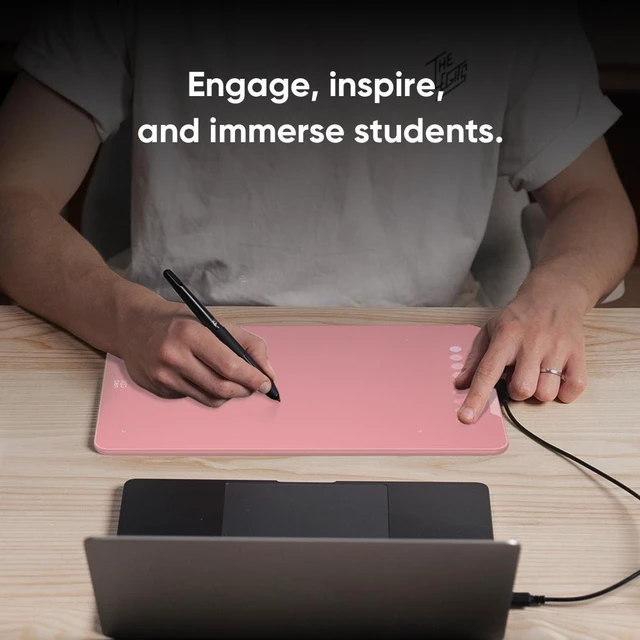
    • When sketching or painting in desktop apps such as Clip Studio Paint, Krita, or Photoshop, users can draw with a pen on the tablet while watching the artwork on their computer screen; pressure and tilt can shape brush strokes, though the tablet itself has no display.
    • For comic, illustration, or animation work on a computer, users can sketch and refine artwork in drawing software; the programmable keys can be assigned to frequently used actions such as undo or zoom to reduce trips to the keyboard.
    • When drawing on a compatible Android phone, users can connect the tablet and work in a mobile art app; XPPen’s Tools app can adjust screen mapping, but the drawing surface remains separate from the phone display.
    • For digital painting that uses broad, angled strokes, users can try tilt-aware brushes for shading and brush variation; how much this changes the result depends on the brush and software settings.

    Spec Summary

    AttributeValue
    Best ForDigital drawing and painting on a computer or phone