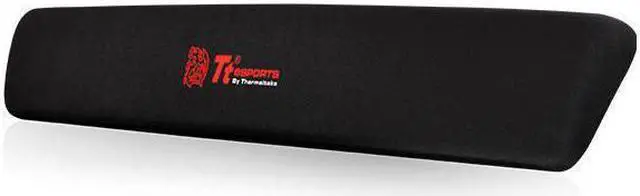
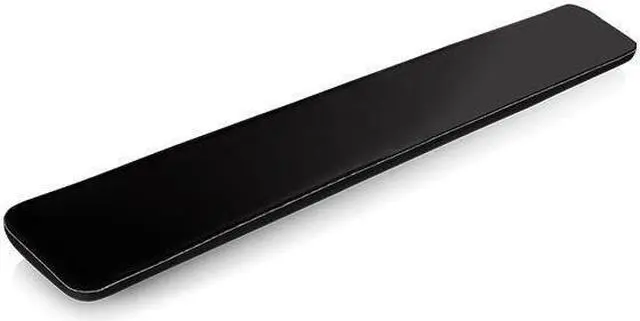
The Thermaltake Battle Dragon EA-TTE-WRTBLK-03 is a black, large/XL keyboard wrist rest suited to gamers looking for a wrist rest for a gaming keyboard setup.
Recommended For
- Desktop gamers who spend long sessions at a keyboard and want a separate, soft wrist rest that stays in place during play.
- Laptop users who type or game at a desk and want a separate cushioned rest that can be packed away between sessions.
- Keyboard users who prefer a soft, fabric-covered support rather than a hard wrist rest; this model uses memory foam and a Lycra surface.
Real-World Use Scenarios
- During extended gaming sessions, place the rest in front of the keyboard to give the heel of your hands a soft surface between inputs; the memory-foam construction is intended to make that contact more comfortable than resting directly on a hard desk.
- For everyday desktop typing, position it along the front edge of a compatible keyboard to add a cushioned place for your hands when pausing or repositioning; whether it feels comfortable depends on the fit and height of the keyboard and desk.
- At a laptop setup, use it in front of the built-in keyboard when the desk feels hard under your hands; its soft surface adds a separate cushioned contact area without attaching to the laptop.
- When moving between a home desk and another workspace, pack the wrist rest with your keyboard; Thermaltake describes its soft construction as suitable for carrying in a bag, so it can be used across setups.
- On a smooth desk where accessories tend to shift, use the rest in front of the keyboard; its non-slip base is designed to help it stay in place during typing or gaming.




 here!