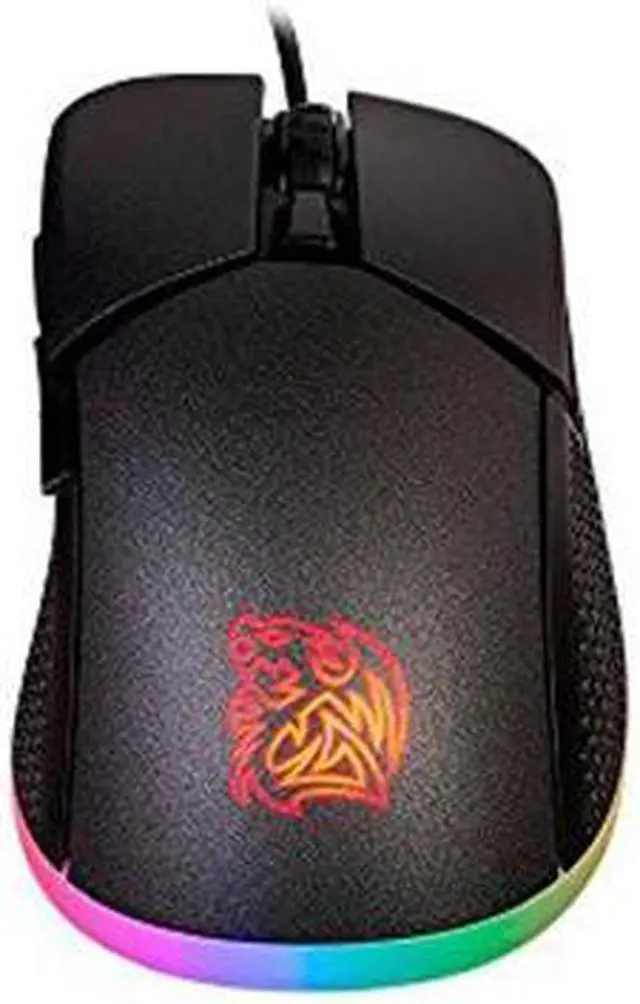
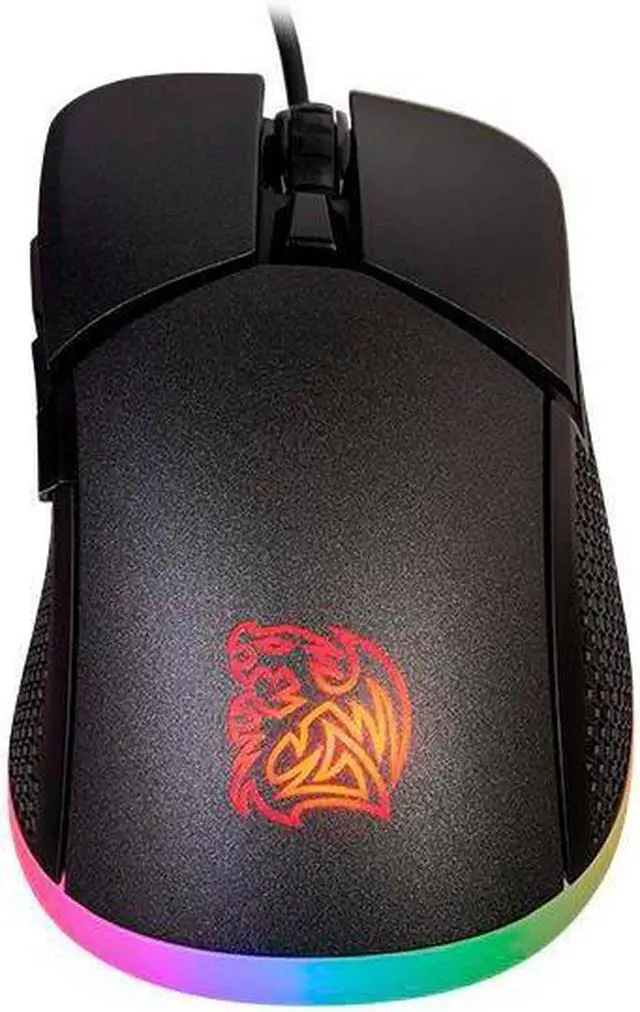
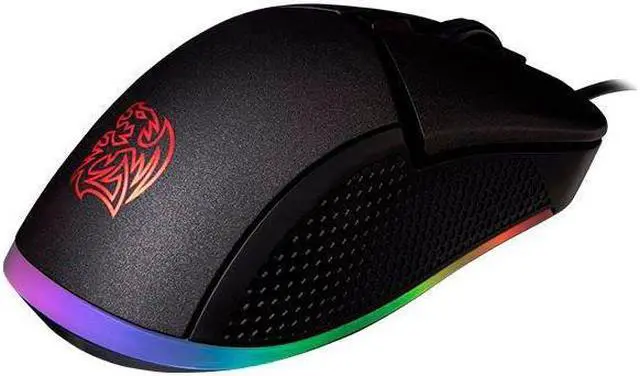
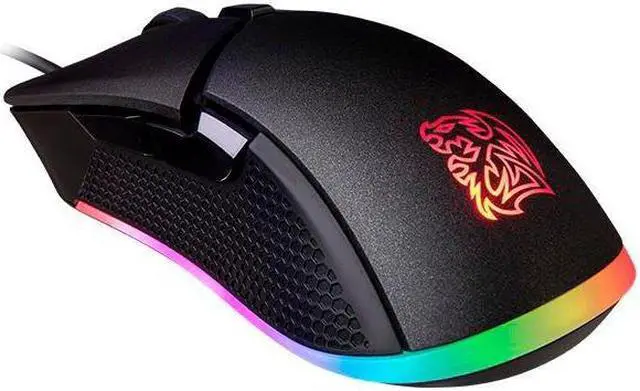
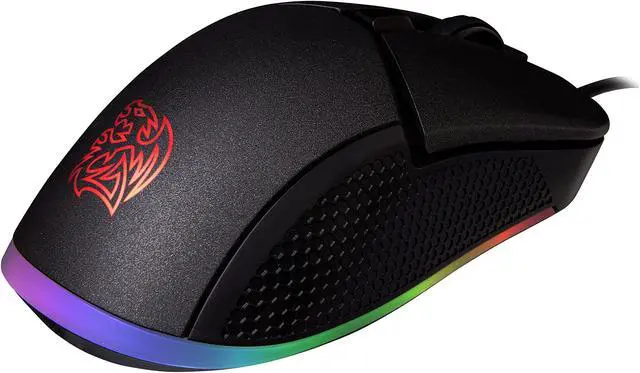
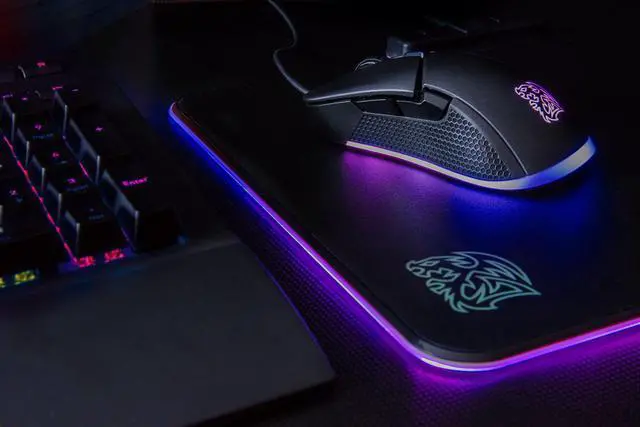
The Thermaltake Iris MO-IRS-WDOHBK-04 is a black optical gaming mouse with customizable RGB lighting, up to 5000 DPI sensitivity, and six buttons, suited to PC gamers who want adjustable tracking and lighting in a wired mouse.
Recommended For
- Right-handed palm-grip users with average-sized hands who want a mid-size mouse for everyday PC use and gaming.
- Casual and mainstream PC gamers who want adjustable sensitivity and a sensor reviewers found suitable for most gaming, without targeting ultra-low-sensitivity FPS play.
- Users who want visible, customizable RGB lighting as part of a gaming desk setup, with multiple effects and two lighting zones.
- PC users who want side buttons for macros or shortcuts, such as switching between game commands and everyday browsing actions.
Real-World Use Scenarios
- For a first gaming mouse or everyday play in less twitch-intensive games, the Iris offers responsive-feeling tracking and programmable buttons; a review found it adequate for most typical gamers, while noting that competitive FPS players may want a higher-performing sensor.
- When switching between gaming and web browsing, users can assign the side buttons to common actions such as page navigation, reducing the need to reach for keyboard shortcuts.
- For a gaming desk where lighting is part of the setup, users can customize the mouse’s RGB colors and effects to suit their preference; the lighting is visual customization rather than a gameplay advantage.
- During fast, wide swipes in low-sensitivity competitive FPS play, the sensor may be less suitable: a review noted tracking limitations at very high movement speeds and a relatively high lift-off distance.
- For right-handed desktop use, the mouse’s shaped body and textured sides are intended to support common grip styles; reviewers describe it as a mid-size fit, so users with especially large hands who prefer a palm grip may find it small.




 here!