Meet Your Seller
VIVO Black Wooden Rotating Clamp-on Adjustable Computer Mouse Pad, Device Holder
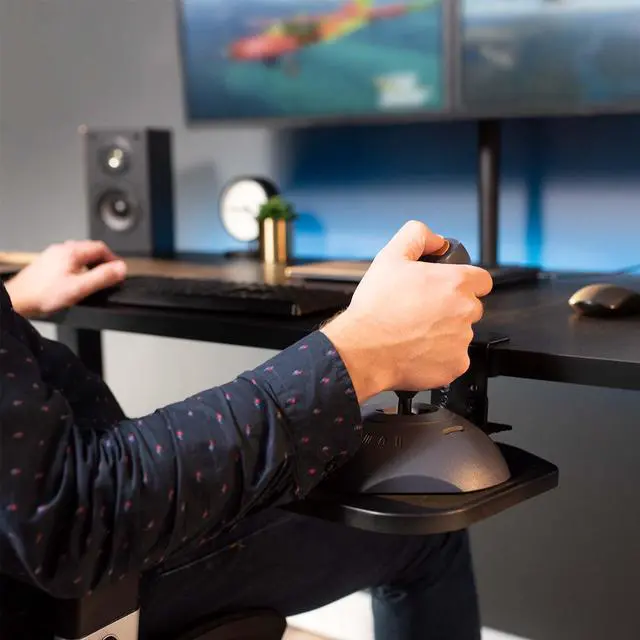
- VIVO Clamp-on Mouse Pad: This platform holds your mouse at an ergonomic, comfortable position. The sturdy clamp fits desks up to 2" thick and holds up to 2.2 lbs. Durable design makes this mouse pad ideal for long-time work and gaming --Patent Pending--
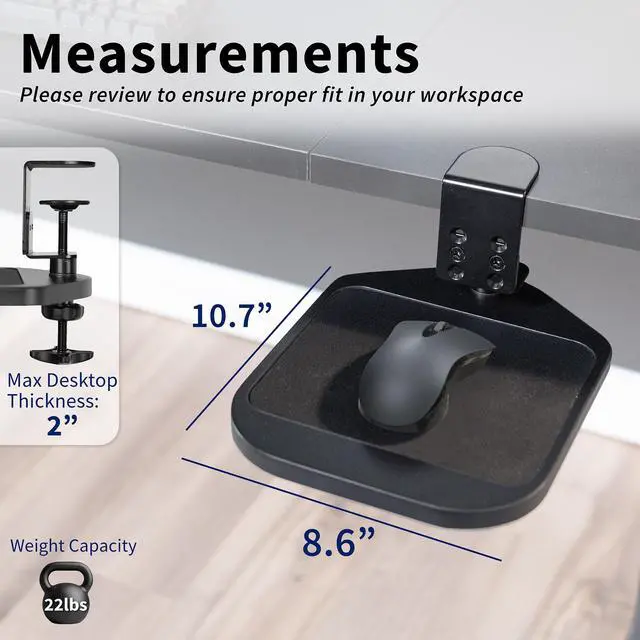
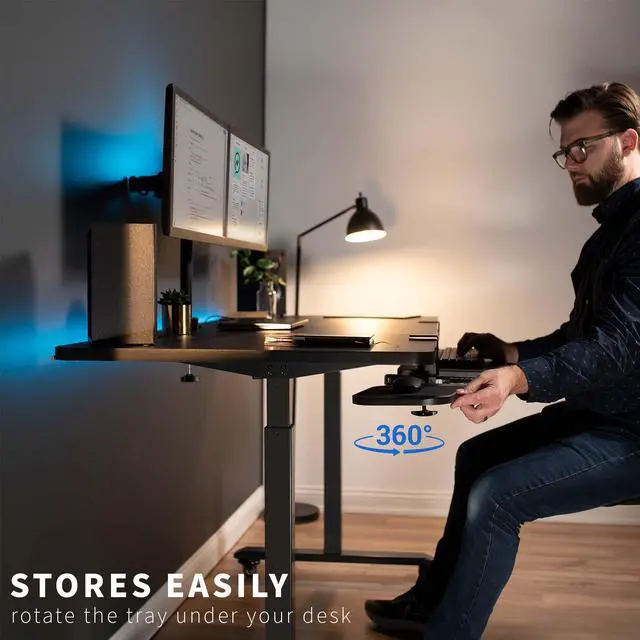
- Rotating Design: Find just the right angle for your wrist as well as ideal placement for the 10.7" x 8.6" platform with smooth 360° rotation. This flexibility also creates space efficiency, since the tray can rotate under the desk when not in use
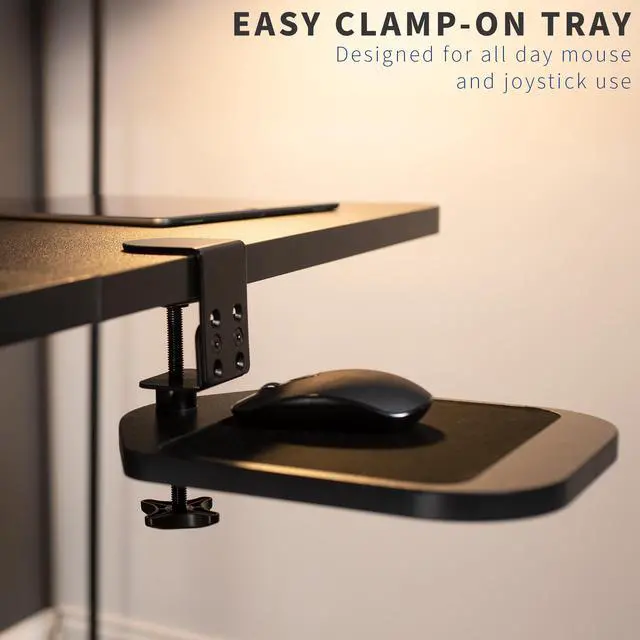
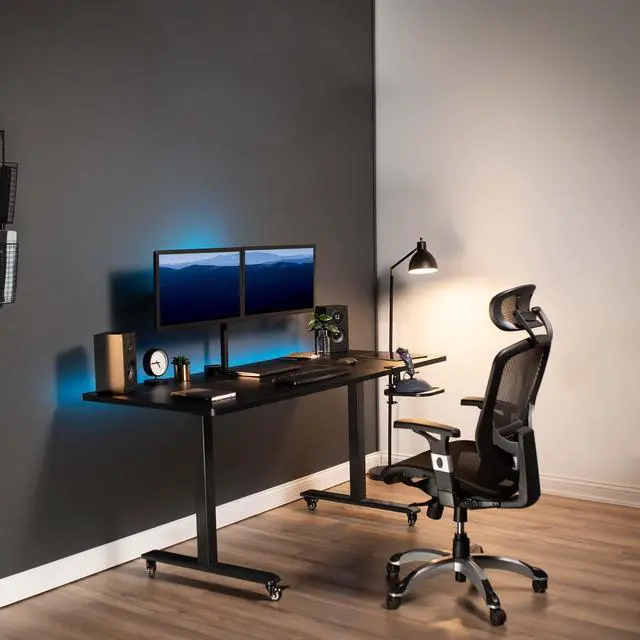
- Easy Mounting: The sturdy desk clamp attaches the mouse pad to your desk surface (up to 2" in thickness) with no tools required and no damage to your existing desk. The clamp tightens into place for a stable setup allowing smooth motion for adjustments
Any questions? Ask CelesteSM will help you find out quickly.
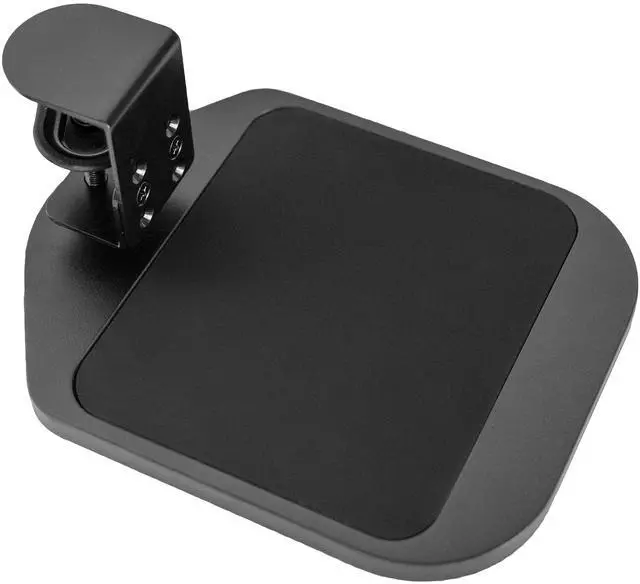
Click away in comfort with Wooden Clamp-on Mouse Pad (MOUNT-MS01B) from VIVO! This adjustable platform creates ergonomic angles for your wrist and provides additional space for your mouse and other small items. Elegant black fabric lines the top surface for optimal comfort and traction. The sturdy desk clamp attaches to any surface up to 2 in thickness for versatile placement, fitting regular office desks, tabletop risers, and more. The clamp also makes it easy to mount and unmount the mouse pad with no damage to your existing desk. Designed for both right-handed and left-handed users, this product accommodates your dominant hand with ease. Full 360° rotation means flexible placement for your wrist, as well as easy storage by rotating the tray under the desk surface when not in use. Minimal assembly is required out of the box, and all necessary hardware and instructions are provided to get your new mouse pad improving work processes in no time!
Compatibility
- Desktop Thickness: Clamp fits surfaces up to 2
- Weight Capacity: 2.2 lbs
Specifications
- Color: Black
- Material: Steel, MDF
- Product Dimensions: 10.7 x 8.6
- Rotation: 360°
Warranty & Returns
Warranty, Returns, And Additional Information
Warranty
- Please contact the Seller directly for warranty information. Warranty information may also be found on the Manufacturer's website.
- CONTACT
Return Policies
- Return for refund within: 30 days
- Return for replacement within: 30 days
- This item is covered by VIVO Return Policy
Manufacturer Contact Info
- For a directory of all our manufacturers, please click below.
- Manufacturers Directory
The VIVO Black Wooden Rotating Clamp-on Mouse Pad is an adjustable desk-mounted mouse platform for people who want a separate, positionable surface for work or gaming. Its 10.7 x 8.6-inch tray rotates 360° and supports up to 2.2 lb.
Recommended For
- Desk workers whose keyboard or other equipment leaves little room for a mouse can add a separate clamp-on surface and rotate it out of the way when it is not in use.
- People who want to position a mouse closer to their preferred wrist angle can use the rotating platform to change its orientation, whether they are right- or left-handed.
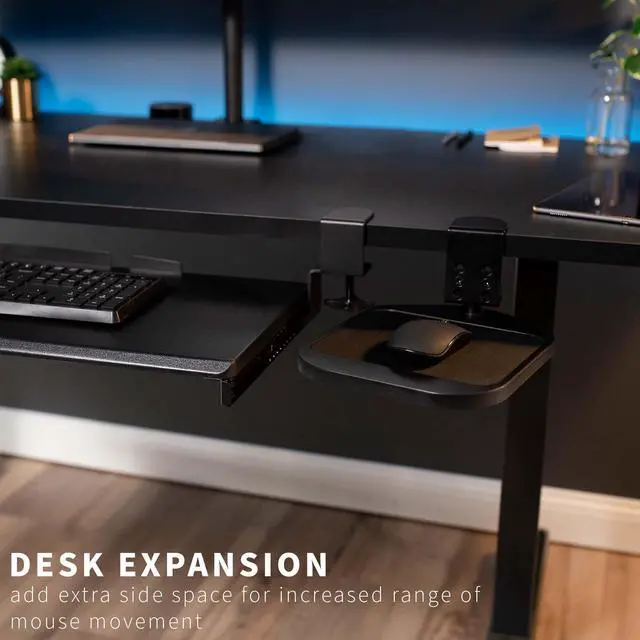
- People using a compact keyboard or keyboard drawer can add a dedicated mouse surface beside it without needing a full-width keyboard tray.
- Users who move between workstations can benefit from a clamp-on tray that can be unmounted and repositioned on another compatible desk.
Real-World Use Scenarios
- When a keyboard or split-keyboard setup leaves little room for a mouse, clamp the platform beside the desk to create a separate mouse surface; its compact area can help keep the main desktop clear, though it may feel small for users who make wide mouse movements.
- At a crowded workstation, rotate the tray beneath the desk when the mouse is not in use to free up the desktop; it can be brought back into position when needed.
- For a desk without a usable keyboard drawer or mouse area, attach the pad to the desk edge to add a dedicated place for everyday computer-mouse use without installing a permanent tray.
- When switching between left- and right-handed use, rotate the platform to reposition it for the active hand; this makes the mouse area easier to place where the user needs it.
- For routine work or casual gaming at a desk with limited space, use the tray as a nearby mouse surface; the product is positioned for work and gaming, but the platform is better suited to typical mouse movement than setups requiring a large play area.
- At a desk where a fixed mouse position feels awkward, turn the platform to adjust its placement and angle; this offers setup flexibility, but does not guarantee relief from wrist or shoulder discomfort.