Your Browsing History





Any questions? Our AI beta will help you find out quickly.
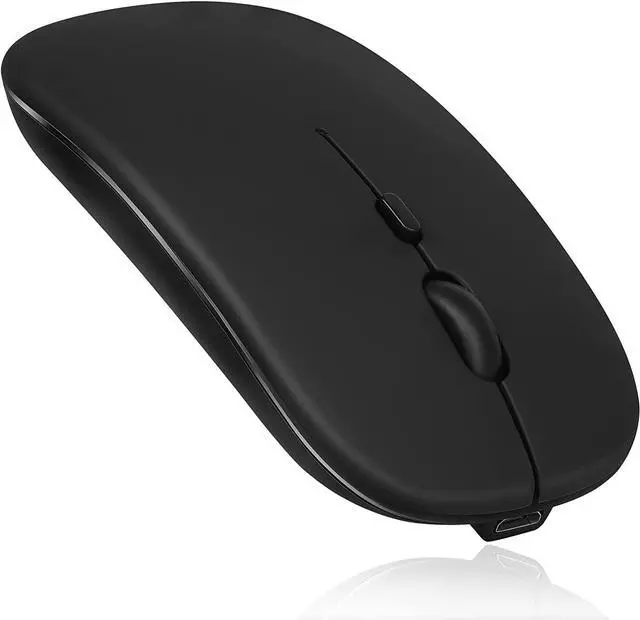
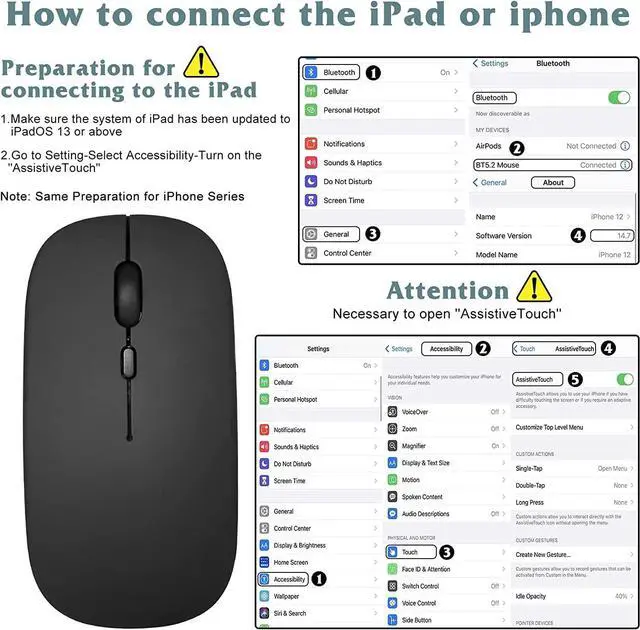
Our Bluetooth 5.0 Mouse is engineered for compatibility with a broad spectrum of operating systems, including Windows Vista, Windows XP, Windows 7 / 8 / 10, Linux, Android, and Mac OS X. It pairs seamlessly with iMac, MacBook, MacBook Air, and Mac Mini. However, please note it's not compatible with MacBook Pro, iPad, or iPhone.
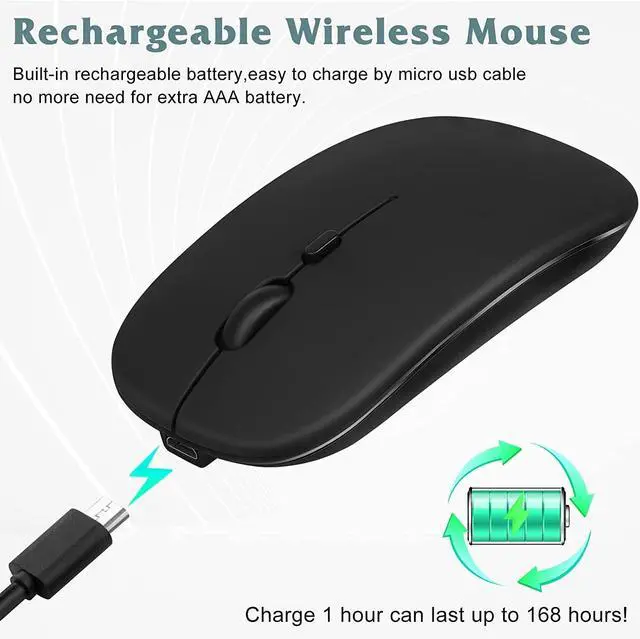
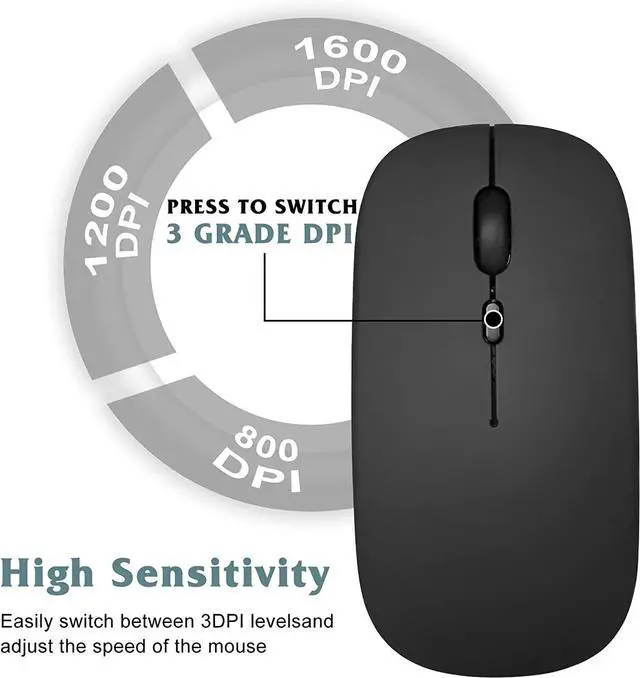
This DPI Adjustable Bluetooth Mouse offers three levels of photoelectric resolution (1000 / 1200 / 1600DPI), allowing you to tailor your user experience. It features a built-in rechargeable 1000mAh lithium polymer battery, ensuring a long cycle life for extended use.
In addition to Bluetooth, our mouse also supports a 2.4Ghz Wireless Connection and comes with a mini USB adapter, providing you with flexible connection options. This makes it a versatile choice, whether you're looking for a Bluetooth 5.0 mouse and keyboard combo or a standalone Bluetooth 5 mouse.
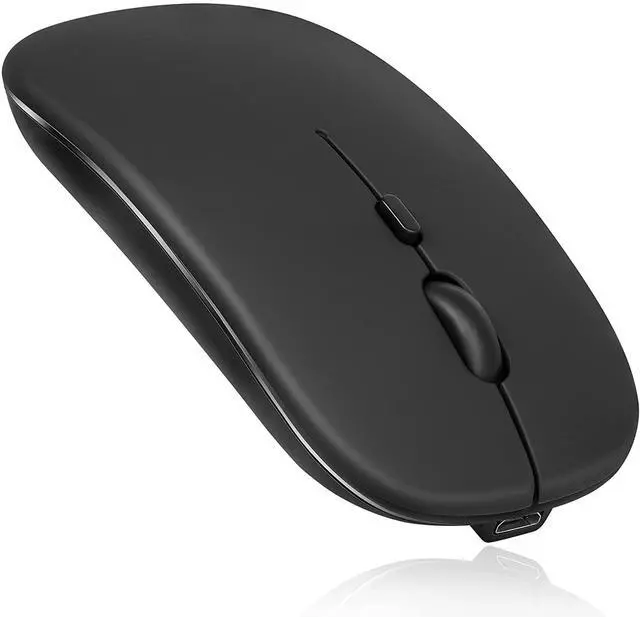
Our Lightweight Bluetooth Mouse, weighing just 3.18 oz, is equipped with an optics tracking system and four keys for easy navigation. It has an operating distance of 15 m and measures 4.4 x 2.3 x 0.8 inches in size.
Here's a simple guide on how to use this Bluetooth Mouse for Windows and other systems:
Charge the mouse for 2 hours before the first use. The blue light indicates charging and automatically turns off when fully charged.
To pair, turn on the Bluetooth mouse and press the "Bluetooth connection button" for more than 3 seconds.
Activate your computer's Bluetooth or direct the cursor towards the Bluetooth signal on your screen. Right-click to select "add device", initiating the Bluetooth search state.
Wait for your computer to find the Bluetooth device. It will appear as a mouse-shaped icon or "Bluetooth Mouse". Click next to start the pairing. Once successful, your mouse is ready to use.
Whether you're looking for the best Bluetooth 5.0 mouse or a Bluetooth mouse with low latency, our product offers a reliable and high-performing solution.