

Your Browsing History

Meet Your Seller

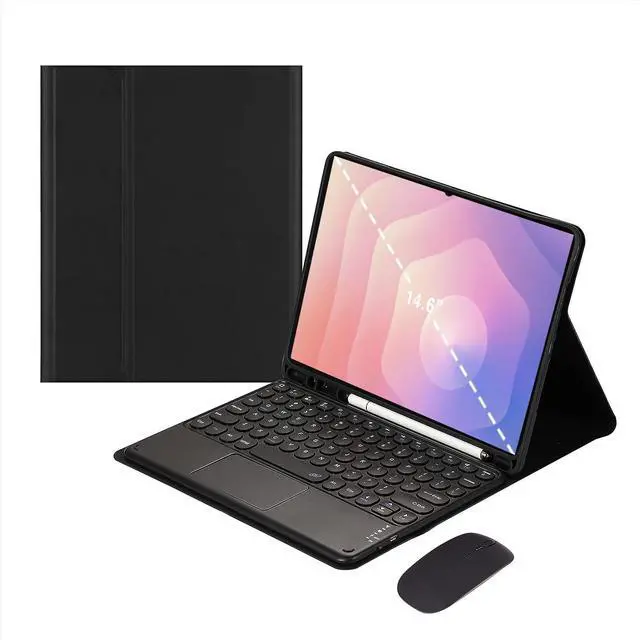


Magnetic Detachable Touchpad Keyboard Case with Wireless Mouse for Samsung Galaxy Tab S11 Ultra 14.6 Inch 2025Black
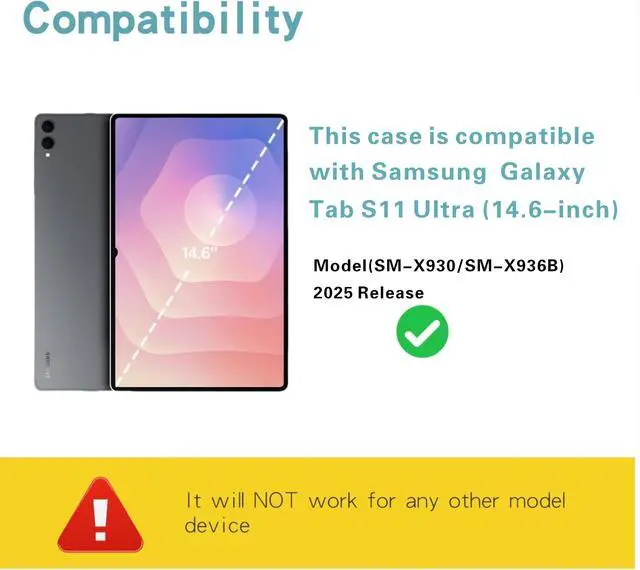
- Compatibility: Exclusively fits 2025 Samsung Tab S11 Ultra 14.6" (SM-X930/SM-X936B); incompatible with all other tablet models.
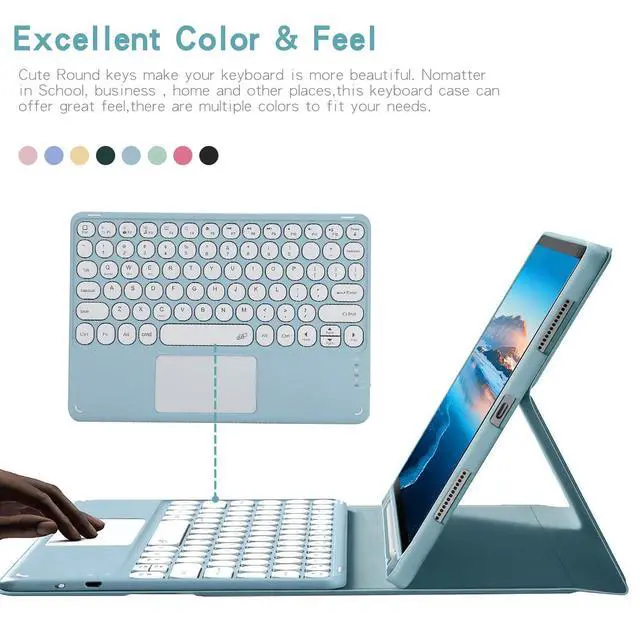
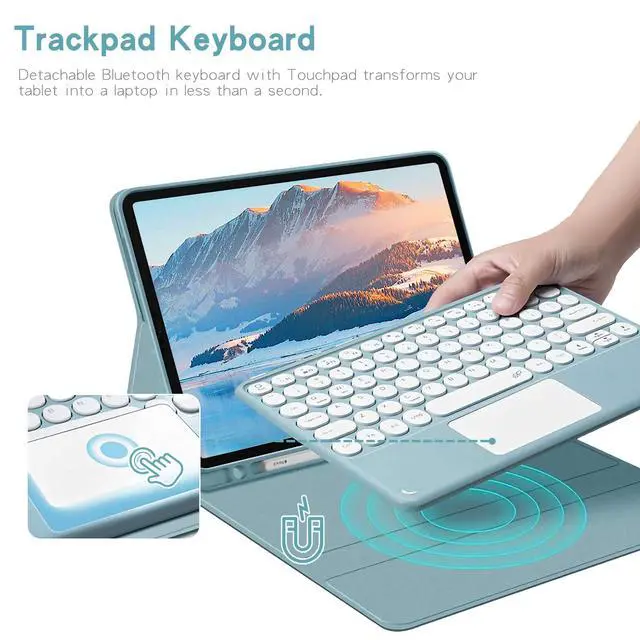
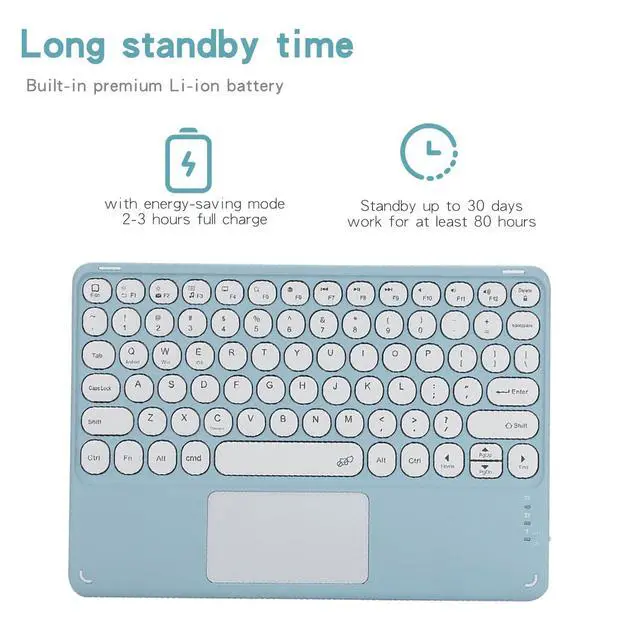
- Trackpad Keyboard: Magnetic detachable Bluetooth keyboard with integrated trackpad instantly turns your tablet into a portable laptop for efficient work.
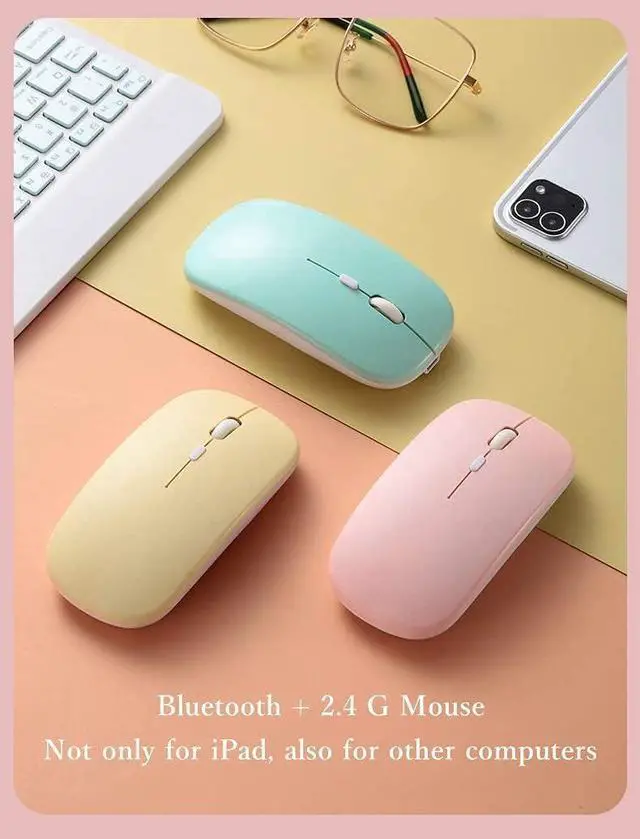
- Dual-Mode Wireless Mouse: Comes with a dual-mode mouse supporting Bluetooth and 2.4G connection; universally compatible with tablets, laptops and more devices.
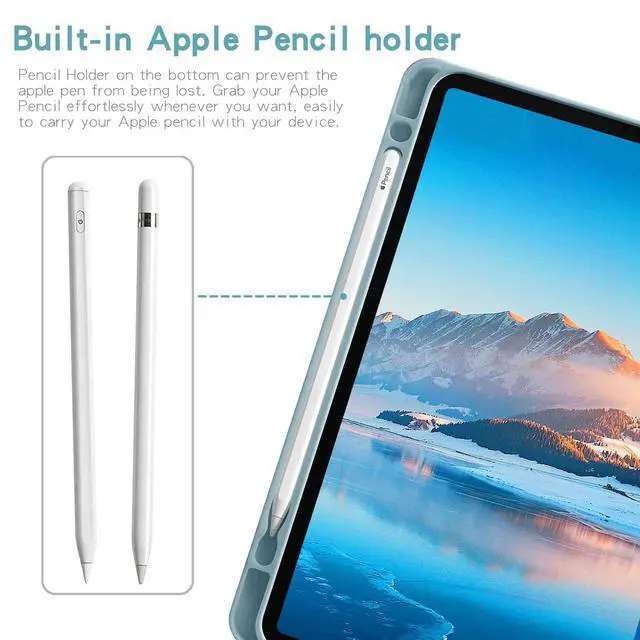
- Built-in Pen Slot: Bottom storage holder securely protects and stores your S Pen; stylus is not included.
- Long Battery Life: Fully charges in 23 hours; provides 80 hours of working time or 30-day standby with power-saving circuitry.
- If you encounter any issues with your order, please avoid filing complaints or initiating returns directly. Instead, feel free to contact our customer service teamthey will wholeheartedly assist you in resolving the problem and provide a solution that meets your satisfaction. We value your experience and are committed to addressing any concerns you may have promptly and properly.Note: Tablets are not included in the product.
+
+
Overview
Specs
Reviews

Any questions? Our AI mode will help you find out quickly.
Try me now
Pairing Steps
Charge fully and power on; indicator lights then shuts off.
Press FN+C to enter Bluetooth pairing.
Turn on tablet Bluetooth and connect the keyboard.
Hit FN+Q to switch to Samsung/Android mode for use.
Important Tips
FN+C = Pairing | FN+Q = Samsung system switch
Auto sleep after 15 mins idle; press any key to wake up.
Bluetooth disconnects when tablet sleeps.
Product information
| Brand | Timoom |
| Color | Black |
| Connectivity Technology | Bluetooth |
| Special Feature | Backlit |
| Compatible Devices | Galaxy Tab S11 Ultra (14.6-inch) 5G SM-X936B, Galaxy Tab S11 Ultra (14.6-inch) Wi-Fi SM-X930 |
| Other Special Features of the Product | Backlit |
| Keyboard Backlighting Color Support | RGB |
| Are Batteries Required | Yes |
| Number of Batteries | 1 A batteries required. (included) |
| Operating System | Android |
| Keyboard Description | Multi Functional |
| Antenna Location | Personal |
| Manufacturer | Timoom |
| Built-In Media | Bluetooth keyboard*1, Tablet Case*1, USB Cable, Wireless mouse*1 |
| Warranty Description | 1Year |
Warranty & Returns
Warranty, Returns, And Additional Information
Warranty
- Please contact the Seller directly for warranty information. Warranty information may also be found on the Manufacturer's website.
- CONTACT
Return Policies
- Return for refund within: 30 days
- Return for replacement within: non-replaceable
- This item is covered by Top tech Store Return Policy
Manufacturer Contact Info
- For a directory of all our manufacturers, please click below.
- Manufacturers Directory
LOADING...