

Your Browsing History
- Free 30-day Returns
$16.89
Ships from China.

Meet Your Seller

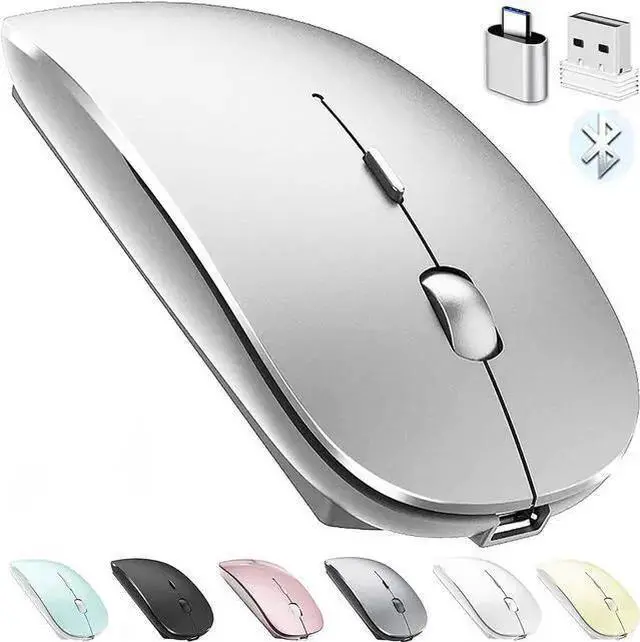


WISDUM Rechargeable Bluetooth Mouse for Laptop Pro Air Wireless Mac Chromebook Win8/11 Desktop Computer
Limited time offer, ends 10/13 By TechMax Depot
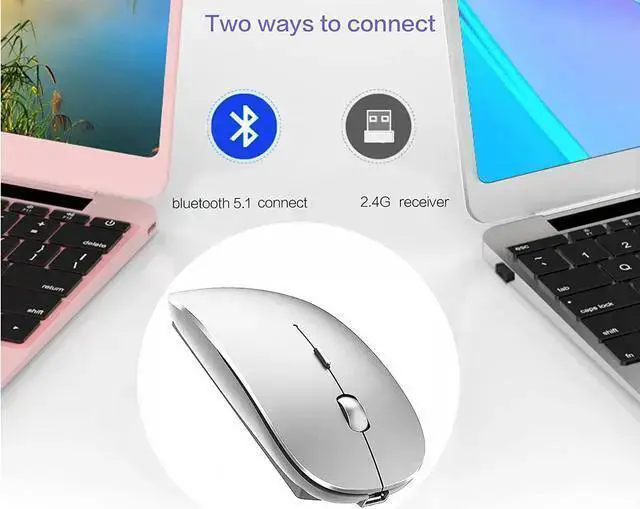
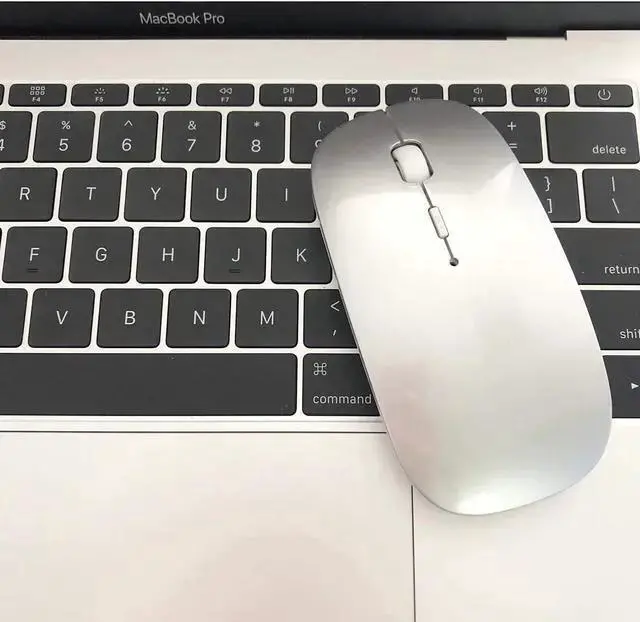
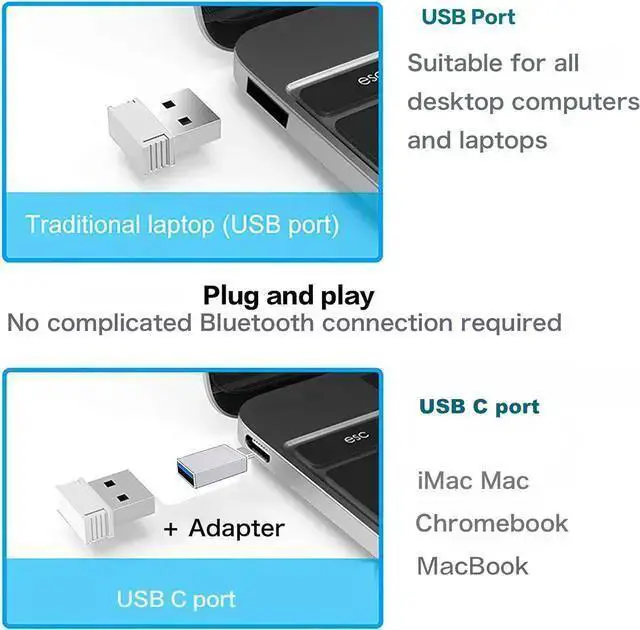
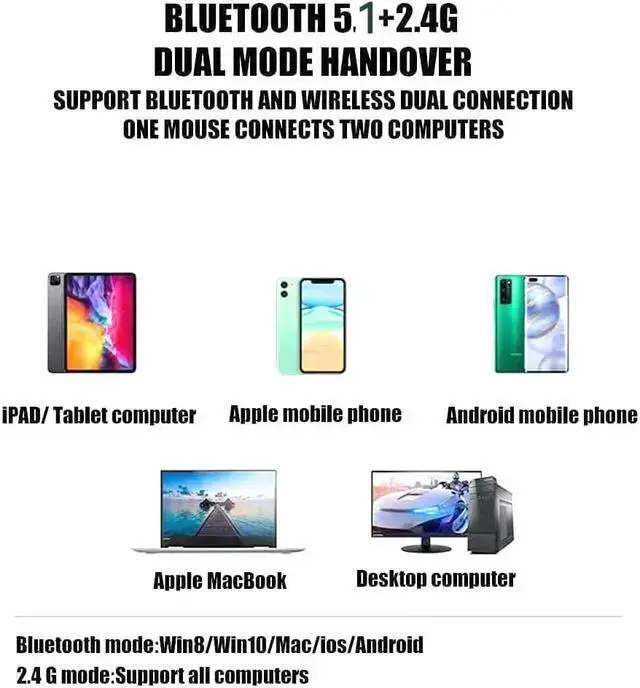
- BLUETOOTH 5.2 3.0 2.4G USB Receiver USB C adapter Wireless Bluetooth Dual-Mode MouseYou can switch between Bluetooth mode or 2.4G modeCompatible systems are: iPadOS macOS Windows win7/8/10/11, UNIX, Linux, Chrome OS. Bluetooth mode is available for all Bluetooth-enabled laptops, pro air Mac iMac ( pro air mini ipad10th iPad9th, , iMac, tablet, all-in-one computer, etc. The 2.4G USB receiver mode is suitable for all laptops, desktops, all-in-ones, , , Mac, iMAC, etc. with USB/USB C ports.plug and play. AUTO ENERGY-SAVINGSLEEPING MODE: Li-polymer batteries,high cycle life.the Auto Switch Off function will help you save energy as your bluetooth mouse will switch off when your PC is turned off or the receiver is disconnected. If you do not use the mouse for eight minutes, it will go to sleeping mode, you can press the any button to weak it up.
+
+
Overview
Specs
Reviews

Any questions? Our AI mode will help you find out quickly.
Try me now
BLUETOOTH 5.2 3.0 2.4G USB Receiver USB C adapter Wireless Bluetooth Dual-Mode MouseYou can switch between Bluetooth mode or 2.4G modeCompatible systems are: iPadOS macOS Windows win7/8/10/11, UNIX, Linux, Chrome OS. Bluetooth mode is available for all Bluetooth-enabled laptops, pro air Mac iMac ( pro air mini ipad10th iPad9th,, iMac, tablet, all-in-one computer, etc. The 2.4G USB receiver mode is suitable for all laptops, desktops, all-in-ones,,, Mac, iMAC, etc. with USB/USB C ports. plug and play.
AUTO ENERGY-SAVINGSLEEPING MODE: Li-polymer batteries, high cycle life. the Auto Switch Off function will help you save energy as your bluetooth mouse will switch off when your PC is turned off or the receiver is disconnected. If you do not use the mouse for eight minutes, it will go to sleeping mode, you can press the any button to weak it up.
AUTO ENERGY-SAVINGSLEEPING MODE: Li-polymer batteries, high cycle life. the Auto Switch Off function will help you save energy as your bluetooth mouse will switch off when your PC is turned off or the receiver is disconnected. If you do not use the mouse for eight minutes, it will go to sleeping mode, you can press the any button to weak it up.
Warranty & Returns
Warranty, Returns, And Additional Information
Warranty
- Please contact the Seller directly for warranty information. Warranty information may also be found on the Manufacturer's website.
- CONTACT
Return Policies
- Return for refund within: 30 days
- Return for replacement within: non-replaceable
- This item is covered by TechMax Depot Return Policy
Manufacturer Contact Info
- For a directory of all our manufacturers, please click below.
- Manufacturers Directory
LOADING...