




 here!
here!
I’m your shopping assistant for PC builds, upgrades, and everything tech.
Got questions? Ask away!
Start a conversation
here!
I’m your shopping assistant for PC builds, upgrades, and everything tech.
Got questions? Ask away!
Start a conversation
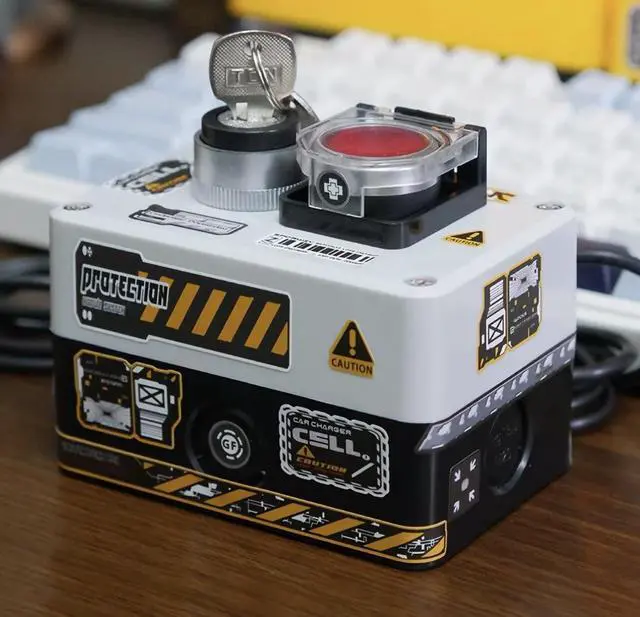


Any questions? Ask CelesteSM will help you find out quickly.
1. This switch must be installed after shutting down the computer and completely disconnecting the power supply.
2. Select a reasonable hole at the rear of the chassis to install the three plug terminals of the switch. You can consider this location reasonably.
3. First individually confirm the original positions of POWER SW, POWER LED+ and POWER LED- on the original motherboard, and then replace the installation plugs in order (be careful not to connect the two POWEER LED+ and - in reverse)
4. Confirm and check that the connection is correct, and then turn on the power to test if there is no abnormality.
5. After confirming that the function is normal, use small cable ties to organize the wiring harness. After restoring the computer case, use double-sided invisible rubber pads to install the switch in the required position.
6. Warm reminder: When unplugging and plugging in cables, try not to touch other hardware inside the chassis.


