

Your Browsing History
- Free 30-day Returns
$49.99
Ships from China.



Meet Your Seller


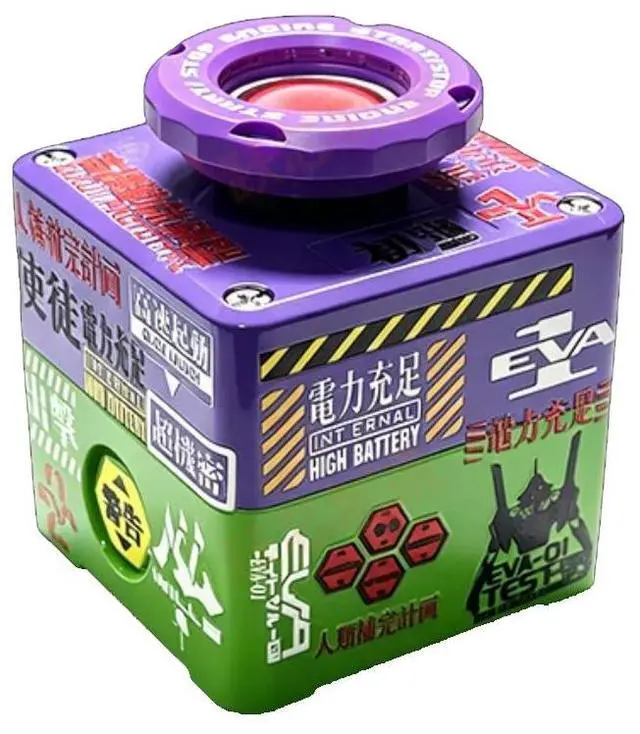
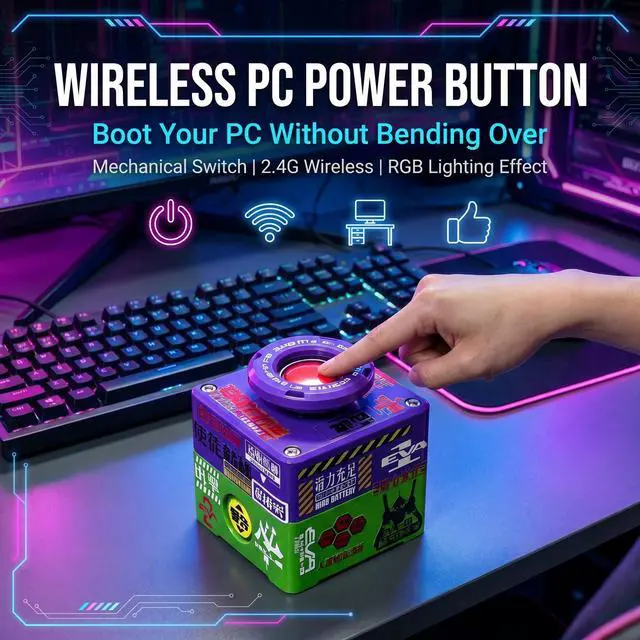
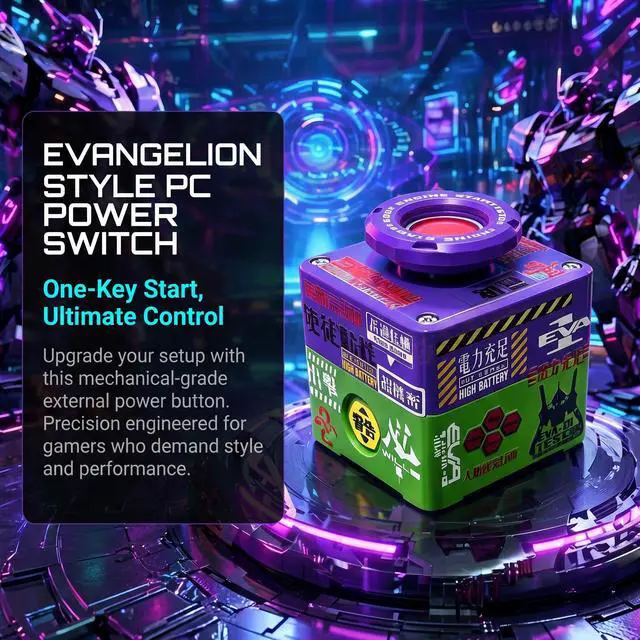


RGB Backlight Wireless Desktop Power Button for PC (Laptop Incompatible), Atomic Nuclear Bomb Rocket Launch , Big Red Button (Purple)
- Cool and trendy creative table set: simple and fashionable design style, extremely practical, and comfortable visual experience.
- Double-open linkage for easy control: double-switch design, first turn the key to the right to open and then press the reset switch to start with one click, giving a full sense of ritual.
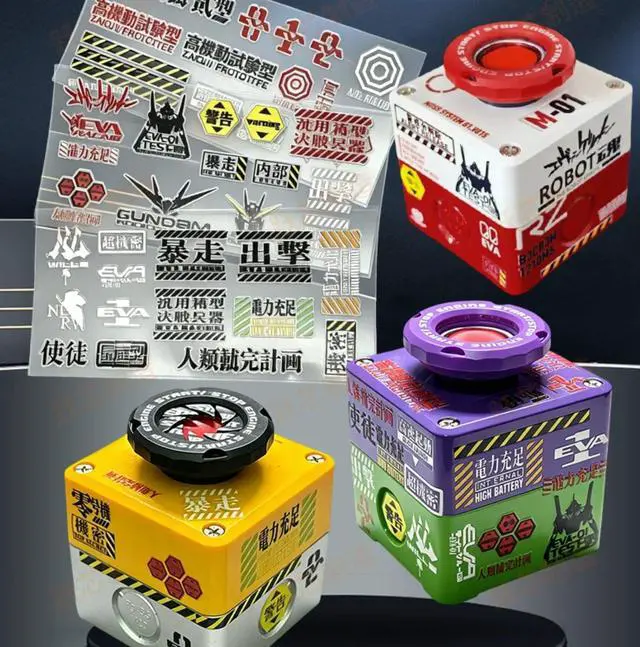
- Creative sticker DIY: 1 free sticker, use your imagination, start your creative journey, and use stickers to DIY your own exclusive works.
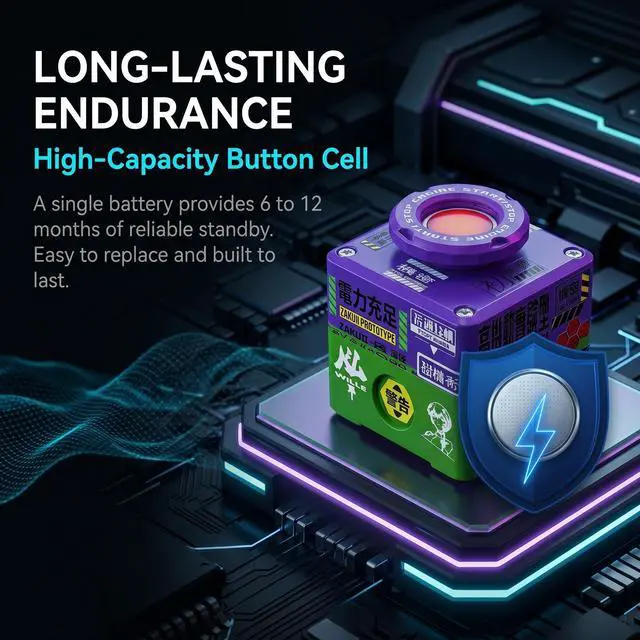
- Battery powered, lasts for half a year to a year.
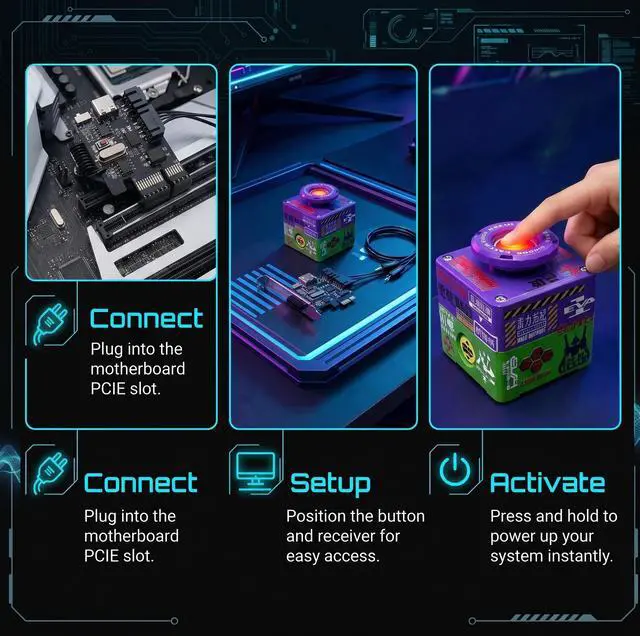
- Easy to operate, no need to install drivers.
- Using 2.4G high frequency chip.
- If you have installation problems, please feel free to contact us and we will provide you with technical support.
+
+
Overview
Specs
Reviews

Any questions? Our AI mode will help you find out quickly.
Try me now
Frequently Asked Questions:
Q: Is it a wireless switch?
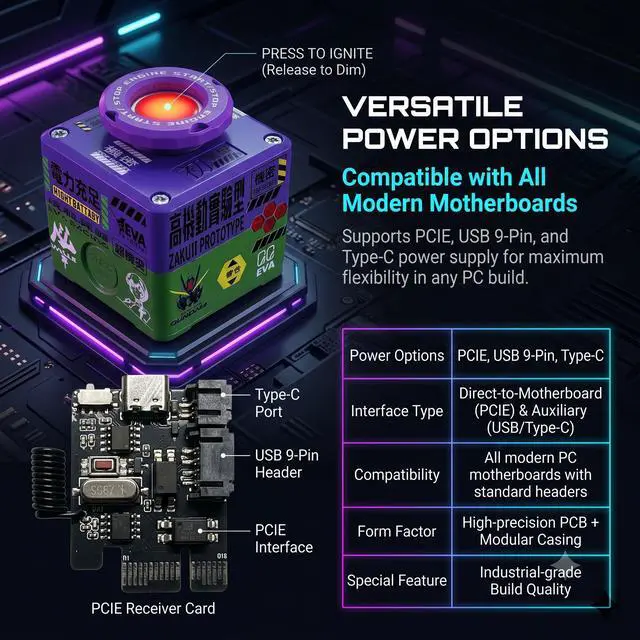
A: Yes, this product is a wireless switch. Simply insert the receiver card and connect the jumper to use it.
Q: Do I need to configure the motherboard power supply in the BIOS?
A: Normally, no configuration is needed. Press the power button on the case to enter the motherboard BIOS, click Advanced, then Advanced Power Management (ERP or EP), select Disable, save, and exit. The setup is very simple.
Q: After installation, I can only shut down, not turn on?
A: You need to configure the motherboard power supply. Press the power button on the case > immediately press the Delete key > enter the motherboard BIOS > click Advanced > click Advanced Power Management > select Disable for ERP or EP > select Enable for S4 and S5 > save and exit.
Q: After installation, when I press the switch, the receiver card lights up briefly, but the computer doesn't turn on?
A: The jumper polarity is reversed. You can swap the two wires supplied to you on the receiver card.
Warranty & Returns
Warranty, Returns, And Additional Information
Warranty
- Please contact the Seller directly for warranty information. Warranty information may also be found on the Manufacturer's website.
- CONTACT
Return Policies
- Return for refund within: 30 days
- Return for replacement within: 30 days
- This item is covered by B-IN Electronics Return Policy
Manufacturer Contact Info
- For a directory of all our manufacturers, please click below.
- Manufacturers Directory
LOADING...