1. Wireless carrier frequency: 2402-2480MHz
2. Resolution: 800/1200/1600/2000/2400DPI
3. Built-in battery capacity: 300mAh
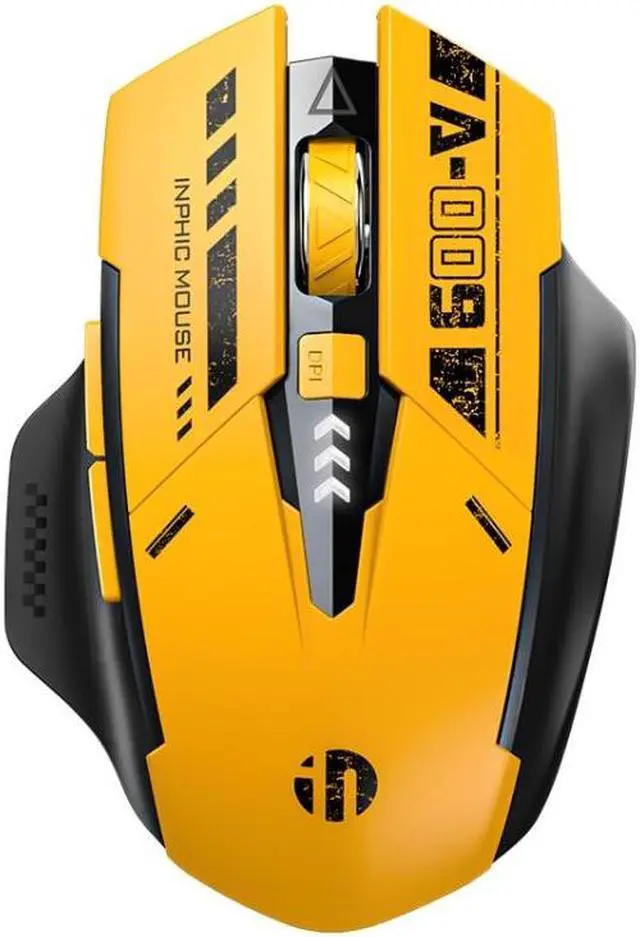
4. Number of keys: 6 keys
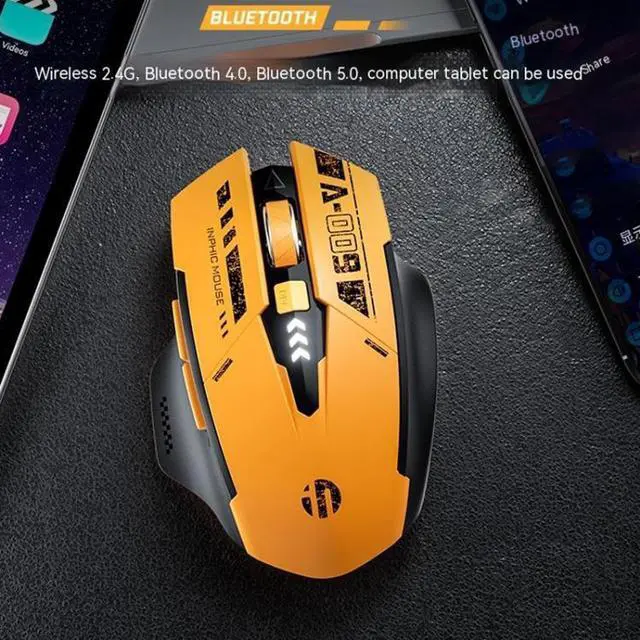
5. Connection: 2.4G wireless (USB receiver) + Bluetooth 5.0/4.0
6. Charging input: 5V 500mA
7. Rated working current: within 8mA
8. Chip performance: original phase 3212
9. Operating system: Windows XP and above series, applicable to universal mouse system (WIN7 system and the following only support 2.4G wireless receiver connection, and can not be connected at the same time another WIN7 system and the following devices)
10. Size: about 11.8 x 7.9 x 4cm
11. Weight: about 100g
Features:
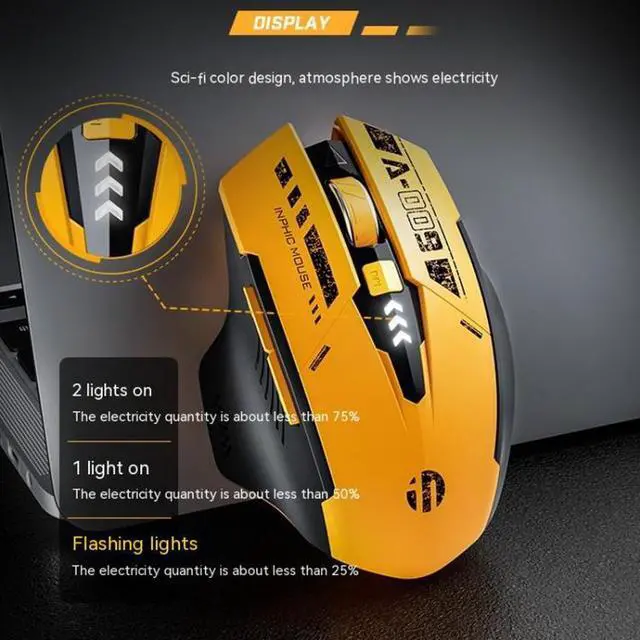
1. Charged power display light, with low battery tips
2. 3 connection modes, various devices can be used
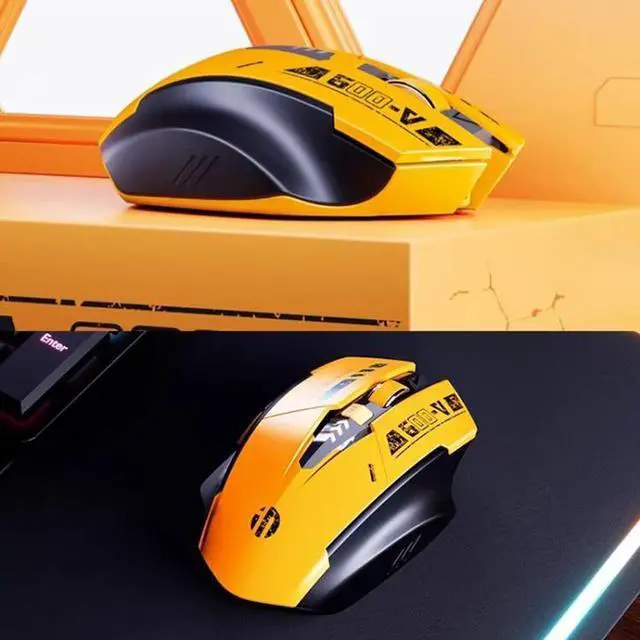
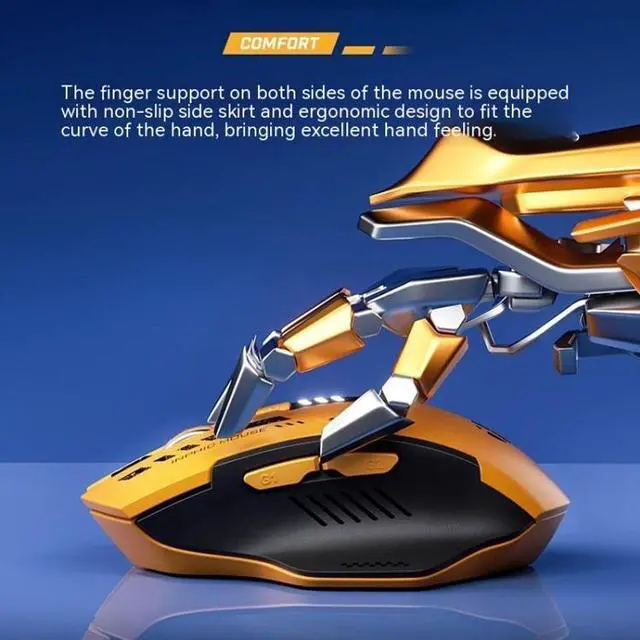
3. Both sides of the finger tray to give support to the fingers, non-slip side skirt, close to the hand curve, comfortable feel
4. Polymer batteries, with intelligent power saving technology, no need to repeatedly replace the battery, environmental protection and peace of mind
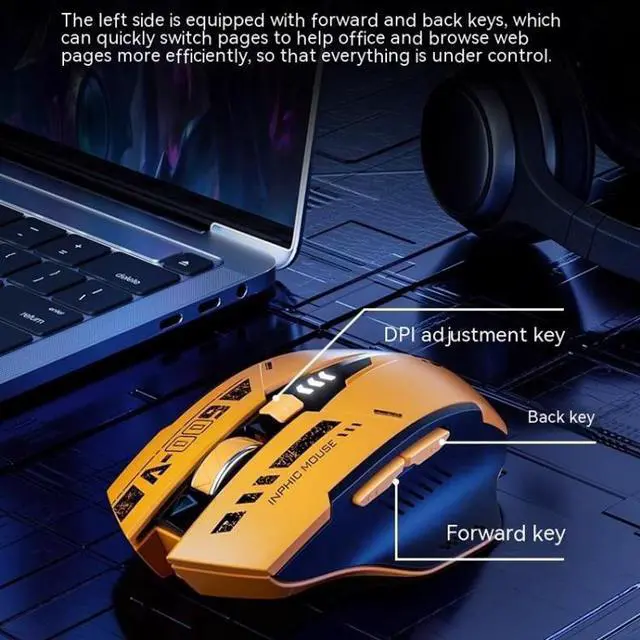
5. 800-1200-1600-2000-2400 five-segment DPI free switching, responsive, smooth operation
6. 6 buttons and auxiliary functions to enhance office efficiency
7. Type-C charging port, universal and fast
8. Left and right buttons with silent button design, non-slip wheels, lightweight internal frame
9. Multiple protection mechanisms, over-current/over-voltage/over-charging/over-temperature/short-circuit/power protection, etc., to ensure the safety and reliability in the process of use
Connection method:
1. Bluetooth connection:
-Toggle the power switch to ON
- Tap the code switch, the BT indicator light will be on, enter the Bluetooth pairing mode
- Search for BT4.0 Mouse or BT5.0 Mouse and click pairing
2. Wireless 2.4G receiver connection:
- Toggle the power switch to ON
- Tap the pairing switch, the 2.4G green light turns on to enter the pairing mode
- Remove the bott







 here!
here!