



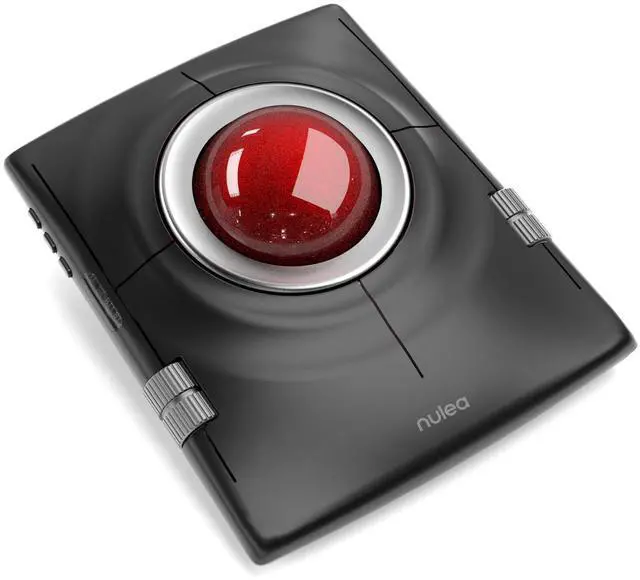
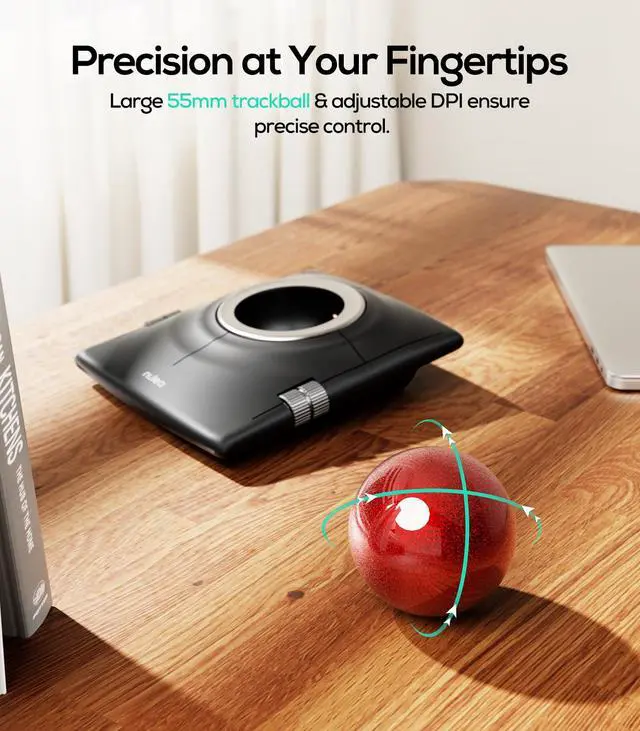
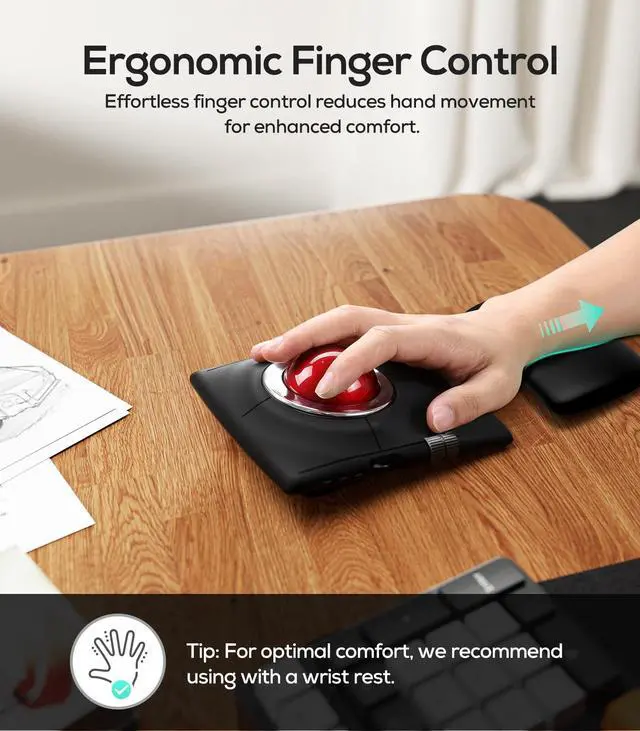
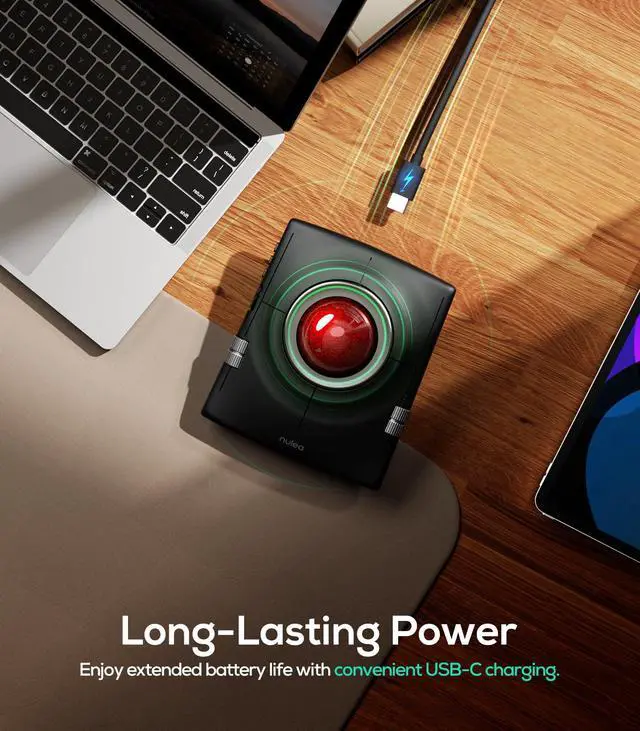



Nulea M512 Wireless Trackball Mouse
Merchant Video

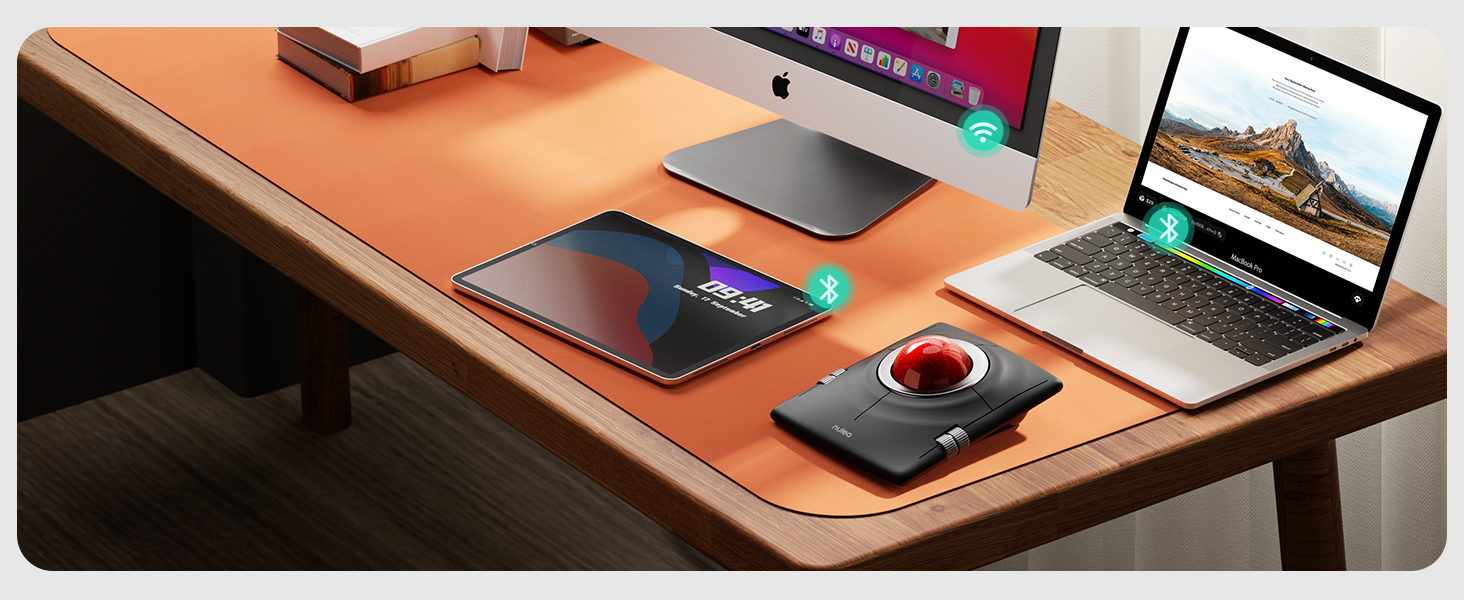
Multi-Device Connection
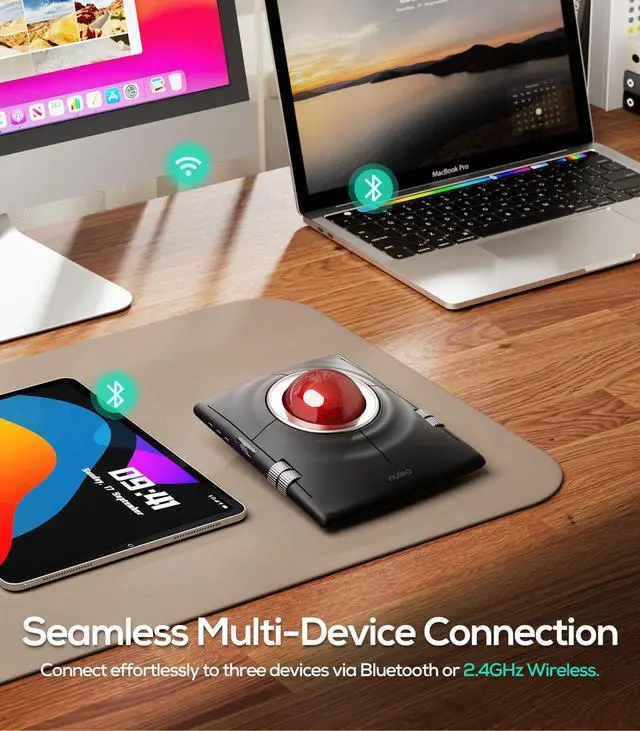
Connect up to 3 Wireless Devices
Seamlessly connect to devices via Bluetooth or USB receiver, and switch between them effortlessly with just one press.
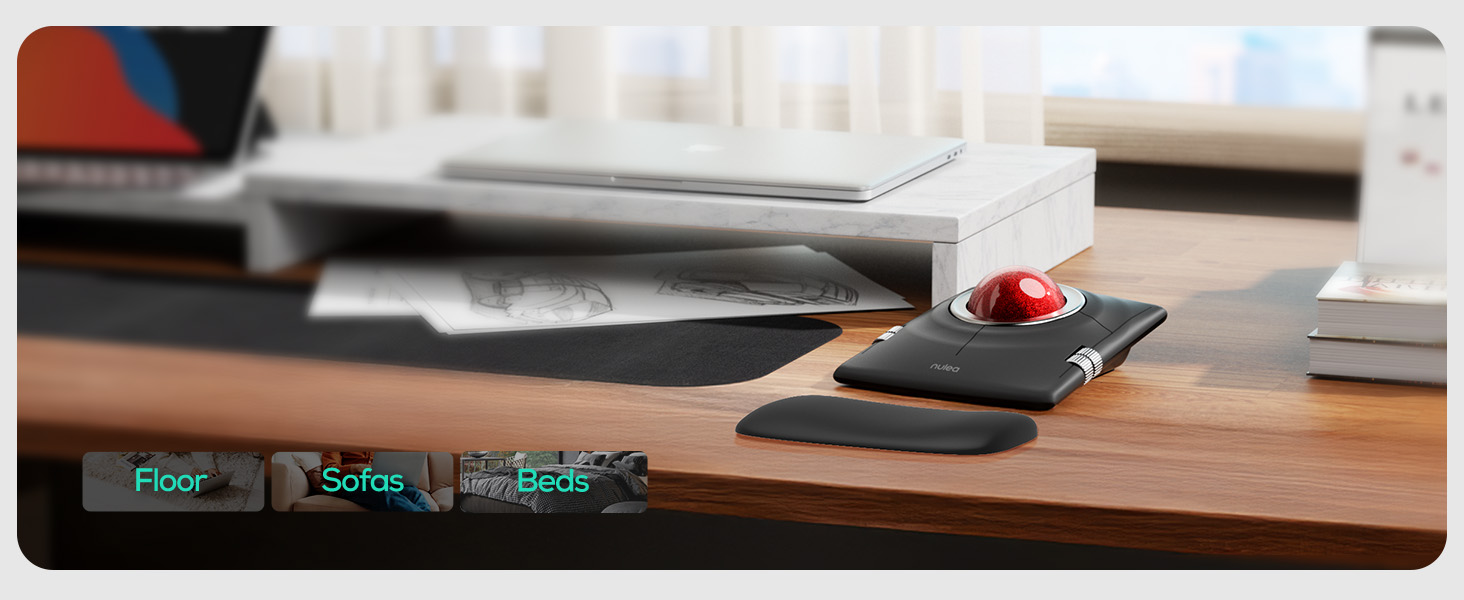
Trackball Anywhere
Effortless Control on Any Surface
No need for a flat surface, just smooth and precise navigation anywhere you go.
Bed, Couch, Carpet, Cluttered Desk.


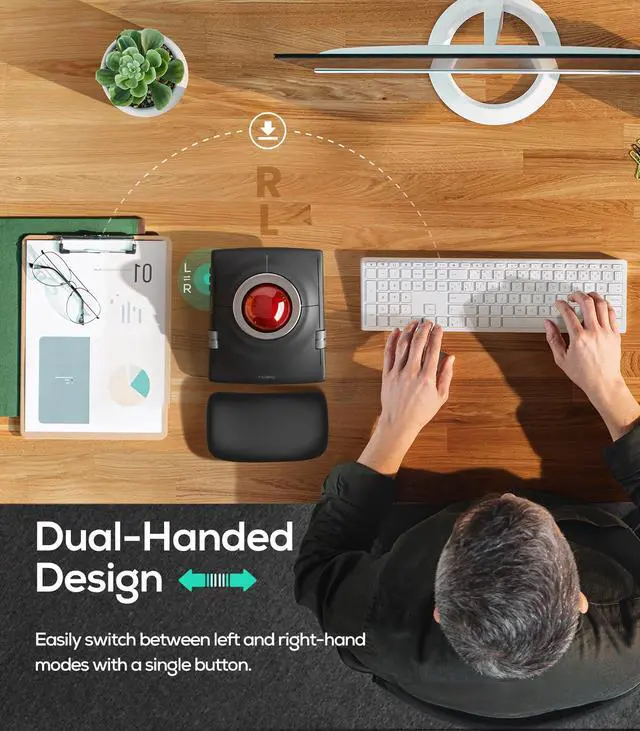
How to perform left/right hand mode switching?
1. Press the mode switching key.
2. The following controls will be automatically swapped to match the selected hand control mode: left and right buttons; center and back buttons; up/down buttons and left/right scroll wheel functions.
What are the functions of the left and right scroll wheels?
In the right-handed state
1?Left wheel controls scrolling up and down.
2?Right wheel controls left and right scrolling.
Automatically switch between left and right hand modes by pressing the left and right hand mode switching buttons.
How do I switch connection modes?
M512 supports 3 channels (1x 2.4G + 2x BT). Short press the mode button to switch paired devices (indicator shows active channel). For Bluetooth pairing, long press until blue light flashes rapidly.
How many buttons does the M512 have, and what do they do?
4 buttons total:
1?Top-left: Replaces middle mouse button for smooth scrolling.
2?Top-right: Acts as a back button.
3?Two bottom buttons: Standard left/right clicks (same as regular mice).
How to reprogram mouse buttons?
1. All keys are not programmable.
2.The middle and back buttons are not compatible with Mac OS.
Nulea M512 Wireless Trackball Mouse
Merchant VideoAmbidextrous Design


Perfectly designed for both left and right hands, offering a comfortable and natural grip no matter which hand you use.
Multi-Device Connection
Trackball Anywhere


Connect up to 3 Wireless Devices
Seamlessly connect to devices via Bluetooth or USB receiver, and switch between them effortlessly with just one press.
Effortless Control on Any Surface
No need for a flat surface, just smooth and precise navigation anywhere you go.
Bed, Couch, Carpet, Cluttered Desk.
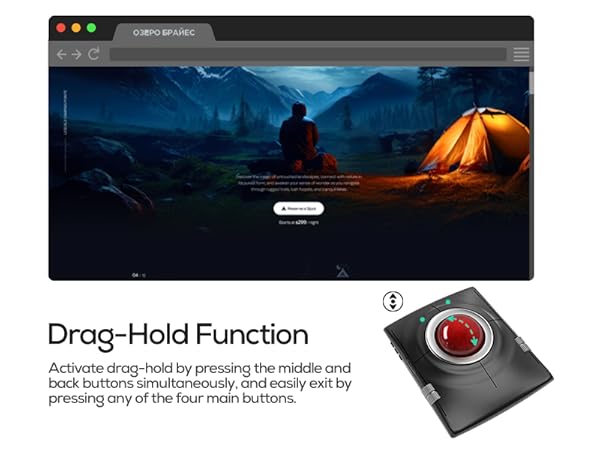
Drag-Hold Function
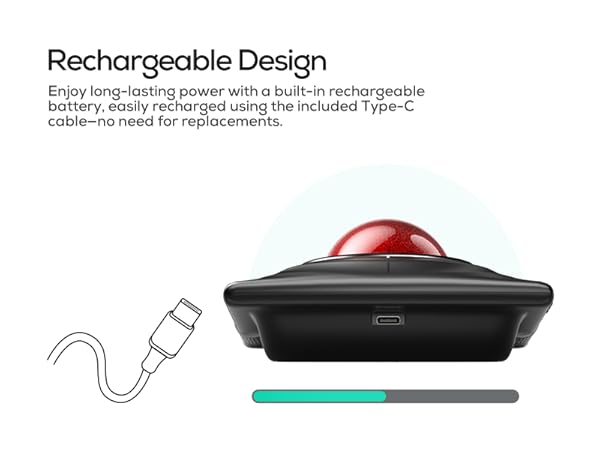
Rechargeable Design
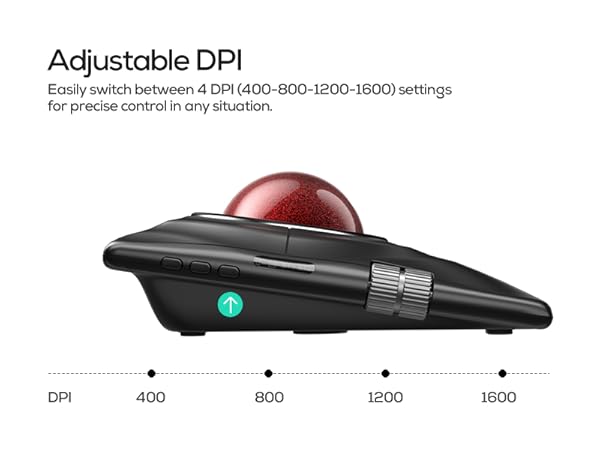
Adjustable DPI
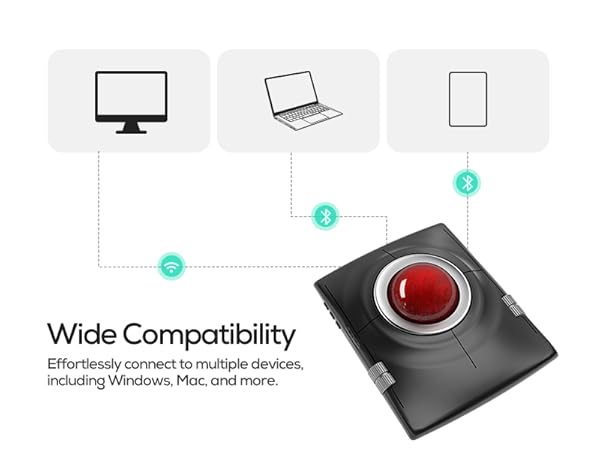
Wide Compatibility

MEASURE YOUR HAND, CHOOSE THE RIGHT MOUSE


M512 is ideally suited for individuals with large-sized hands.
How to perform left/right hand mode switching?
1. Press the mode switching key.
2. The following controls will be automatically swapped to match the selected hand control mode: left and right buttons; center and back buttons; up/down buttons and left/right scroll wheel functions.
What are the functions of the left and right scroll wheels?
In the right-handed state
1?Left wheel controls scrolling up and down.
2?Right wheel controls left and right scrolling.
Automatically switch between left and right hand modes by pressing the left and right hand mode switching buttons.
How do I switch connection modes?
M512 supports 3 channels (1x 2.4G + 2x BT). Short press the mode button to switch paired devices (indicator shows active channel). For Bluetooth pairing, long press until blue light flashes rapidly.
How many buttons does the M512 have, and what do they do?
4 buttons total:
1?Top-left: Replaces middle mouse button for smooth scrolling.
2?Top-right: Acts as a back button.
3?Two bottom buttons: Standard left/right clicks (same as regular mice).
How to reprogram mouse buttons?
1. All keys are not programmable.
2.The middle and back buttons are not compatible with Mac OS.