




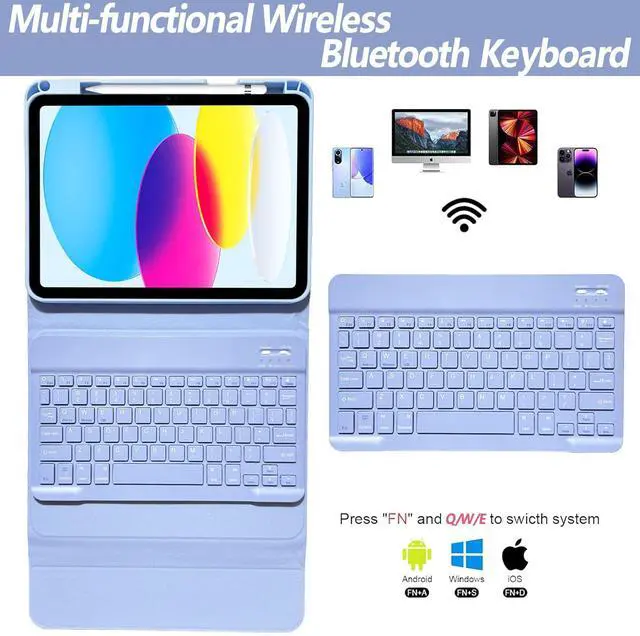
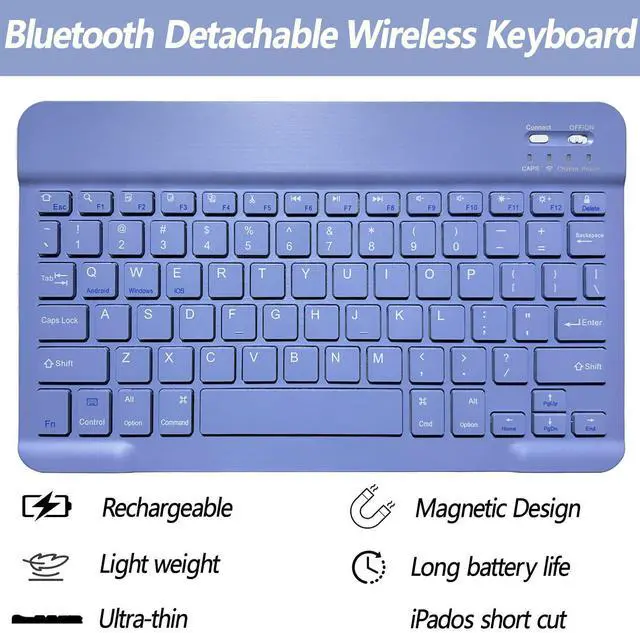
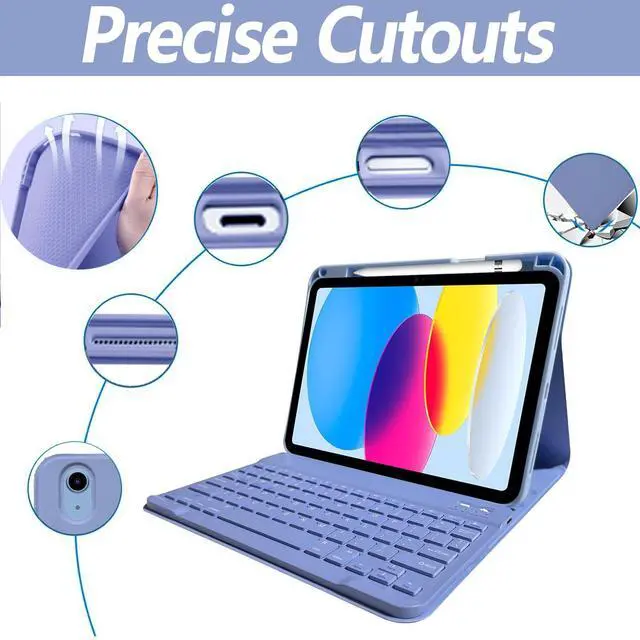



What are the compatible models?
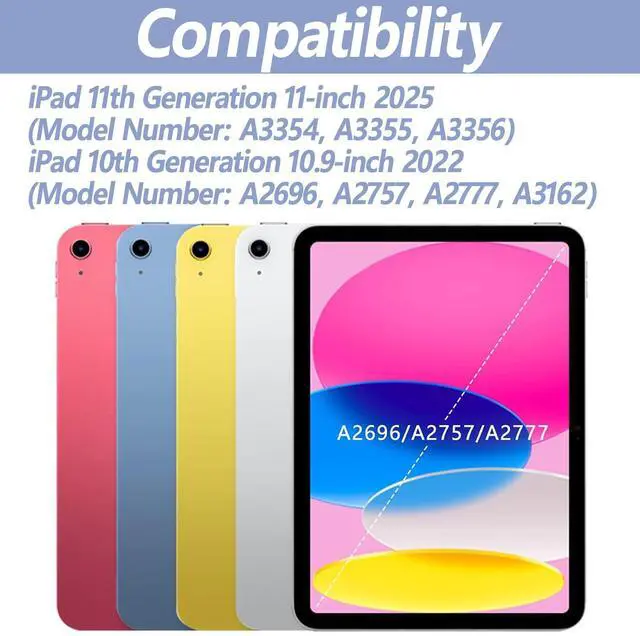
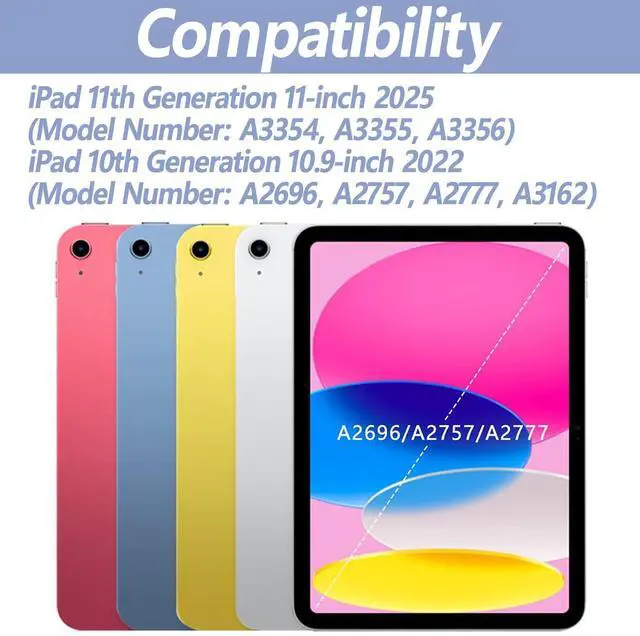
Compatible with iPad 10.9 inch 10th Gen 2022 (Model Number: A2696/A2757/A2777).
Please check your tablet model carefully before purchasing.
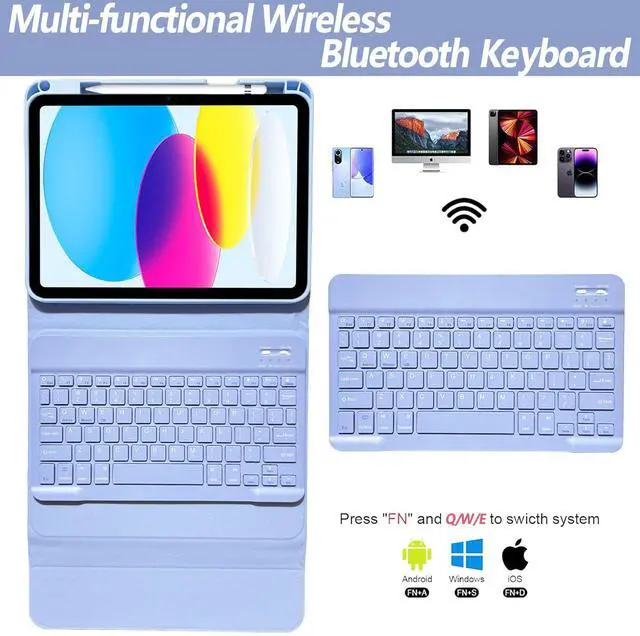
How to connect the backlit keyboard with iPad?
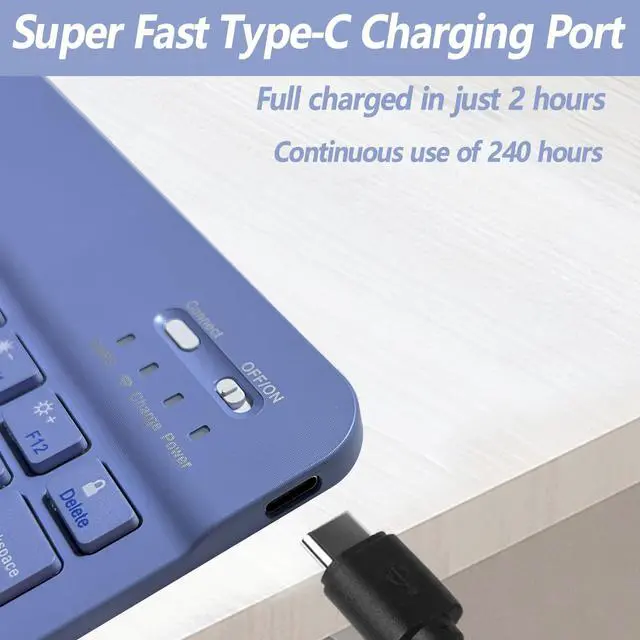
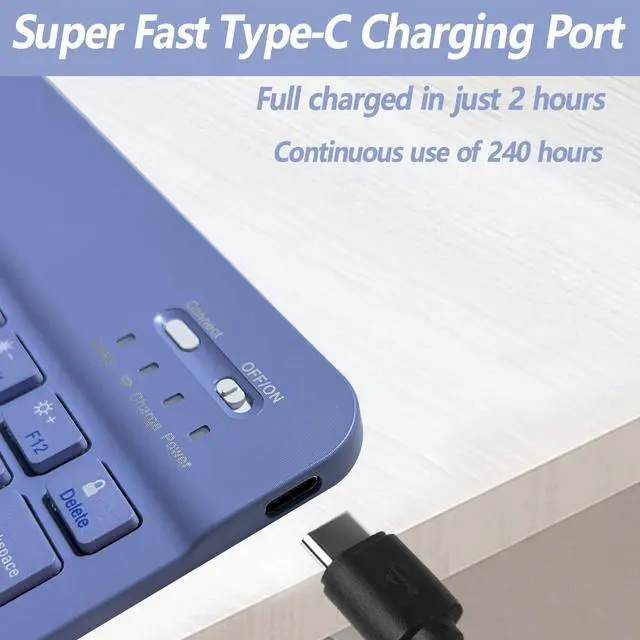
1. Please fully charge the keyboard and turn it on.
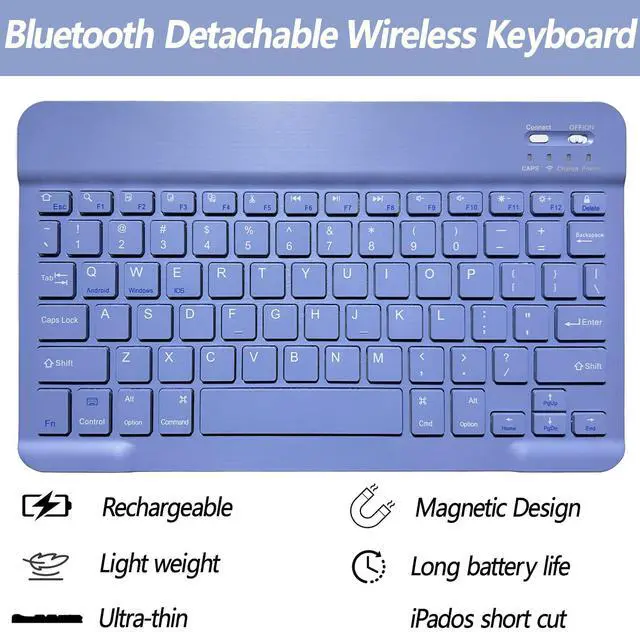
2. Press 'Connect' button to open the keyboard's bluetooth.
3. Go to the iPad settings, click on bluetooth and look for the keyboard.
4. Select the “Bluetooth Keyboard” and it will connect.
What to do if you encounter a problem that cannot be solved?
Please contact our After-sales team and we will get back to you within 24 hours!


What are the compatible models?
Compatible with iPad 10.9 inch 10th Gen 2022 (Model Number: A2696/A2757/A2777).
Please check your tablet model carefully before purchasing.
How to connect the backlit keyboard with iPad?
1. Please fully charge the keyboard and turn it on.
2. Press 'Connect' button to open the keyboard's bluetooth.
3. Go to the iPad settings, click on bluetooth and look for the keyboard.
4. Select the “Bluetooth Keyboard” and it will connect.
What to do if you encounter a problem that cannot be solved?
Please contact our After-sales team and we will get back to you within 24 hours!