




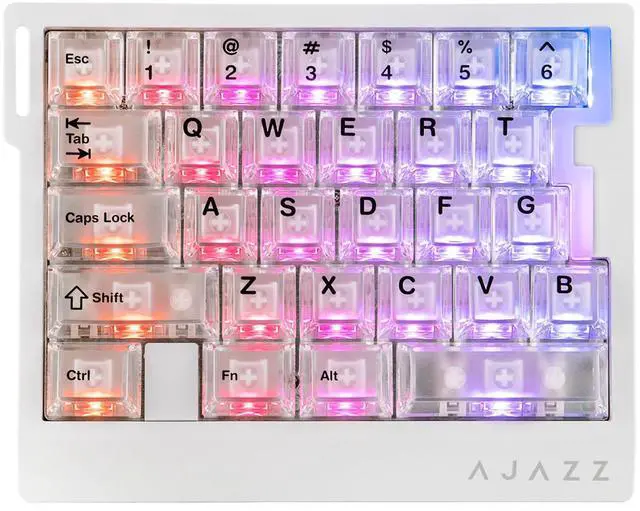
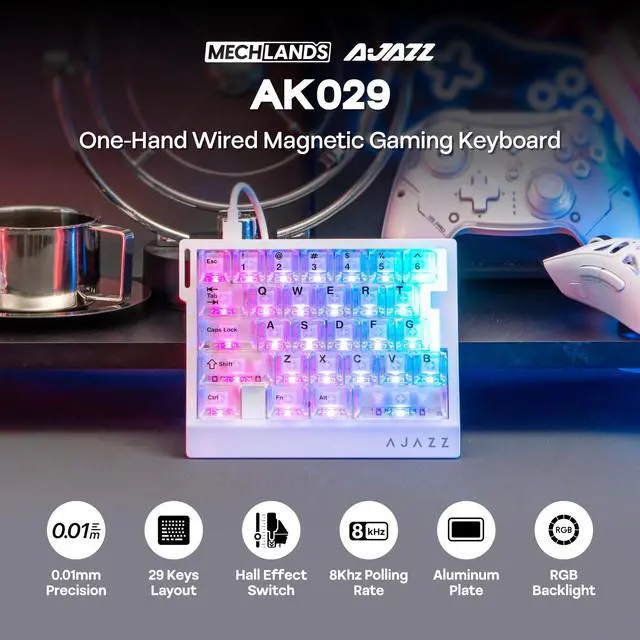
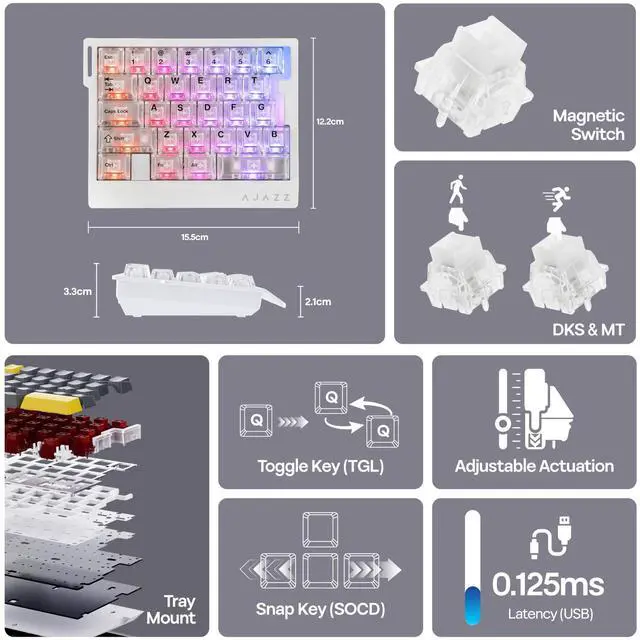
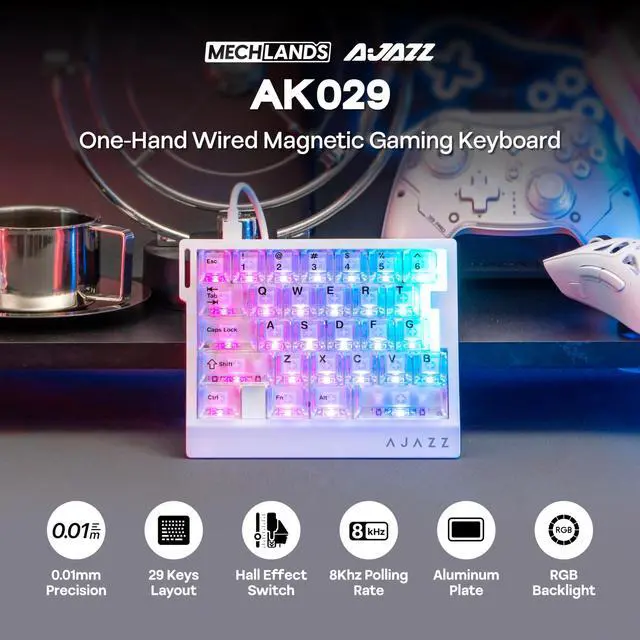
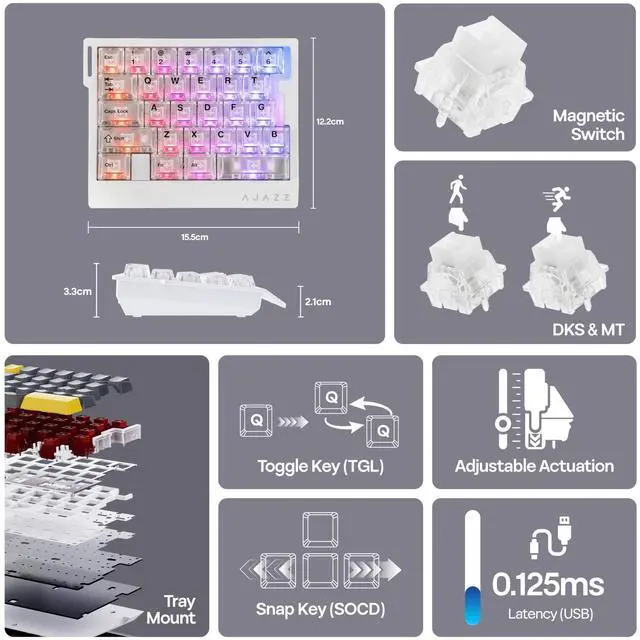


AK029 29 Keys Magnetic Gaming Keyboard with 8KHz High Polling Rate


How to custom the Rapid Trigger, Dynamic Keystrokes, Mod-Tap, Toggle Key and Snap Key?
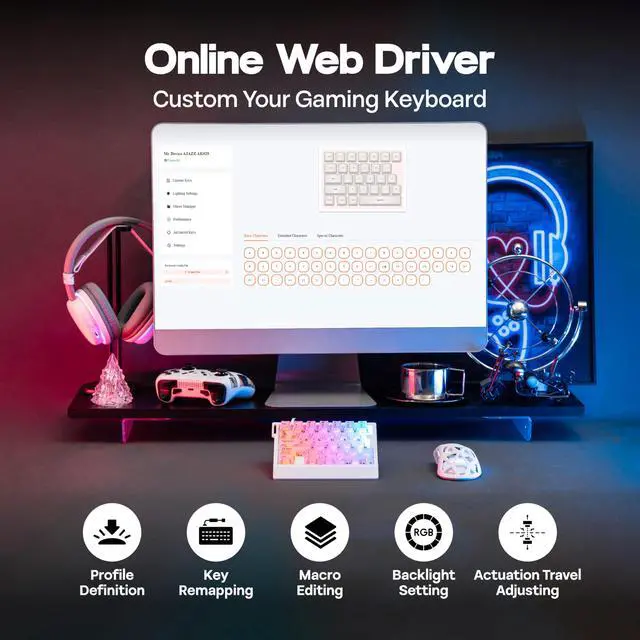
You can find the web driver from user manual to set up them.
The keyboard typing is repetitive or unresponsive. How can I fix this?
Please try the following steps:
1. Pull out some switches from the normal working keys and then install them to the socket of the defective key.
2. Reset the keyboard by holding FN+Spacebar key for 3-5 seconds.
3. Use driver to calibrate the keys.
Is the AK029 gaming keyboard compatible with all games? Does it work with consoles?
While connectivity with the console works, compatibility is not guaranteed and may vary depending on specific games or third-party controllers. Advanced features such as RT, SOCD, or DKS are restricted by certain games as cheating.
Is the AK029 compatible with Mac system?
Yes, it's compatible with Mac and Win systems. Press FN+S for 5 seconds can switch to Mac, FN+A to Windows.
More Gaming Keyboard with Magnetic Hall Effect Switches
 Cybrix 29 |  Mini60 HE PRO |  Hero68 HE |  AK820 MAX HE |  AK680 MAX | |
|---|---|---|---|---|---|
Customer Reviews | — | — | — | — | — |
Price | — | — | — | — | — |
Polling & Latency | 8K Polling, 0.125ms | 8K Polling, 0.125ms | 8K Polling, 0.125ms | 8K Polling, 0.125ms | 8K Polling, 0.125ms |
Adjustable Travel | 0.1-3.0mm (per 0.01mm) | 0.1-3.4mm (per 0.01mm) | 0.01-3.4mm (per 0.01mm) | 0.1-2.0mm (per 0.1mm) | 0.01-2.0mm (per 0.01mm) |
Case Material | Aluminum | Plastic | Plastic | Plastic | Plastic |
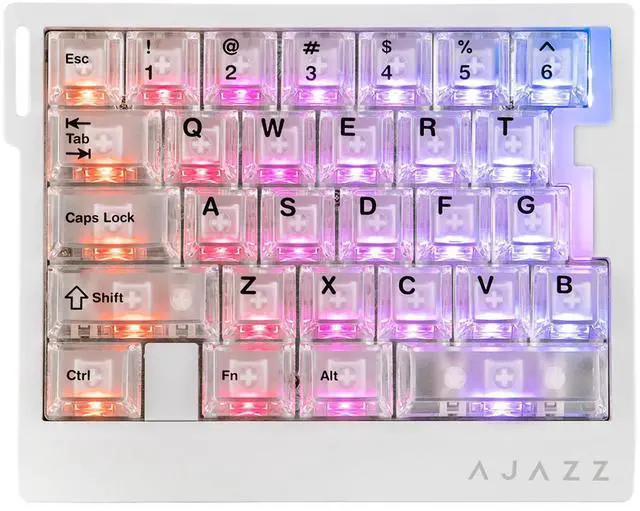
Layout | 29 keys + 3 knobs | 61 keys | 68 keys | 82 keys + 1 knob | 68 keys |
Connectivity | USB-C Wired | 2.4G/BT/USB-C Wired | USB-C Wired | USB-C Wired | USB-C Wired |
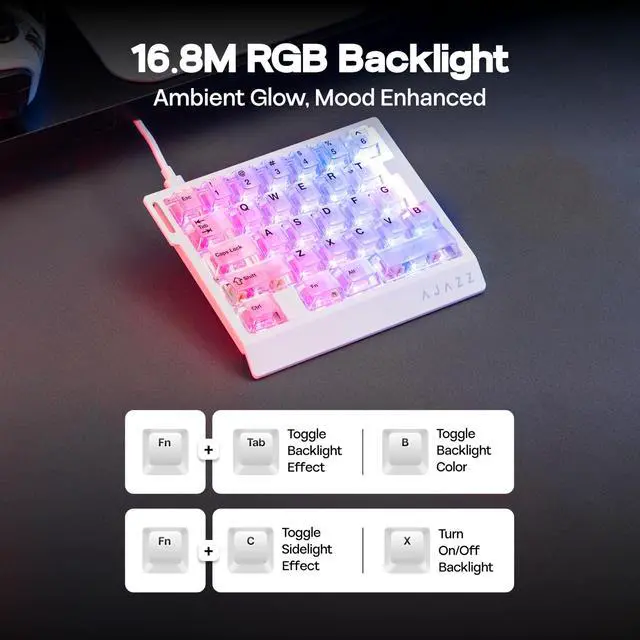
Backlight | Per-Key RGB | Per-Key RGB | Per-Key RGB | Per-Key RGB | Per-Key RGB |
Keycaps Shine-Through? | No | No | Yes (South-Facing) | No | No |
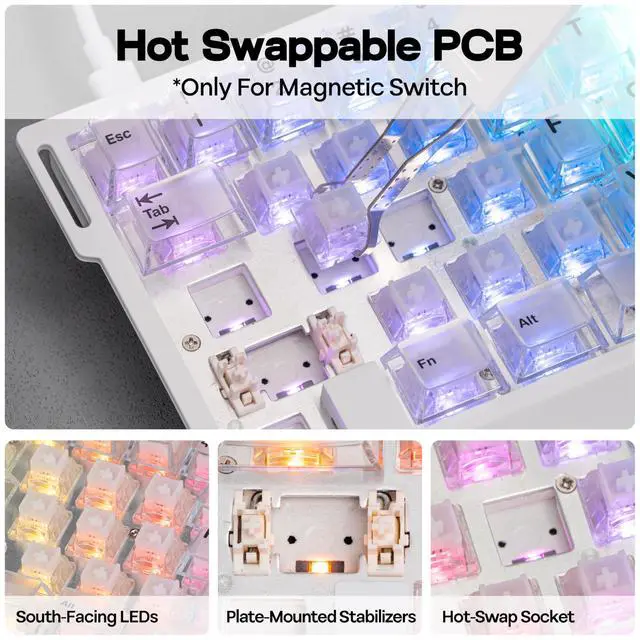
Hot-Swappable | Magnetic Switch | Magnetic Switch | Magnetic Switch | Magnetic Switch | Magnetic Switch |
Compatible System | Win/Mac/Android/iOS | Win/Mac/Android/iOS | Win/Mac/Android/iOS | Win/Mac/Android/iOS | Win/Mac/Android/iOS |
Software | KiiBoom Driver | AULA Web Driver (Chrome) | AULA Web Driver (Chrome) | AJAZZ Driver | AJAZZ Driver |

MechLands Keyboard & Accessory
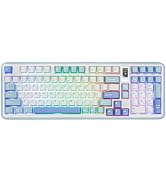
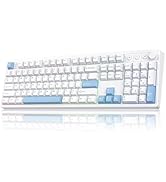
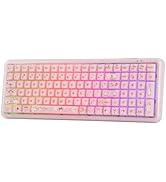
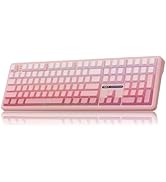
96%/100% Gaming Keyboards
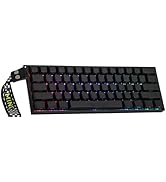
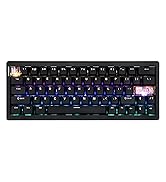
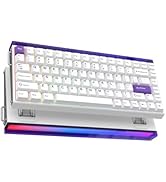
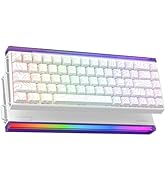
Rapid Fast Keyboard
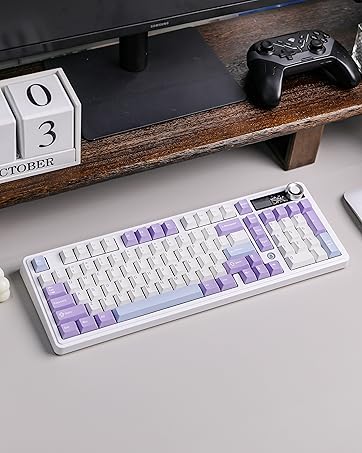
AJAZZ AK980 Keyboard
- 98% Keyboard with Display Screen
- Impressive 8000mAh Battery
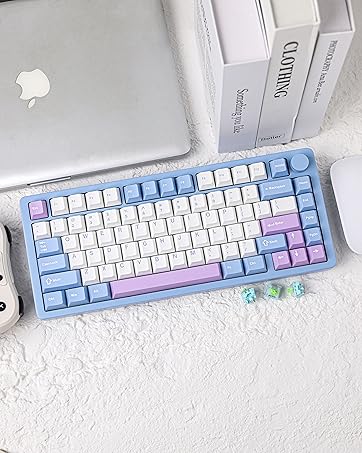
MechLands Blade75 Keyboard
- Full Aluminum Case
- 3 Modes Wireless
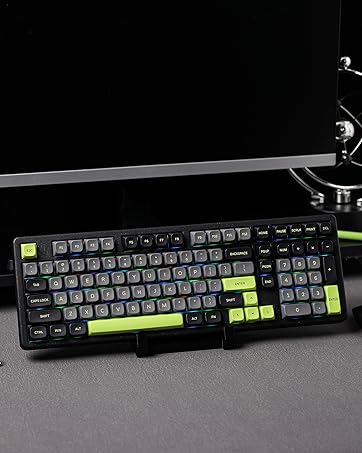
MechLands Blade101 Keyboard
- Full Aluminum Case
- Compact 1800-Layout
AULA Gaming Keyboard
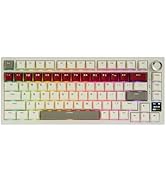
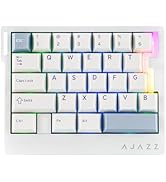
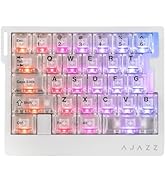
AJAZZ Gaming Keyboard
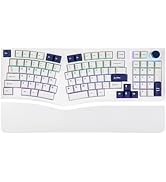
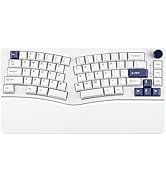
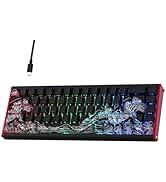
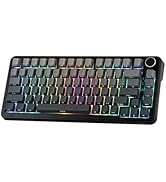
Gaming Keyboard
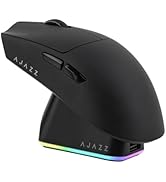
Gaming Mouse
More Accessories
AK029 29 Keys Magnetic Gaming Keyboard with 8KHz High Polling Rate


Magnetic Keyboard with Unparalleled Precision & Control


How to custom the Rapid Trigger, Dynamic Keystrokes, Mod-Tap, Toggle Key and Snap Key?
You can find the web driver from user manual to set up them.
The keyboard typing is repetitive or unresponsive. How can I fix this?
Please try the following steps:
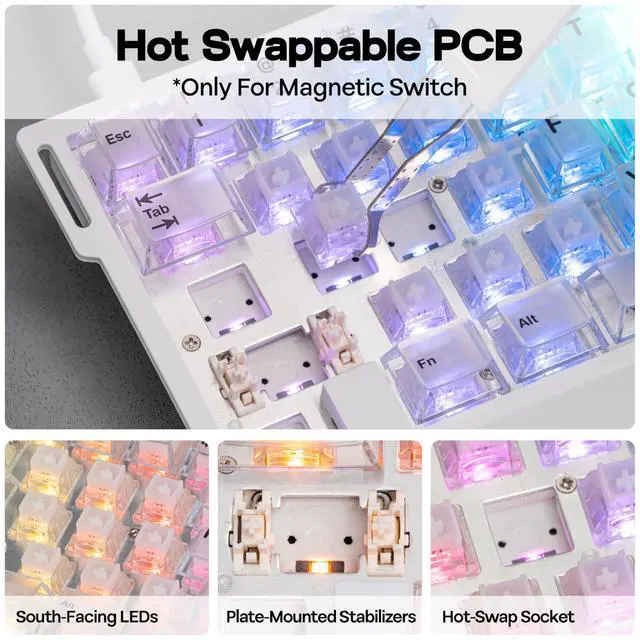
1. Pull out some switches from the normal working keys and then install them to the socket of the defective key.
2. Reset the keyboard by holding FN+Spacebar key for 3-5 seconds.
3. Use driver to calibrate the keys.
Is the AK029 gaming keyboard compatible with all games? Does it work with consoles?
While connectivity with the console works, compatibility is not guaranteed and may vary depending on specific games or third-party controllers. Advanced features such as RT, SOCD, or DKS are restricted by certain games as cheating.
Is the AK029 compatible with Mac system?
Yes, it's compatible with Mac and Win systems. Press FN+S for 5 seconds can switch to Mac, FN+A to Windows.
More Gaming Keyboard with Magnetic Hall Effect Switches
Cybrix 29 | Mini60 HE PRO | Hero68 HE | AK820 MAX HE | AK680 MAX |
|---|---|---|---|---|
| Customer Reviews | ||||
| — | — | — | — | — |
| Price | ||||
| — | — | — | — | — |
| Polling & Latency | ||||
| 8K Polling, 0.125ms | 8K Polling, 0.125ms | 8K Polling, 0.125ms | 8K Polling, 0.125ms | 8K Polling, 0.125ms |
| Adjustable Travel | ||||
| 0.1-3.0mm (per 0.01mm) | 0.1-3.4mm (per 0.01mm) | 0.01-3.4mm (per 0.01mm) | 0.1-2.0mm (per 0.1mm) | 0.01-2.0mm (per 0.01mm) |
| Case Material | ||||
| Aluminum | Plastic | Plastic | Plastic | Plastic |
| Layout | ||||
| 29 keys + 3 knobs | 61 keys | 68 keys | 82 keys + 1 knob | 68 keys |
| Connectivity | ||||
| USB-C Wired | 2.4G/BT/USB-C Wired | USB-C Wired | USB-C Wired | USB-C Wired |
| Backlight | ||||
| Per-Key RGB | Per-Key RGB | Per-Key RGB | Per-Key RGB | Per-Key RGB |
| Keycaps Shine-Through? | ||||
| No | No | Yes (South-Facing) | No | No |
| Hot-Swappable | ||||
| Magnetic Switch | Magnetic Switch | Magnetic Switch | Magnetic Switch | Magnetic Switch |
| Compatible System | ||||
| Win/Mac/Android/iOS | Win/Mac/Android/iOS | Win/Mac/Android/iOS | Win/Mac/Android/iOS | Win/Mac/Android/iOS |
| Software | ||||
| KiiBoom Driver | AULA Web Driver (Chrome) | AULA Web Driver (Chrome) | AJAZZ Driver | AJAZZ Driver |
MechLands Keyboard & Accessory
96%/100% Gaming Keyboards
Rapid Fast Keyboard
AJAZZ AK980 Keyboard
- 98% Keyboard with Display Screen
- Impressive 8000mAh Battery
MechLands Blade75 Keyboard
- Full Aluminum Case
- 3 Modes Wireless
MechLands Blade101 Keyboard
- Full Aluminum Case
- Compact 1800-Layout
AULA Gaming Keyboard
AJAZZ Gaming Keyboard
Gaming Keyboard
Gaming Mouse
More Accessories