




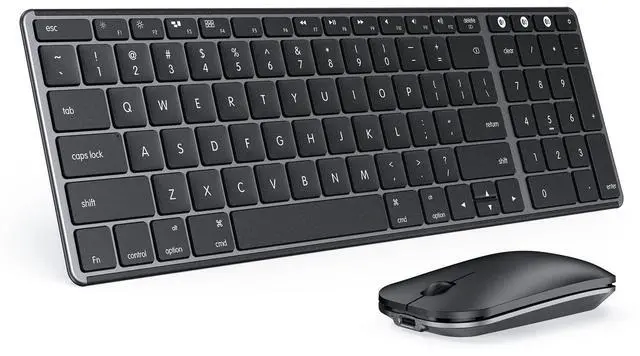



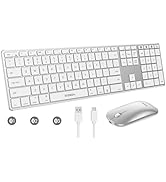
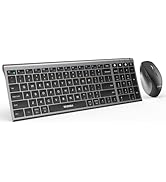
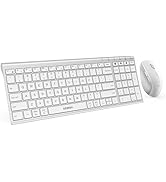
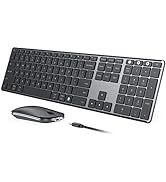
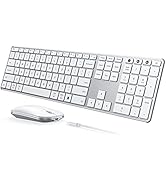
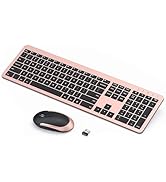
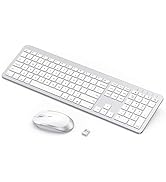
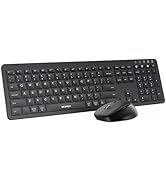
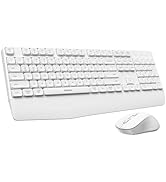
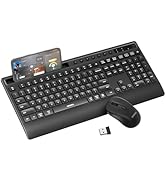
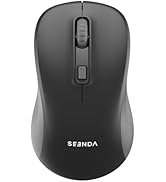
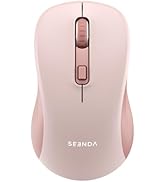

Multi-Device Bluetooth Keyboard and Mouse for Mac Workspace

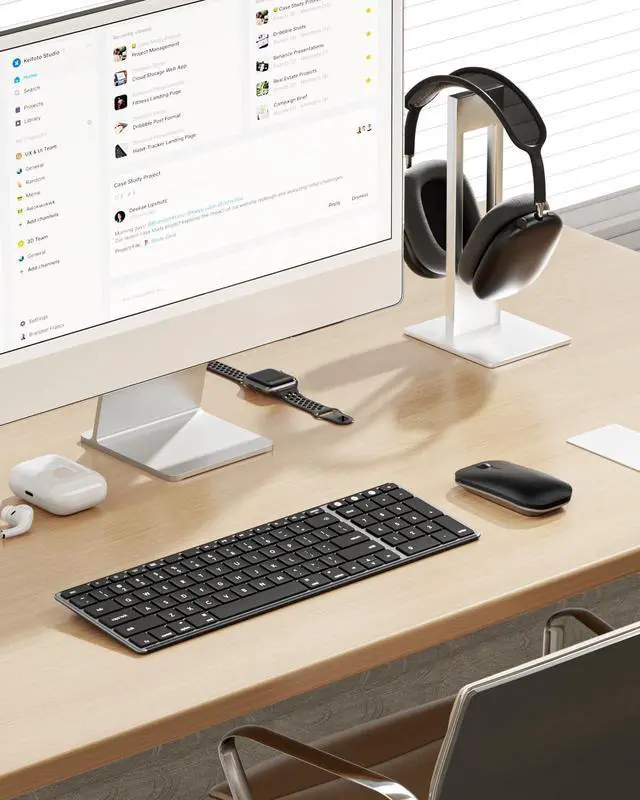
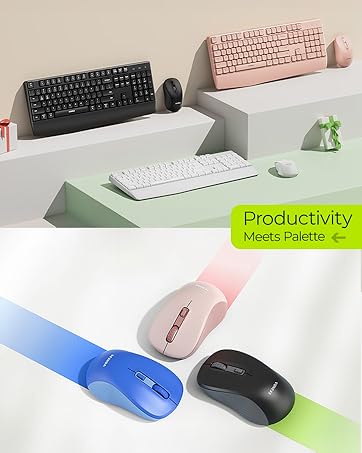
Sleek, minimalist, and built for focus. Meet your new productivity partner. Swipe to see more.
Bluetooth Keyboard and Mouse
Merchant VideoModel: SKM64-2
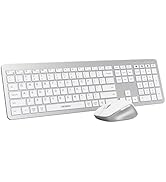
Apple-Focused Keyboard & Mouse - Your Slim, Silent Partner for Multi-Device
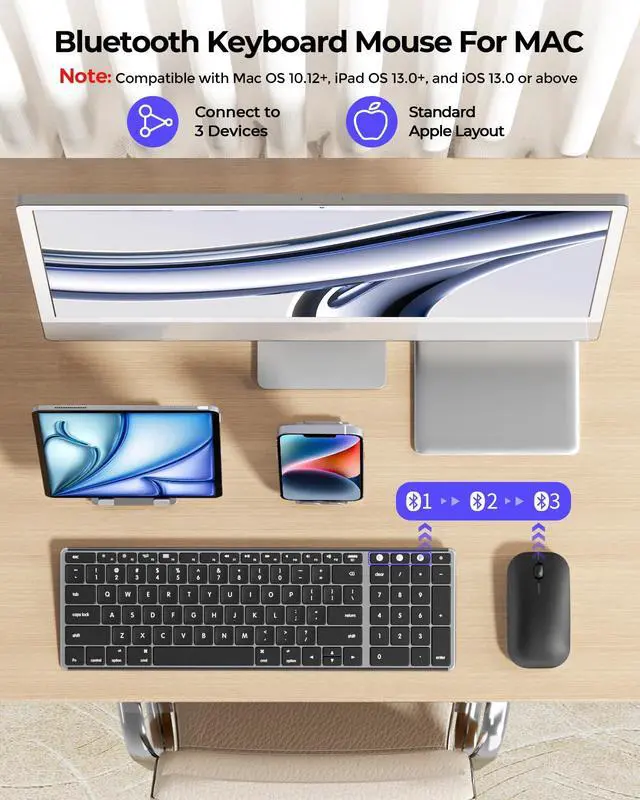
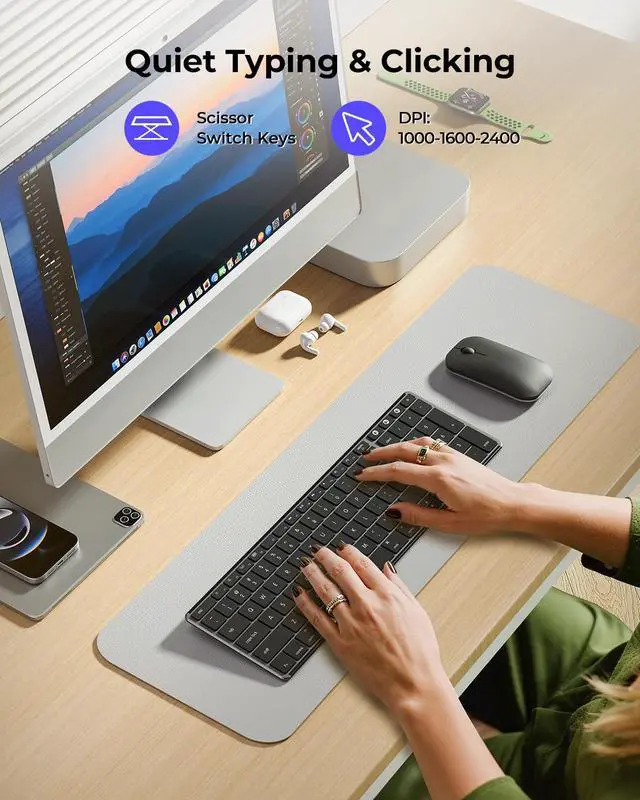
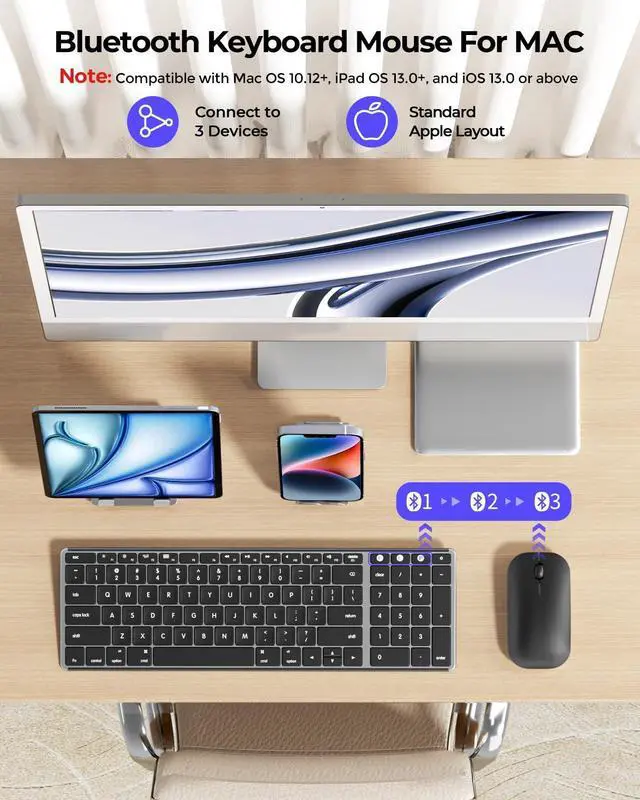
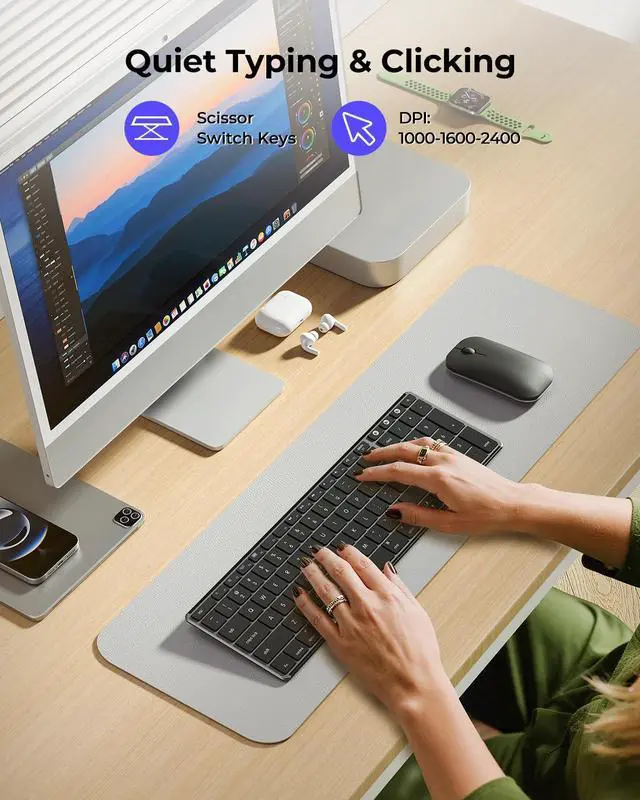
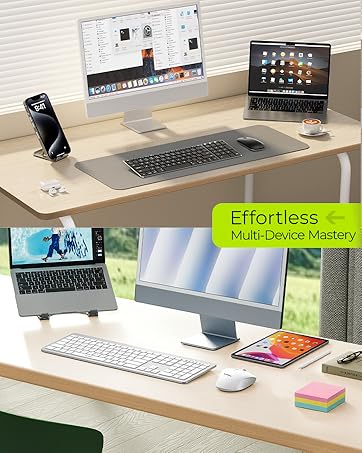
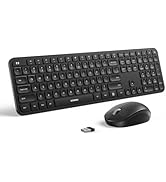
Designed specifically for Mac, iPad, and iPhone users, this sleek keyboard and mouse combo lets you effortlessly switch between three Apple devices with Bluetooth multi-pairing. Enjoy whisper-quiet typing and a satisfying click-free feel - perfect for shared offices, libraries, or focused work at home. And ideal for multi-device professionals, students, and creatives working across Apple products. NOTE: Bluetooth Only, No Chip or Dongle Needed | Pairing Guide: User Manual.



Tips for a Better Experience:
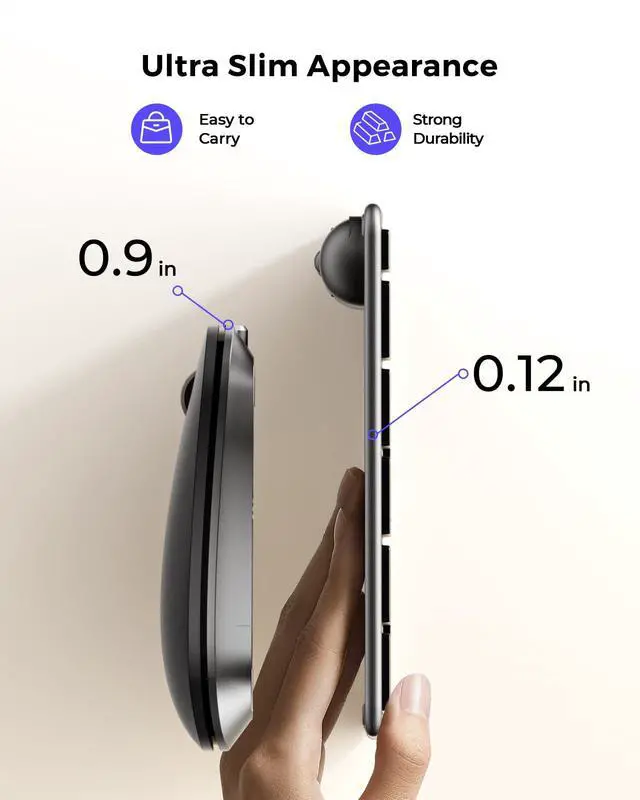
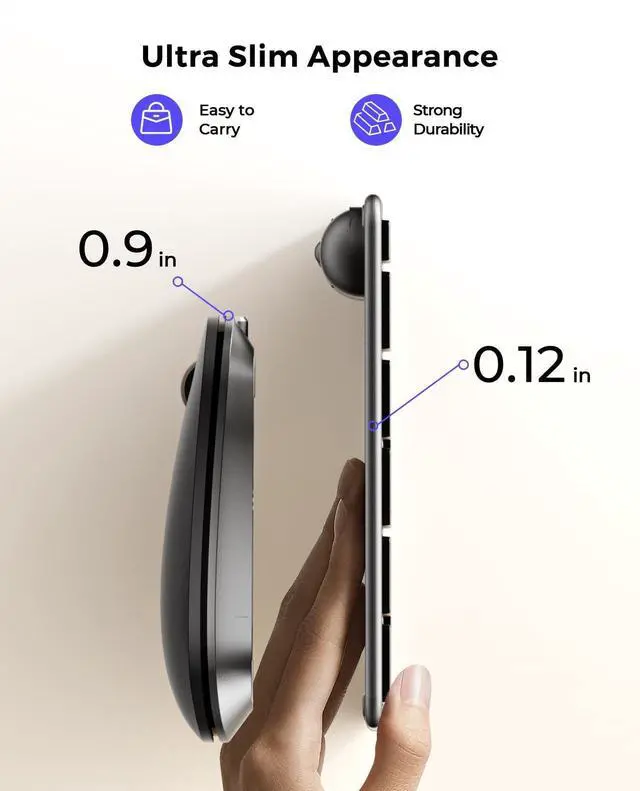
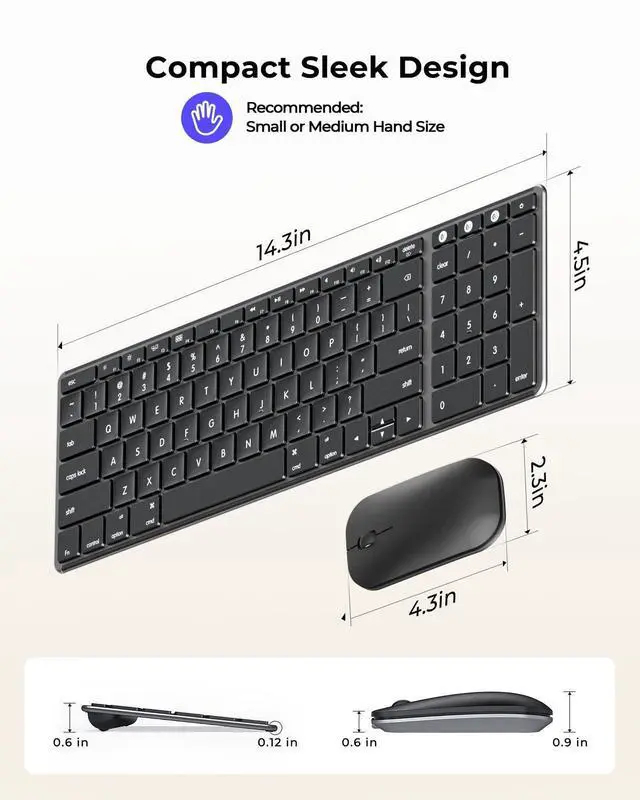
1. Mouse Design & Feel: The mouse features a flat, lightweight design for portability. If you're used to a taller ergonomic mouse, a brief adjustment period is normal. A mouse pad is recommended for smoother tracking.
2. Bluetooth Connection Issue: For optimal performance, keep devices within 10 meters (about 33 feet). If you experience disconnection, repeated keystrokes, or typing & clicking delay, try the following steps:
1) Make sure the keyboard/mouse is fully charged, as low battery may affect performance;
2) Remove the device from your Bluetooth list, restart your device, then re-pair following the user manual;
3) If the issue persists, test with another device to isolate the problem, or seek further assistance through your order.
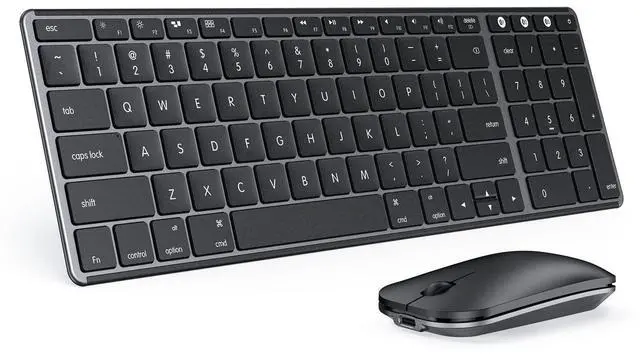
3. Keyboard Layout: This keyboard follows the standard Mac layout. The Fn and Control keys are positioned differently than on some Windows keyboards. Mac users will feel at home. If used with Windows devices, some keys may not function as expected; it is not recommended for use.
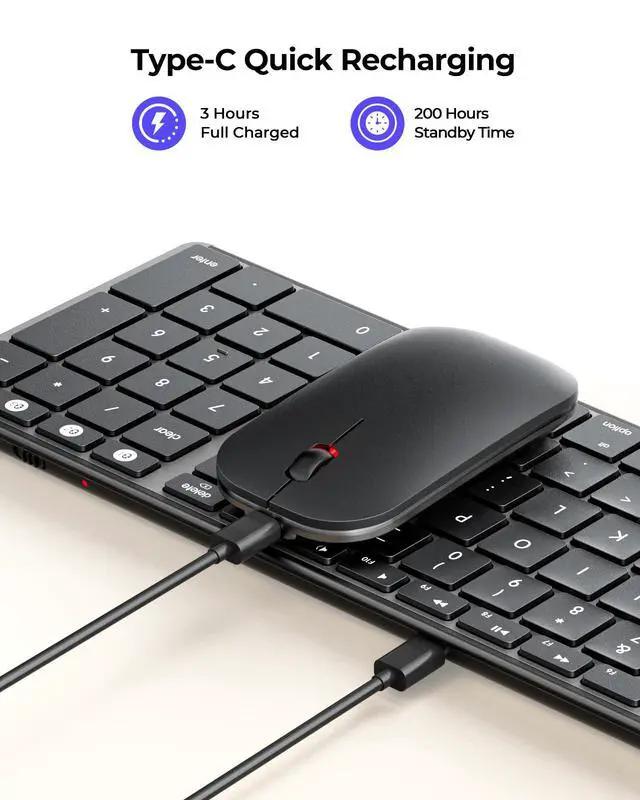
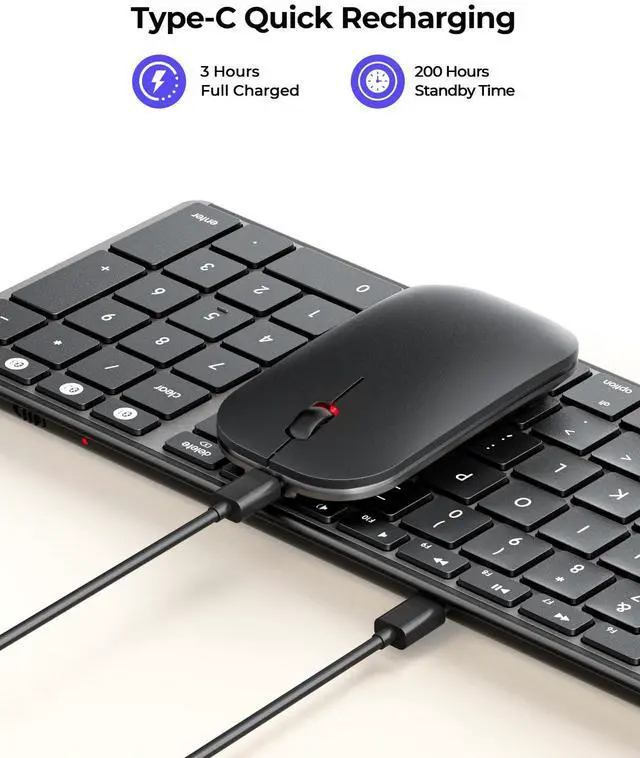
4. Charging & Battery: Supports USB-C charging and use while charging. For optimal performance, pls fully charge before first use. Low battery will cause the connection channel indicator to flash as a reminder.
5. Wake-Up Delay: Both devices enter sleep mode to save battery. To wake them, press any key or click the mouse – reconnection takes about 3–5 seconds. This is normal.
SEENDA - Choose the Keyboard and Mouse that's Right for You
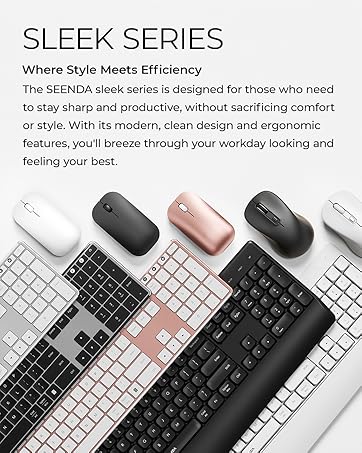
 Compact Mac Combo |  Compact Bluetooth Combo |  Full Size Bluetooth Combo |  Colorful Bluetooth Combo |  Ergonomic Bluetooth Combo |  Ergonomic Bluetooth Mouse | |
|---|---|---|---|---|---|---|
Customer Reviews | — | — | — | — | — | — |
Price | — | — | — | — | — | — |
Connection Mode | 3 * Bluetooth | 2.4G + Dual Bluetooth | 2.4G + Dual Bluetooth | 2.4G + Dual Bluetooth | 2.4G + Bluetooth | 2.4G + Dual Bluetooth |
Compatible Devices | Mac OS/iOS | Windows/Mac OS/iOS/Android | Windows/Mac OS/iOS/Android | Windows/Mac OS/iOS/Android | Windows/Mac OS/iOS/Android | Windows/Mac OS/iOS/Android |
Battery Type | Rechargeable | Rechargeable | Rechargeable | Batteries Required | Batteries Required | Rechargeable |
Keyboard Layout | Apple Layout | Windows & Apple Layout | Windows & Apple Layout | Windows & Apple Layout | Windows & Apple Layout | Windows & Apple Layout |
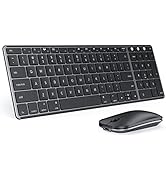
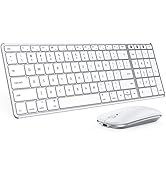
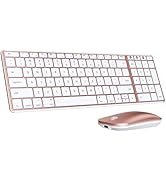
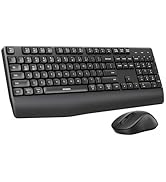
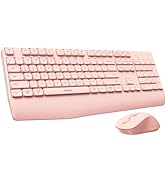
Optional Colors | Gray/Silver/Rose.. | Black/White Silver | Gray/Silver/Rose.. | Black/Pink | Black/White/Pink | Black/White/Pink... |
Multi-Device Bluetooth Keyboard and Mouse for Mac Workspace

Sleek, minimalist, and built for focus. Meet your new productivity partner. Swipe to see more.
Bluetooth Keyboard and Mouse
Merchant VideoModel: SKM64-2
Apple-Focused Keyboard & Mouse - Your Slim, Silent Partner for Multi-Device
Designed specifically for Mac, iPad, and iPhone users, this sleek keyboard and mouse combo lets you effortlessly switch between three Apple devices with Bluetooth multi-pairing. Enjoy whisper-quiet typing and a satisfying click-free feel - perfect for shared offices, libraries, or focused work at home. And ideal for multi-device professionals, students, and creatives working across Apple products. NOTE: Bluetooth Only, No Chip or Dongle Needed | Pairing Guide: User Manual.


Tips for a Better Experience:
1. Mouse Design & Feel: The mouse features a flat, lightweight design for portability. If you're used to a taller ergonomic mouse, a brief adjustment period is normal. A mouse pad is recommended for smoother tracking.
2. Bluetooth Connection Issue: For optimal performance, keep devices within 10 meters (about 33 feet). If you experience disconnection, repeated keystrokes, or typing & clicking delay, try the following steps:
1) Make sure the keyboard/mouse is fully charged, as low battery may affect performance;
2) Remove the device from your Bluetooth list, restart your device, then re-pair following the user manual;
3) If the issue persists, test with another device to isolate the problem, or seek further assistance through your order.
3. Keyboard Layout: This keyboard follows the standard Mac layout. The Fn and Control keys are positioned differently than on some Windows keyboards. Mac users will feel at home. If used with Windows devices, some keys may not function as expected; it is not recommended for use.
4. Charging & Battery: Supports USB-C charging and use while charging. For optimal performance, pls fully charge before first use. Low battery will cause the connection channel indicator to flash as a reminder.
5. Wake-Up Delay: Both devices enter sleep mode to save battery. To wake them, press any key or click the mouse – reconnection takes about 3–5 seconds. This is normal.
SEENDA - Choose the Keyboard and Mouse that's Right for You
Compact Mac Combo | Compact Bluetooth Combo | Full Size Bluetooth Combo | Colorful Bluetooth Combo | Ergonomic Bluetooth Combo | Ergonomic Bluetooth Mouse |
|---|---|---|---|---|---|
| Customer Reviews | |||||
| — | — | — | — | — | — |
| Price | |||||
| — | — | — | — | — | — |
| Connection Mode | |||||
| 3 * Bluetooth | 2.4G + Dual Bluetooth | 2.4G + Dual Bluetooth | 2.4G + Dual Bluetooth | 2.4G + Bluetooth | 2.4G + Dual Bluetooth |
| Compatible Devices | |||||
| Mac OS/iOS | Windows/Mac OS/iOS/Android | Windows/Mac OS/iOS/Android | Windows/Mac OS/iOS/Android | Windows/Mac OS/iOS/Android | Windows/Mac OS/iOS/Android |
| Battery Type | |||||
| Rechargeable | Rechargeable | Rechargeable | Batteries Required | Batteries Required | Rechargeable |
| Keyboard Layout | |||||
| Apple Layout | Windows & Apple Layout | Windows & Apple Layout | Windows & Apple Layout | Windows & Apple Layout | Windows & Apple Layout |
| Optional Colors | |||||
| Gray/Silver/Rose.. | Black/White Silver | Gray/Silver/Rose.. | Black/Pink | Black/White/Pink | Black/White/Pink... |
Mac Bluetooth Keyboard Mice
USB + Dual Bluetooth Combos
Full-Size Slim Keyboard Mice
Multi-Device Ergo Combos
USB + Bluetooth Mice
