




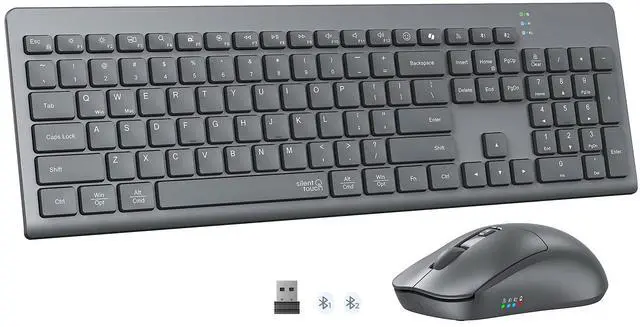
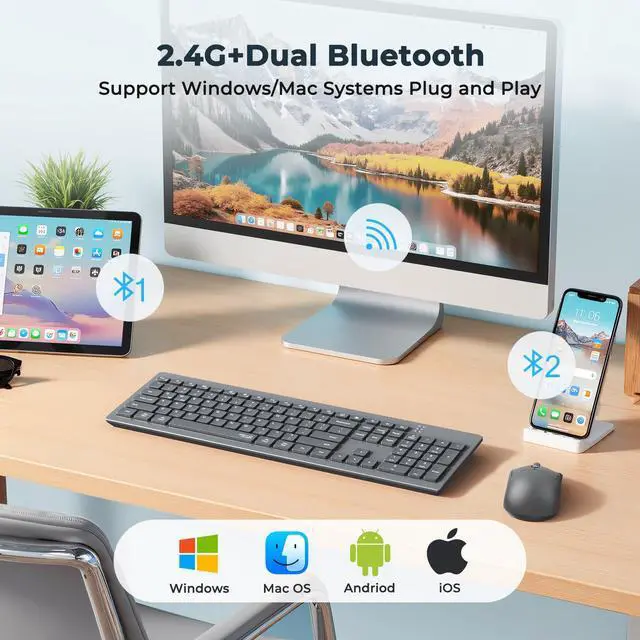
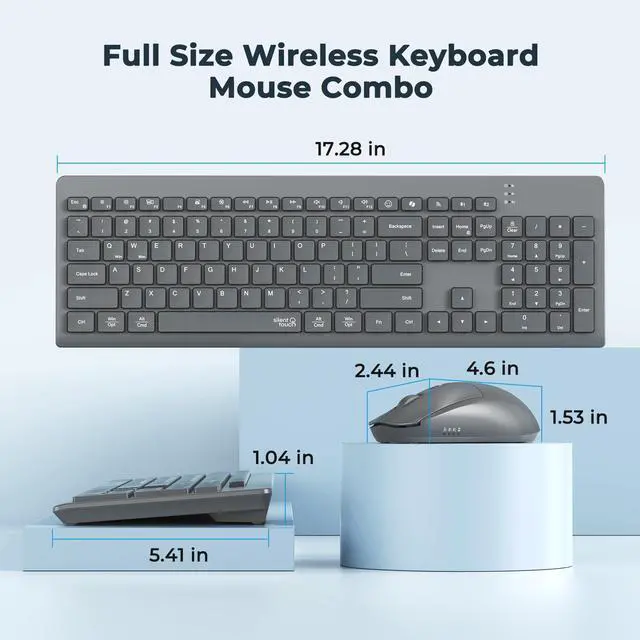
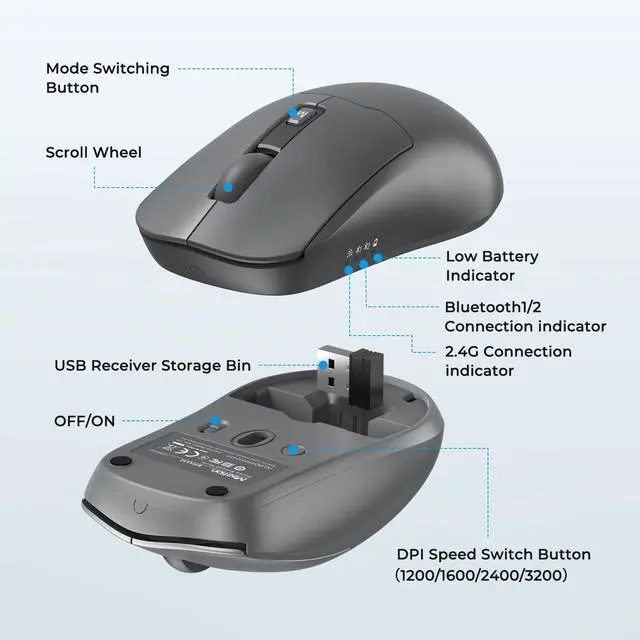
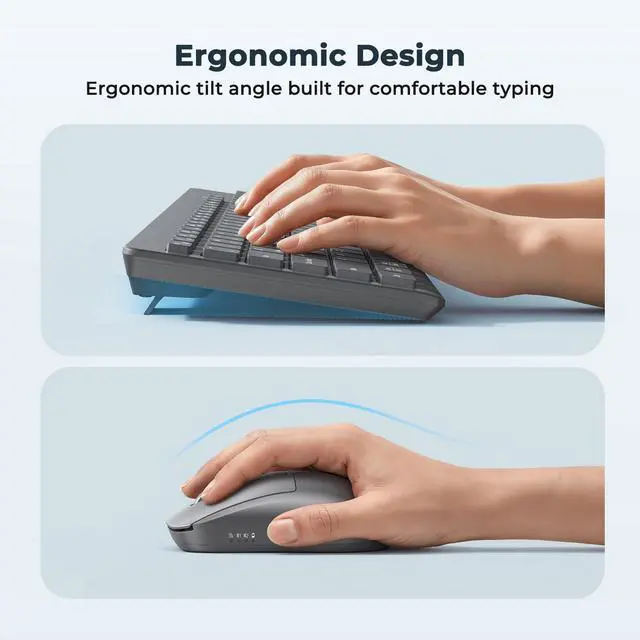
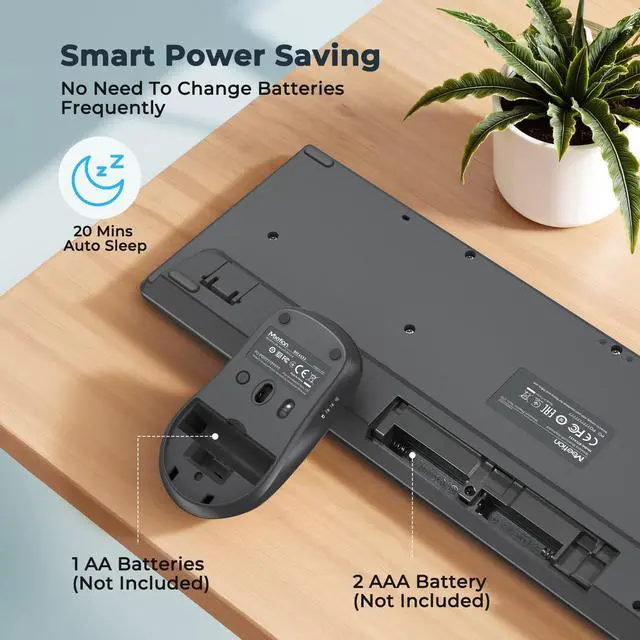
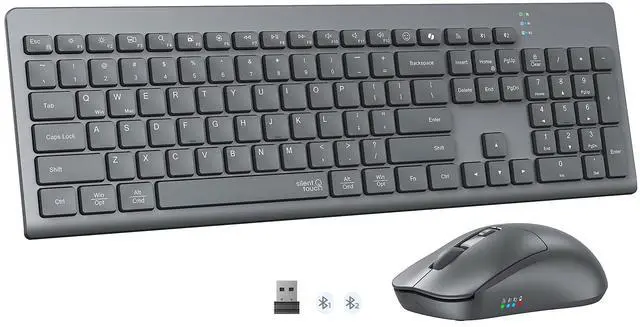


C4132 New Wireless Bluetooth Keyboard and Mouse


Why do I see double letters or random characters?
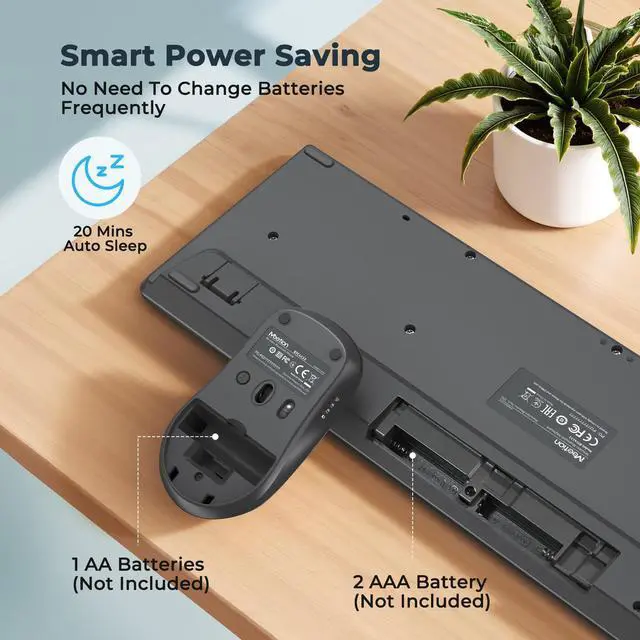
Low battery or 2.4 GHz interference. The keyboard sleeps after 20 min of inactivity; the first tap to wake it up may result in repeated keystrokes. Replace batteries; keep Wi-Fi devices =8 inches away.
What if the keyboard fails after a few months?
1. Replace the batteries, then toggle the power switch off and on.
2. Remove keyboard from your device's Bluetooth list, then search and pair again.
3. Hold the Bluetooth key for 5 seconds to force pairing.
3. Test the keyboard on another device.
Bluetooth isn't recognized / connection issues—what should I do?
1. Bring keyboard close, turn on device Bluetooth.
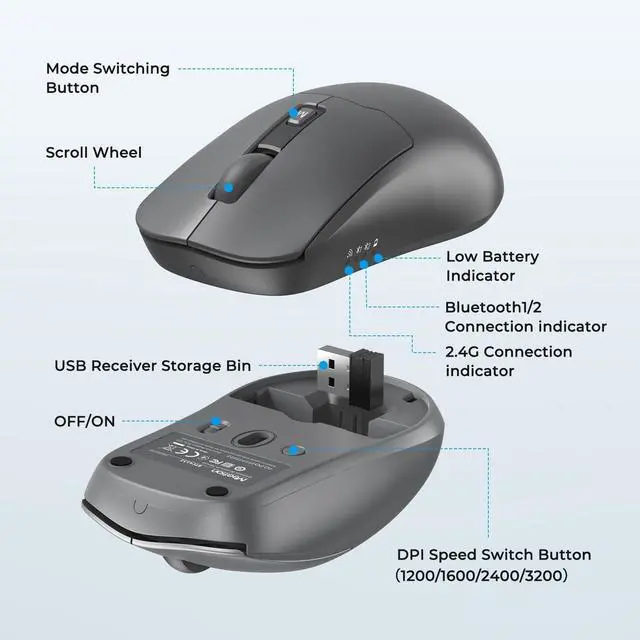
2. Short-press target Bluetooth channel (light on).
3. Long press the channel key for >3s until the blue LED flashes quickly, then pair.
4. LED turns off after 2s = pairing successful.
Are the keyboard and mouse both silent?
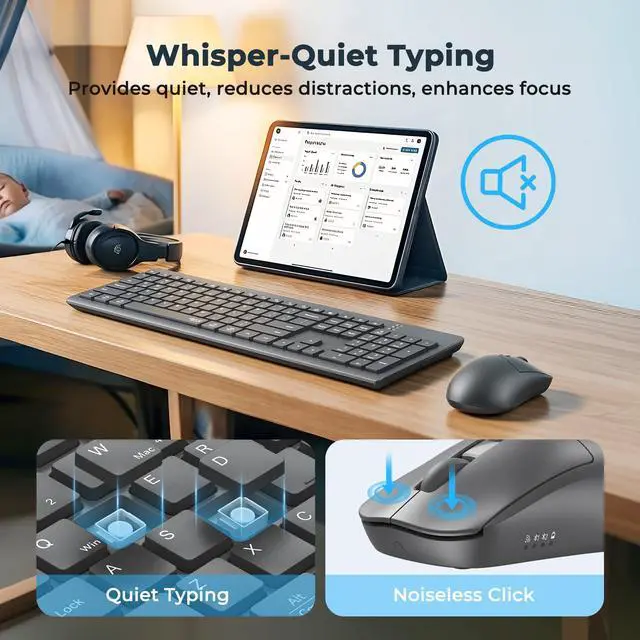
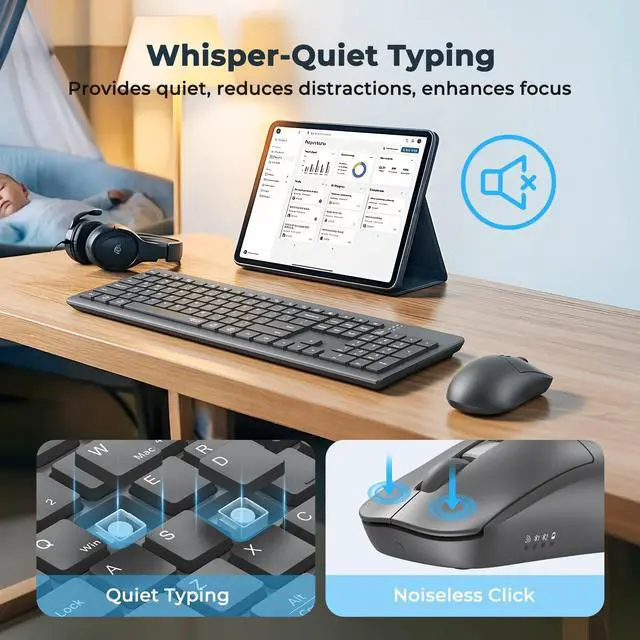
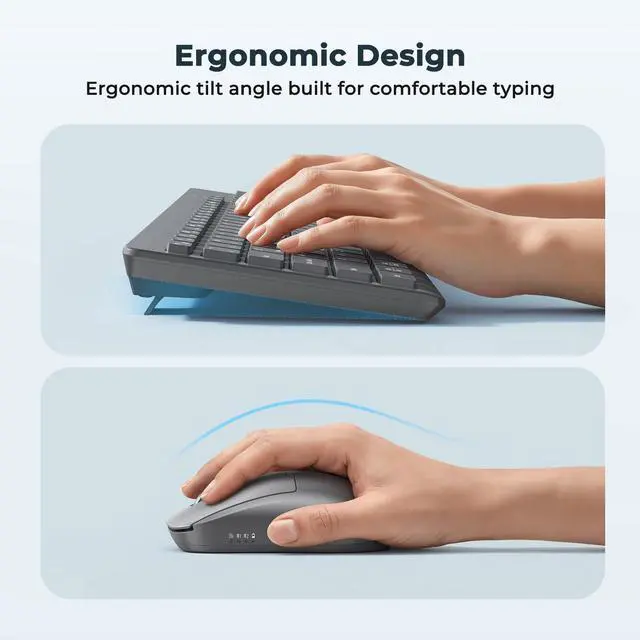
The soft membrane provide a comfortable and quiet typing experience, the mouse buttons are quiet click. This set is very suitable for use in the office or at home.
How do I switch the shortcut keys to multimedia or F1-F12 functions?
This keyboard is in multimedia functions by default. The F1-F12 functions need to be activated by pressing Fn + F1-F12 keys. Or you can activate the Fn lock(Press Fn + Fn Lock/Search key) to use the F1-F12 functions directly.
The Best Keyboard for Your Needs
 C4132 |  C4131 |  C7000 |  C8000 | |
|---|---|---|---|---|
Customer Reviews | — | — | — | — |
Price | — | — | — | — |
Color | Gray | Black | Black-Gray | Milk Tea |
Silent Input | ? | ? | ? | ? |
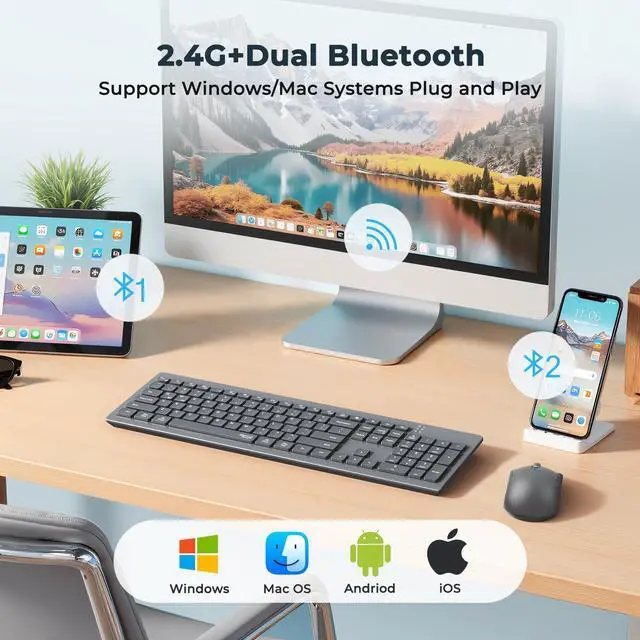
Connection Mode | 2.4G + Dual Bluetooth | 2.4G + Dual Bluetooth | 2.4G + Bluetooth | 2.4G |
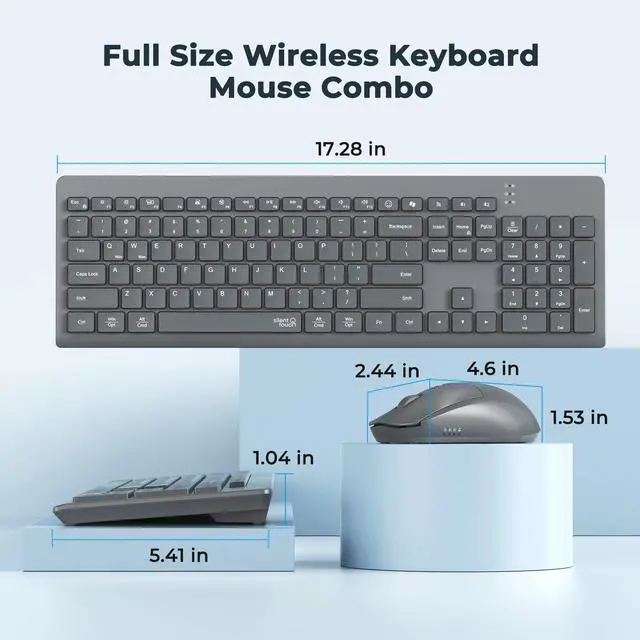
Key Height | Low-Profile Keys | Low-Profile Keys | Standard Key Height | High-Profile Keys |
Battery Type | Batteries Required | Rechargeable | Batteries Required | Batteries Required |
C4132 New Wireless Bluetooth Keyboard and Mouse


Adapt To Every Daily Scenario, Boost Efficiency With Every Touch


Why do I see double letters or random characters?
Low battery or 2.4 GHz interference. The keyboard sleeps after 20 min of inactivity; the first tap to wake it up may result in repeated keystrokes. Replace batteries; keep Wi-Fi devices =8 inches away.
What if the keyboard fails after a few months?
1. Replace the batteries, then toggle the power switch off and on.
2. Remove keyboard from your device's Bluetooth list, then search and pair again.
3. Hold the Bluetooth key for 5 seconds to force pairing.
3. Test the keyboard on another device.
Bluetooth isn't recognized / connection issues—what should I do?
1. Bring keyboard close, turn on device Bluetooth.
2. Short-press target Bluetooth channel (light on).
3. Long press the channel key for >3s until the blue LED flashes quickly, then pair.
4. LED turns off after 2s = pairing successful.
Are the keyboard and mouse both silent?
The soft membrane provide a comfortable and quiet typing experience, the mouse buttons are quiet click. This set is very suitable for use in the office or at home.
How do I switch the shortcut keys to multimedia or F1-F12 functions?
This keyboard is in multimedia functions by default. The F1-F12 functions need to be activated by pressing Fn + F1-F12 keys. Or you can activate the Fn lock(Press Fn + Fn Lock/Search key) to use the F1-F12 functions directly.
The Best Keyboard for Your Needs
C4132 | C4131 | C7000 | C8000 |
|---|---|---|---|
| Customer Reviews | |||
| — | — | — | — |
| Price | |||
| — | — | — | — |
| Color | |||
| Gray | Black | Black-Gray | Milk Tea |
| Silent Input | |||
| ? | ? | ? | ? |
| Connection Mode | |||
| 2.4G + Dual Bluetooth | 2.4G + Dual Bluetooth | 2.4G + Bluetooth | 2.4G |
| Key Height | |||
| Low-Profile Keys | Low-Profile Keys | Standard Key Height | High-Profile Keys |
| Battery Type | |||
| Batteries Required | Rechargeable | Batteries Required | Batteries Required |