










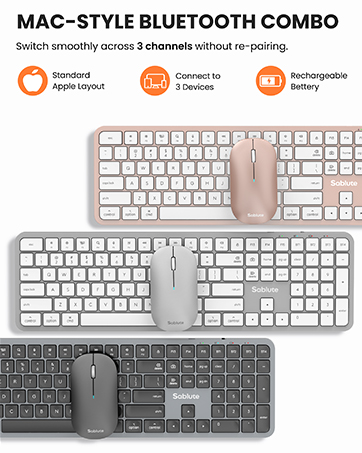
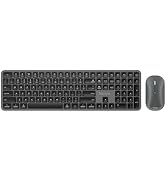
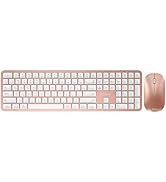
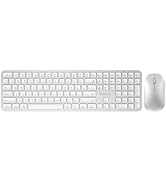
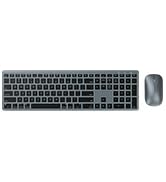



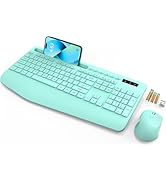
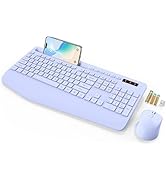



Built for Mac-like productivity
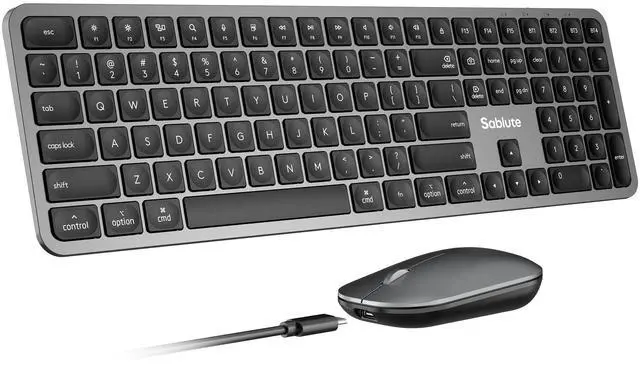
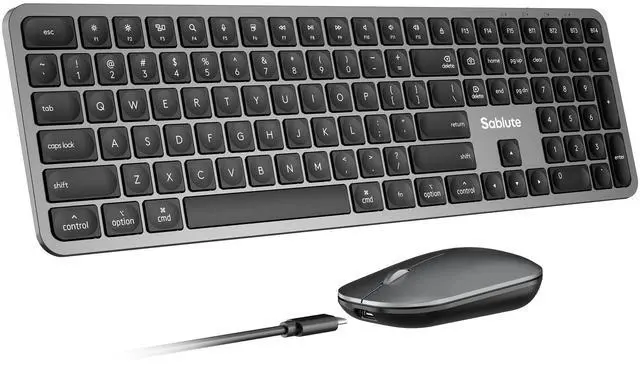
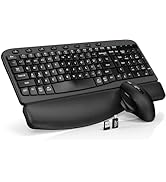
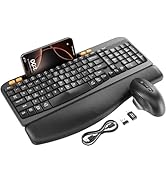
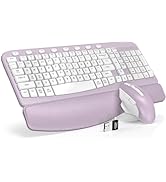
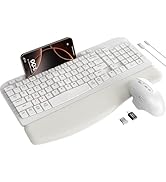
Mac-style wireless keyboard and mouse
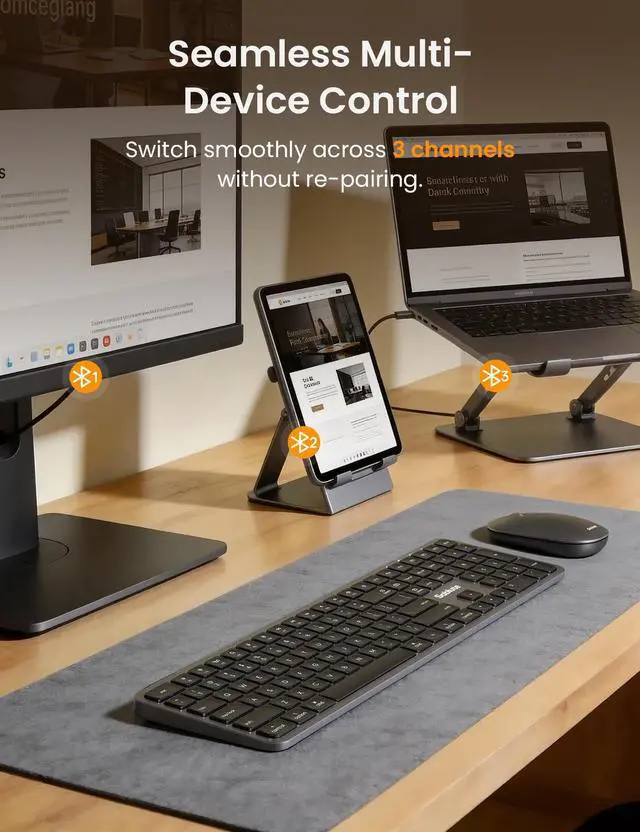
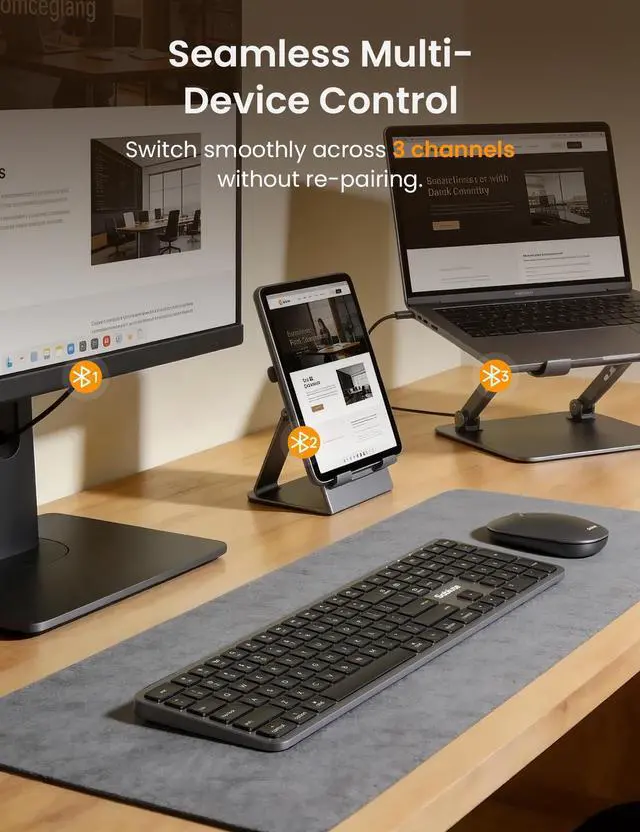
- Bluetooth-Only, No Dongle Needed — Connect to PCs, laptops, and tablets, then switch between 3 Bluetooth channels for smooth multi-device control.
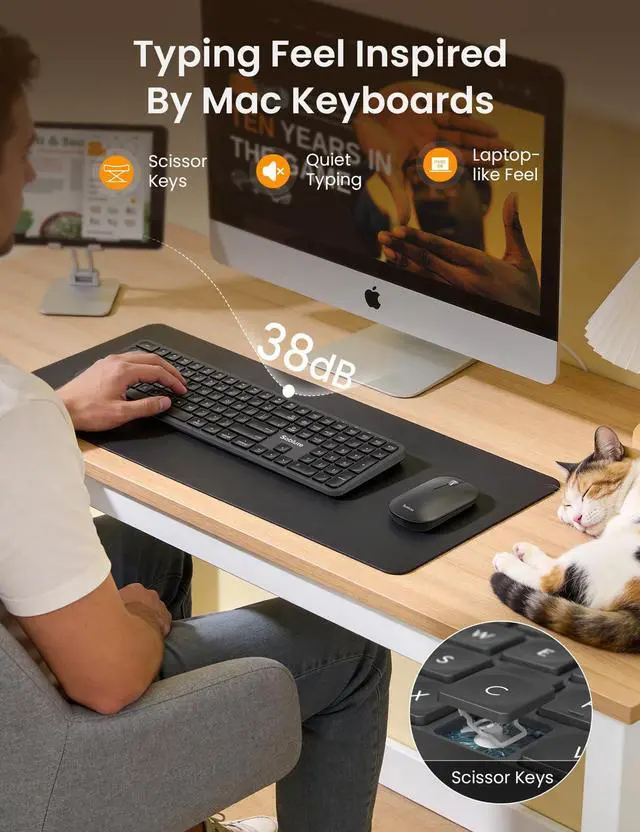
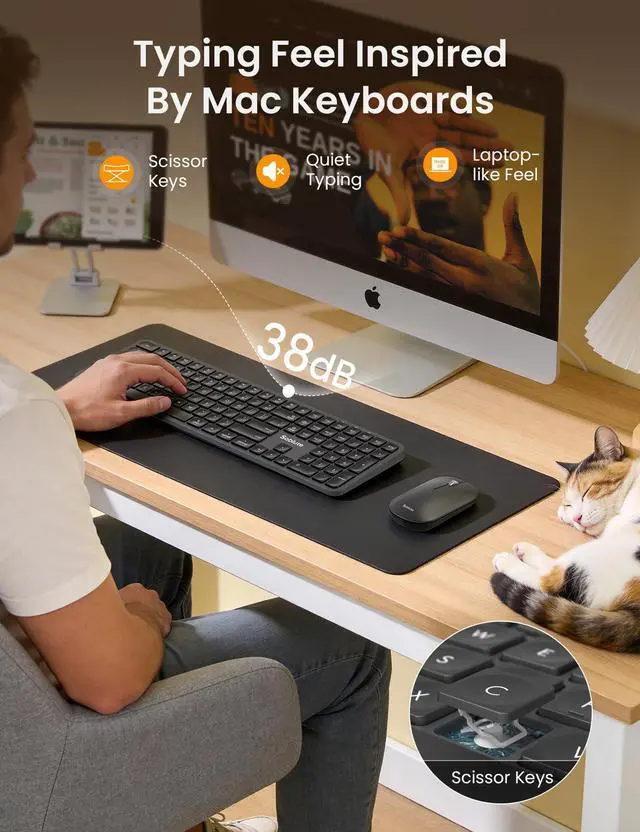
- Quiet, Laptop-Like Scissor Keys — Low-noise, comfortable typing for the office, studying, or late-night work.
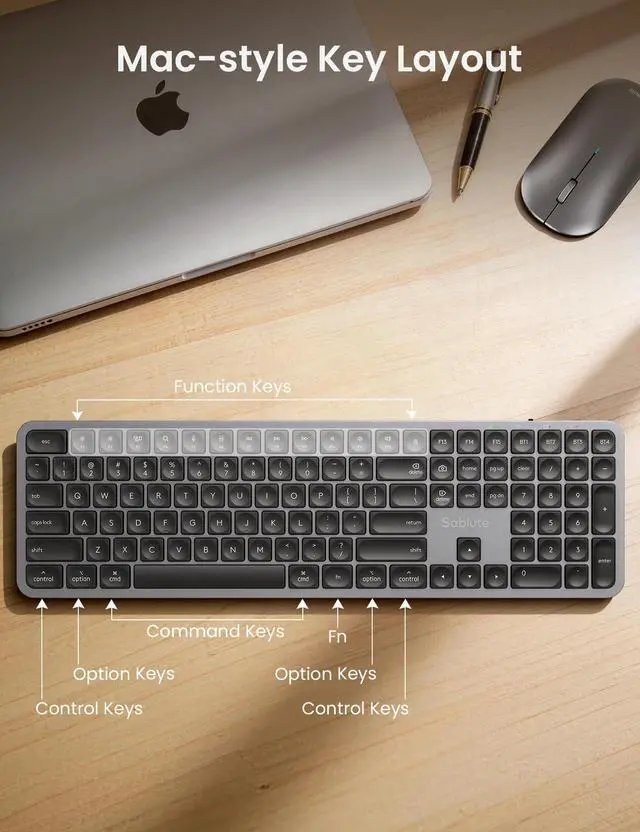
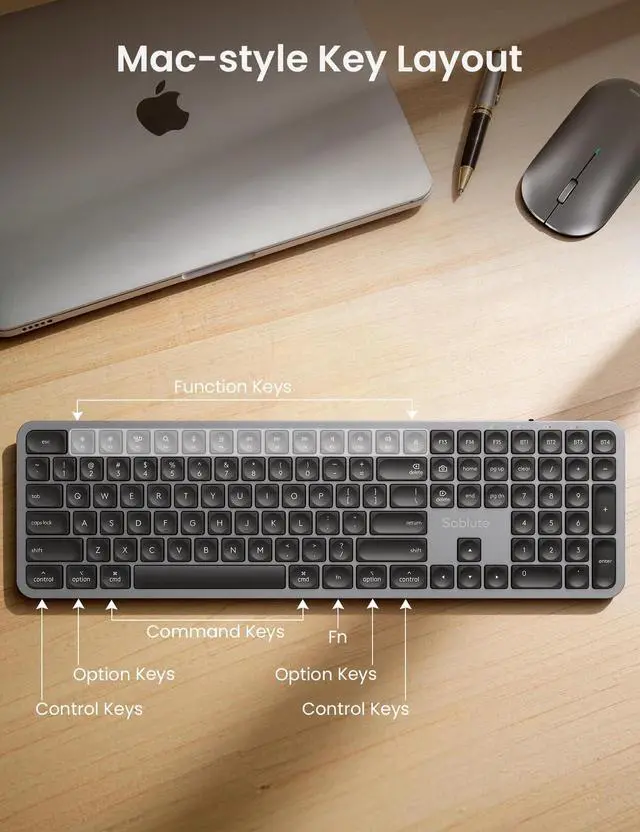
- Full-Size Mac-Style Layout — Familiar key layout with a full number pad reduces adjustment time and keeps you productive.
- In the Box — Bluetooth keyboard and mouse combo, USB-C to USB-C charging cable, user manual, quick start guide.


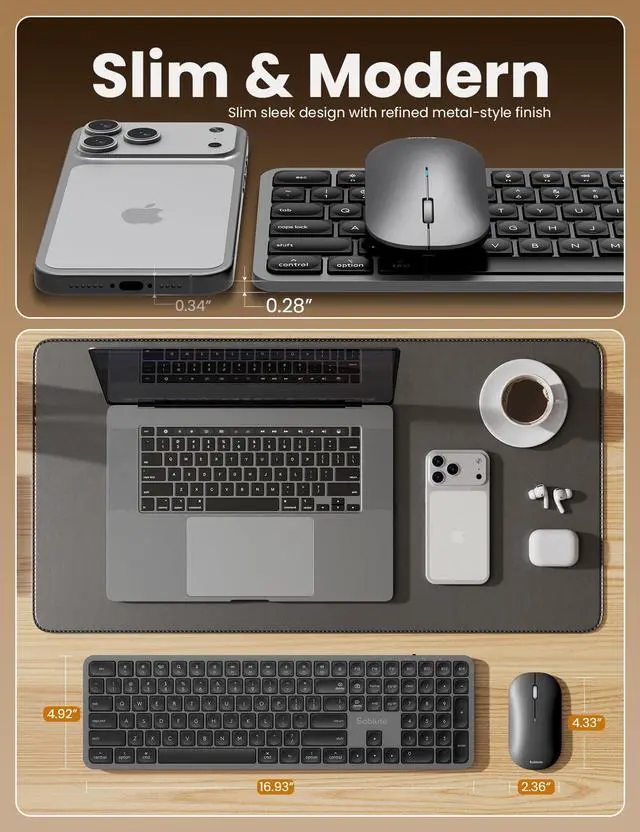
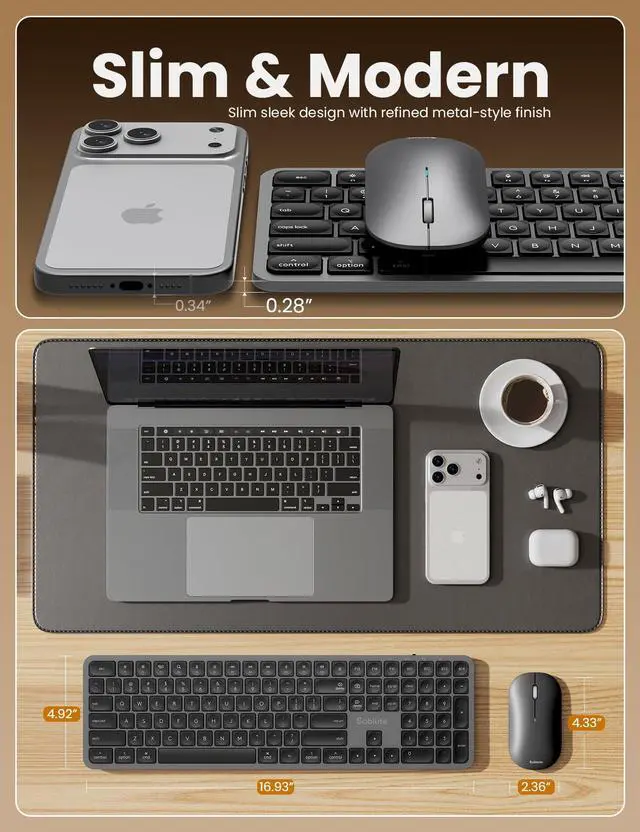
Ultra-Slim Design
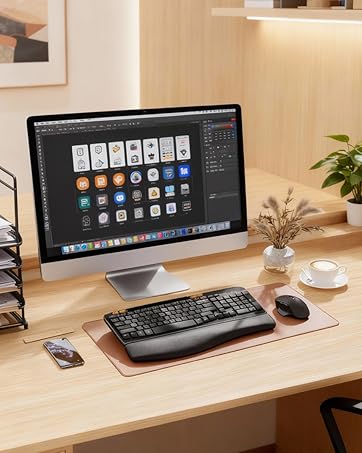
A sleek, stylish finish and thin profile keep your workspace clean, modern, and professional.

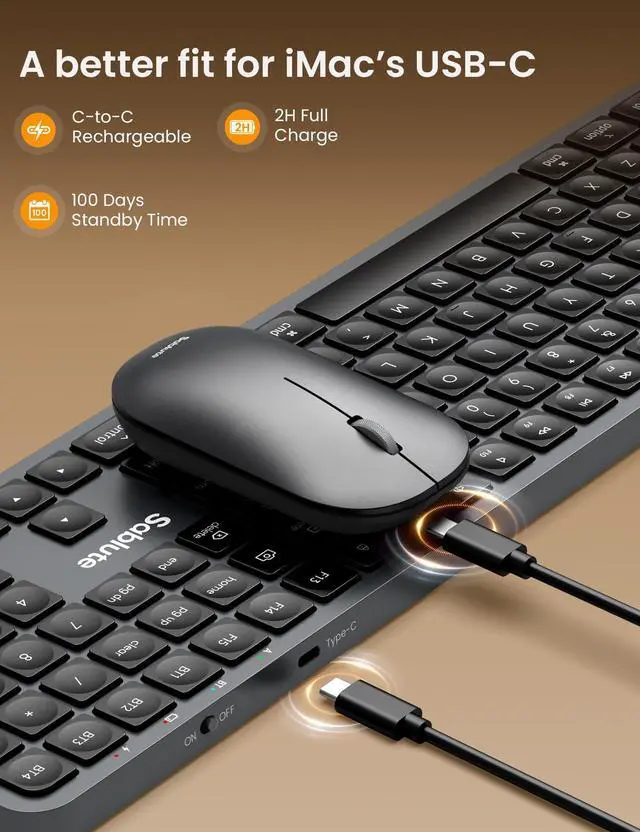
Type-C Rechargeable
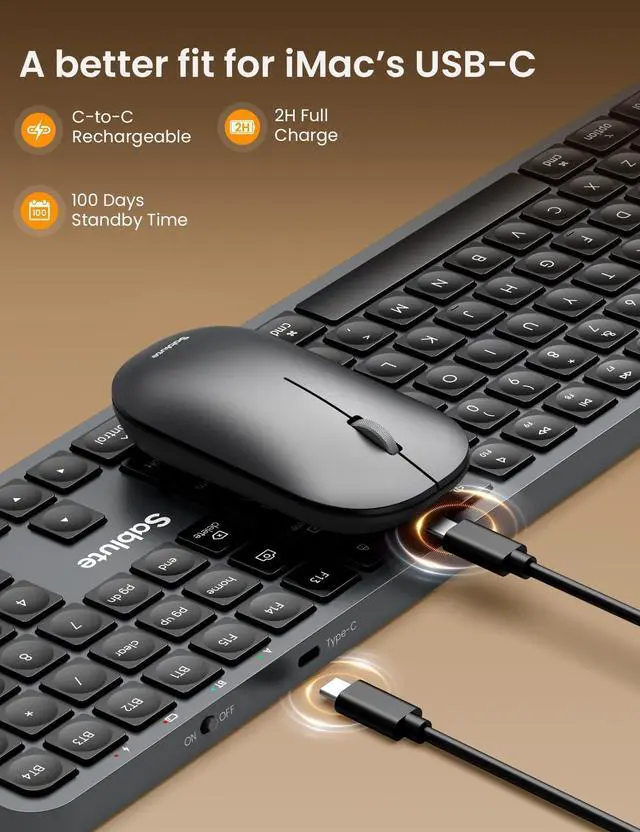
Includes a USB-C to USB-C charging cable for easy, Mac-friendly charging. No additional adapter needed, and you can keep using it while it charges.


How do I connect the keyboard if this is my first time using it?
Press and hold the BT1/2/3/4 keys on the keyboard for 3-4s. After the BT indicator light flashes rapidly, find "KMA2 BT1/2/3/4" on your device and connect.
How do I connect the mouse if this is my first time using it?
Press and hold the BT button on the bottom of the mouse for 3-4s until the indicator light on the front of the mouse flashes rapidly. Then,find “MA1 BT1/2/3” on your device and connect.
Can this Bluetooth keyboard and mouse combo be used on both macOS and Windows systems?
This keyboard and mouse combo for Mac users with a Mac-style layout and is optimized for macOS. Windows is also supported, but some shortcut keys may work differently or be limited depending on the system.
Does it only support Bluetooth connectivity? Is an adapter included?
This is a Bluetooth only keyboard and mouse combo; the mouse and keyboard can pair directly without a dongle or adapter, which helps improve the utilization of your device's ports.
Is this wireless keyboard and mouse suitable for multiple devices tasks?
Yes, you can work across 3 devices — Pair once, then switch between up to 3 devices with a single button press.

Built for Mac-like productivity
Mac-style wireless keyboard and mouse
- Bluetooth-Only, No Dongle Needed — Connect to PCs, laptops, and tablets, then switch between 3 Bluetooth channels for smooth multi-device control.
- Quiet, Laptop-Like Scissor Keys — Low-noise, comfortable typing for the office, studying, or late-night work.
- Full-Size Mac-Style Layout — Familiar key layout with a full number pad reduces adjustment time and keeps you productive.
- In the Box — Bluetooth keyboard and mouse combo, USB-C to USB-C charging cable, user manual, quick start guide.


Ultra-Slim Design
A sleek, stylish finish and thin profile keep your workspace clean, modern, and professional.
Type-C Rechargeable
Includes a USB-C to USB-C charging cable for easy, Mac-friendly charging. No additional adapter needed, and you can keep using it while it charges.
Three-Device Bluetooth Switching Made Simple


Boost efficiency by connecting to three devices at once. Switch instantly between workstations without plugging or pairing again.


How do I connect the keyboard if this is my first time using it?
Press and hold the BT1/2/3/4 keys on the keyboard for 3-4s. After the BT indicator light flashes rapidly, find "KMA2 BT1/2/3/4" on your device and connect.
How do I connect the mouse if this is my first time using it?
Press and hold the BT button on the bottom of the mouse for 3-4s until the indicator light on the front of the mouse flashes rapidly. Then,find “MA1 BT1/2/3” on your device and connect.
Can this Bluetooth keyboard and mouse combo be used on both macOS and Windows systems?
This keyboard and mouse combo for Mac users with a Mac-style layout and is optimized for macOS. Windows is also supported, but some shortcut keys may work differently or be limited depending on the system.
Does it only support Bluetooth connectivity? Is an adapter included?
This is a Bluetooth only keyboard and mouse combo; the mouse and keyboard can pair directly without a dongle or adapter, which helps improve the utilization of your device's ports.
Is this wireless keyboard and mouse suitable for multiple devices tasks?
Yes, you can work across 3 devices — Pair once, then switch between up to 3 devices with a single button press.
New to Brand
Explore Mac Series
New to Brand
Top Pick in Brand
Explore Backlit Series
Explore Batteries Series
Healthy Office Solution
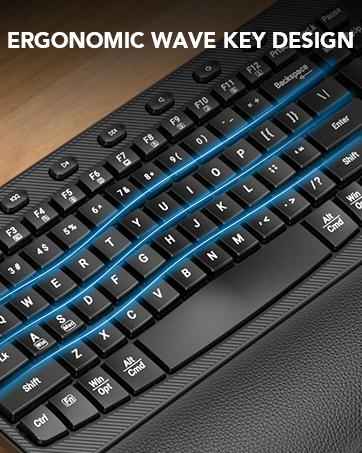
Explore Ergo Series
