








Quiet. Slim. Powerful.

Standard 15mm Keycaps
Designed for a more familiar, full-size typing experience.

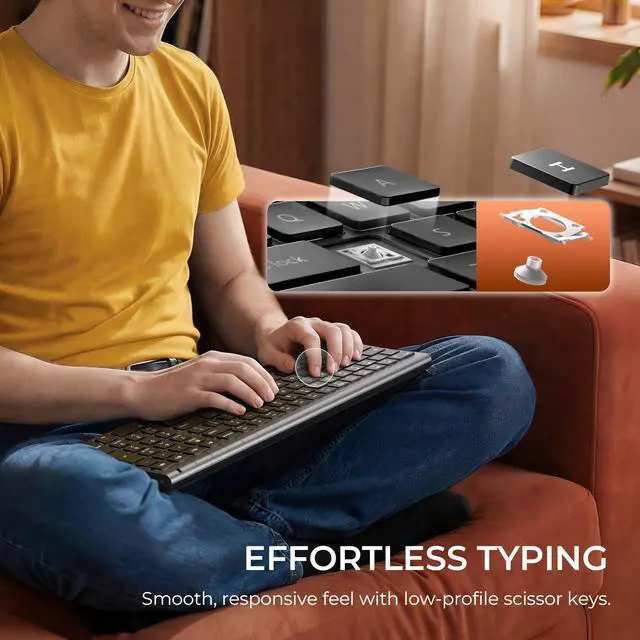
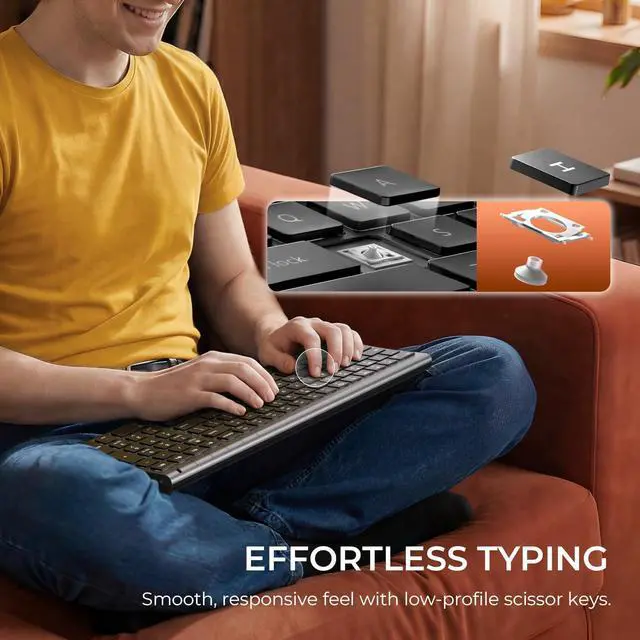
Scissor-Switch Precision
Soft, precise, and stable typing for effortless comfort.

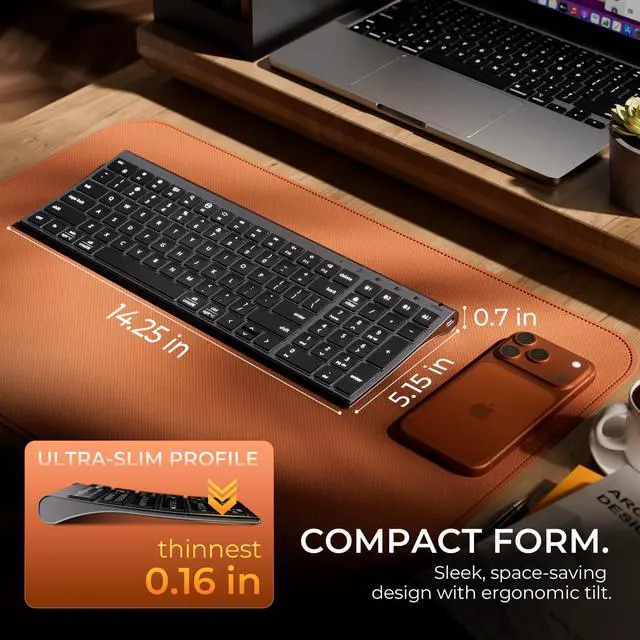
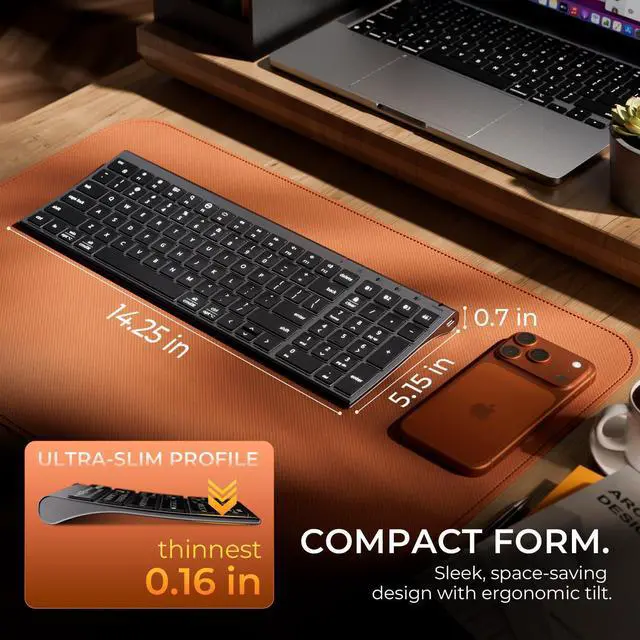
Ultra-Slim Profile
Designed to stay sleek, light, and effortlessly portable.

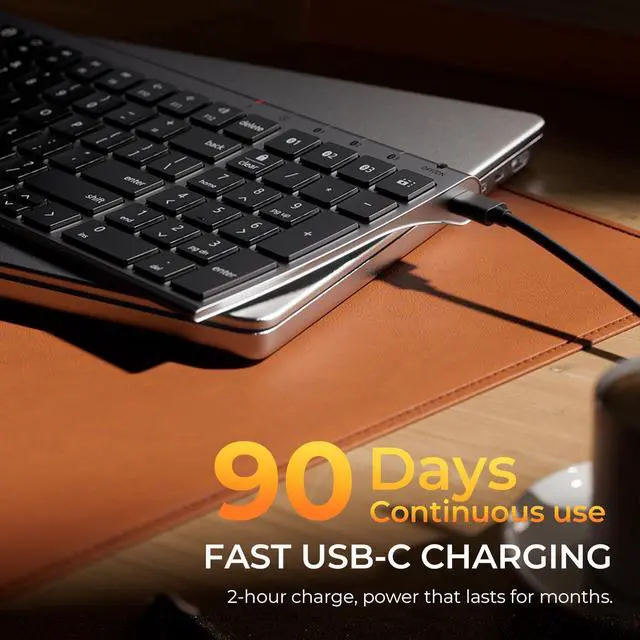
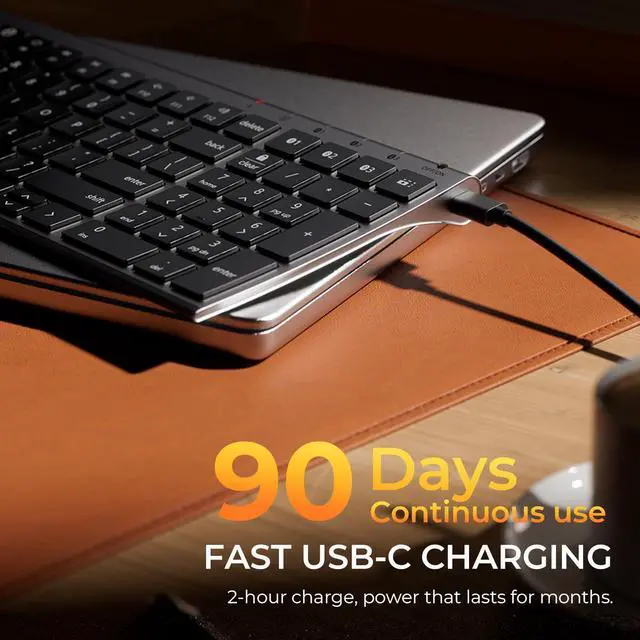
2 Hours. Up To 90 Days.
Fast USB-C charging with long-lasting performance.


Some keyboard keys do not work / There is a typing delay / Keys repeat when typing.
1. Ensure the keyboard is fully charged, as low battery may cause delay or repeated typing.
2. Turn off Bluetooth on your device, then turn it back on and reconnect.
3. Remove the keyboard from the Bluetooth list and pair it again.
Bluetooth connection failure, delay.
1. Please make sure the keyboard is fully charged.
2. Please make sure the Bluetooth driver version of your device is the latest version.
3. Please delete the Bluetooth connection record on your device and then reconnect the keyboard.
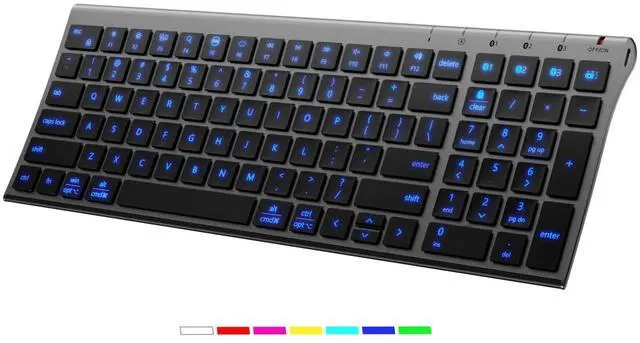
What does “Numlock” and “clear” mean?
The Numlock key is treated differently on macOS than on Windows. Typically, the Numlock key does not function as a switch between the numeric keypad and the function keys on macOS, but is treated as a “clear” key.
How to use the multimedia keys or F1–F12 function keys?
1. On Windows systems, the F1–F12 keys default to standard function key commands.
2. On Mac systems, the F1–F12 keys default to multimedia controls.
You can press Fn + Esc (FN Lock) to switch between function key mode and multimedia key mode.
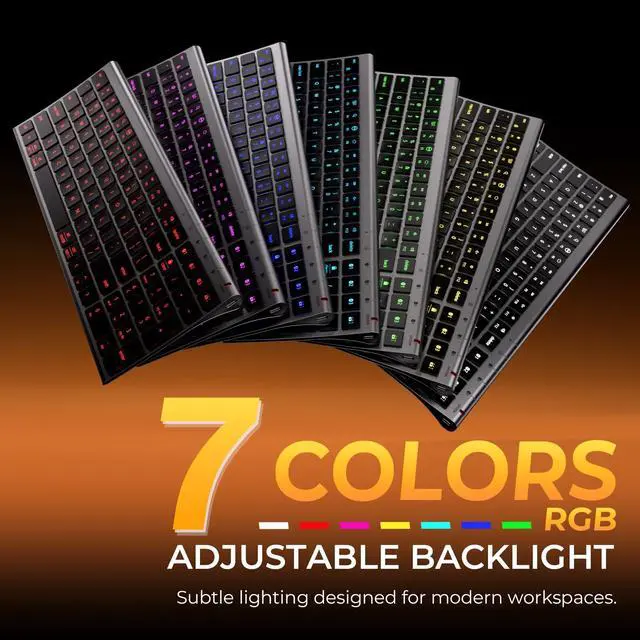
How long does it take for the keyboard backlight to turn off when idle?
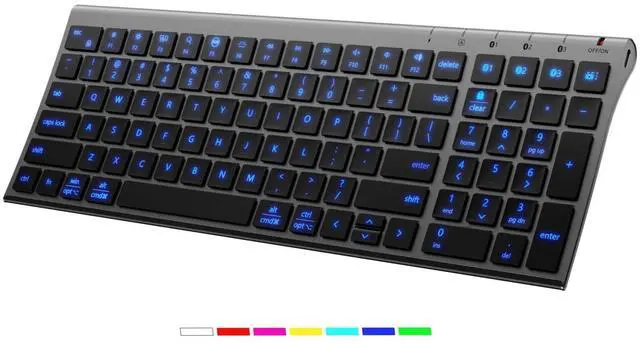
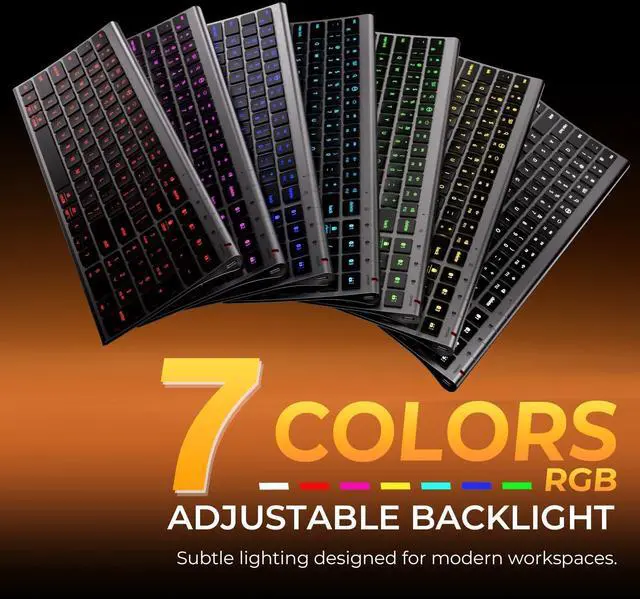
The keyboard backlight will automatically turn off after 30 seconds of inactivity. Press any key to turn it back on.


Quiet. Slim. Powerful.
Standard 15mm Keycaps
Designed for a more familiar, full-size typing experience.
Scissor-Switch Precision
Soft, precise, and stable typing for effortless comfort.
Ultra-Slim Profile
Designed to stay sleek, light, and effortlessly portable.
2 Hours. Up To 90 Days.
Fast USB-C charging with long-lasting performance.
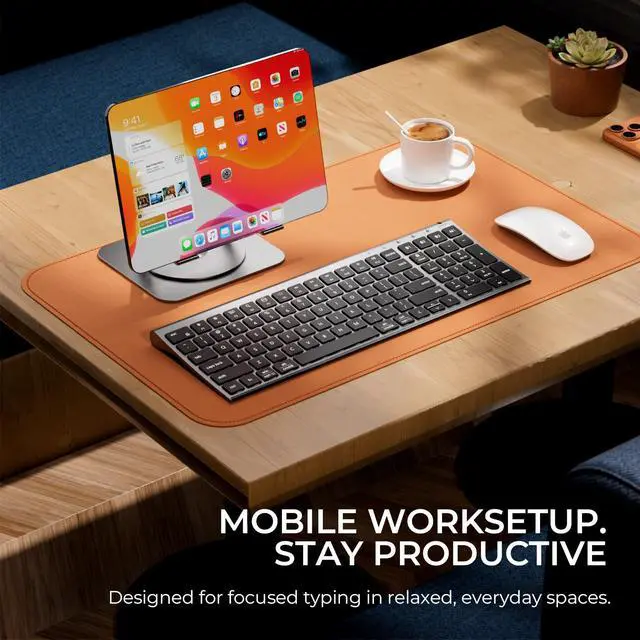
Seamless Work Across Devices
One Keyboard For Everything


Effortlessly switch between your laptop, tablet, and phone with one keyboard.
Connect, switch, and enjoy effortless control at home.


Some keyboard keys do not work / There is a typing delay / Keys repeat when typing.
1. Ensure the keyboard is fully charged, as low battery may cause delay or repeated typing.
2. Turn off Bluetooth on your device, then turn it back on and reconnect.
3. Remove the keyboard from the Bluetooth list and pair it again.
Bluetooth connection failure, delay.
1. Please make sure the keyboard is fully charged.
2. Please make sure the Bluetooth driver version of your device is the latest version.
3. Please delete the Bluetooth connection record on your device and then reconnect the keyboard.
What does “Numlock” and “clear” mean?
The Numlock key is treated differently on macOS than on Windows. Typically, the Numlock key does not function as a switch between the numeric keypad and the function keys on macOS, but is treated as a “clear” key.
How to use the multimedia keys or F1–F12 function keys?
1. On Windows systems, the F1–F12 keys default to standard function key commands.
2. On Mac systems, the F1–F12 keys default to multimedia controls.
You can press Fn + Esc (FN Lock) to switch between function key mode and multimedia key mode.
How long does it take for the keyboard backlight to turn off when idle?
The keyboard backlight will automatically turn off after 30 seconds of inactivity. Press any key to turn it back on.