• $31.99
  • Free 30-day Returns
  • Price alert
    Shop it at NeweggBusiness.

    Meet Your Seller

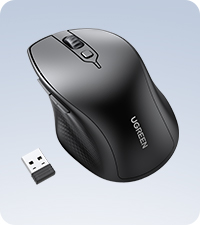
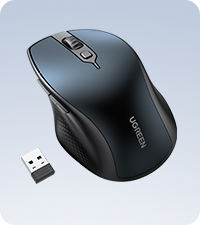
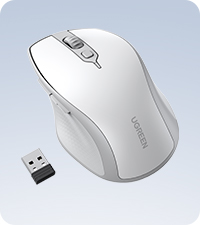
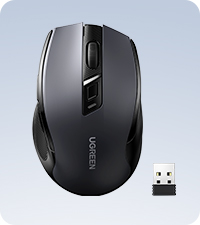
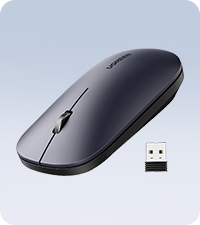
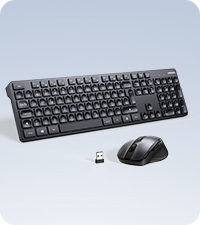
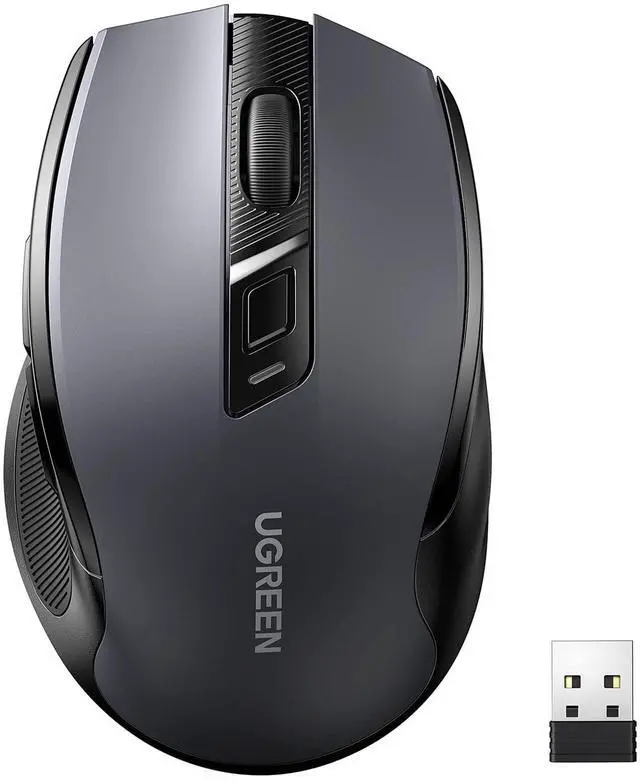
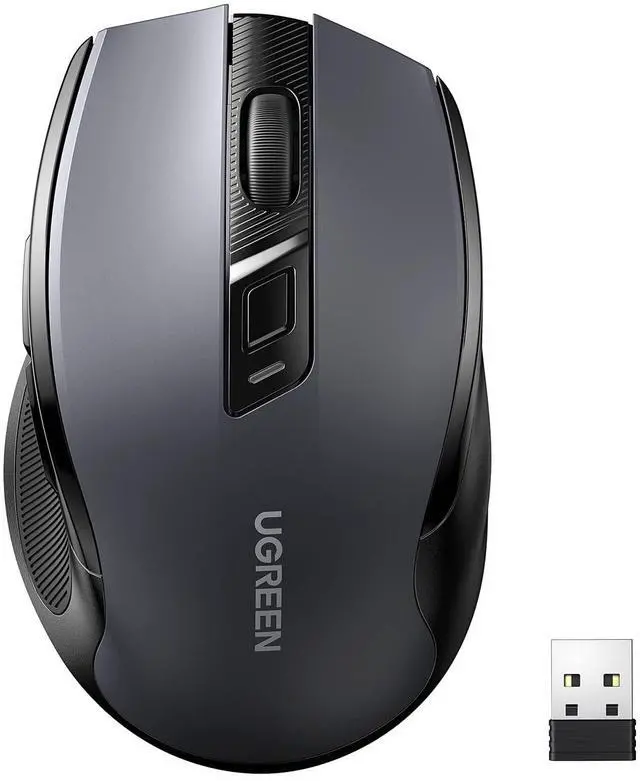
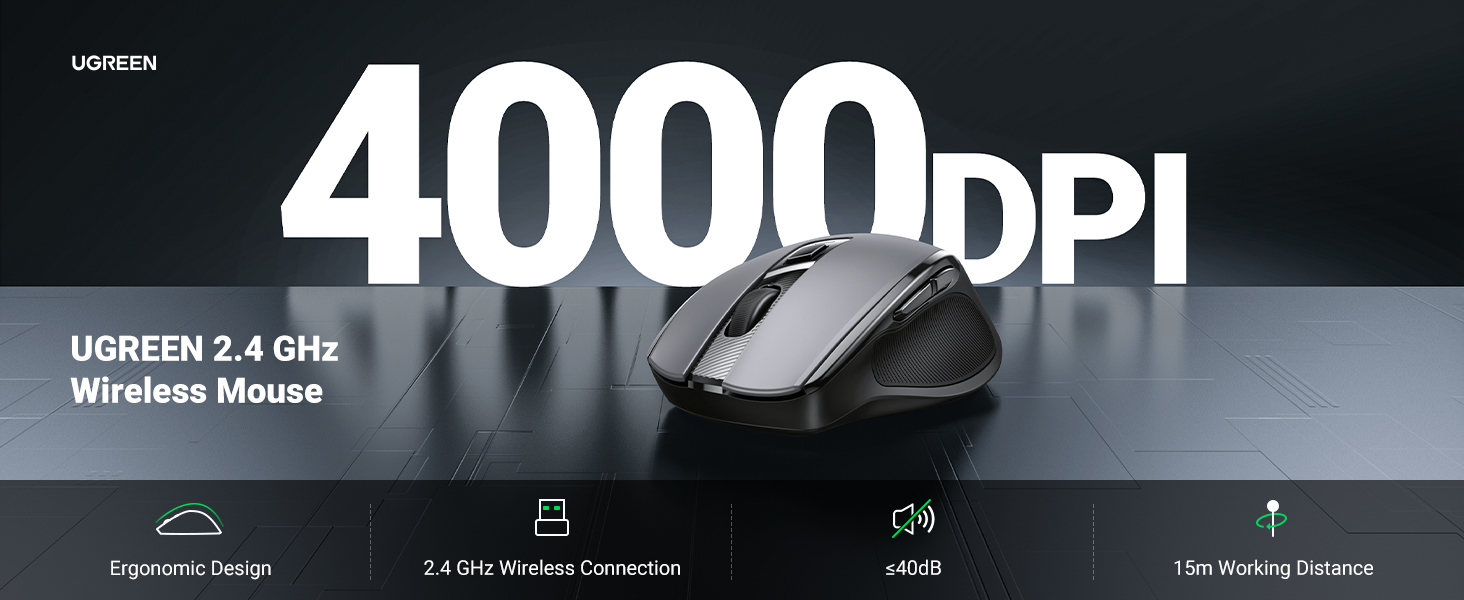
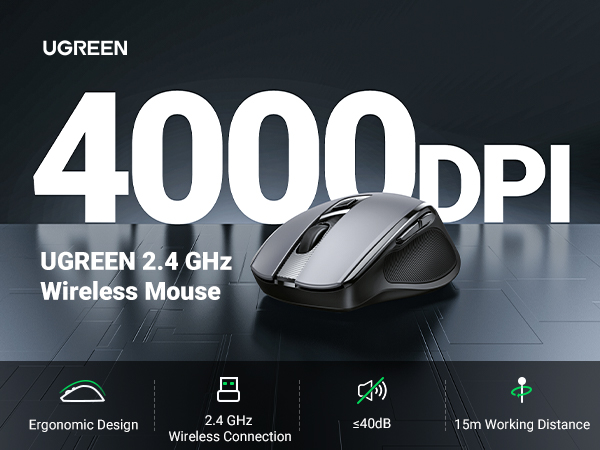
    Wireless Mouse 2.4G with USB Receiver, 5-Level 4000 DPI 6 Buttons,18 Months Battery Life Cordless Mouse, Ergonomic Computer Mice for Laptop, Computer, PC, MacBook, Chromebook Black

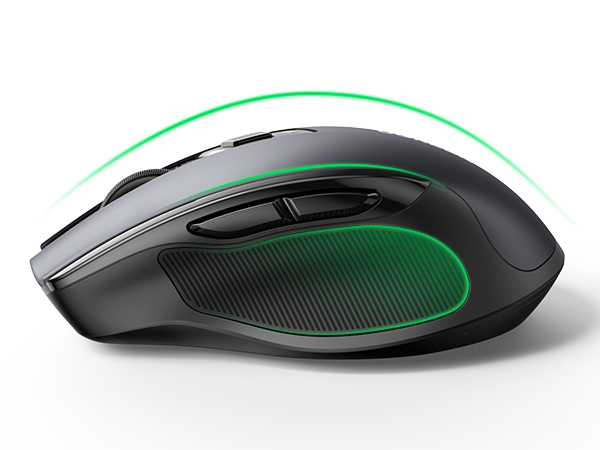
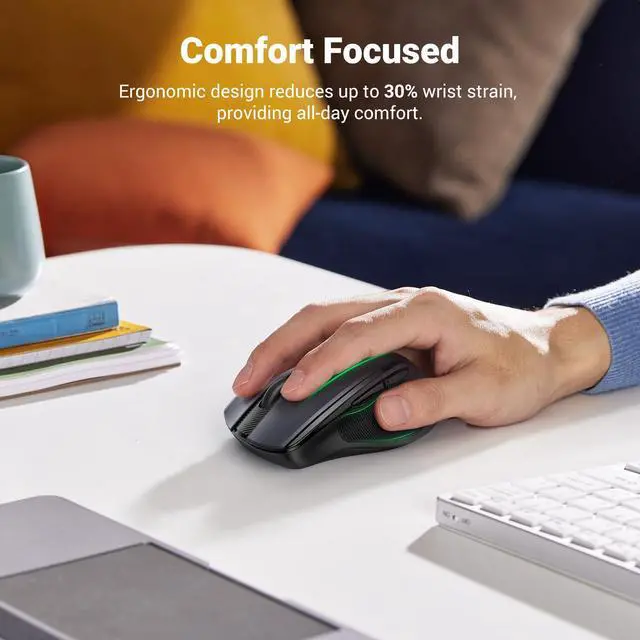
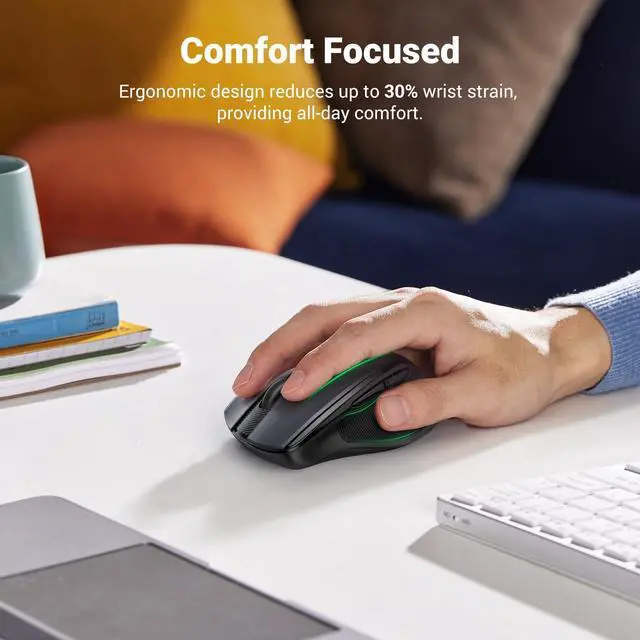
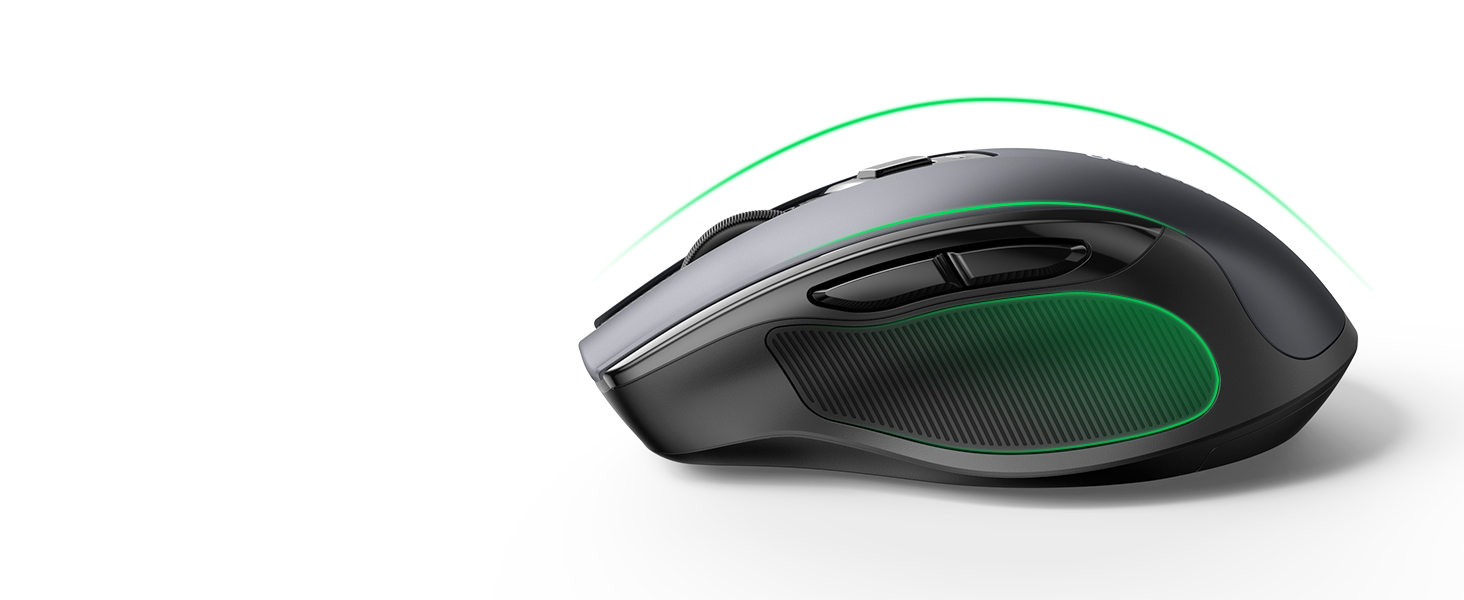
    • Full-Size Ergo Mouse: Following the hand's natural curve, soft rubber grips, broad palm area, and sculpted sides for extra grip greatly enhance comfort and relieve hand and wrist strain
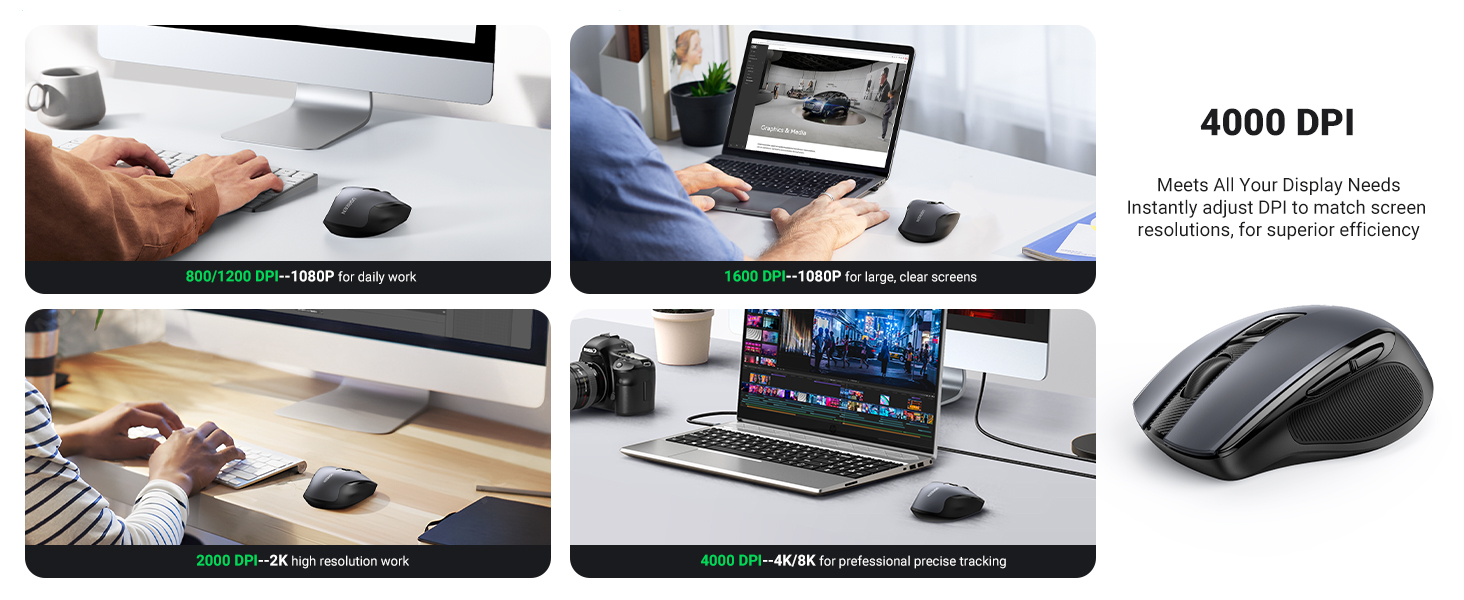
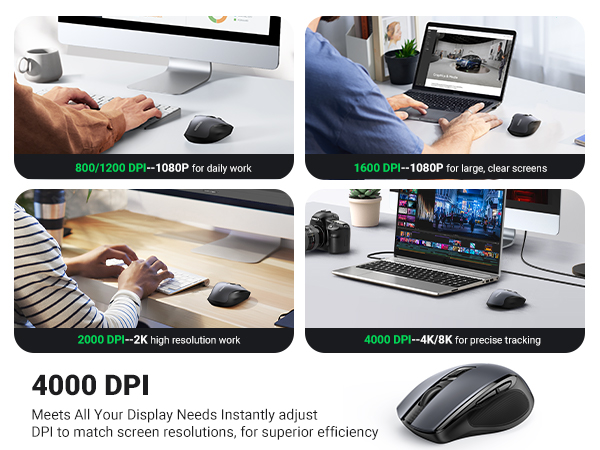
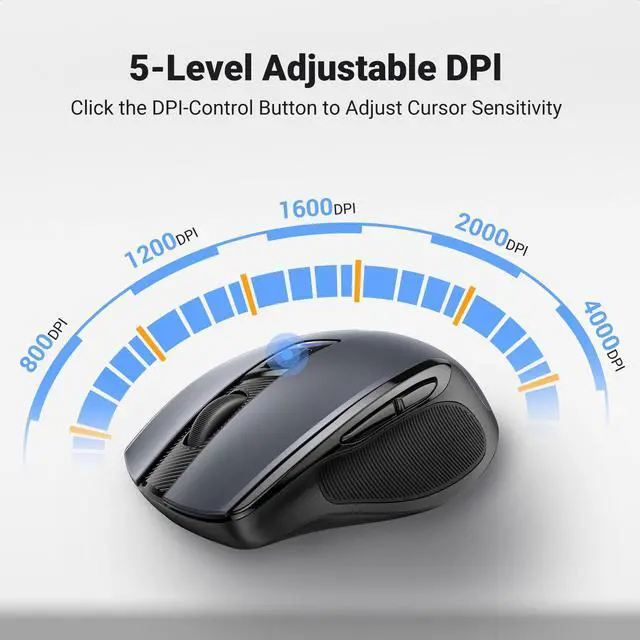
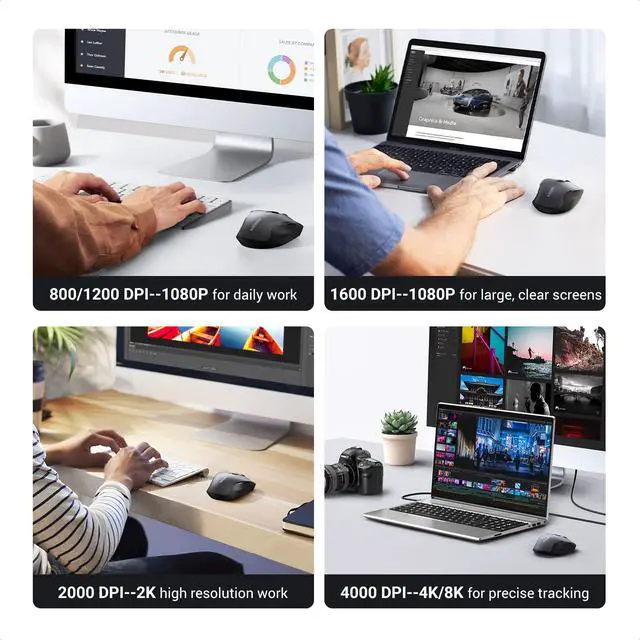
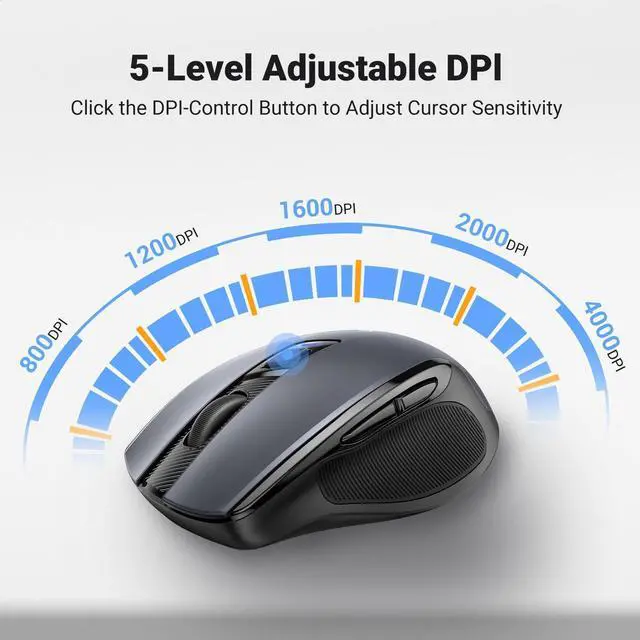
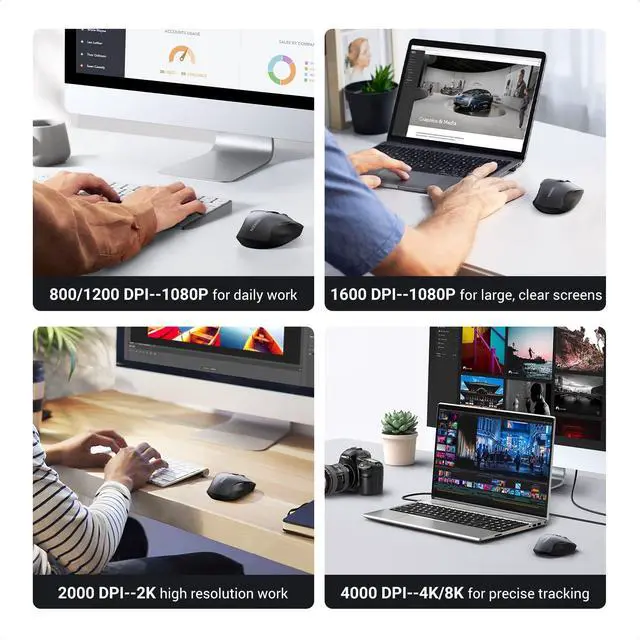
    • 5 Adjustable DPI: UGREEN wireless mouse has 5 adjustable DPI levels (4000/2400/1600/1200/800), you can freely choose the cursor speed to meet various needs of gaming, office, home and more
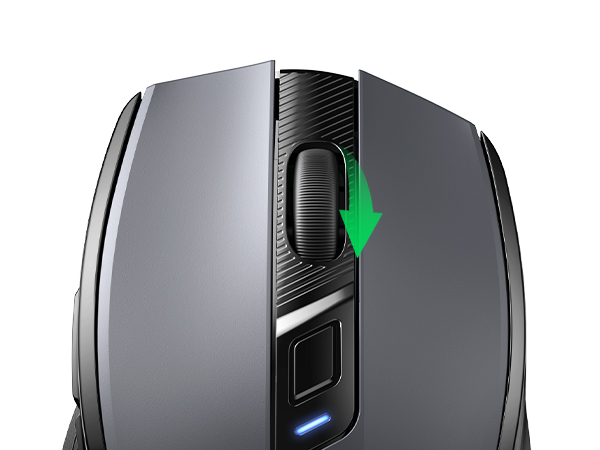
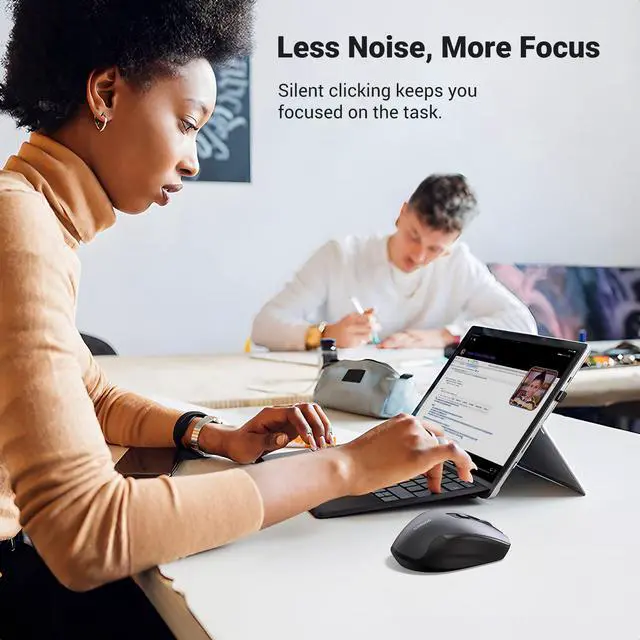
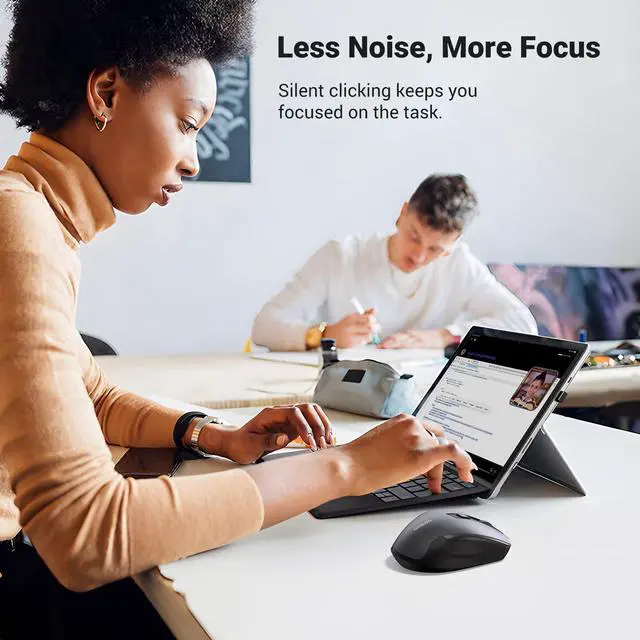
    • Ultra Quiet Mouse: This wireless computer mouse for laptops is designed with low noise, which can reduce click sound by 90%, which is super quiet whether clicking a button, scrolling, or moving the mouse, making it an ideal computer mouse for meeting room, library, bedroom
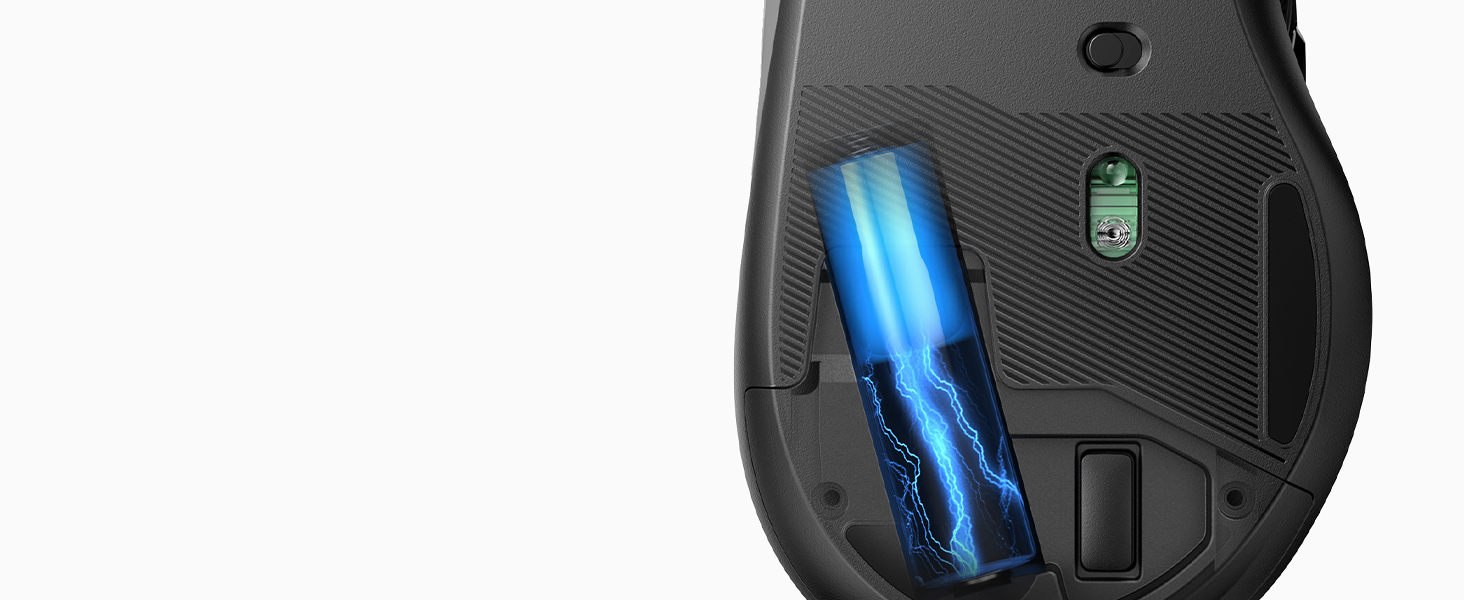
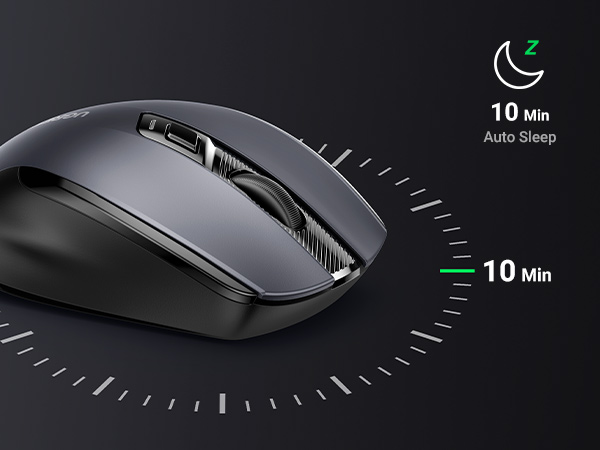
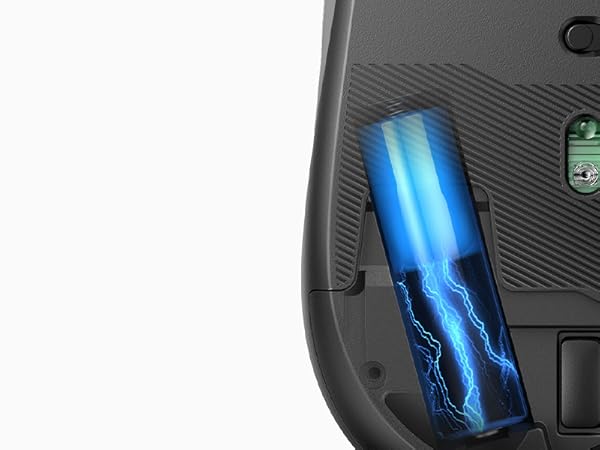
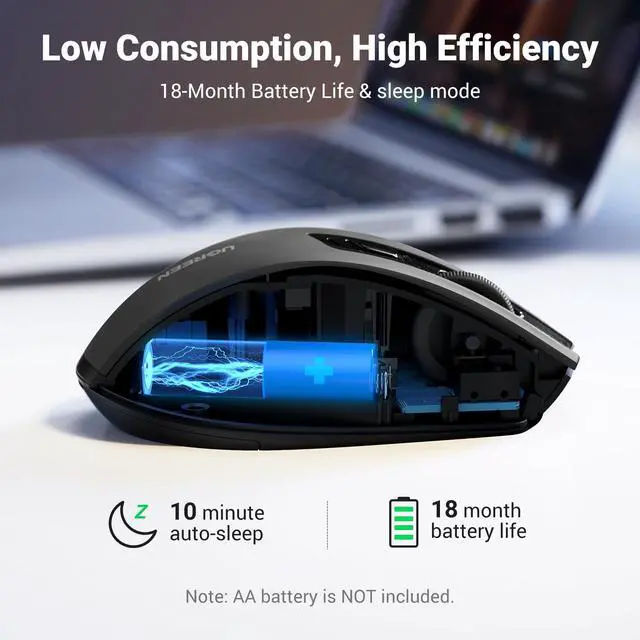
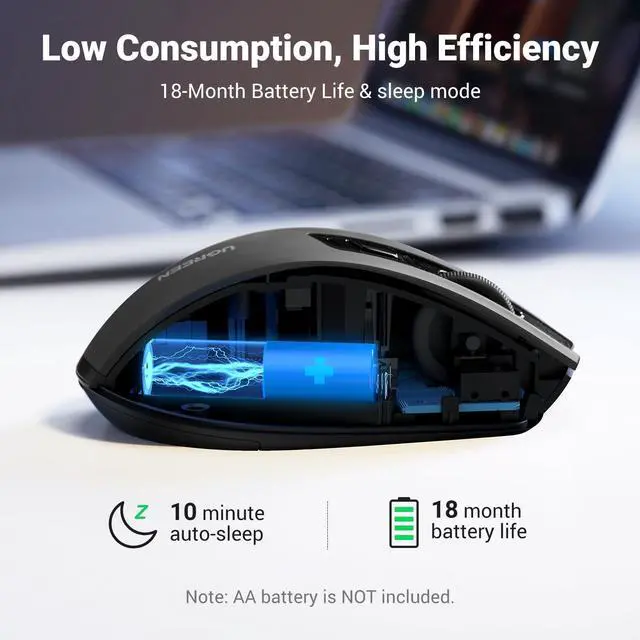
    • 18-Month Battery: UGREEN wireless mouse has an extended battery life of up to 18 months; Practically eliminating the need for replacement batteries; A smart power-saving chip and an auto-sleep mode extend battery life further (Note: The computer mice are powered by a 1AA battery, not included)
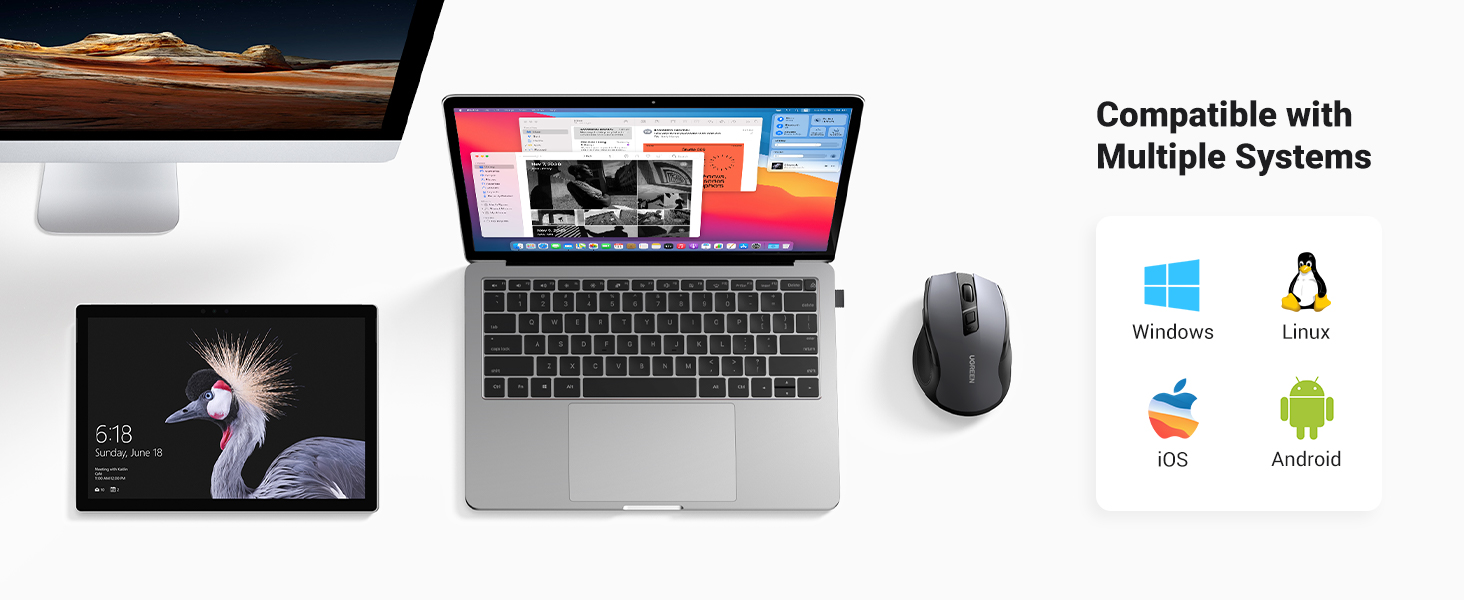
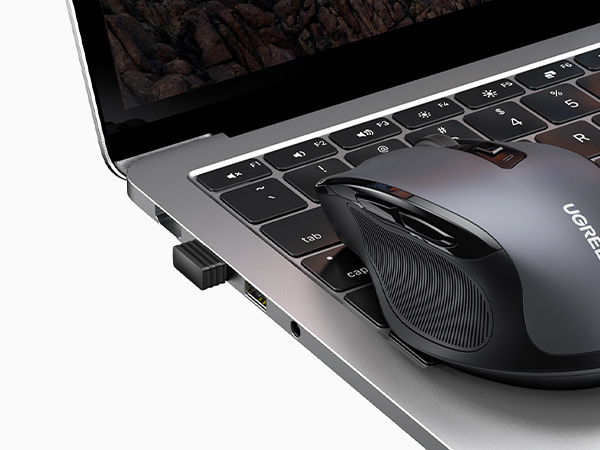
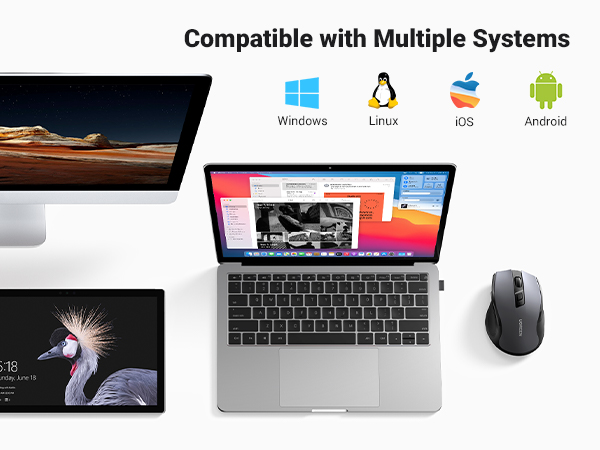
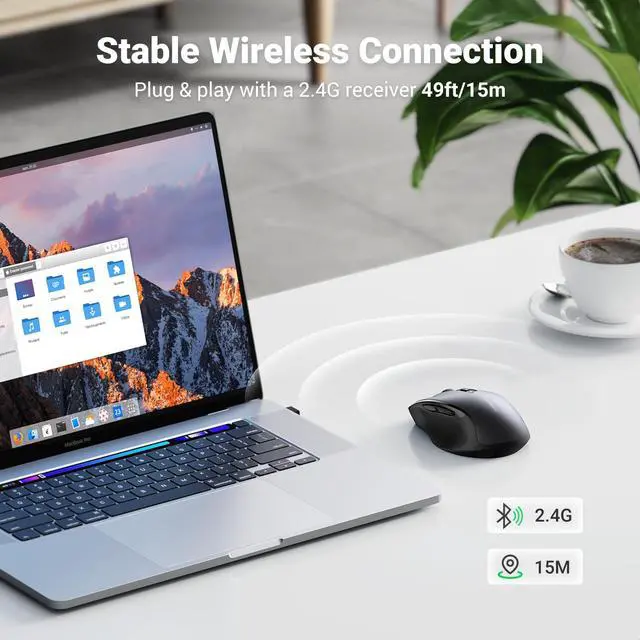
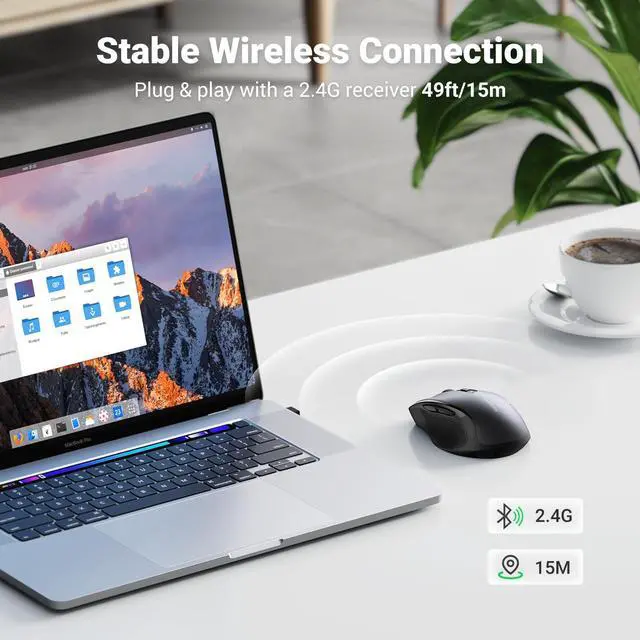
    • Broad Compatibility: Compatible with Windows 7/8.1/10/11/XP, macOS, Linux, Chrome OS, and Android; Works with a laptop, computer, PC, MacBook, Chromebook, tablet, notebook, and more (NOTE: Requires a USB Connection, The USB receiver is stored in the back of the wireless mouse)
    +
    +
    Overview
    Specs
    Reviews
    avatar

    Any questions? Our AI beta will help you find out quickly.

    wireless mouse
    computer mouse

    UGREEN Wireless Mouse Comparison Table
    https://m.media-amazon.com/images/S/aplus-media-library-service-media/05795eed-6340-4b98-a707-dc7549b31754.__CR0,0,200,225_PT0_SX200_V1___.jpg

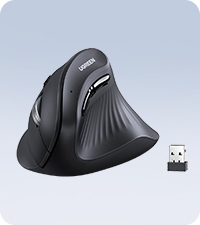
    Vertical Mouse Wireless

    https://m.media-amazon.com/images/S/aplus-media-library-service-media/32bd420b-2bc8-4f89-b40a-aa7ec50c00b1.__CR0,0,200,225_PT0_SX200_V1___.jpg

    Bluetooth Wireless Mouse

    https://m.media-amazon.com/images/S/aplus-media-library-service-media/ac620fb2-29f8-4c07-bb4c-891f40b09459.__CR0,0,200,225_PT0_SX200_V1___.jpg

    Bluetooth Wireless Mouse

    https://m.media-amazon.com/images/S/aplus-media-library-service-media/69674265-2a90-44b0-80d7-4ce104d86765.__CR0,0,200,225_PT0_SX200_V1___.jpg

    Bluetooth Wireless Mouse

    https://m.media-amazon.com/images/S/aplus-media-library-service-media/24fd1c73-8a93-4cd8-a805-0f5ab55e8ecd.__CR0,0,200,225_PT0_SX200_V1___.jpg

    Ergonomic Wireless Mouse

    https://m.media-amazon.com/images/S/aplus-media-library-service-media/f30651f0-3165-4e71-800f-501f04657a83.__CR0,0,200,225_PT0_SX200_V1___.jpg

    Slim Wireless Mouse

    https://m.media-amazon.com/images/S/aplus-media-library-service-media/cfbaa77e-b051-4eb1-a0fa-bec956b4e9af.__CR0,0,200,225_PT0_SX200_V1___.jpg

    Keyboard Mouse Combo

    Customer Reviews
    Price
    Connectivity
    BT 5.0 & 2.4G USB BT 5.0 & 2.4G USB BT 5.0 & 2.4G USB BT 5.0 & 2.4G USB 2.4G USB 2.4G USB 2.4G USB
    DPI Level
    1000/16000/2000/4000 1000/1600/2000/4000 1000/1600/2000/4000 1000/1600/2000/4000 800/1200/1600/2000/4000 1000/1600/2000/4000 800/1200/1600/2000/4000
    Design
    Ergonomic Ergonomic Ergonomic Ergonomic Ergonomic Slim Ergonomic
    Battery Type
    18 Months 18 Months 18 Months 18 Months 18 Months 18 Months 18 Months
    Back/Forward Button
    ? ? ? ? ? ? ?
    Silent Click
    ? ? ? ? ? ? ?

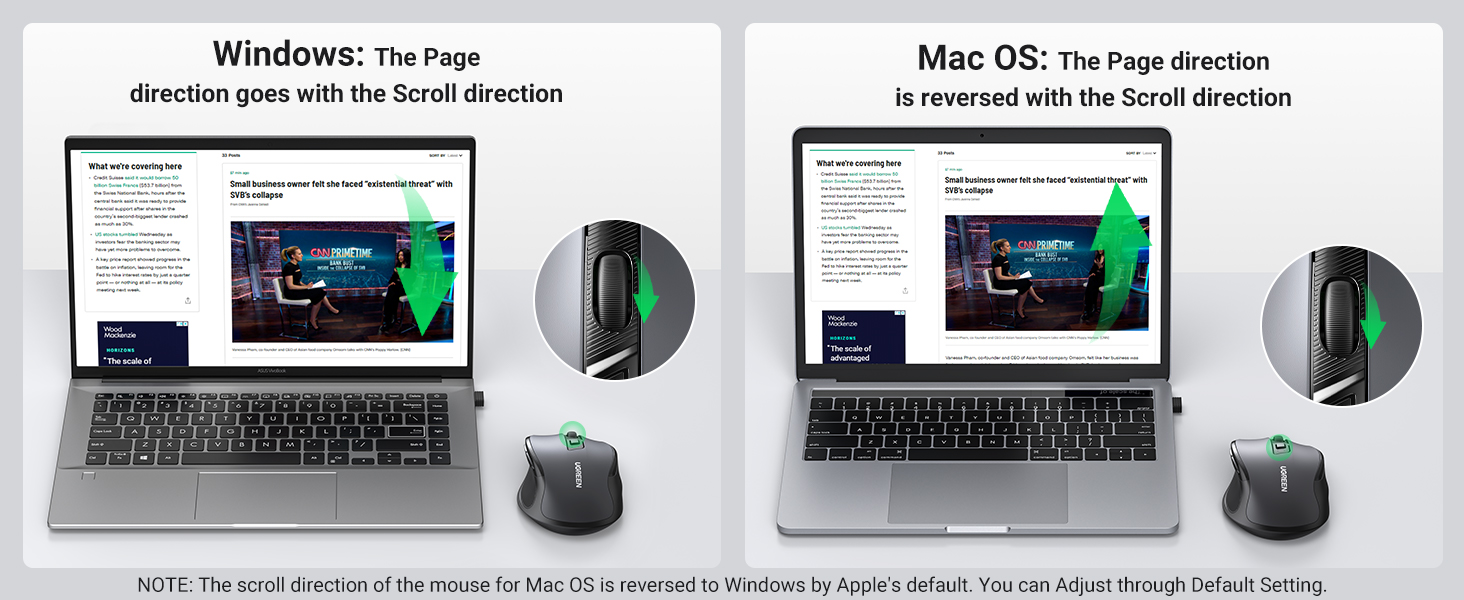
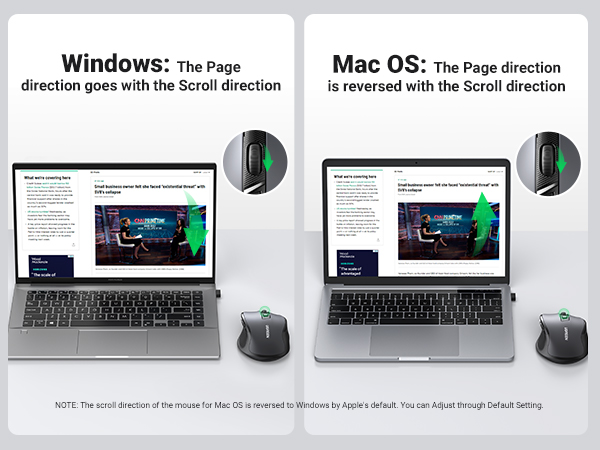
    Why is the scroll wheel oriented differently on a Mac?

    Macs set the scrolling direction for the mouse and trackpads to natural by default, which is different from Windows OS. You can follow the below steps to change the Mac mouse scrolling direction.

    Step 1: On your Mac, click on the Apple logo from the top.

    Step 2: Click System Settings.

    Step 3: Next, Click the Mouse option from the side pane.

    Step 4: Then, select the "Point and Click" option.

    Step 5: Turn on/off the toggle next to Natural Scrolling to change the scrolling direction of the mouse.
    wireless mouse
    computer mouse

    UGREEN Wireless Mouse Comparison Table

    https://m.media-amazon.com/images/S/aplus-media-library-service-media/05795eed-6340-4b98-a707-dc7549b31754.__CR0,0,200,225_PT0_SX200_V1___.jpg

    Vertical Mouse Wireless

    https://m.media-amazon.com/images/S/aplus-media-library-service-media/32bd420b-2bc8-4f89-b40a-aa7ec50c00b1.__CR0,0,200,225_PT0_SX200_V1___.jpg

    Bluetooth Wireless Mouse

    https://m.media-amazon.com/images/S/aplus-media-library-service-media/ac620fb2-29f8-4c07-bb4c-891f40b09459.__CR0,0,200,225_PT0_SX200_V1___.jpg

    Bluetooth Wireless Mouse

    https://m.media-amazon.com/images/S/aplus-media-library-service-media/69674265-2a90-44b0-80d7-4ce104d86765.__CR0,0,200,225_PT0_SX200_V1___.jpg

    Bluetooth Wireless Mouse

    https://m.media-amazon.com/images/S/aplus-media-library-service-media/24fd1c73-8a93-4cd8-a805-0f5ab55e8ecd.__CR0,0,200,225_PT0_SX200_V1___.jpg

    Ergonomic Wireless Mouse

    https://m.media-amazon.com/images/S/aplus-media-library-service-media/f30651f0-3165-4e71-800f-501f04657a83.__CR0,0,200,225_PT0_SX200_V1___.jpg

    Slim Wireless Mouse

    https://m.media-amazon.com/images/S/aplus-media-library-service-media/cfbaa77e-b051-4eb1-a0fa-bec956b4e9af.__CR0,0,200,225_PT0_SX200_V1___.jpg

    Keyboard Mouse Combo

    Customer Reviews
    Price
    Connectivity
    BT 5.0 & 2.4G USB BT 5.0 & 2.4G USB BT 5.0 & 2.4G USB BT 5.0 & 2.4G USB 2.4G USB 2.4G USB 2.4G USB
    DPI Level
    1000/16000/2000/4000 1000/1600/2000/4000 1000/1600/2000/4000 1000/1600/2000/4000 800/1200/1600/2000/4000 1000/1600/2000/4000 800/1200/1600/2000/4000
    Design
    Ergonomic Ergonomic Ergonomic Ergonomic Ergonomic Slim Ergonomic
    Battery Type
    18 Months 18 Months 18 Months 18 Months 18 Months 18 Months 18 Months
    Back/Forward Button
    ? ? ? ? ? ? ?
    Silent Click
    ? ? ? ? ? ? ?

    Why is the scroll wheel oriented differently on a Mac?

    Macs set the scrolling direction for the mouse and trackpads to natural by default, which is different from Windows OS. You can follow the below steps to change the Mac mouse scrolling direction.

    Step 1: On your Mac, click on the Apple logo from the top.

    Step 2: Click System Settings.

    Step 3: Next, Click the Mouse option from the side pane.

    Step 4: Then, select the "Point and Click" option.

    Step 5: Turn on/off the toggle next to Natural Scrolling to change the scrolling direction of the mouse.

    Product information

    Brand UGREEN
    Color Black
    Connectivity Technology USB
    Special Feature Ergonomic Design, Wireless
    Movement Detection Technology Optical
    Additional Features Ergonomic Design, Wireless
    Movement Detection Optical
    Button Quantity 6
    Hand Orientation Right
    Compatible Devices HP Pavilion, HP elitebook, HP Chromebook, Dell Chromebook, Dell Inspiron, Dell Latitude, MacBook Air, MacBook Pro, Acer Aspire, Acer Chromebook, Acer Nitro, Lenovo Chromebook, Lenovo ThinkPad, Lenovo IdeaPad, ASUS Chromebook, ASUS VivoBook, SAMSUNG Galaxy Chromebook, MICROSOFT, SAMSUNG
    Operating System Android, Chrome OS, Linux, Mac OS, Windows 11/10/8/7/XP
    Battery Average Life 18 months
    Range 15 Meters
    Number of Batteries 1 AA batteries required.
    Hardware Platform PC
    Embellishment Feature Logo
    Power Source Battery Powered
    Mouse Maximum Sensitivity 4000 Dots per Inch
    Theme Office, Work
    Style Name Classic
    Pattern Texture
    EU Spare Part Availability Duration 18 Months
    Model Name Ergonomic Wireless Mouse
    Antenna Location Office
    Model Number 90545
    Built-In Media USB receiver, Ugreen Ergonomic Wireless Mouse, User Manual
    Are Batteries Included No
    Are Batteries Required Yes
    Manufacturer UGREEN GROUP LIMITED
    Item Type Name Ergonomic Wireless Mouse
    Warranty Description 24 Month
    Item Weight 72 Grams
    Item Dimensions L x W 4.33"L x 2.78"W
    Unit Count 1.0 Count
    Enclosure Material Rubber
    Finish Matte

    Warranty & Returns

    Warranty, Returns, And Additional Information

    Warranty

    • Please contact the Seller directly for warranty information. Warranty information may also be found on the Manufacturer's website.
    • CONTACT

    Return Policies

    Manufacturer Contact Info

    LOADING...