




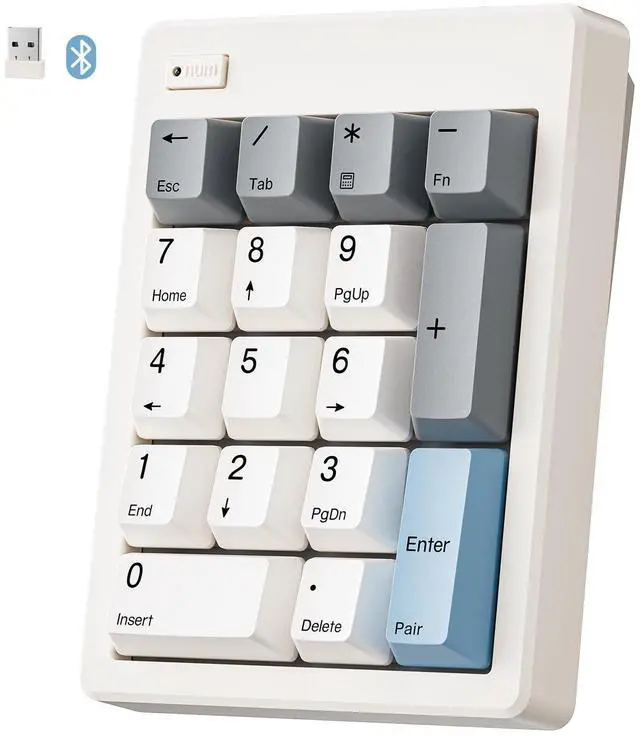
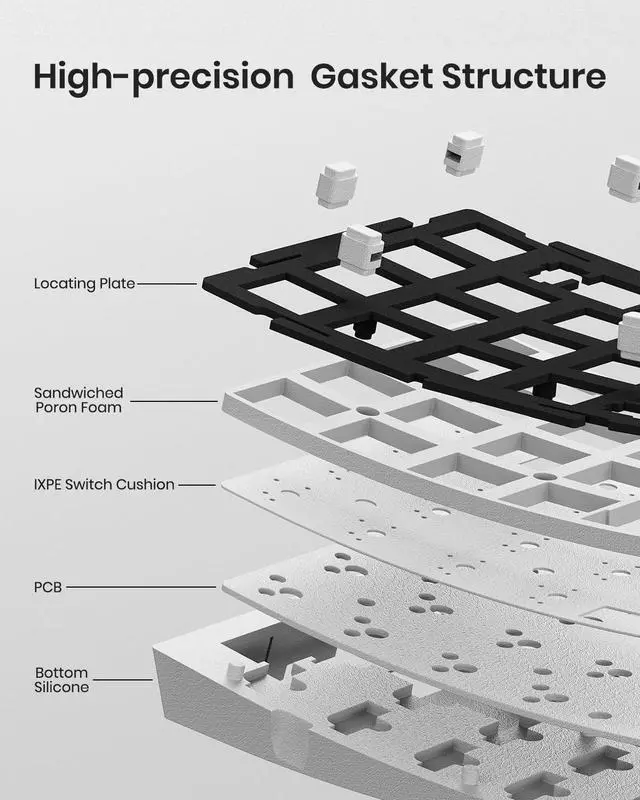
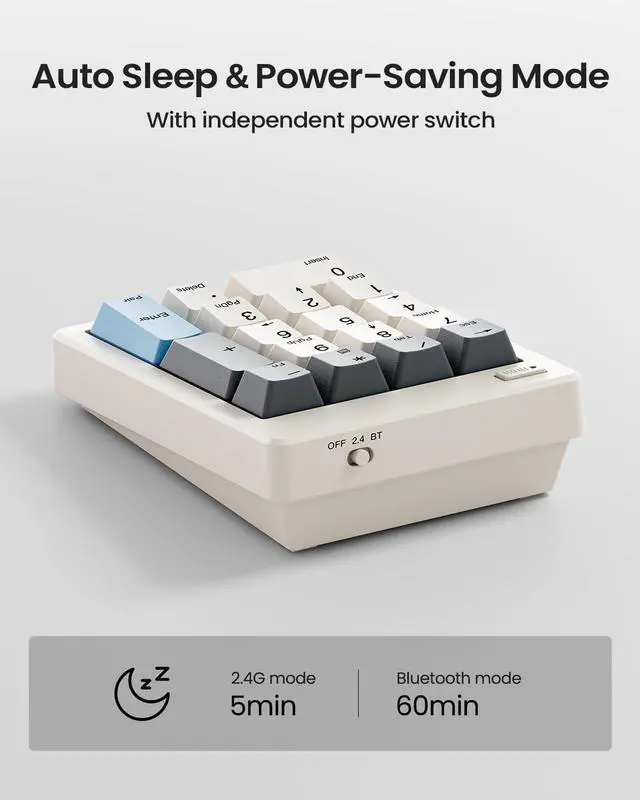


Discover Your Perfect Fit
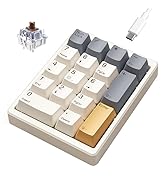
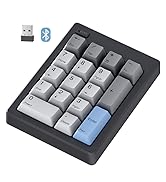
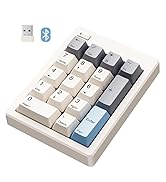
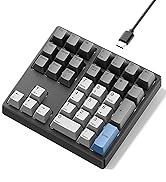
 FD17 Number Keypad |  KN17 Number Keypad |  KN34 Number Keypad |  KN34GT Number Keypad | |
|---|---|---|---|---|
Customer Reviews | — | — | — | — |
Price | — | — | — | — |
Switch Type | Bsun Linear Switch | Outemu Red Switch | Gateron Brown Switch | Gateron Red Switch |
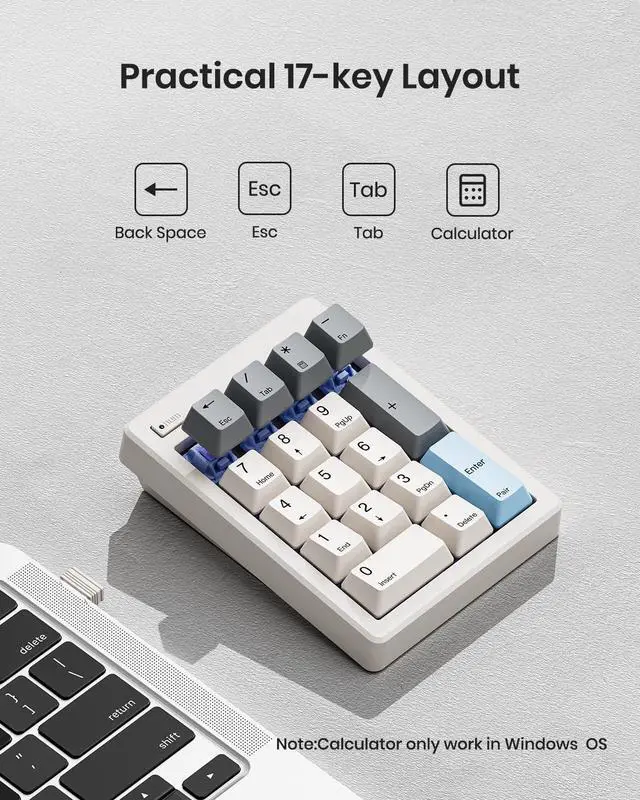
Layout Keys | 17 keys | 17 keys | 34 keys | 34 keys |
Backlight | X | White | White | X |
Connection | 2.4G Wireless/Bluetooth 5.0 | Detachable Type-c Wired | Detachable Type-c Wired | 2.4G Wireless |
Hot-Swappable | ? | ? | ? | ? |
Anti-Ghosting | ? | ? | ? | ? |
Programmable | X | X | X | X |
Size/Weight | 4.84*3.62*1.3in/0.44lb | 4.41*3.39*1.38in/0.49lb | 5.87*5.28*1.54in/1.12lb | 5.87*5.28*1.54in/1.08lb |

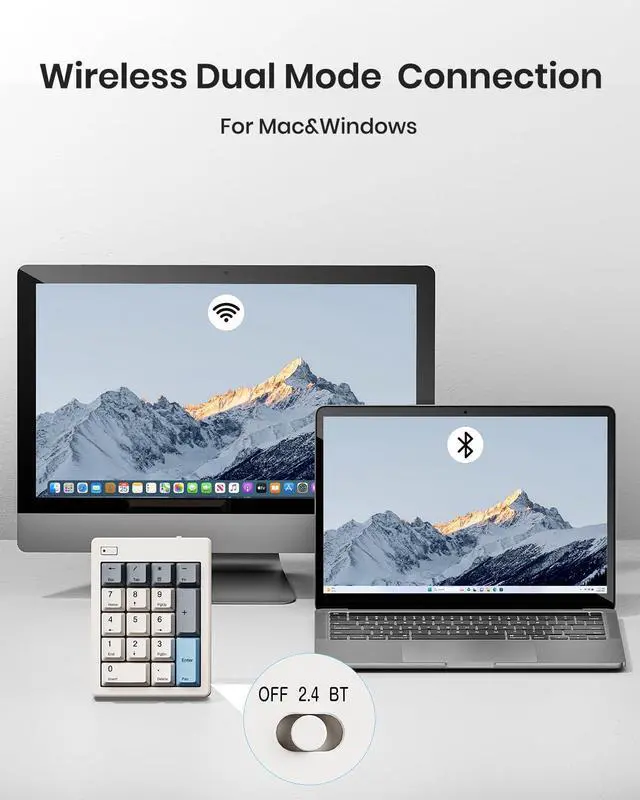
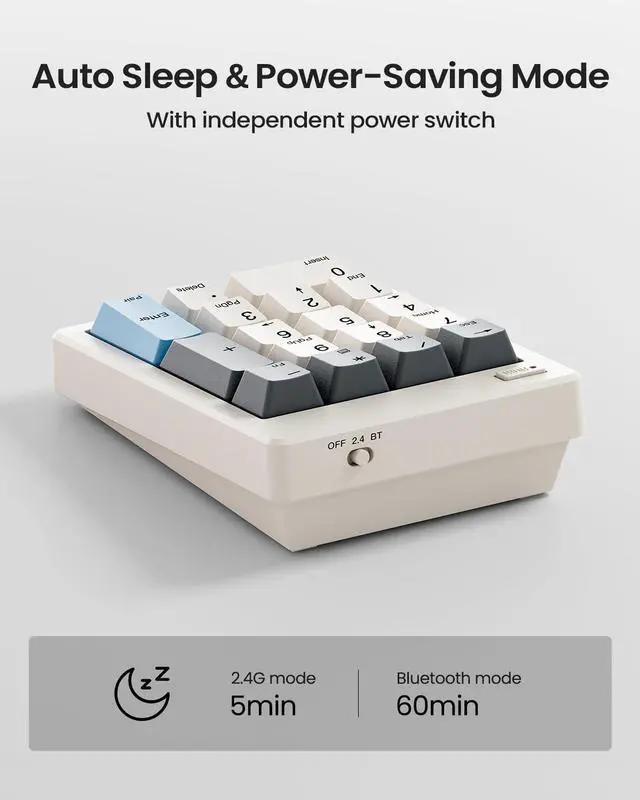
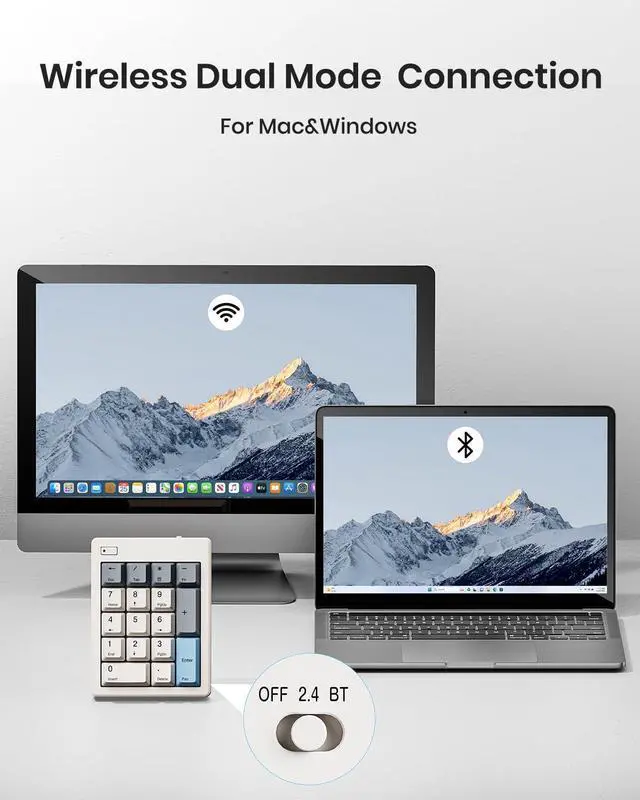
Connect How You Like

How to Use and Switch 2.4G & Bluetooth Mode?

Wireless 2.4G Connection
Providing 10M ultra-long effective connection distance, ultra-low latency and excellent connection stability.

Bluetooth Connection
Press and hold Fn + Enter for 5 second and select, then begin to enjoy a stable connection with Bluetooth 5.0


Sloped for comfort
Ditching the traditional kickstand, featuring ergonomic 15° design that keeps your wrists in a completely comfortable and natural typing position.

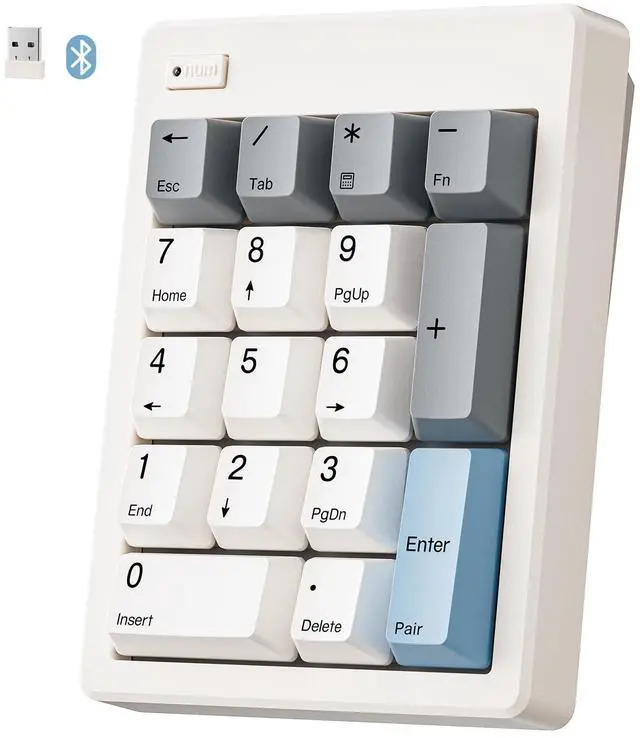
PBT Dye-Sub Keycaps
Our bluetooth keypad go with a Dye-Sub process and from extra thick PBT makes the keycap characters and colors bright, not easy to wear, not fade.

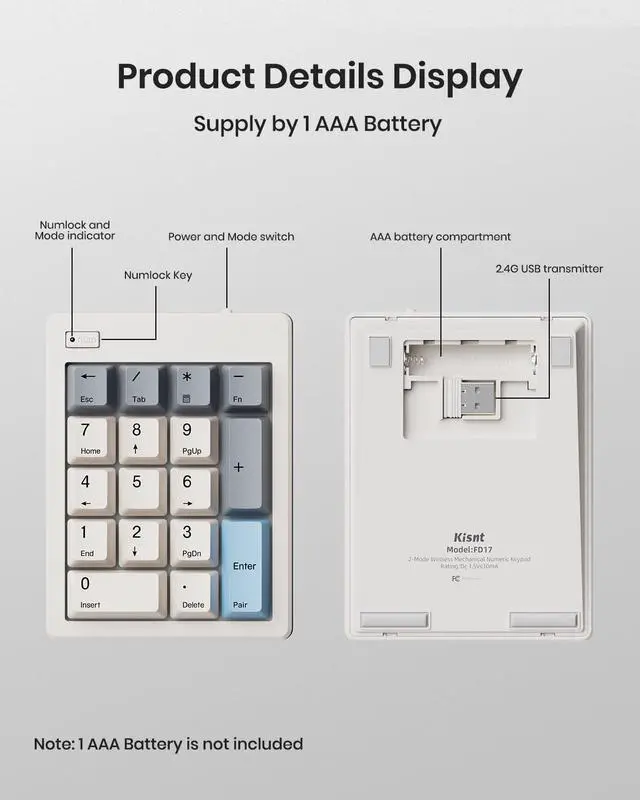
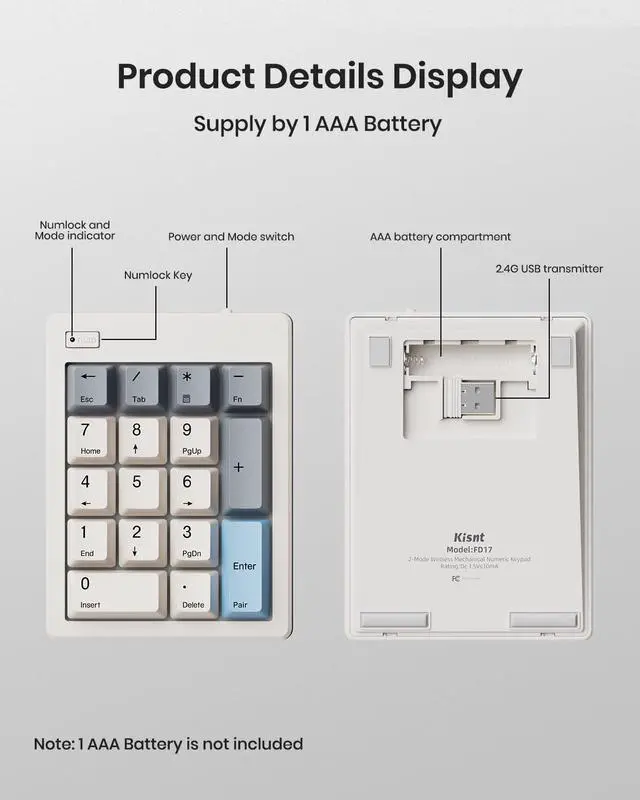
2.4G Interface Storage
The receiver is inserted in the battery storage slot, one click embedded storage after use,say goodbye to the trouble of separate storage and loss.

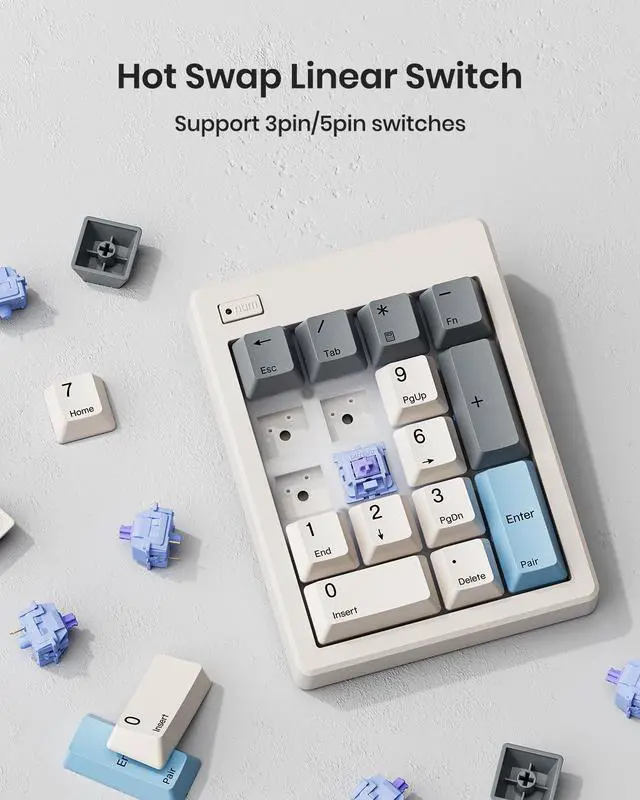
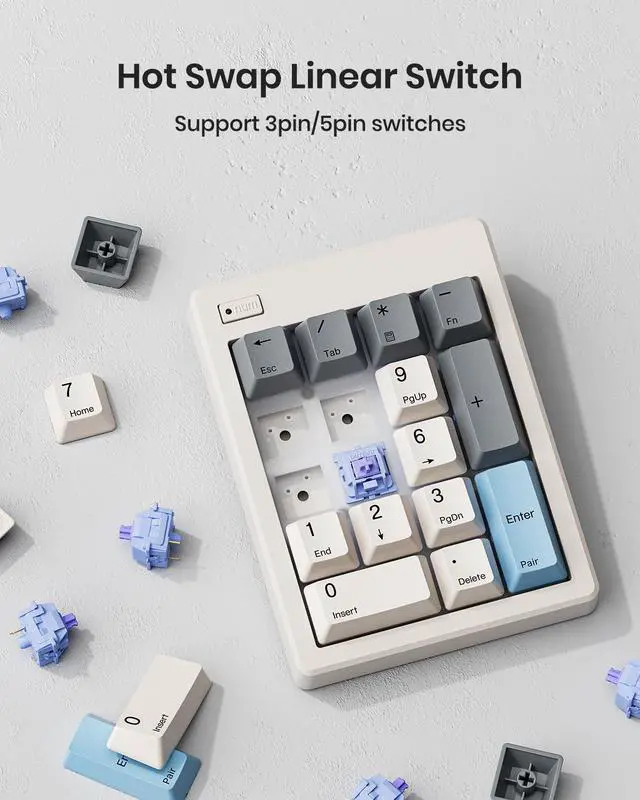
Pre-lubed Linear Switches
Kisnt’s mechanical 10-key is equipped with pre-lubed linear switches ensures a quieter and smoother typing experience.
Does the FD17 have backlighting?
No, it features a minimalist design without RGB or backlit keys.
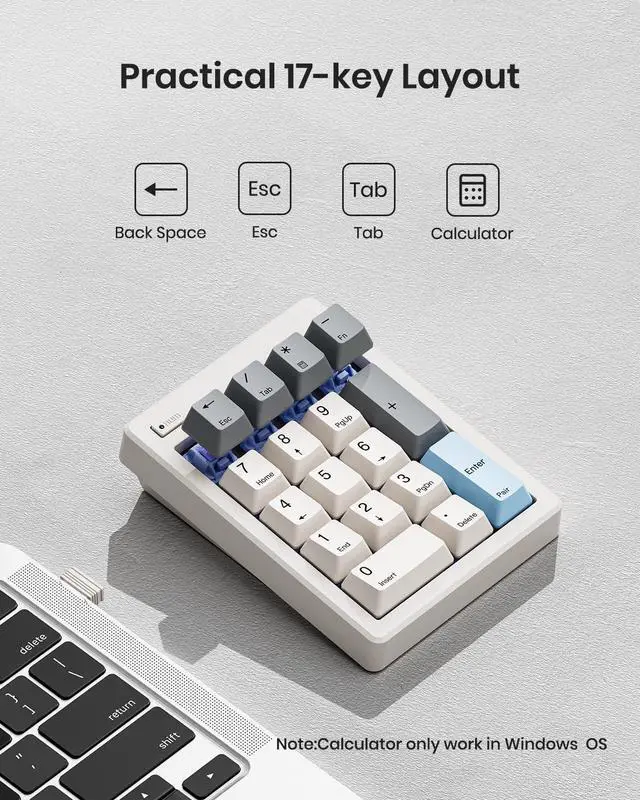
Can it be used with a MacBook?
Yes, the numpad is Mac-compatible, with the following limitation: Calculator, Home, End, Page Up, Page Down, Insert, Delete, and arrow keys are non-functional.
Does this keypad have any programmable keys?
No. This 10 key focuses solely on plug-and-play numeric input with fixed key functions, no programming/remapping support.
How is it powered? Does it require charging?
It uses a replaceable 1x AAA battery (not included). Simply replace the battery when it runs low—there's no charging port or cable needed.
Why does the keypad fail to connect (or keep disconnecting) in wireless mode?
1. Low battery- Make sure the AAA battery is still active before further troubleshooting.
2. System compatibility- Bluetooth connectivity is only compatible with Windows 8 and above, Mac OS 10.10 or later.

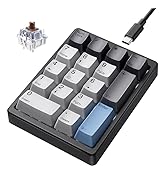
Discover Your Perfect Fit
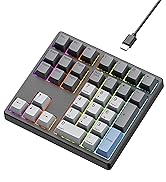
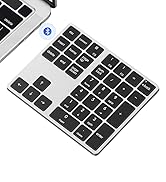
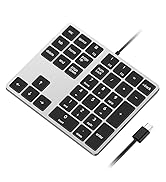
FD17 Number Keypad | KN17 Number Keypad | KN34 Number Keypad | KN34GT Number Keypad |
|---|---|---|---|
| Customer Reviews | |||
| — | — | — | — |
| Price | |||
| — | — | — | — |
| Switch Type | |||
| Bsun Linear Switch | Outemu Red Switch | Gateron Brown Switch | Gateron Red Switch |
| Layout Keys | |||
| 17 keys | 17 keys | 34 keys | 34 keys |
| Backlight | |||
| X | White | White | X |
| Connection | |||
| 2.4G Wireless/Bluetooth 5.0 | Detachable Type-c Wired | Detachable Type-c Wired | 2.4G Wireless |
| Hot-Swappable | |||
| ? | ? | ? | ? |
| Anti-Ghosting | |||
| ? | ? | ? | ? |
| Programmable | |||
| X | X | X | X |
| Size/Weight | |||
| 4.84*3.62*1.3in/0.44lb | 4.41*3.39*1.38in/0.49lb | 5.87*5.28*1.54in/1.12lb | 5.87*5.28*1.54in/1.08lb |

Connect How You Like

How to Use and Switch 2.4G & Bluetooth Mode?
Wireless 2.4G Connection
Providing 10M ultra-long effective connection distance, ultra-low latency and excellent connection stability.
Bluetooth Connection
Press and hold Fn + Enter for 5 second and select, then begin to enjoy a stable connection with Bluetooth 5.0

Sloped for comfort
Ditching the traditional kickstand, featuring ergonomic 15° design that keeps your wrists in a completely comfortable and natural typing position.
PBT Dye-Sub Keycaps
Our bluetooth keypad go with a Dye-Sub process and from extra thick PBT makes the keycap characters and colors bright, not easy to wear, not fade.
2.4G Interface Storage
The receiver is inserted in the battery storage slot, one click embedded storage after use,say goodbye to the trouble of separate storage and loss.
Pre-lubed Linear Switches
Kisnt’s mechanical 10-key is equipped with pre-lubed linear switches ensures a quieter and smoother typing experience.
Does the FD17 have backlighting?
No, it features a minimalist design without RGB or backlit keys.
Can it be used with a MacBook?
Yes, the numpad is Mac-compatible, with the following limitation: Calculator, Home, End, Page Up, Page Down, Insert, Delete, and arrow keys are non-functional.
Does this keypad have any programmable keys?
No. This 10 key focuses solely on plug-and-play numeric input with fixed key functions, no programming/remapping support.
How is it powered? Does it require charging?
It uses a replaceable 1x AAA battery (not included). Simply replace the battery when it runs low—there's no charging port or cable needed.
Why does the keypad fail to connect (or keep disconnecting) in wireless mode?
1. Low battery- Make sure the AAA battery is still active before further troubleshooting.
2. System compatibility- Bluetooth connectivity is only compatible with Windows 8 and above, Mac OS 10.10 or later.
Best Bang for the Buck
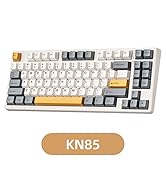
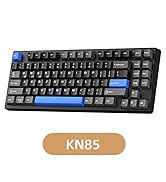
KN85 Series
17 Keys Series
34 Keys Series
