




 here!
here!
I’m your shopping assistant for PC builds, upgrades, and everything tech.
Got questions? Ask away!
Start a conversation
here!
I’m your shopping assistant for PC builds, upgrades, and everything tech.
Got questions? Ask away!
Start a conversation
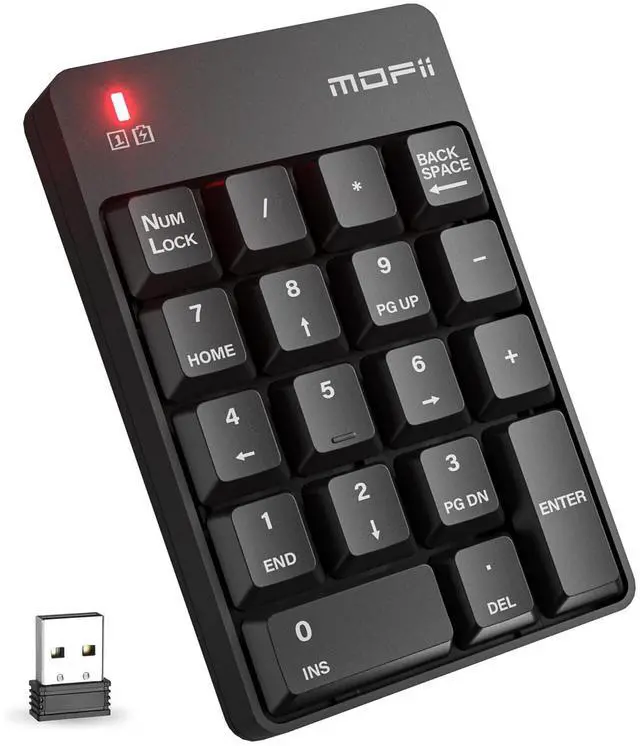
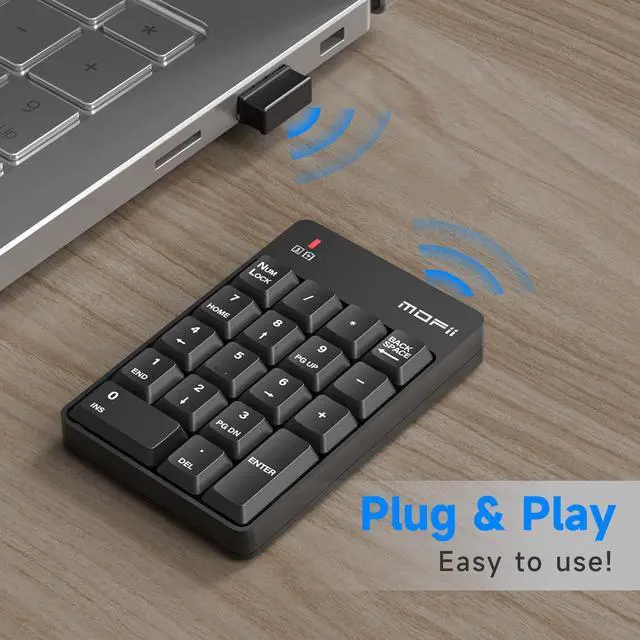
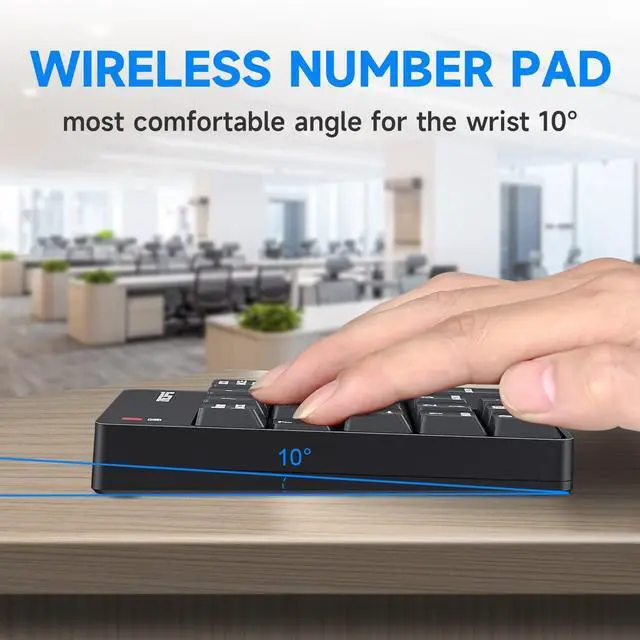
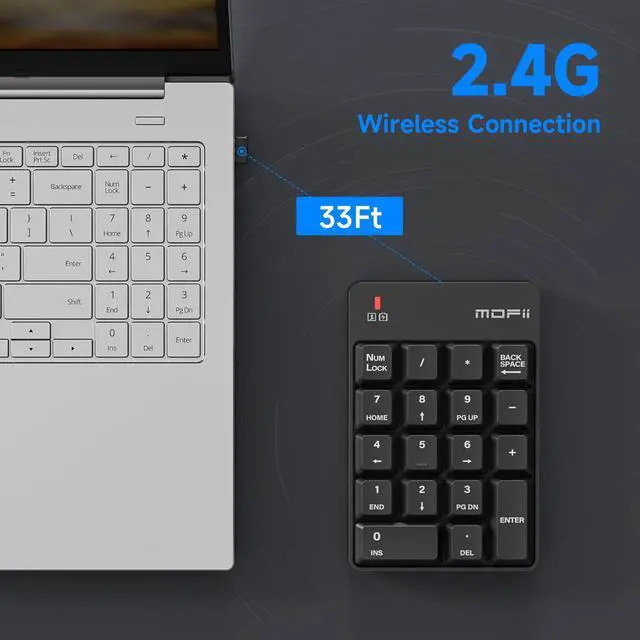
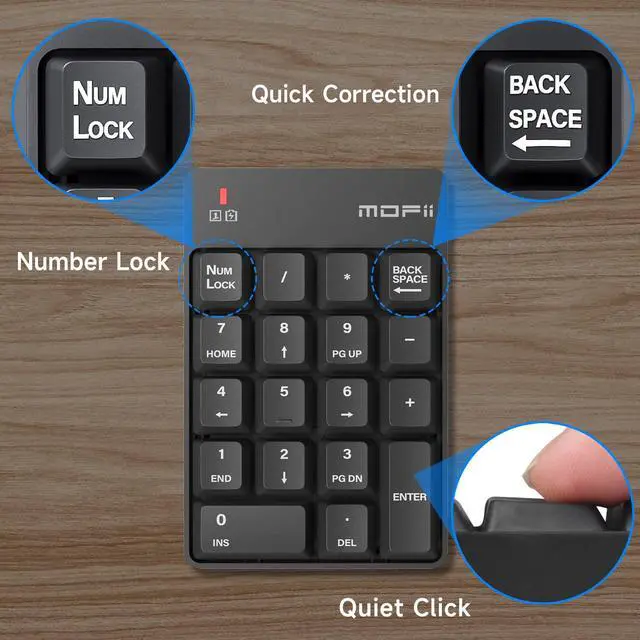



Any questions? Ask CelesteSM will help you find out quickly.

Brand story
As the leader of the keyboard industry, Research and development and manufacturing of keyboards for 22 years, We have successfully produced many kinds of keyboards which are recognized by customers all over the world, we carefully drill the design of numeric keyboard appearance, use top materials and humanized functions to meet all keyboard needs, you Encourage, always the driving force we advance.
Mofii is always committed to quality design, High-performance product is our core, Mofii invites you to enjoy the new keyboard experience!

When you find this wireless keyboard does t work, do not worry, you can make the keyboard in working condition by
Restoring back to factory default settings.
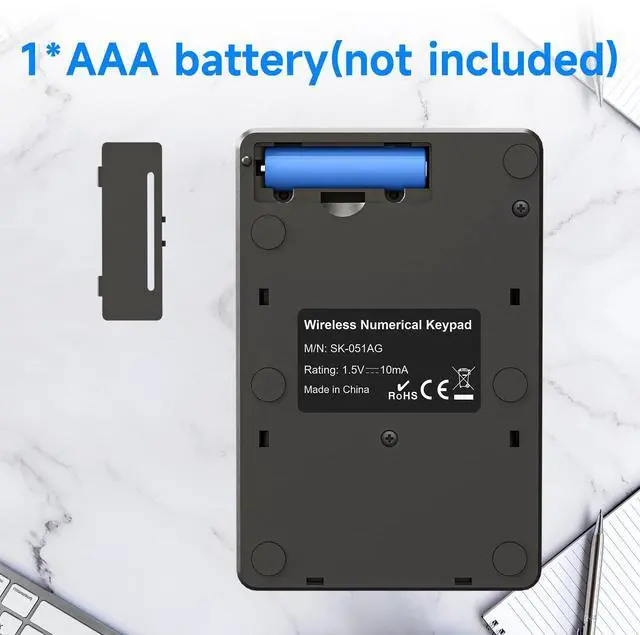
1. Check the battery volume is normal; if the battery is used out, please replace new batteries.
2. Insert the USB receiver onto the USB port of the PC or notebook
3. At the same time the battery into the keyboard, and the keyboard LED lights flash quickly saying, restore factory Settings successfully.


Brand story
As the leader of the keyboard industry, Research and development and manufacturing of keyboards for 22 years, We have successfully produced many kinds of keyboards which are recognized by customers all over the world, we carefully drill the design of numeric keyboard appearance, use top materials and humanized functions to meet all keyboard needs, you Encourage, always the driving force we advance.
Mofii is always committed to quality design, High-performance product is our core, Mofii invites you to enjoy the new keyboard experience!
When you find this wireless keyboard does t work, do not worry, you can make the keyboard in working condition by
Restoring back to factory default settings.
1. Check the battery volume is normal; if the battery is used out, please replace new batteries.
2. Insert the USB receiver onto the USB port of the PC or notebook
3. At the same time the battery into the keyboard, and the keyboard LED lights flash quickly saying, restore factory Settings successfully.


