






- Have you noticed that the old remote only can move target with the direction keys, and have you feel tired when using the old tv remote because can't move to your target faster?
- Do you feel boring when watching tv in dark? Enjoy the dark atmosphere, but the tv remote does not support you to move freely, only allow you to operate in bright.
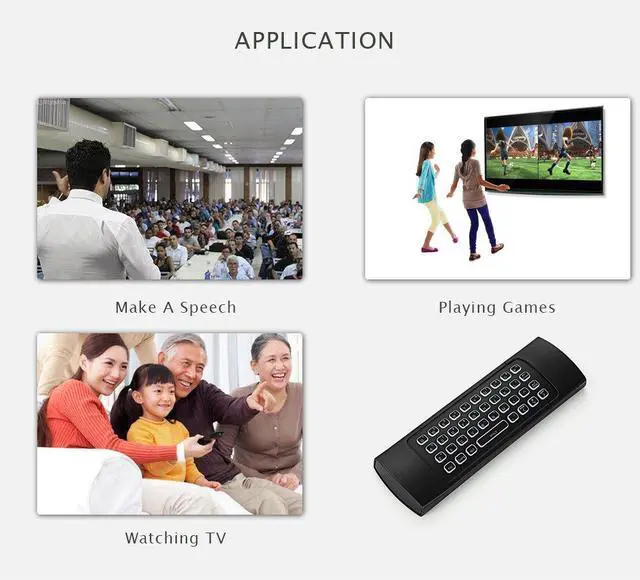
- With our air mouse remote, you will have a good experience when watching TV.
- So what can it be, how to simple my life?
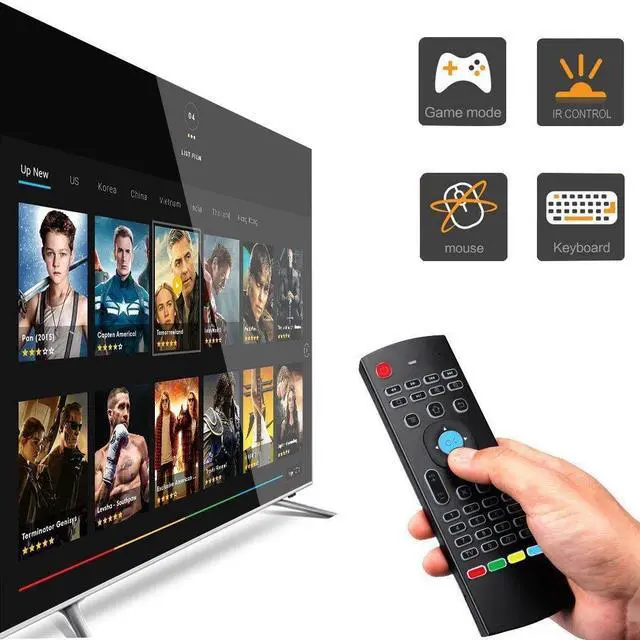
1.It can works as a mouse
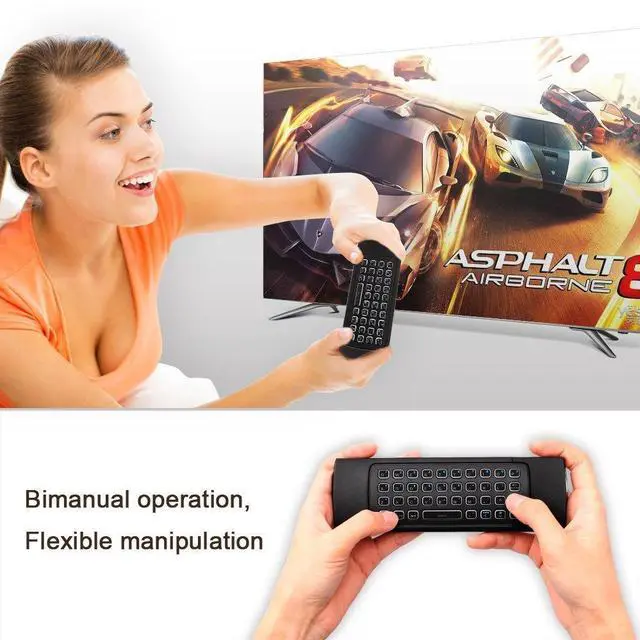
Built-in with 3-Gyro + 3-G Sensor, it can converts your space movement in the air into an accurate displacement on the screen,allows mouse to be controlled accurately for motion sensing game.
2.It can works as a keyboard
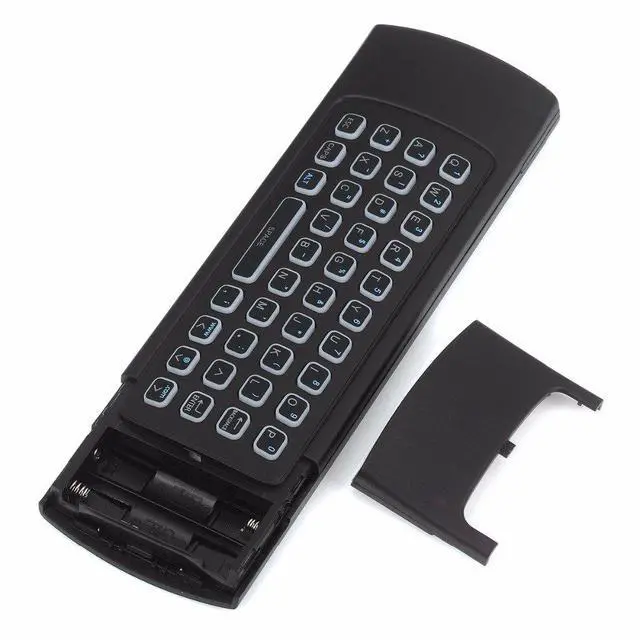
Designed with QWERTY full keyboard that you can type any words that you need.
3.It can works as a remote
It will provide you with the smooth navigation and perfect control for all you needs!
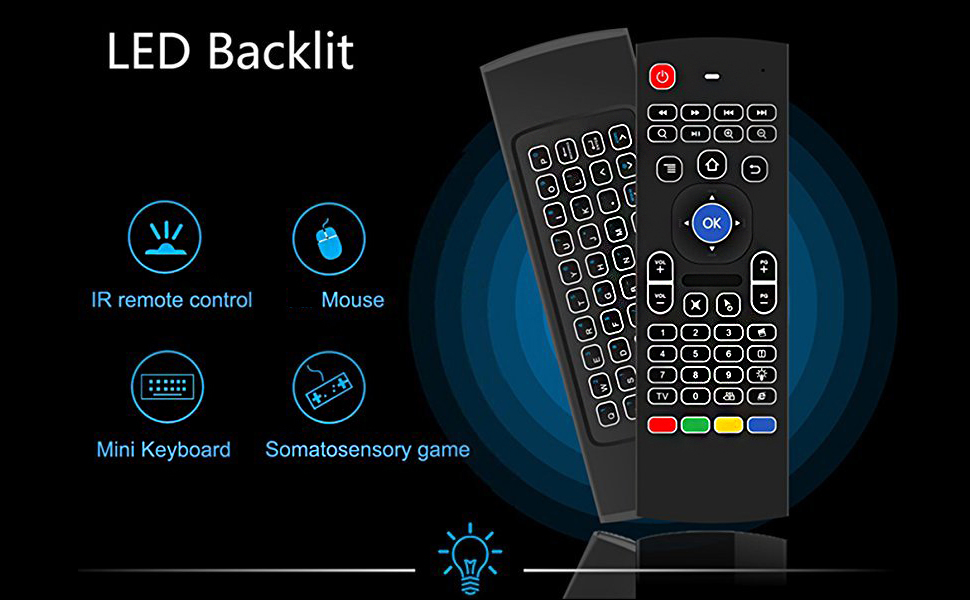
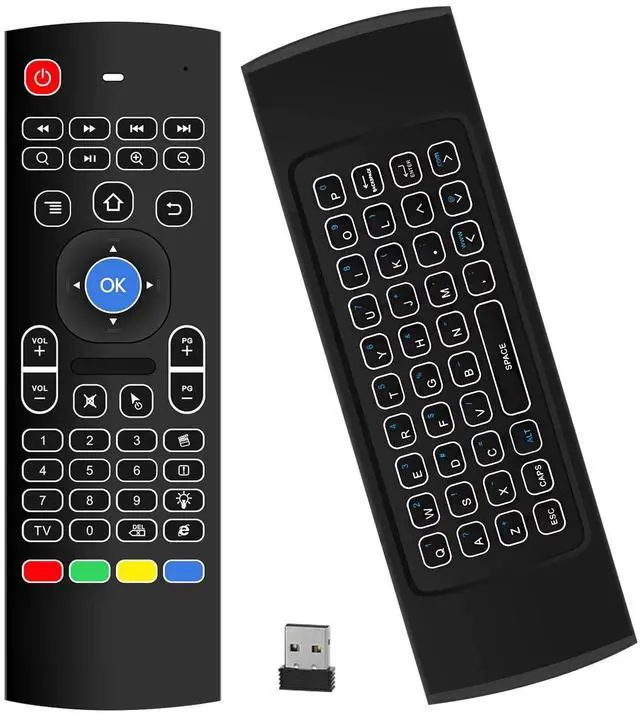
Updated LED Backlit Remote Air Keyboard Mouse Remote MX3 Pro, 2.4G Kodi Remote Mini Wireless Keyboard Mouse
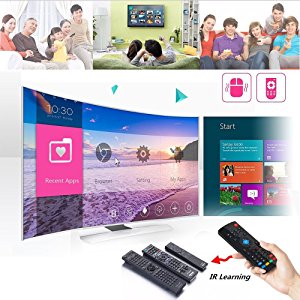
This remote allows you to be programmed 5 keys (Power button and bottom 4 Color buttons),you can learn some common functions of your Old TV with this remote.
How to program IR Learning:
- Press and hold the "TV" button for 3-5 seconds,the lights will blinks from fast, solid until to slow, indicating it is in Learning Mode. Please notice only when the lights blinks slowly that it is in Learning Mode, otherwise it can't program successfully and please try again until lights blinks slowly.
- Keep the air mouse and TV remote infrared transmitter alignment, head to head within 2 CM. Press the button on your personal device remote that you want to program==> The light will blink slowly become to blink quickly.
- Press the button on the Air Mouse remote that you want to program to that function ==> the light will resume blinking slowly.
- Press the "TV" button once==> the light will stop blinking and off. Learning finished. Now try to control your personal device via this button which programmed on this air mouse.
Frequently Asked Questions For Infrared Learning:
1.Why the lights will off when learning?The time to learn is limited,after long time waits still have no operate,the lights will off, so it means you need to go back to step 1.
2.The button have learned successfully, why it don't work?Transmission between infrared very vulnerable to obstacles, so the transmission very unstable, the remote may can't learn successfully in once, so please try again,or change another button to program.
3.Why the "Power" button won't power on the device?
The IR Code of starting device is not all same for (all device),as a universal controller,it can't compatible with all device,so the remote only can power off device. But you can Infrared learn your old remote's "power" button on this remote,then this air mouse remote also can power on and off your device.
Note: After finish learning IR Code value on "Power" buttom, it will cover original 2.4G key value.
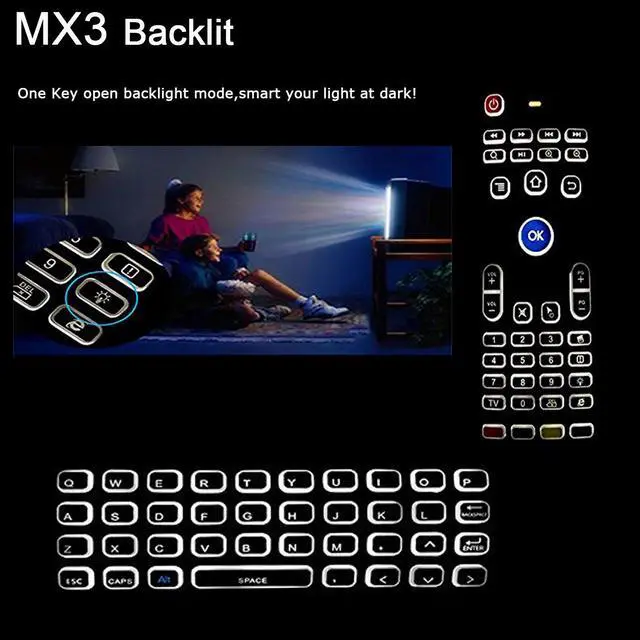
How to open Backlit mode:
Update version of Air Mouse,Keep you clear in dark!
Want to watch a nice movie at home, but can't catch the buttons in night, feel painful? With this Backlit remote, you won't have that bad feeling again. It will SIMPLE YOUR LIFE!
Designed with One Key Control Conception, simple use for everybody.
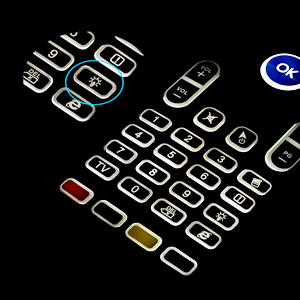
You can open/close the backlit by press the button which display like a "bulb" in the positive side.

Motion Sensing Game:3-Gyro + 3-G Sensor allows mouse to be controlled accurately for motion sensing game.
Also our air mouse remote will automatically go into sleep mode after several minutes of non-use to conserve battery power.
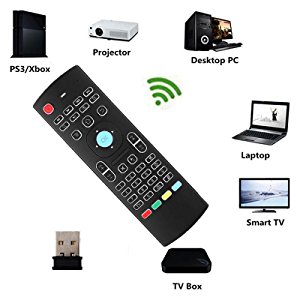
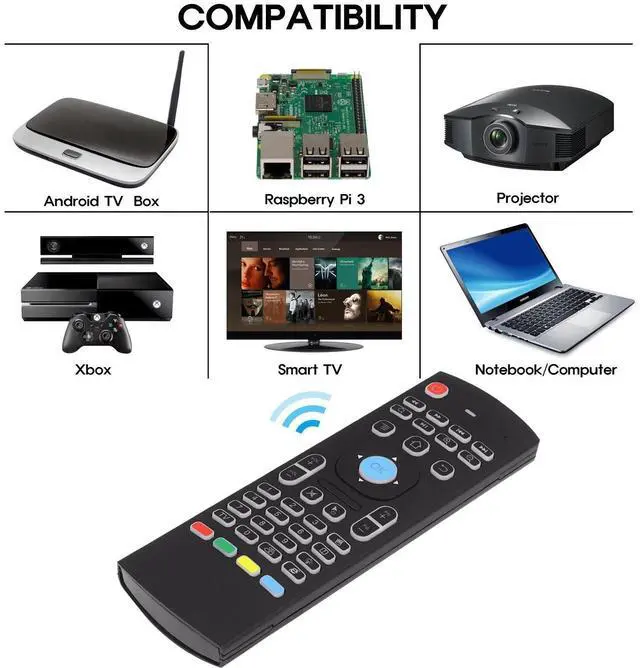
As a universal controller, it suitable for most smart android tv box with USB port.
It supports Android Smart TV, IPTV, Networked set-top Box,Mini Pc,Android TV Box,HTPC and PCTV.
Specifications:
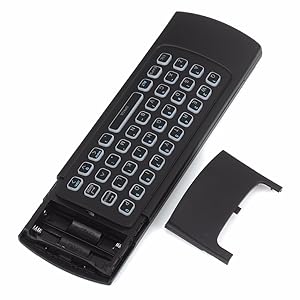
Keys Quantity : 81 KEYS.
Battery Type : 2XAAA (not included).
Material : Rubber and Silicone
Size : 172*59*19mm (Thickness 10mm).
What is in the box?
1 x Wireless Keyboard Mouse
1 x User Manual
1 x USB Receiver
- Have you noticed that the old remote only can move target with the direction keys, and have you feel tired when using the old tv remote because can't move to your target faster?
- Do you feel boring when watching tv in dark? Enjoy the dark atmosphere, but the tv remote does not support you to move freely, only allow you to operate in bright.
- With our air mouse remote, you will have a good experience when watching TV.
- So what can it be, how to simple my life?
1.It can works as a mouse
Built-in with 3-Gyro + 3-G Sensor, it can converts your space movement in the air into an accurate displacement on the screen,allows mouse to be controlled accurately for motion sensing game.
2.It can works as a keyboard
Designed with QWERTY full keyboard that you can type any words that you need.
3.It can works as a remote
It will provide you with the smooth navigation and perfect control for all you needs!
Updated LED Backlit Remote Air Keyboard Mouse Remote MX3 Pro, 2.4G Kodi Remote Mini Wireless Keyboard Mouse
This remote allows you to be programmed 5 keys (Power button and bottom 4 Color buttons),you can learn some common functions of your Old TV with this remote.
How to program IR Learning:
- Press and hold the "TV" button for 3-5 seconds,the lights will blinks from fast, solid until to slow, indicating it is in Learning Mode. Please notice only when the lights blinks slowly that it is in Learning Mode, otherwise it can't program successfully and please try again until lights blinks slowly.
- Keep the air mouse and TV remote infrared transmitter alignment, head to head within 2 CM. Press the button on your personal device remote that you want to program==> The light will blink slowly become to blink quickly.
- Press the button on the Air Mouse remote that you want to program to that function ==> the light will resume blinking slowly.
- Press the "TV" button once==> the light will stop blinking and off. Learning finished. Now try to control your personal device via this button which programmed on this air mouse.
Frequently Asked Questions For Infrared Learning:
1.Why the lights will off when learning?The time to learn is limited,after long time waits still have no operate,the lights will off, so it means you need to go back to step 1.
2.The button have learned successfully, why it don't work?Transmission between infrared very vulnerable to obstacles, so the transmission very unstable, the remote may can't learn successfully in once, so please try again,or change another button to program.
3.Why the "Power" button won't power on the device?
The IR Code of starting device is not all same for (all device),as a universal controller,it can't compatible with all device,so the remote only can power off device. But you can Infrared learn your old remote's "power" button on this remote,then this air mouse remote also can power on and off your device.
Note: After finish learning IR Code value on "Power" buttom, it will cover original 2.4G key value.
How to open Backlit mode:
Update version of Air Mouse,Keep you clear in dark!
Want to watch a nice movie at home, but can't catch the buttons in night, feel painful? With this Backlit remote, you won't have that bad feeling again. It will SIMPLE YOUR LIFE!
Designed with One Key Control Conception, simple use for everybody.
You can open/close the backlit by press the button which display like a "bulb" in the positive side.
Motion Sensing Game:3-Gyro + 3-G Sensor allows mouse to be controlled accurately for motion sensing game.
Also our air mouse remote will automatically go into sleep mode after several minutes of non-use to conserve battery power.
As a universal controller, it suitable for most smart android tv box with USB port.
It supports Android Smart TV, IPTV, Networked set-top Box,Mini Pc,Android TV Box,HTPC and PCTV.
Specifications:
Keys Quantity : 81 KEYS.
Battery Type : 2XAAA (not included).
Material : Rubber and Silicone
Size : 172*59*19mm (Thickness 10mm).
What is in the box?
1 x Wireless Keyboard Mouse
1 x User Manual
1 x USB Receiver