



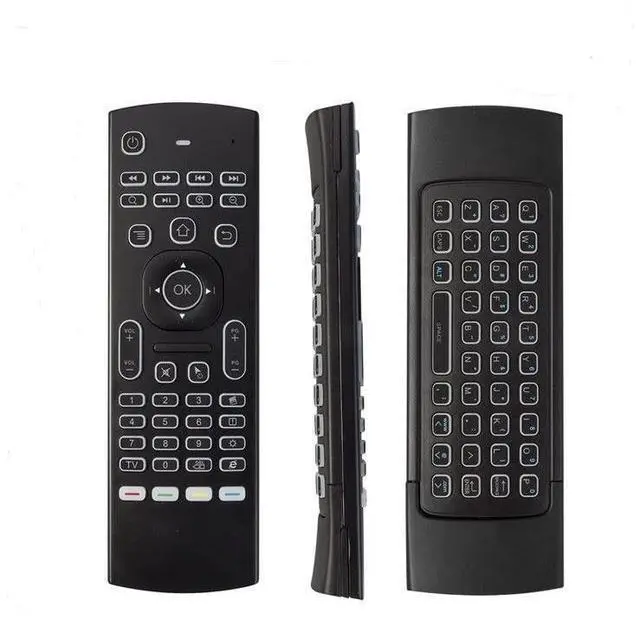
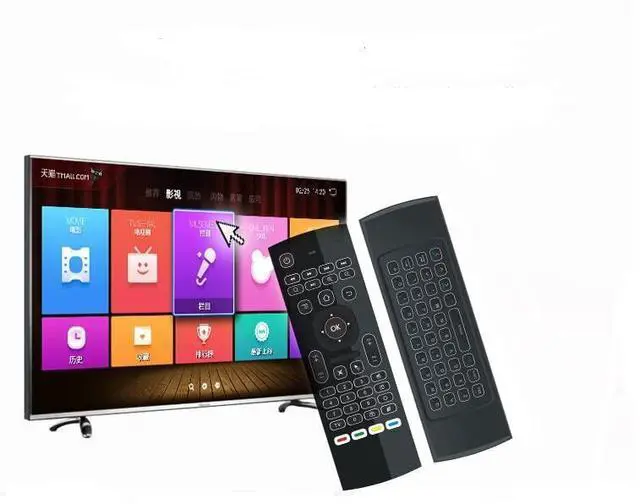
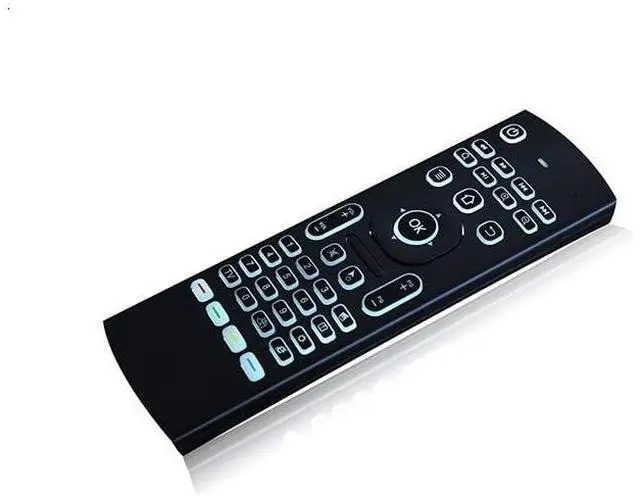


Q1:many buttons do not work?
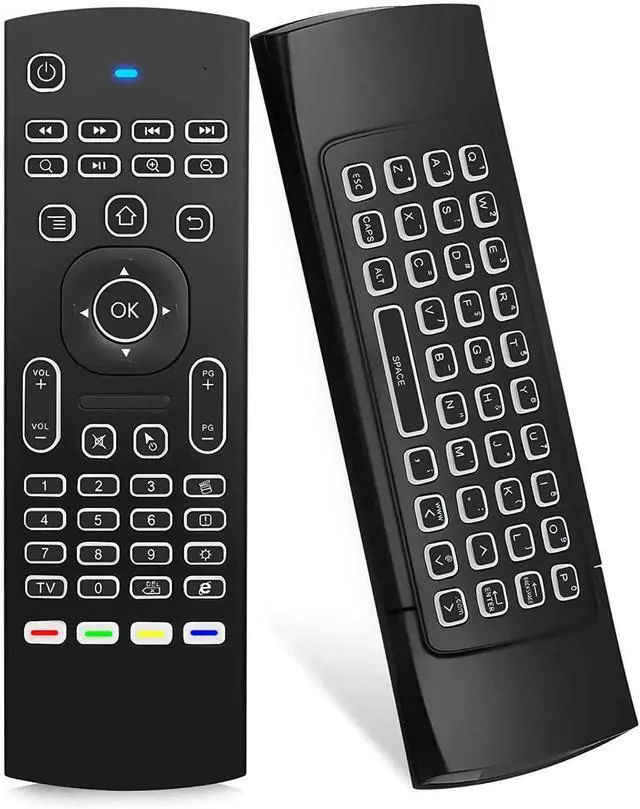
A1:this is a universal controller,the product have different codes problem by differentmanufacture,it is normal that few keys may not be responsive to your device ,thanksto the different codes by different manufacture,if the Red LED light on when youpress the key,it proves that the key is working,we advise sincerely that you can try the remote on a standard windows PC to test the most functions;
Q2:remote do not work with TV?
A2:please check that your remote control manufacture to confirm if NEC protocol issupported,if yes, please follow the instructions at back of this manual,please note that only power and four color buttons at the bottom could be programmed;
Q3:. remote do not connect?
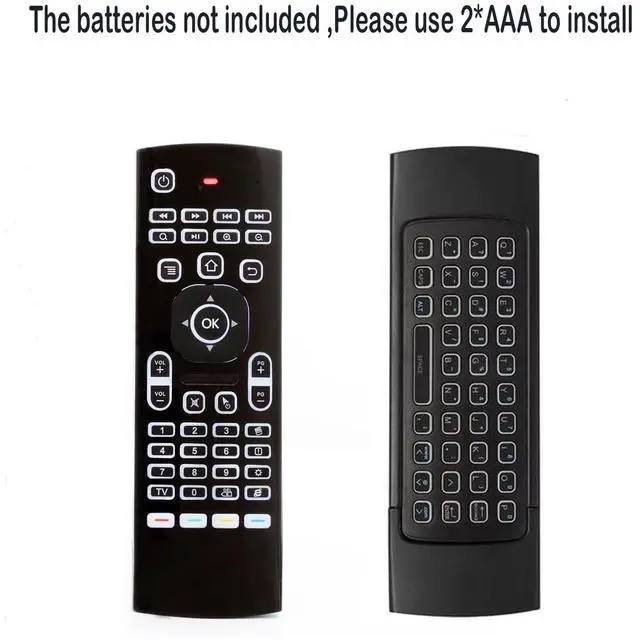
A3:please check that you installed the new battery properly before pairing,make surethe batteries have enough power,then do repair as below:1.press OK+TV at the same time for 3 seconds, the red LED indicator will flash fast;2.then insert the USB dongle into the USB port of the device,red LED indicator stopped flashing ,means pairing succeed;
Q4:there is no usb dongle?
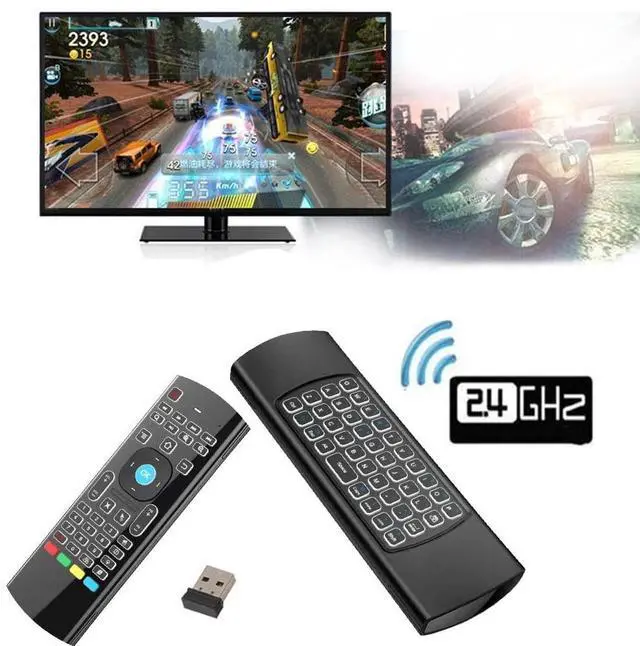
A4:1.Note: the USB dongle is in the cover of the remote, to slide and take out the USB dongle;
Q5:Not compatible with smart tv?
A5:1.please make sure the battery has enough power before using the remote; 2.The remote is conpatible with Android,windows,Mac, and Linux OS which has astandard USB port,Not fit for Fire TV ,and Fire TV stick,or some Samsung and sony smart TV;
Q1:many buttons do not work?
A1:this is a universal controller,the product have different codes problem by differentmanufacture,it is normal that few keys may not be responsive to your device ,thanksto the different codes by different manufacture,if the Red LED light on when youpress the key,it proves that the key is working,we advise sincerely that you can try the remote on a standard windows PC to test the most functions;
Q2:remote do not work with TV?
A2:please check that your remote control manufacture to confirm if NEC protocol issupported,if yes, please follow the instructions at back of this manual,please note that only power and four color buttons at the bottom could be programmed;
Q3:. remote do not connect?
A3:please check that you installed the new battery properly before pairing,make surethe batteries have enough power,then do repair as below:1.press OK+TV at the same time for 3 seconds, the red LED indicator will flash fast;2.then insert the USB dongle into the USB port of the device,red LED indicator stopped flashing ,means pairing succeed;
Q4:there is no usb dongle?
A4:1.Note: the USB dongle is in the cover of the remote, to slide and take out the USB dongle;
Q5:Not compatible with smart tv?
A5:1.please make sure the battery has enough power before using the remote; 2.The remote is conpatible with Android,windows,Mac, and Linux OS which has astandard USB port,Not fit for Fire TV ,and Fire TV stick,or some Samsung and sony smart TV;