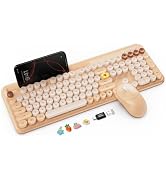
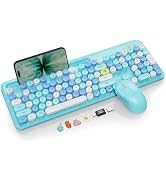
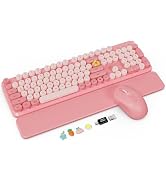
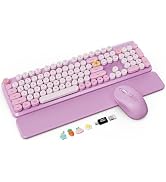
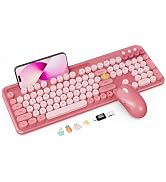
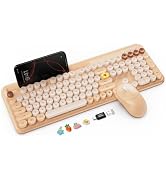
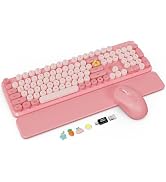
here!
here!
I’m your shopping assistant for PC builds, upgrades, and everything tech.
Got questions? Ask away!
Start a conversation
here!
I’m your shopping assistant for PC builds, upgrades, and everything tech.
Got questions? Ask away!
Start a conversation



Any questions? Ask CelesteSM will help you find out quickly.
Q1. Will this work with my computer? Do I need Bluetooth?
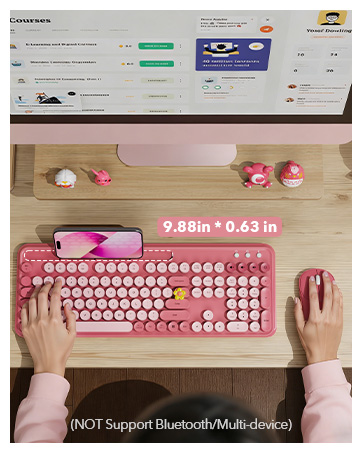
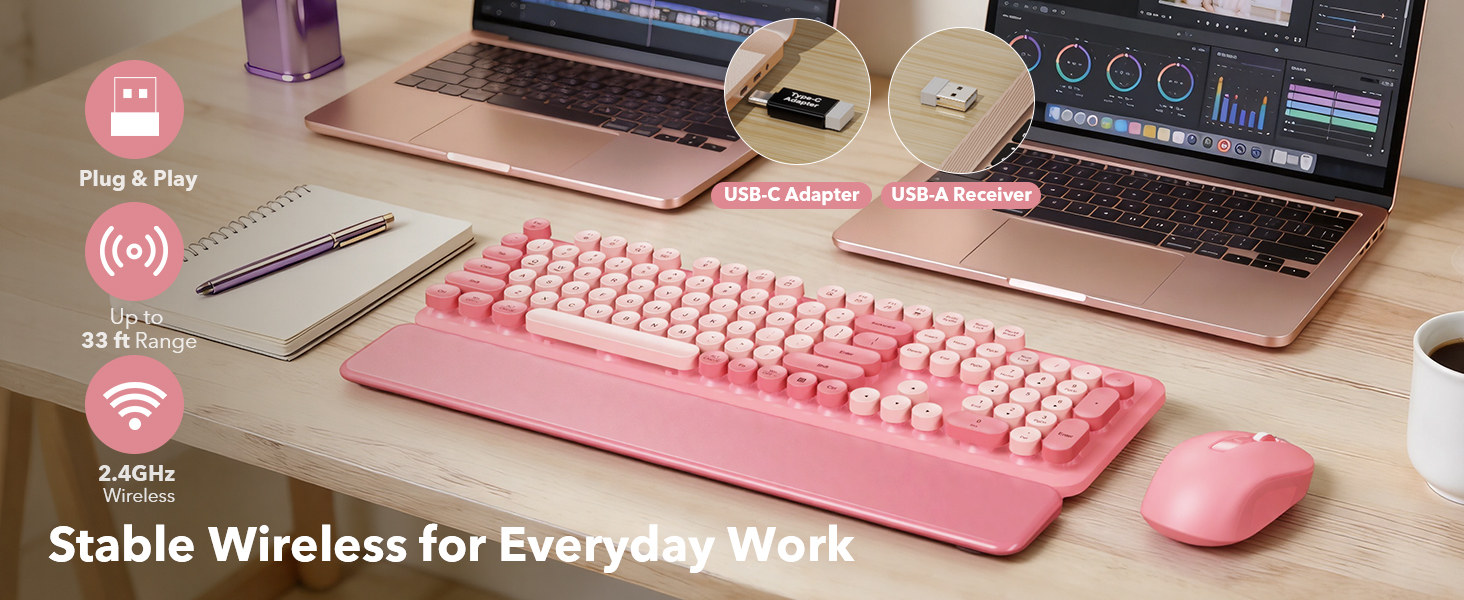
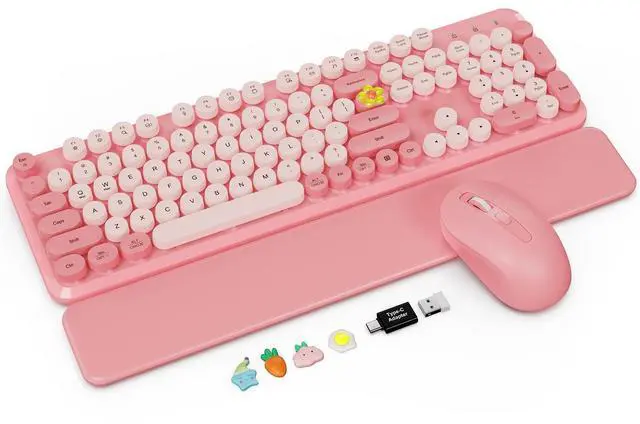
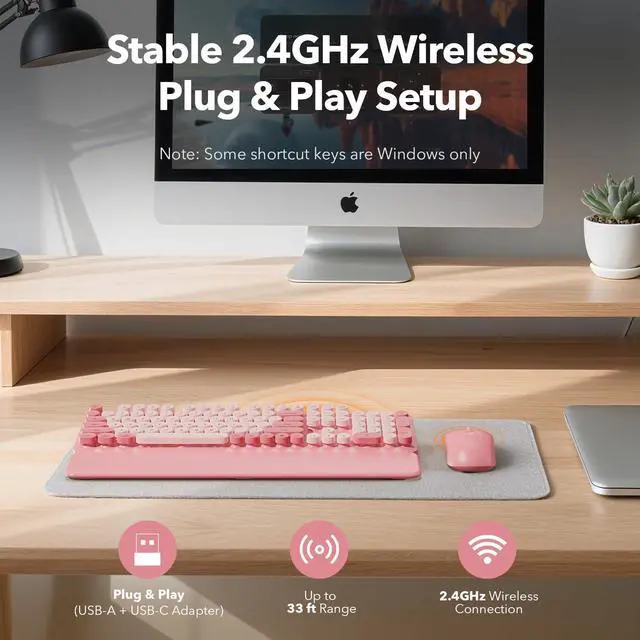
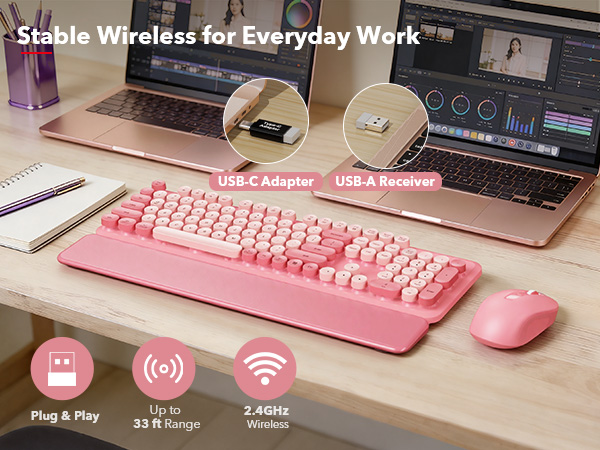
This combo connects via a 2.4GHz USB receiver (not Bluetooth). It’s made for Windows PCs/laptops.
If your device only has USB-C, use the included USB-C adapter.
Q2. Where is the USB receiver? I can’t find it.
The USB receiver is usually stored in the bottom of the mouse (receiver compartment).
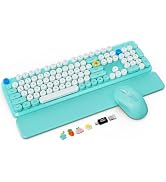
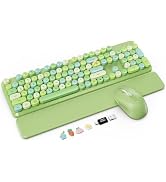
You may also find the receiver + USB-C adapter in a small transparent bag inside the package.
Q3. My order arrived missing parts, damaged, or looks like the wrong item—what should I do?
Please check the mouse bottom compartment and the packaging (especially the small accessory bag).
If anything is missing, damaged, or incorrect, message us through your order page and we’ll help quickly.
Q4. A key feels stuck / the space bar won’t work / a keycap popped off—how can I fix it?
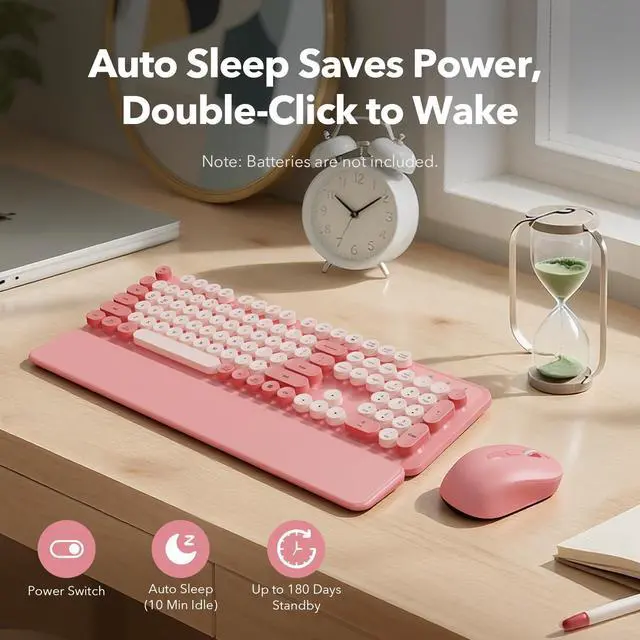
Make sure the keyboard is turned ON and the receiver is plugged in.
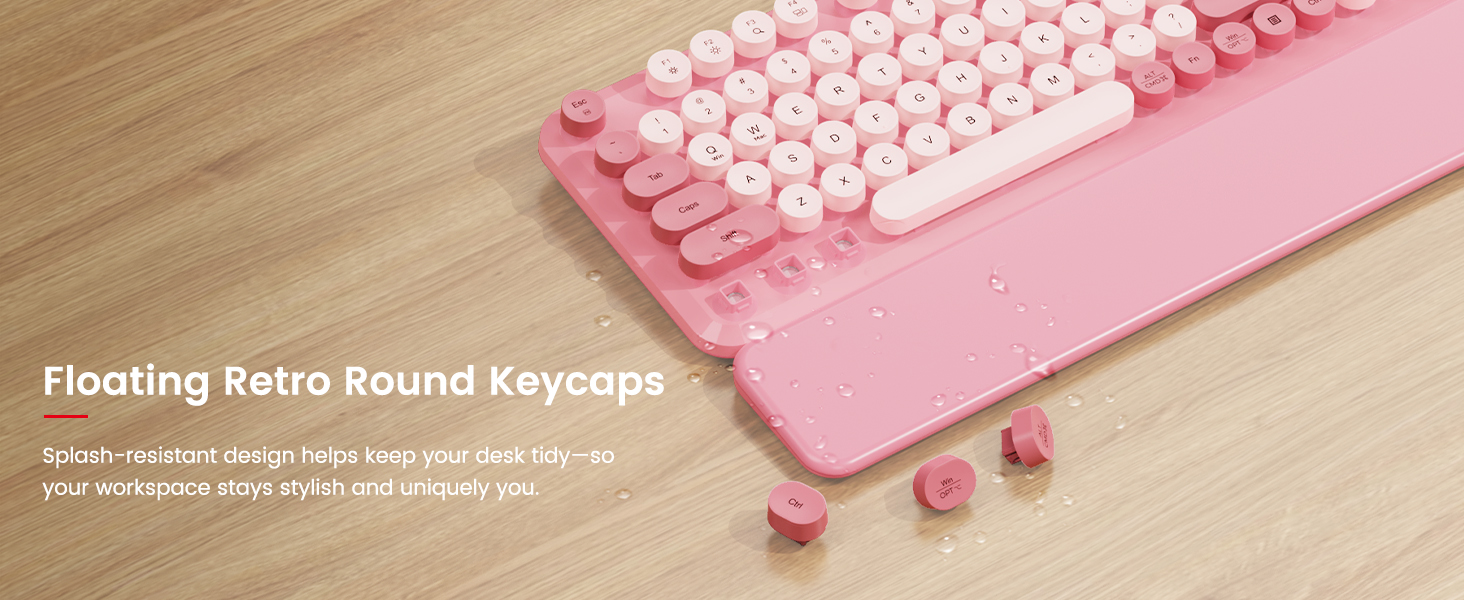
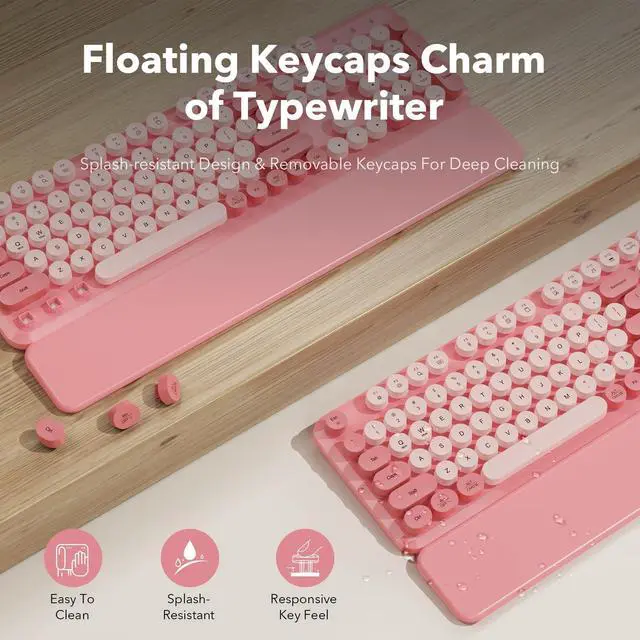
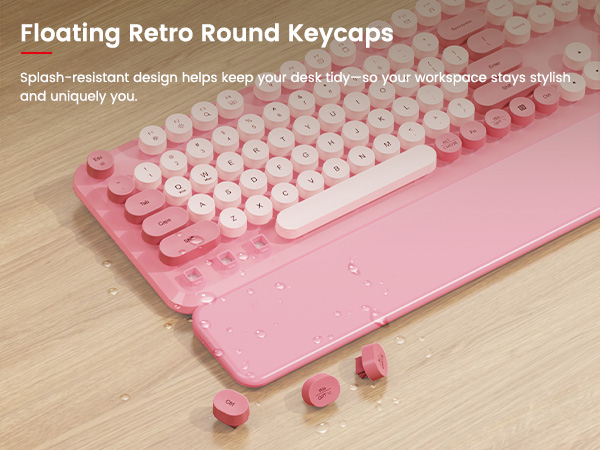
If a keycap is loose, gently press it straight down to re-seat it. For stuck keys, remove any debris and try again.
Still not right? Message us for support.
Q5. Is the keyboard quiet? Is it comfortable for long typing sessions?
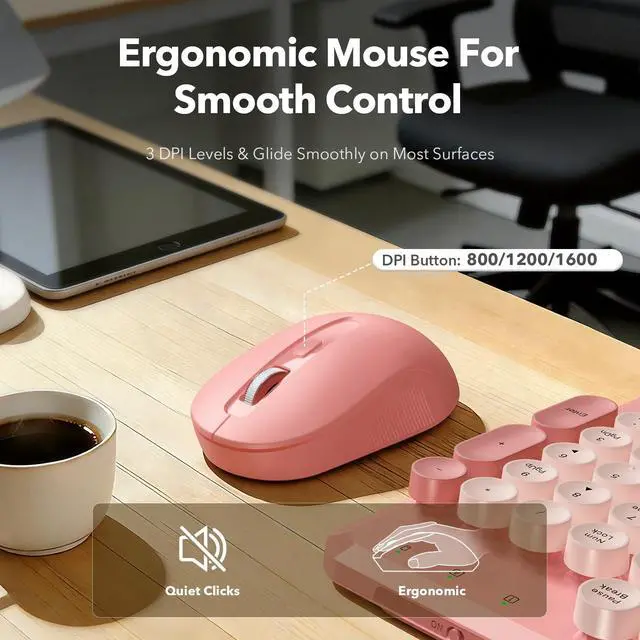
This is not a silent keyboard—it has a moderate click typical of round keys.
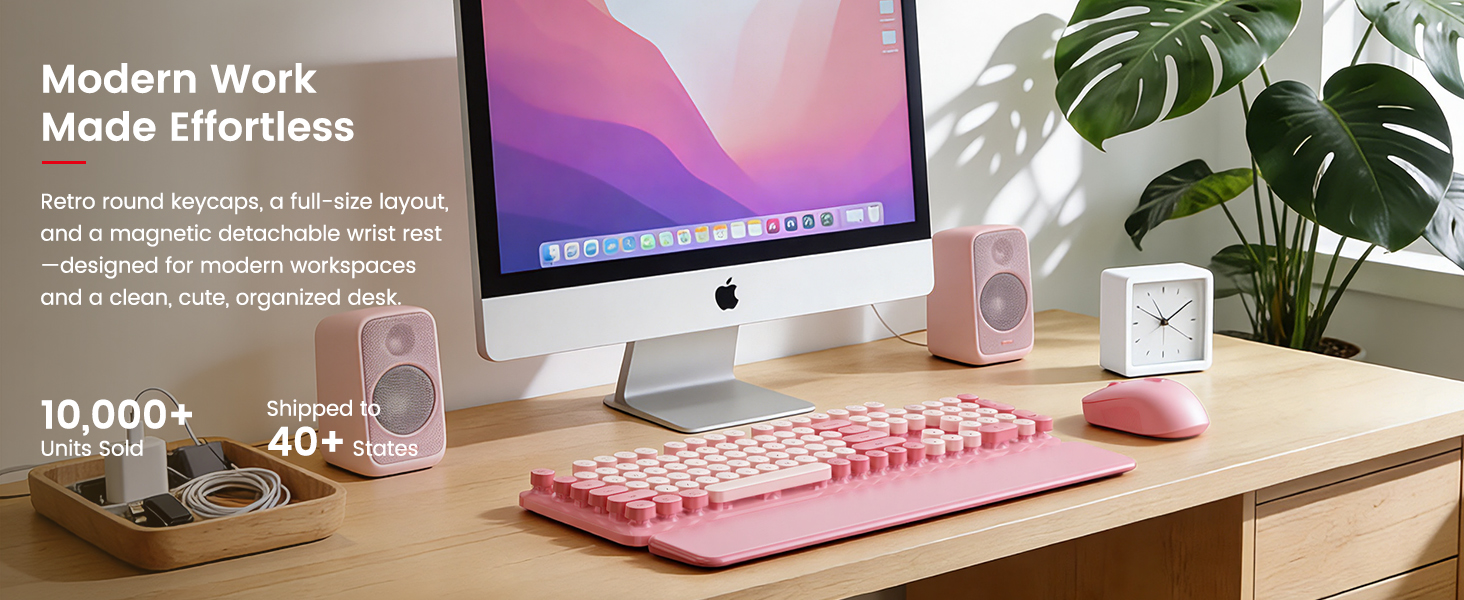
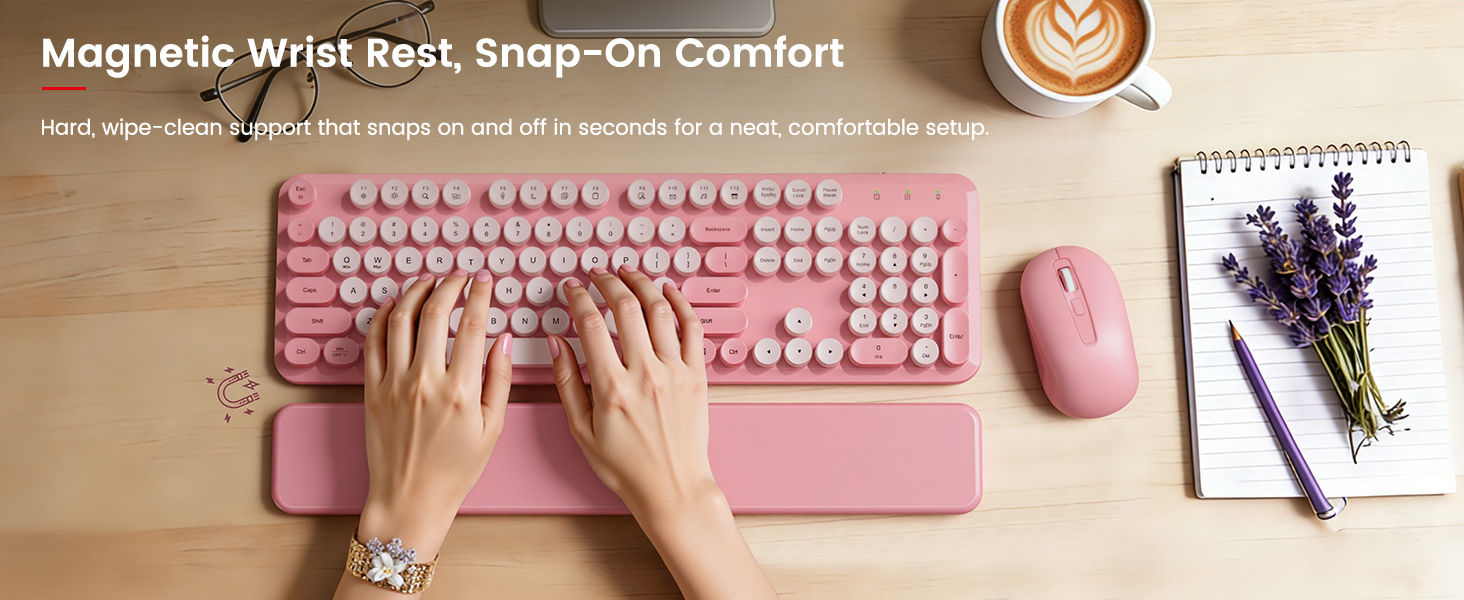
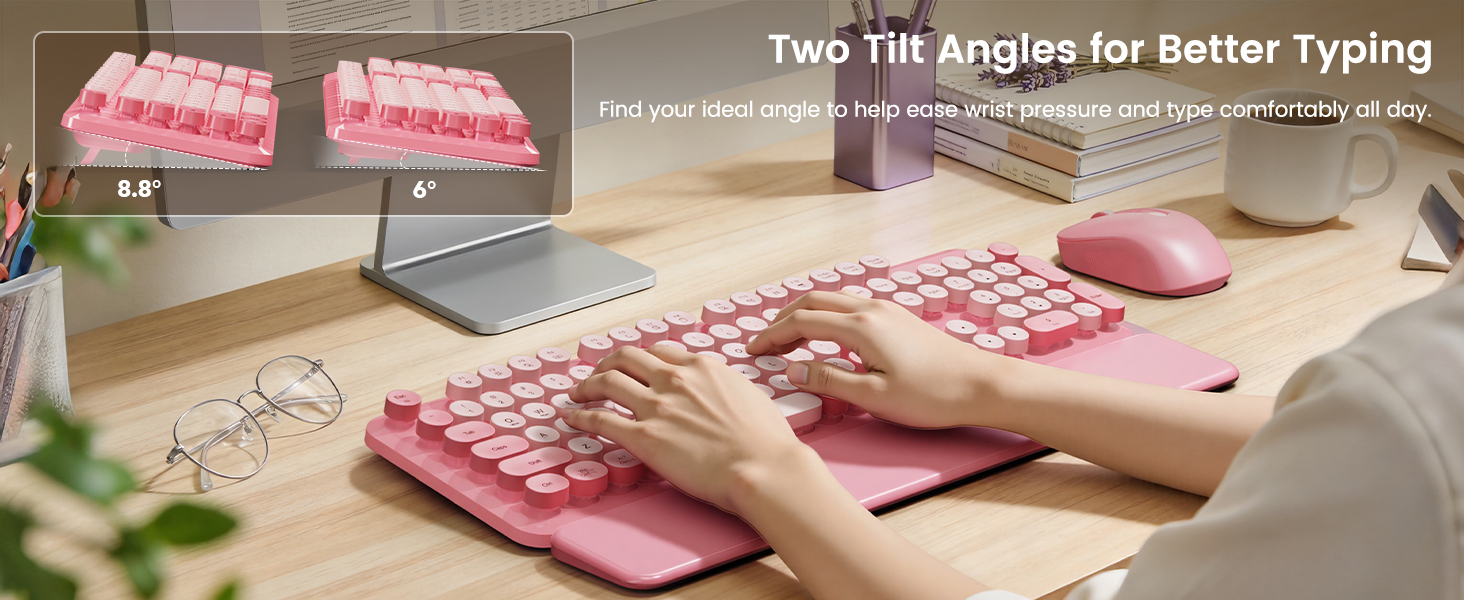
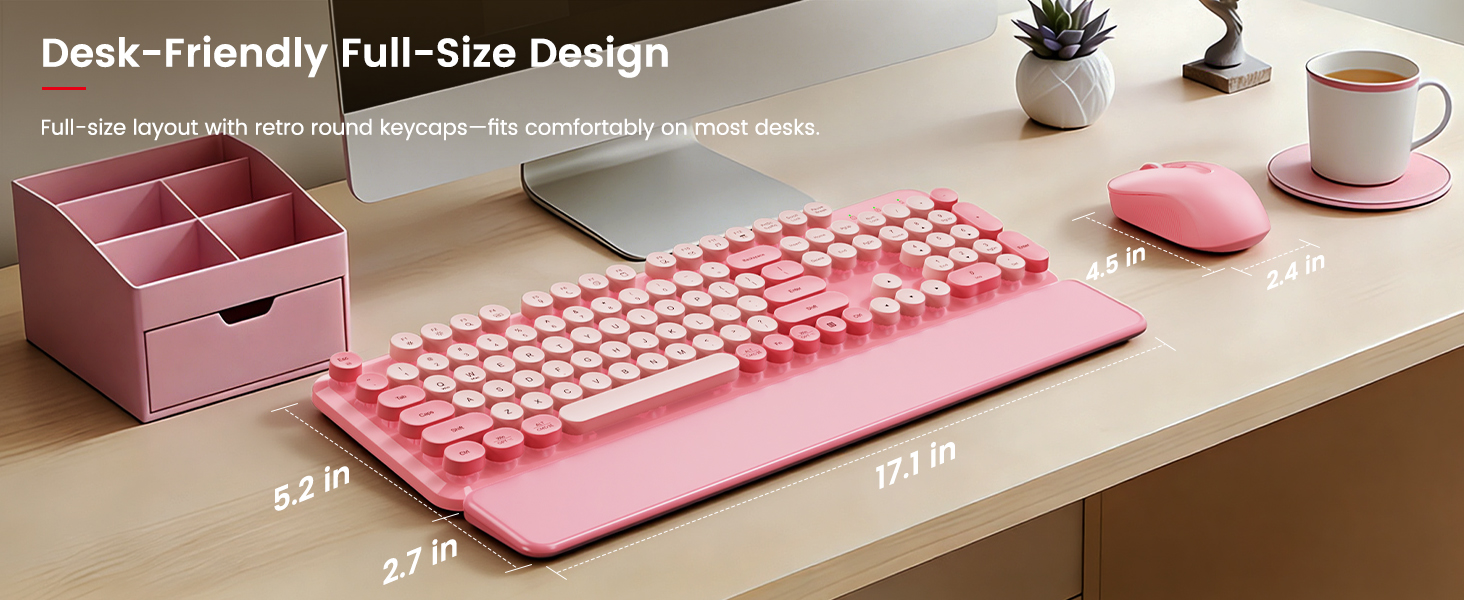
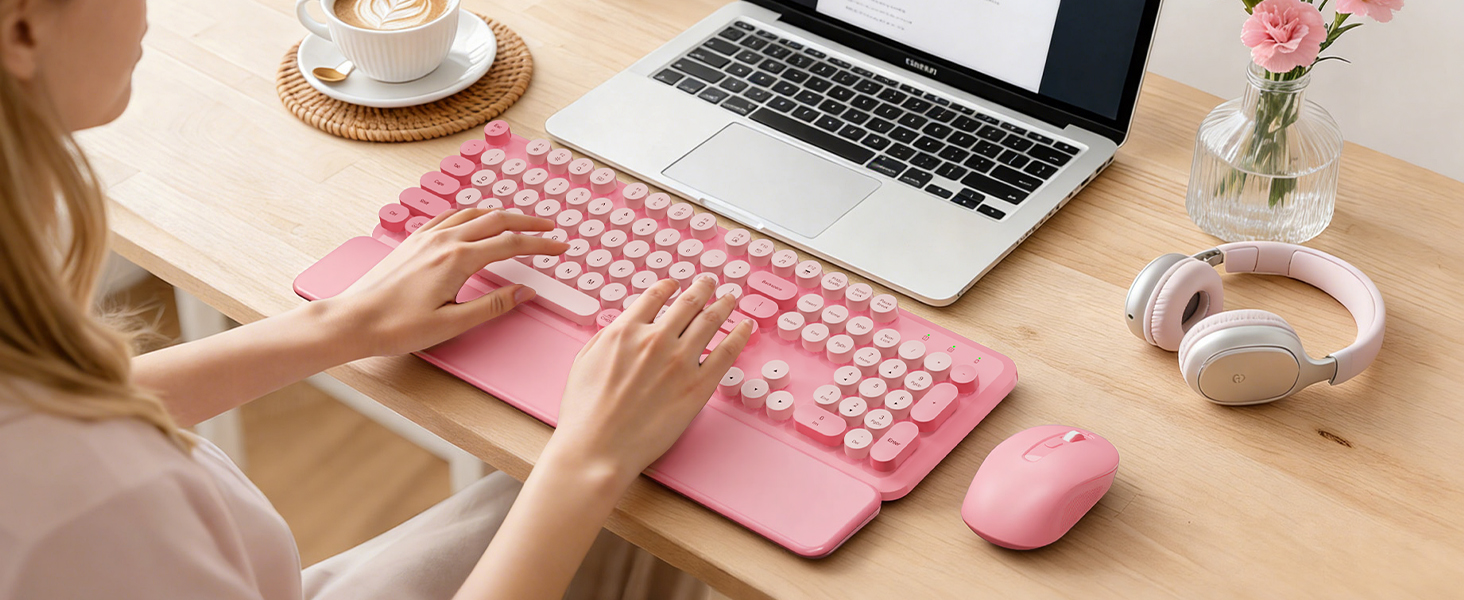
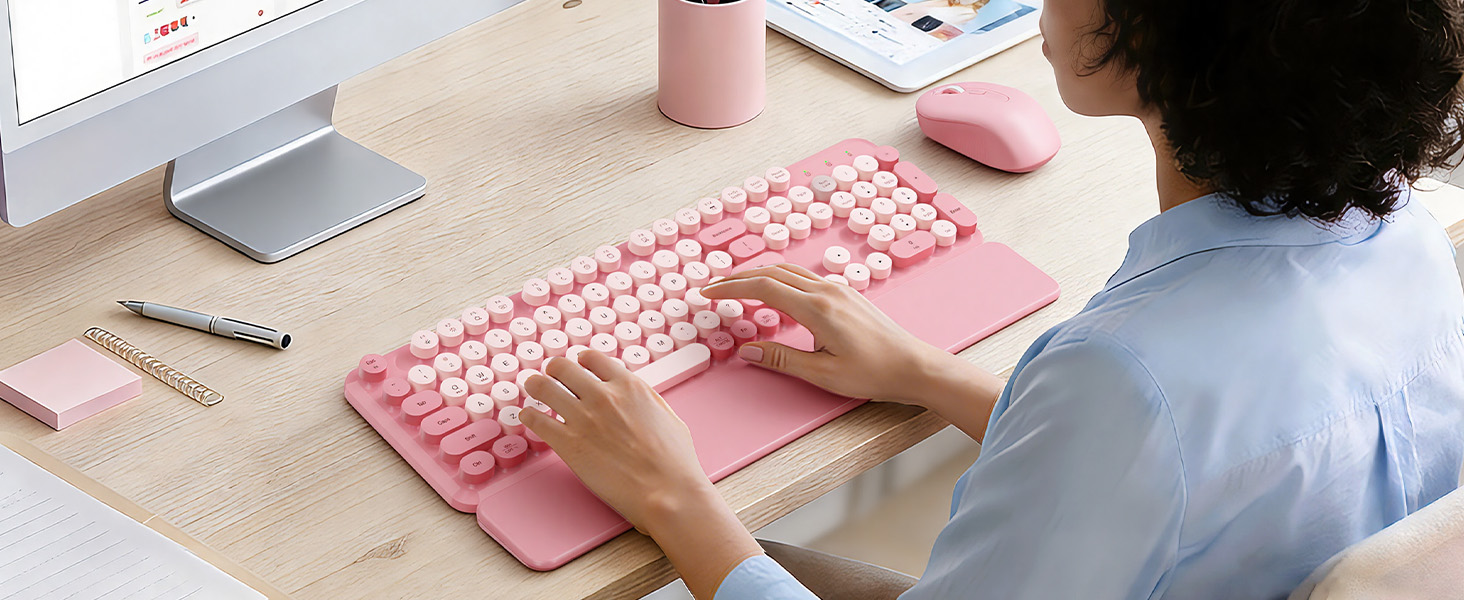
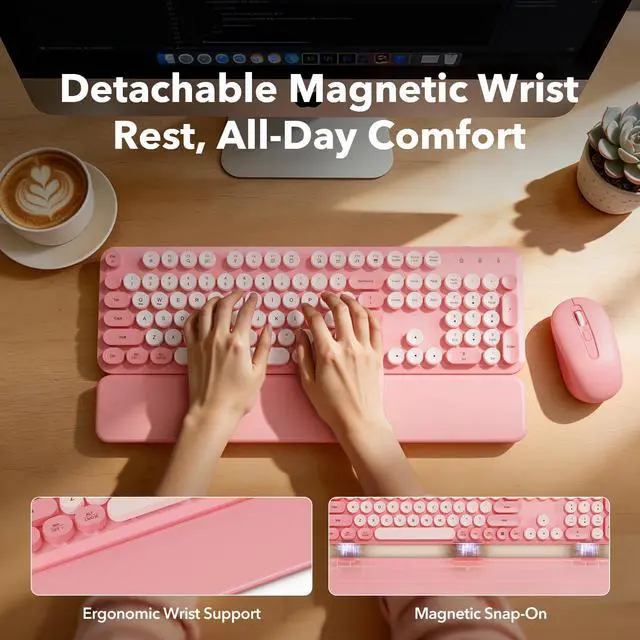
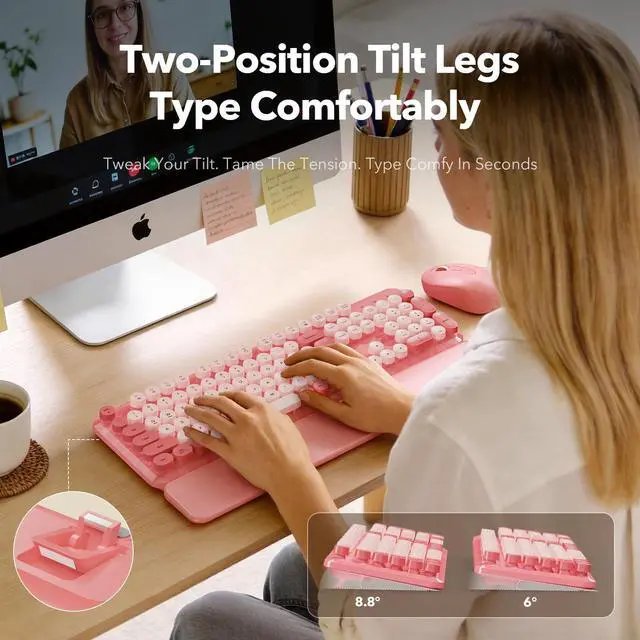
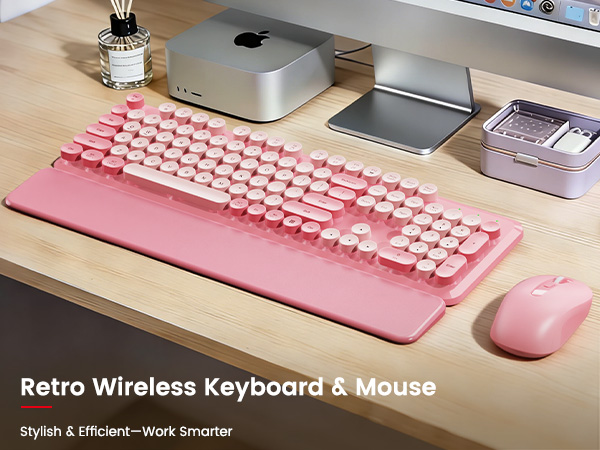
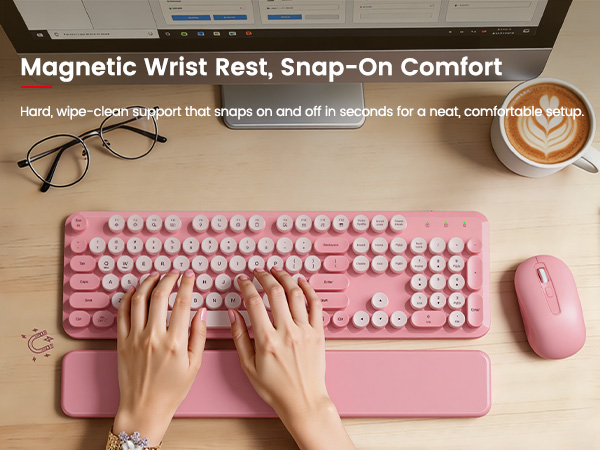
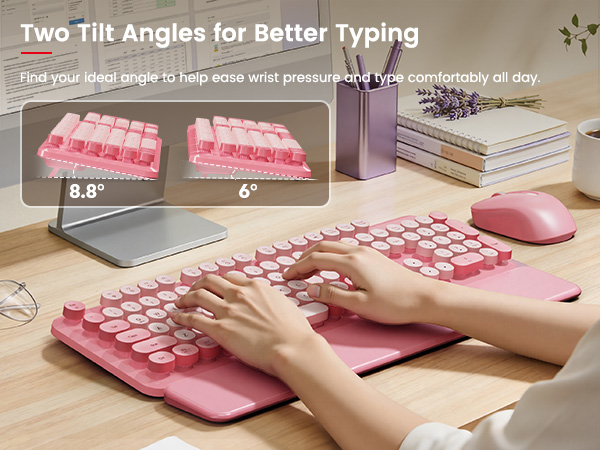
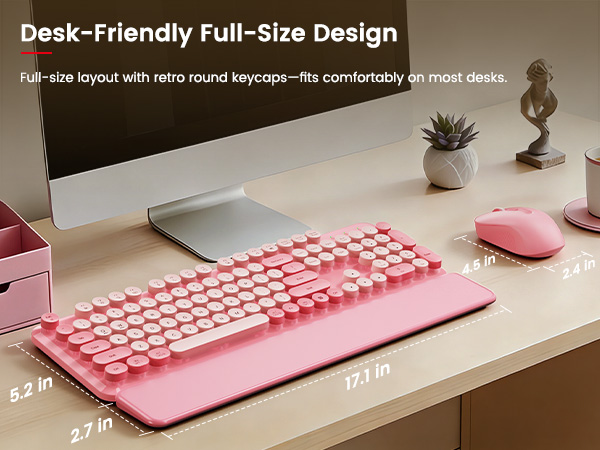
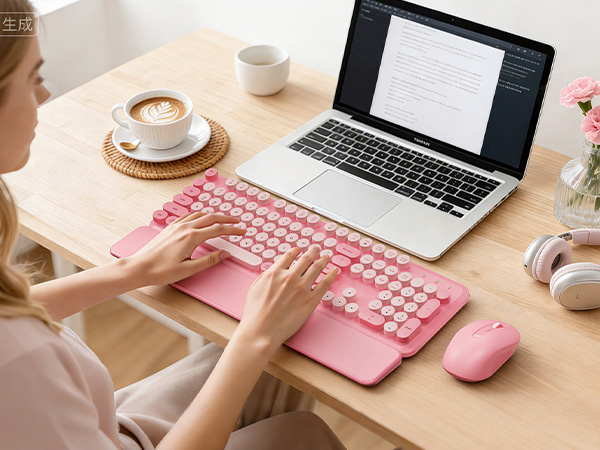
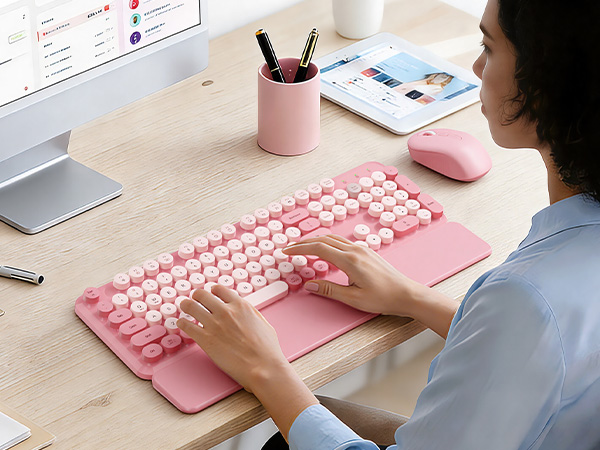
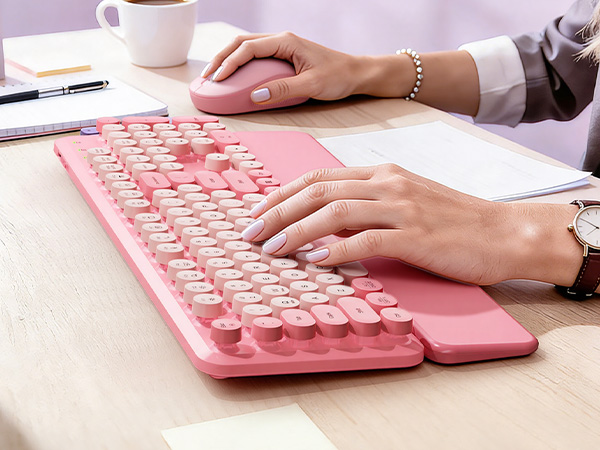
For comfort, use the 6°/8.8° tilt legs and the magnetic, wipe-clean wrist rest to support your hands during long work sessions.


Q1. Will this work with my computer? Do I need Bluetooth?
This combo connects via a 2.4GHz USB receiver (not Bluetooth). It’s made for Windows PCs/laptops.
If your device only has USB-C, use the included USB-C adapter.
Q2. Where is the USB receiver? I can’t find it.
The USB receiver is usually stored in the bottom of the mouse (receiver compartment).
You may also find the receiver + USB-C adapter in a small transparent bag inside the package.
Q3. My order arrived missing parts, damaged, or looks like the wrong item—what should I do?
Please check the mouse bottom compartment and the packaging (especially the small accessory bag).
If anything is missing, damaged, or incorrect, message us through your order page and we’ll help quickly.
Q4. A key feels stuck / the space bar won’t work / a keycap popped off—how can I fix it?
Make sure the keyboard is turned ON and the receiver is plugged in.
If a keycap is loose, gently press it straight down to re-seat it. For stuck keys, remove any debris and try again.
Still not right? Message us for support.
Q5. Is the keyboard quiet? Is it comfortable for long typing sessions?
This is not a silent keyboard—it has a moderate click typical of round keys.
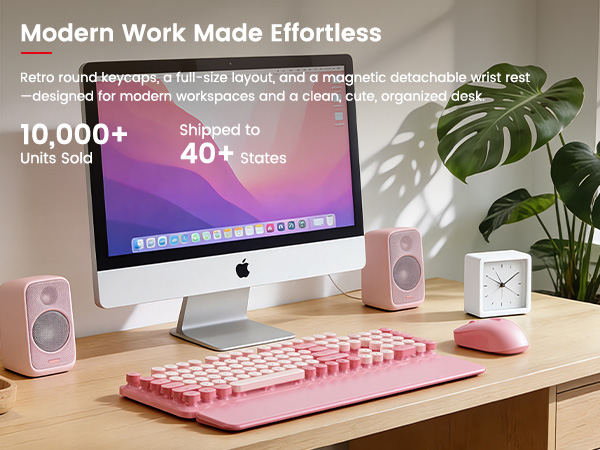
For comfort, use the 6°/8.8° tilt legs and the magnetic, wipe-clean wrist rest to support your hands during long work sessions.