







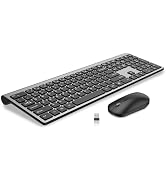
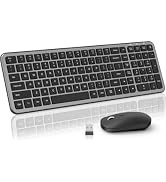
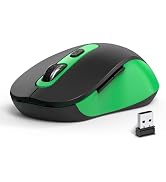
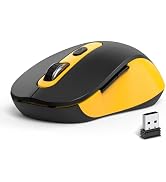
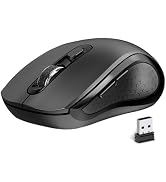
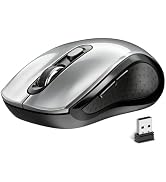
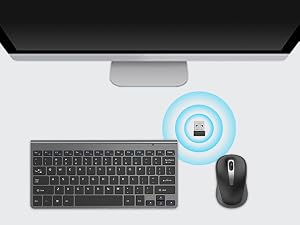
2-in-1USB Receiver
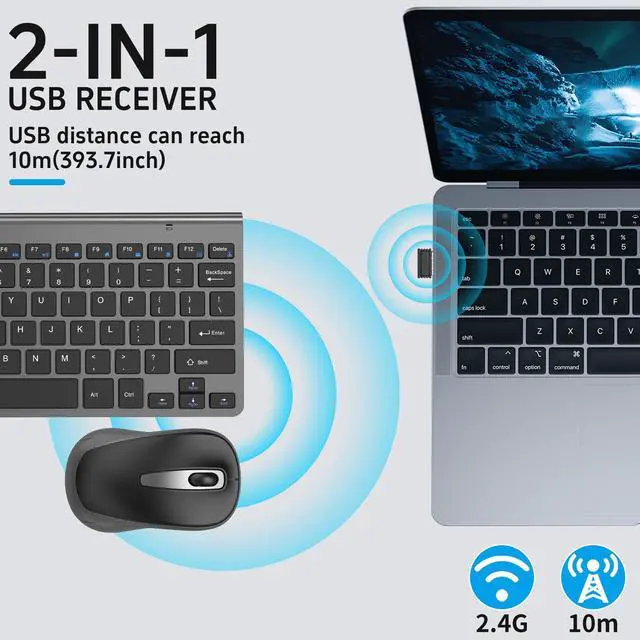
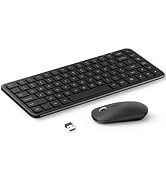
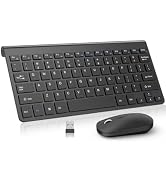
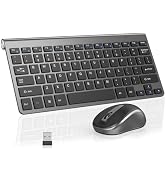
The keyboard and mouse share a receiver that is plug and play, supporting a maximum distance of 33 inches.
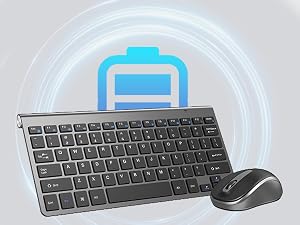
Automatic sleep saves power
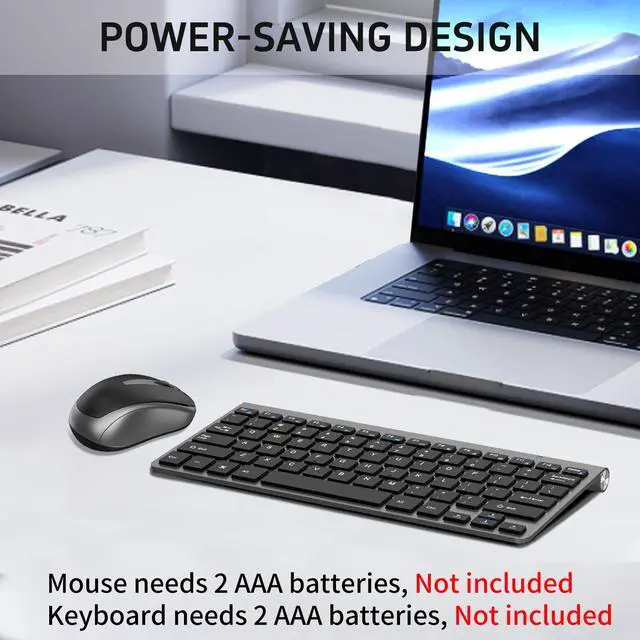
If not used for 10 minutes, enter sleep mode and click any key to wake up. Requires only 4 X AAA(Not included)
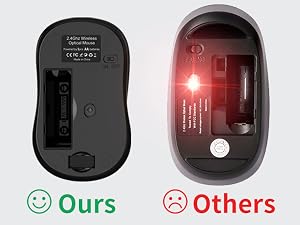
Hidden Light Design
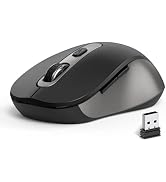
The mouse features a hidden light design that eliminates eye discomfort from strong light at the bottom of the mouse and is more energy efficient.
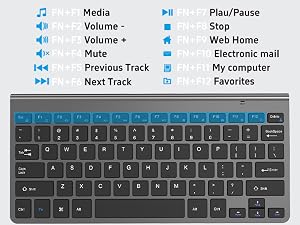
12 Convenient Function Hotkeys
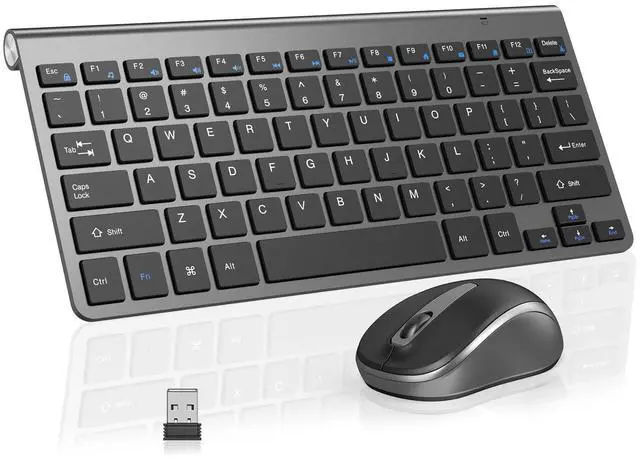
This compact wireless keyboard comes equipped with 12 multimedia hotkeys,enhancing convenience and efficiency.

How do I use the multimedia or F1-F12 functions?
To access the F1-F12 function keys, simply press the Fn key +F1-F12 key,Fn key locked, press Fn+Esc to unlock;
Mac os system is not compatible withF1-F12 functions.
lf the mouse does not respond and the keyboard is working properly, how can l re pair the mouse?
1.Unplug the receiver of computer.
2.Simultaneously press and hold the wheel button, the left button, and the right button for 5 seconds. (no lights will light up)
3.Insert the USB receiver into the computer within 15 seconds.
If the keyboard is unresponsive and the mouse is working properly, how can l re pair the keyboard?
1.Unplug the USB receiver
2.Press and hold the "ESC" and "=+" buttons for about 3 seconds, the keyboard enters pairing, and the power light turns red
3.Keyboard within 30cm of the port, insert the USB receiver into the computer within 15 seconds
Is this compact keyboard mouse good for small office desk setup?
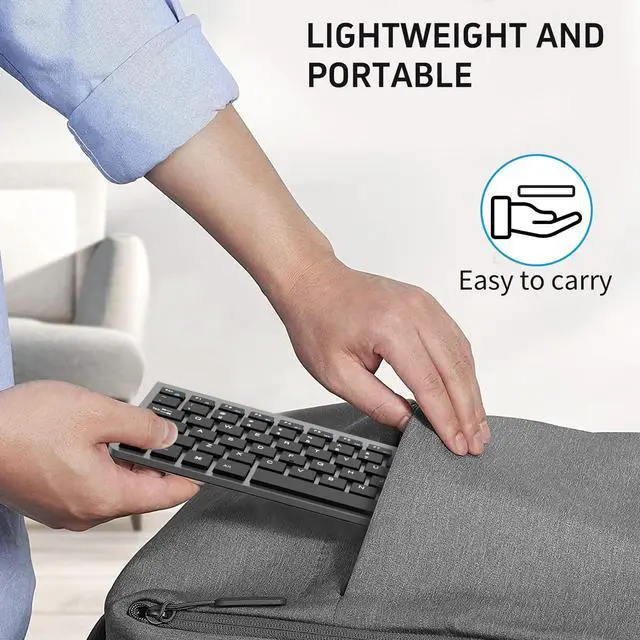
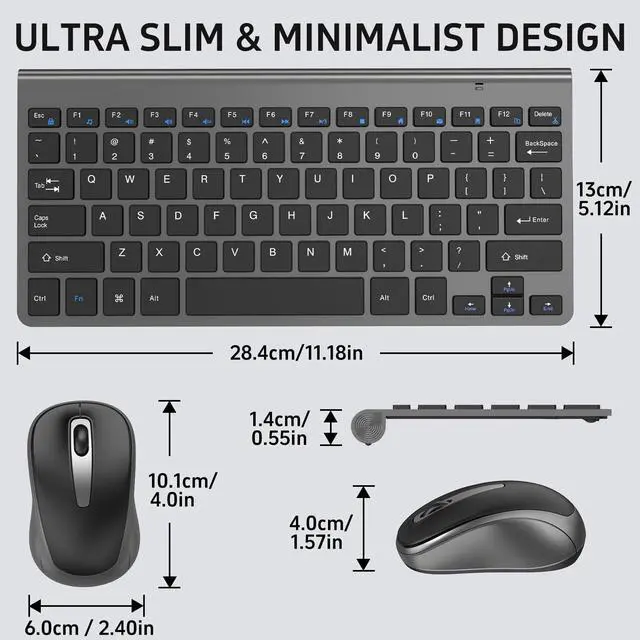
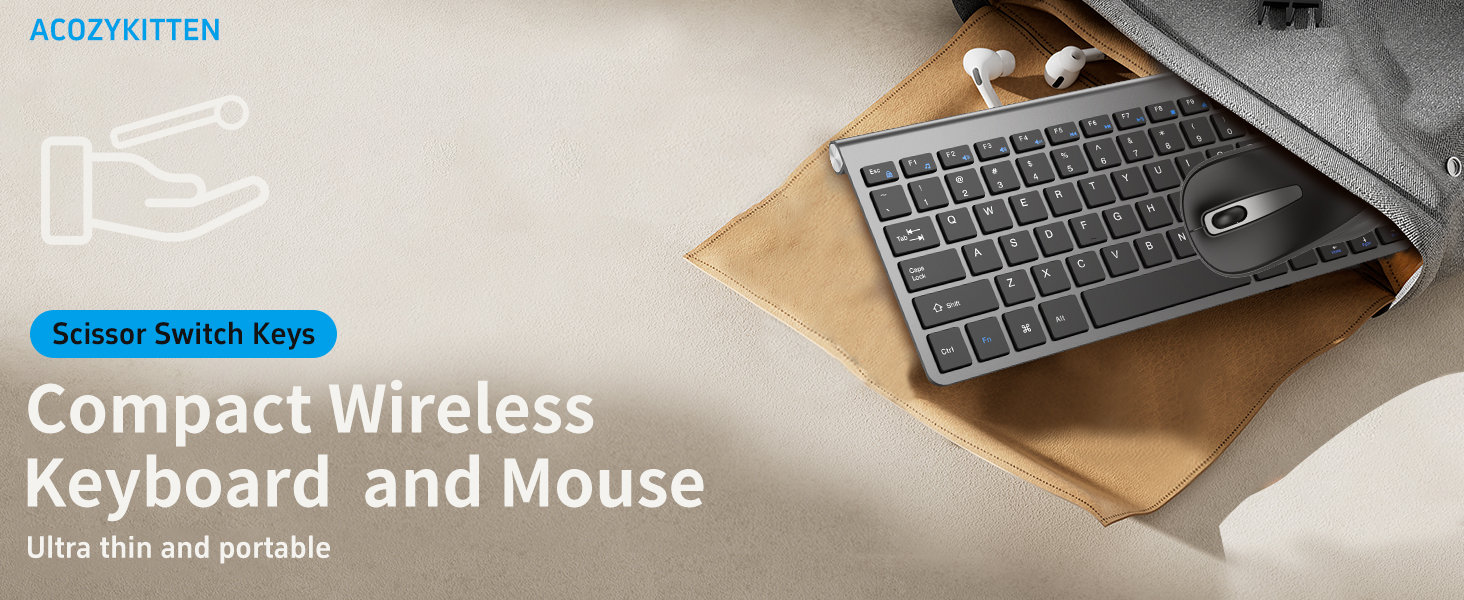
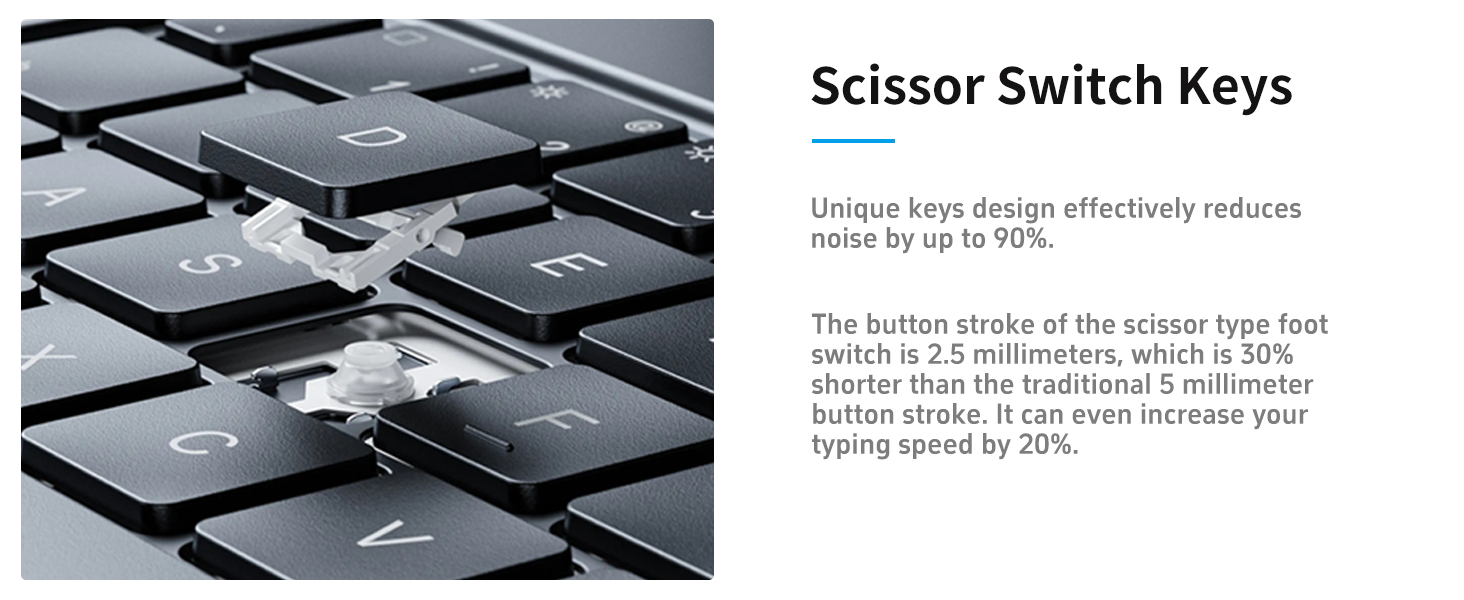
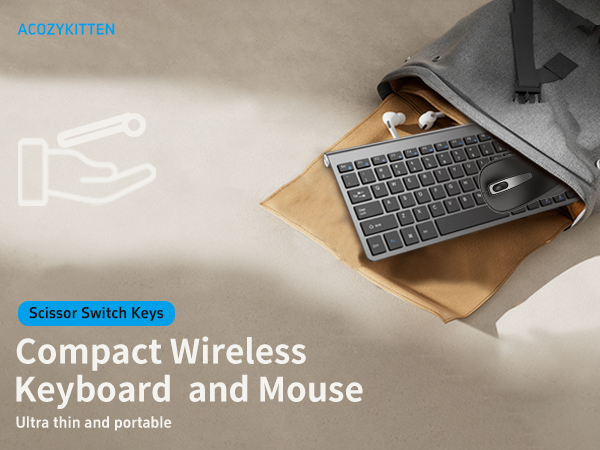
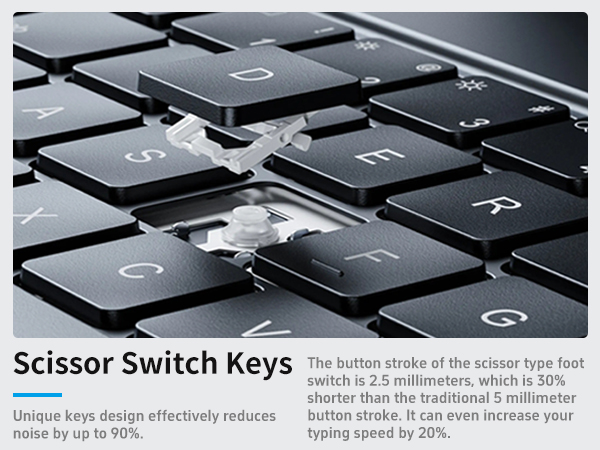
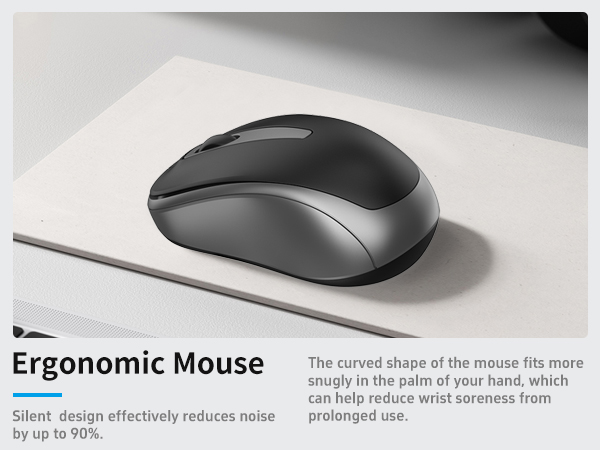
Perfect for small office desks. Compact layout saves space, one shared 2.4G receiver saves USB ports. Scissor-foot quiet keyboard and silent mouse fit daily typing, meeting work and document editing perfectly.
2-in-1USB Receiver
The keyboard and mouse share a receiver that is plug and play, supporting a maximum distance of 33 inches.
Automatic sleep saves power
If not used for 10 minutes, enter sleep mode and click any key to wake up. Requires only 4 X AAA(Not included)
Hidden Light Design
The mouse features a hidden light design that eliminates eye discomfort from strong light at the bottom of the mouse and is more energy efficient.
12 Convenient Function Hotkeys
This compact wireless keyboard comes equipped with 12 multimedia hotkeys,enhancing convenience and efficiency.

How do I use the multimedia or F1-F12 functions?
To access the F1-F12 function keys, simply press the Fn key +F1-F12 key,Fn key locked, press Fn+Esc to unlock;
Mac os system is not compatible withF1-F12 functions.
lf the mouse does not respond and the keyboard is working properly, how can l re pair the mouse?
1.Unplug the receiver of computer.
2.Simultaneously press and hold the wheel button, the left button, and the right button for 5 seconds. (no lights will light up)
3.Insert the USB receiver into the computer within 15 seconds.
If the keyboard is unresponsive and the mouse is working properly, how can l re pair the keyboard?
1.Unplug the USB receiver
2.Press and hold the "ESC" and "=+" buttons for about 3 seconds, the keyboard enters pairing, and the power light turns red
3.Keyboard within 30cm of the port, insert the USB receiver into the computer within 15 seconds
Is this compact keyboard mouse good for small office desk setup?
Perfect for small office desks. Compact layout saves space, one shared 2.4G receiver saves USB ports. Scissor-foot quiet keyboard and silent mouse fit daily typing, meeting work and document editing perfectly.
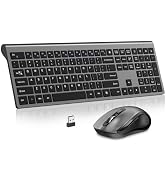
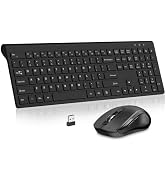
Wireless Keyboard and Mouse
2.4G Wireless Mouse
USB Wireless Mouse
Slim Keyboard
