here!
here!
I’m your shopping assistant for PC builds, upgrades, and everything tech.
Got questions? Ask away!
Start a conversation
here!
I’m your shopping assistant for PC builds, upgrades, and everything tech.
Got questions? Ask away!
Start a conversation
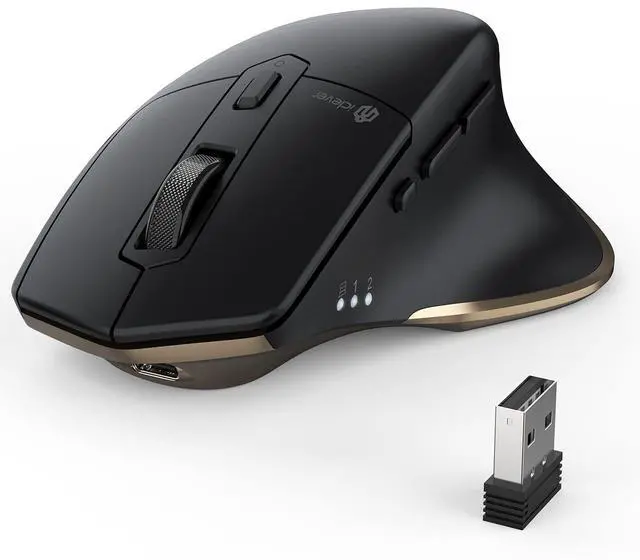




Any questions? Ask CelesteSM will help you find out quickly.

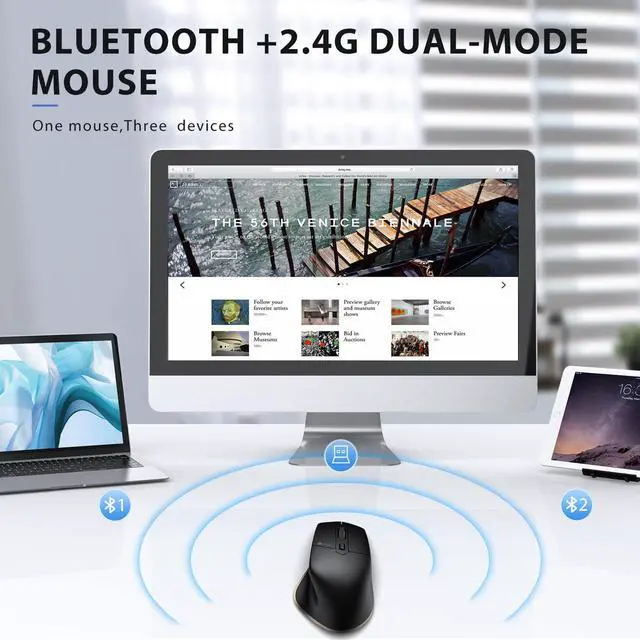
Does this mouse support wireless 2.4G and Bluetooth connectivity?
Both are possible. The connection method can be selected with the button on the bottom of the mouse.
If charging does not respond, what should I do?
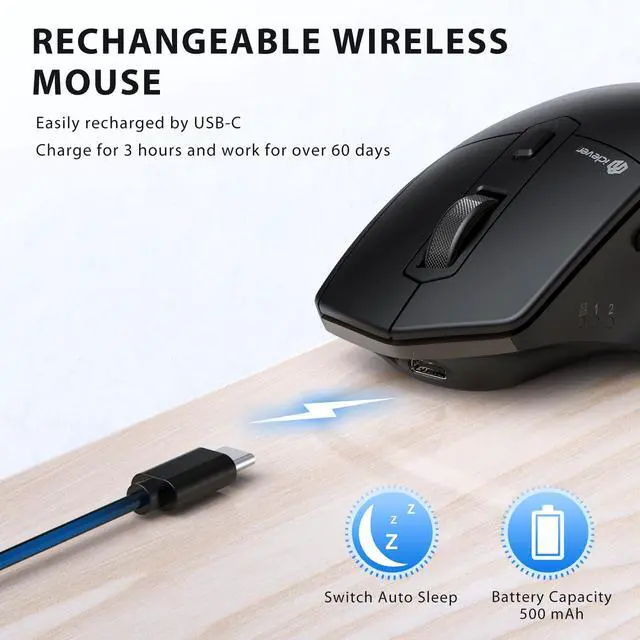
The charging indicator light is red under normal conditions, the red signal light will change to green signal light when the battery is fully charged. Note: Before charging, please make sure that the voltage of the adapter is lower than 5V.
About DPI settings.
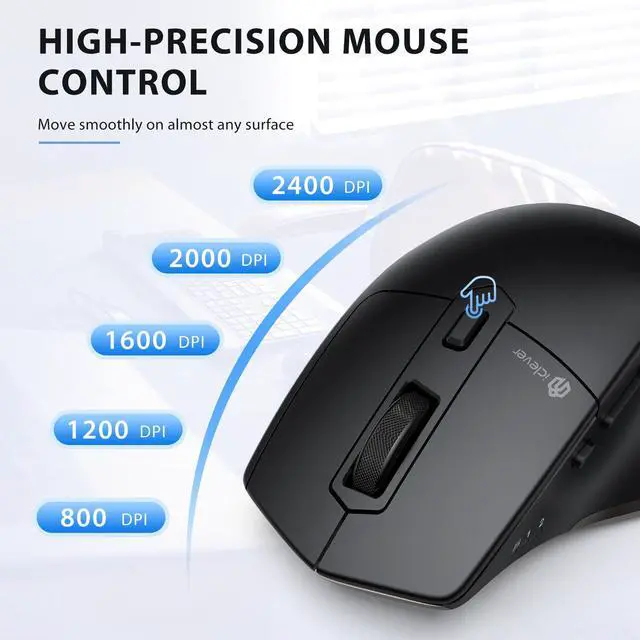
1. This mouse has 5 levels of DPI adjustment, choose from 800/1200/1600/2000/2400 DPI.
2. When the DPI button is pressed, the indicator light on the side of the mouse will blink 1/2/3/4/5 times to indicate the current DPI is 800/1200/1600/2000/2400.
About docking stations and Bluetooth adapters.
Docking stations and Bluetooth adapters are third-party devices and there is a possibility of incompatibility with the product. Therefore, we do not recommend using the docking station or Bluetooth adapter to connect to the device.


Does this mouse support wireless 2.4G and Bluetooth connectivity?
Both are possible. The connection method can be selected with the button on the bottom of the mouse.
If charging does not respond, what should I do?
The charging indicator light is red under normal conditions, the red signal light will change to green signal light when the battery is fully charged. Note: Before charging, please make sure that the voltage of the adapter is lower than 5V.
About DPI settings.
1. This mouse has 5 levels of DPI adjustment, choose from 800/1200/1600/2000/2400 DPI.
2. When the DPI button is pressed, the indicator light on the side of the mouse will blink 1/2/3/4/5 times to indicate the current DPI is 800/1200/1600/2000/2400.
About docking stations and Bluetooth adapters.
Docking stations and Bluetooth adapters are third-party devices and there is a possibility of incompatibility with the product. Therefore, we do not recommend using the docking station or Bluetooth adapter to connect to the device.