



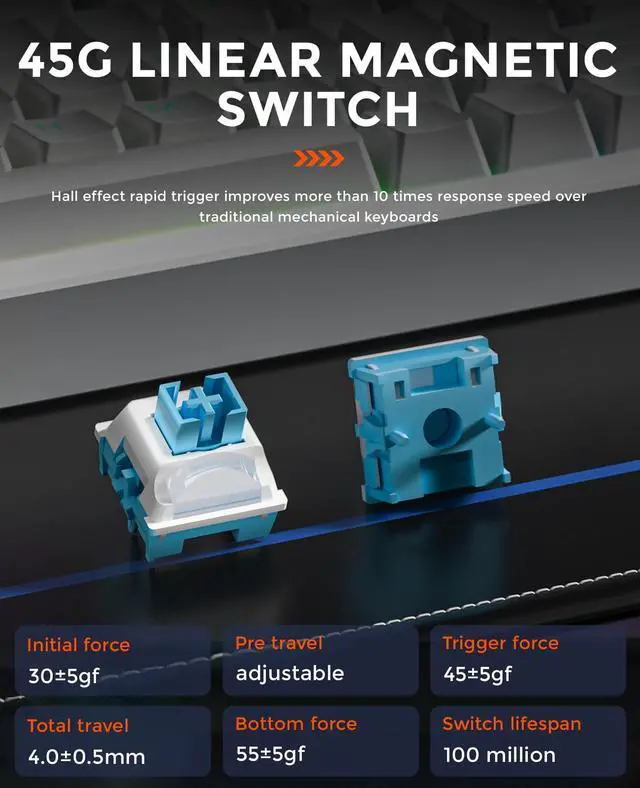


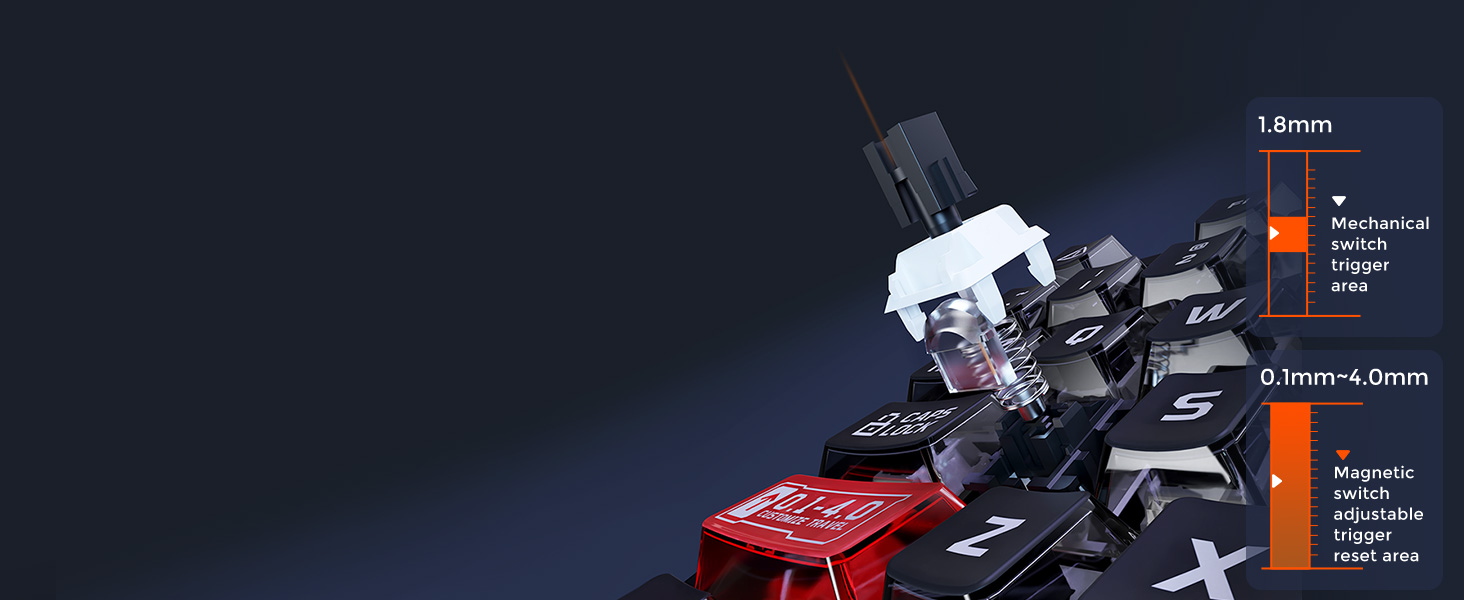
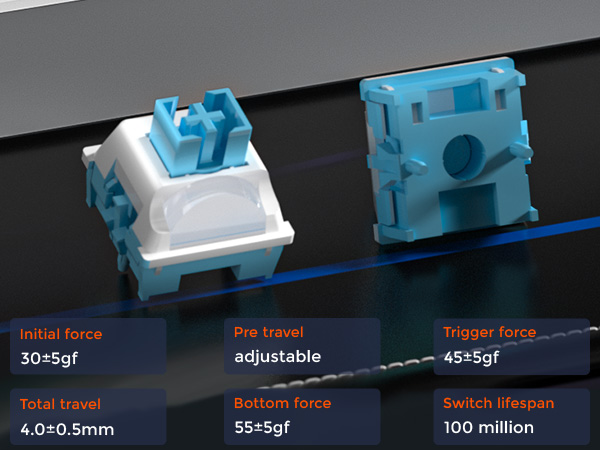
40 levels adjustable (0.1 – 4.0mm)
Meet both the fastest keystrokes in gaming and the accuracy of intentional keystrokes in typing.
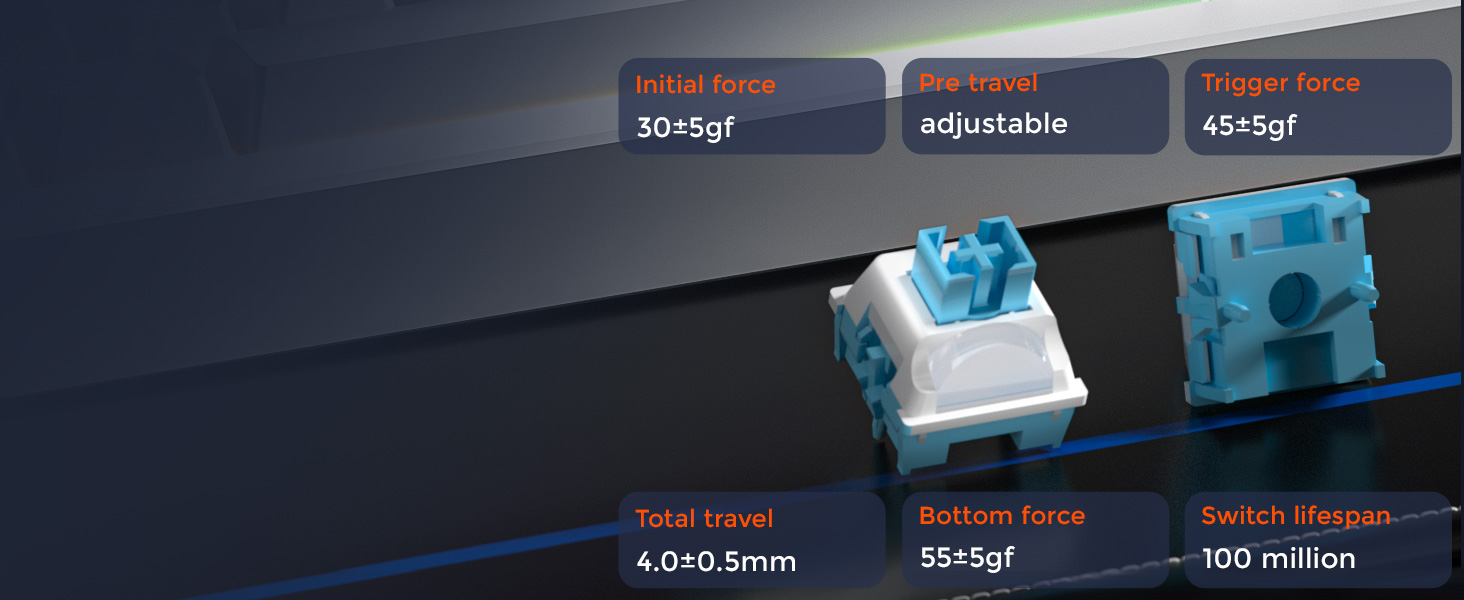
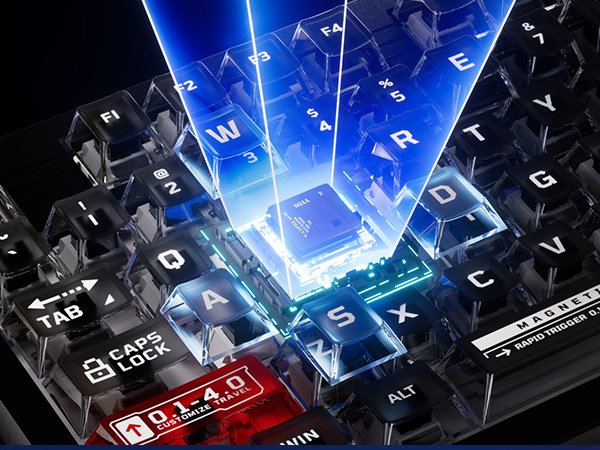
Hall effect rapid trigger
Improves more than 10 times response speed over traditional mechanical keyboards
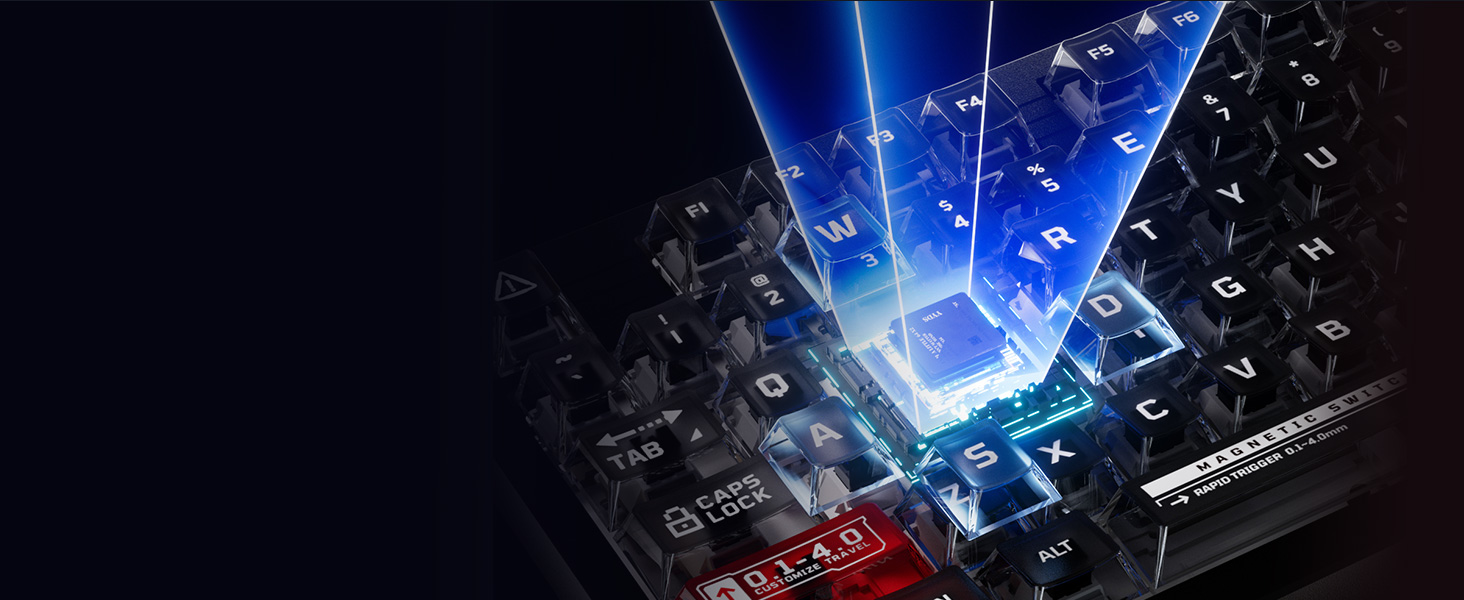
Just one step
Calibration by replugging the power cord, no more complicated setups.
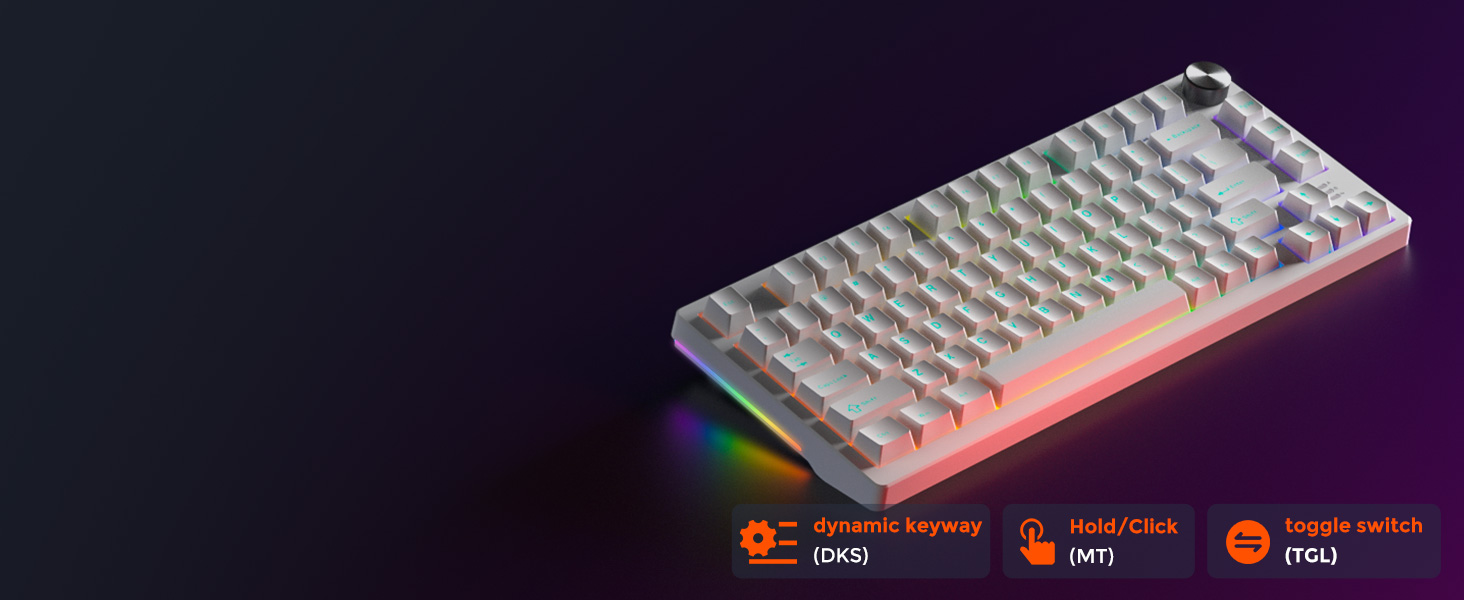
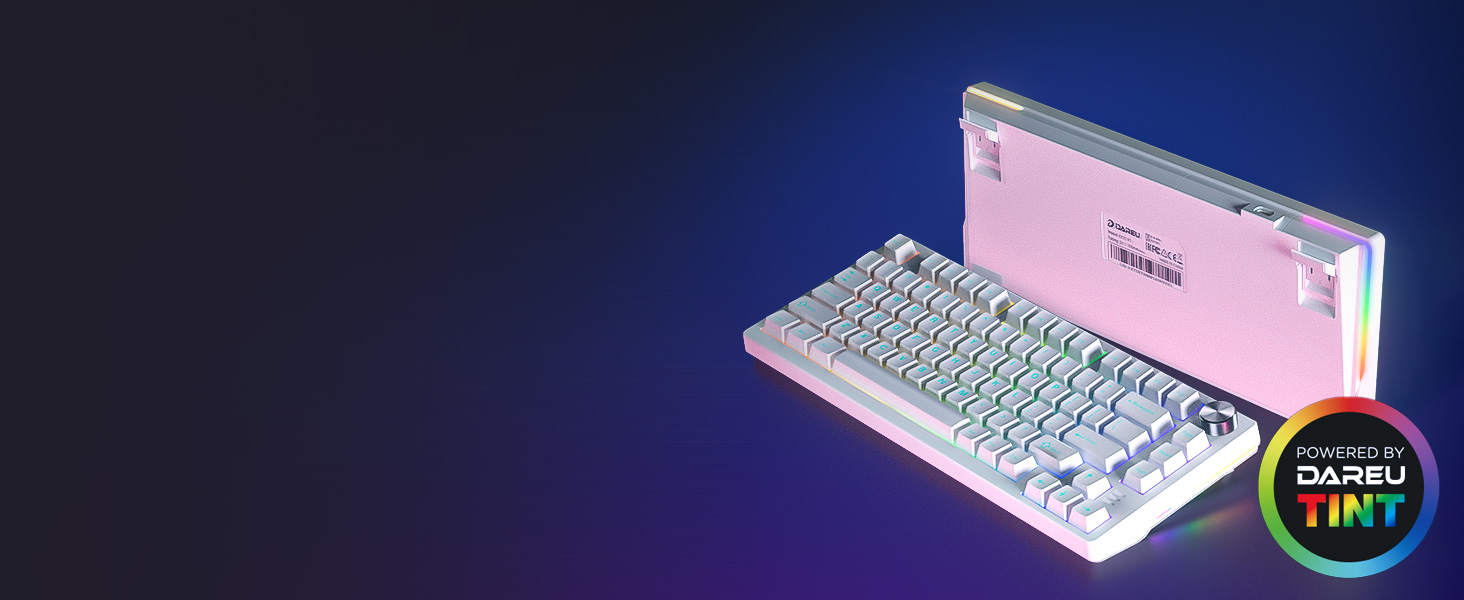
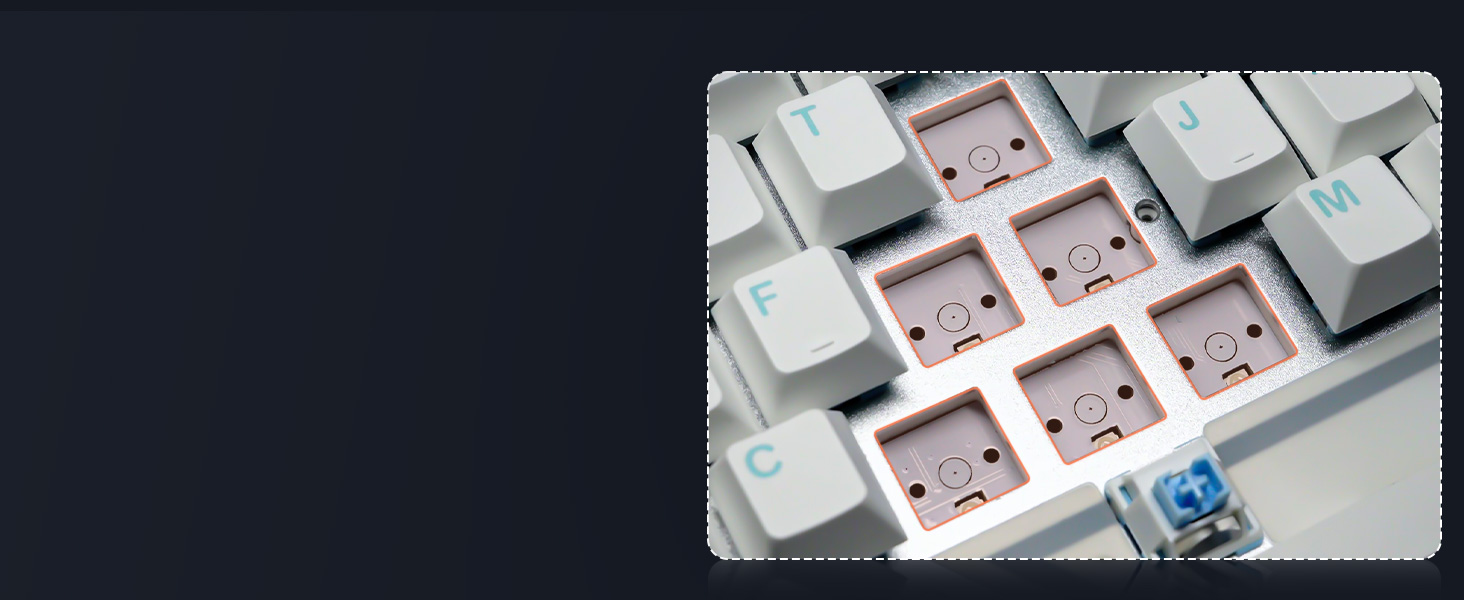
Adopting a 1.5mm aluminum board and sound-absorbing filling, more stable,solid and comfortable.
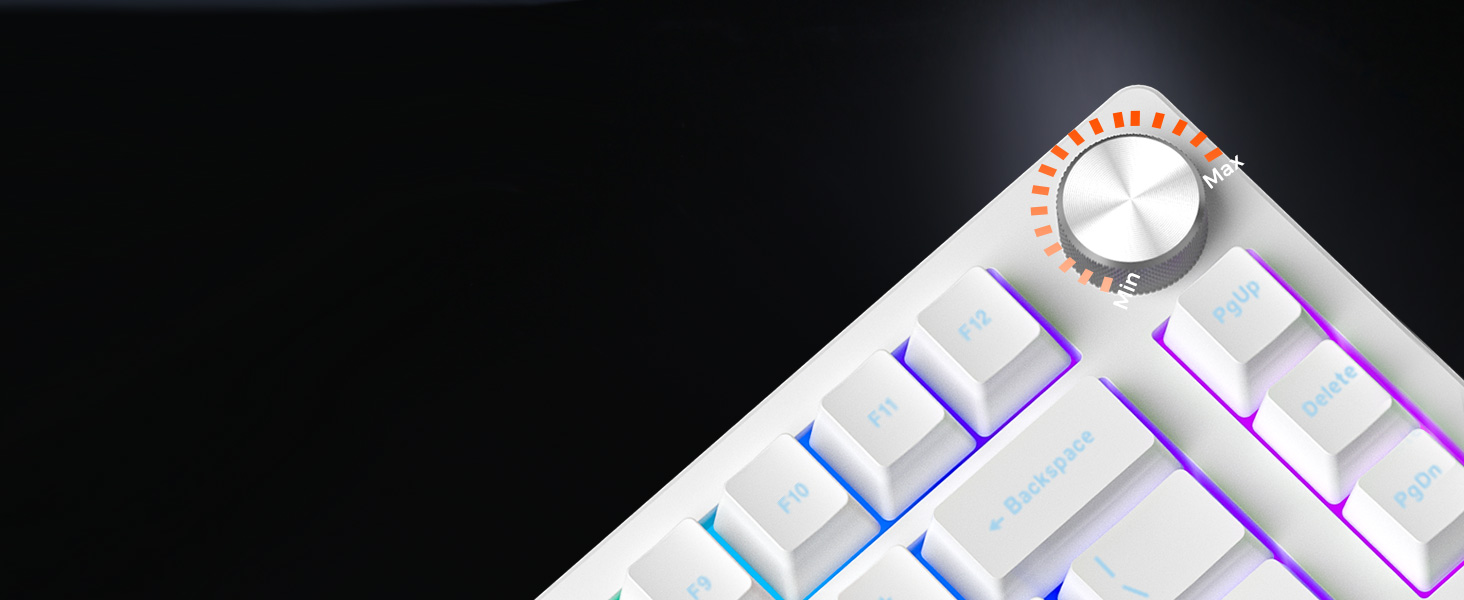
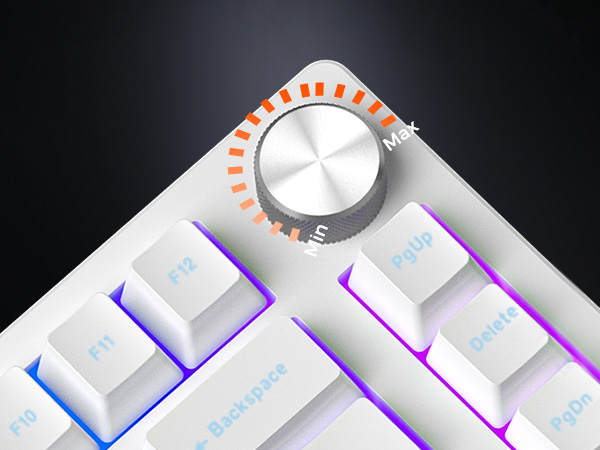
It's all made easier and more convenient(volume+/-, pause and start).
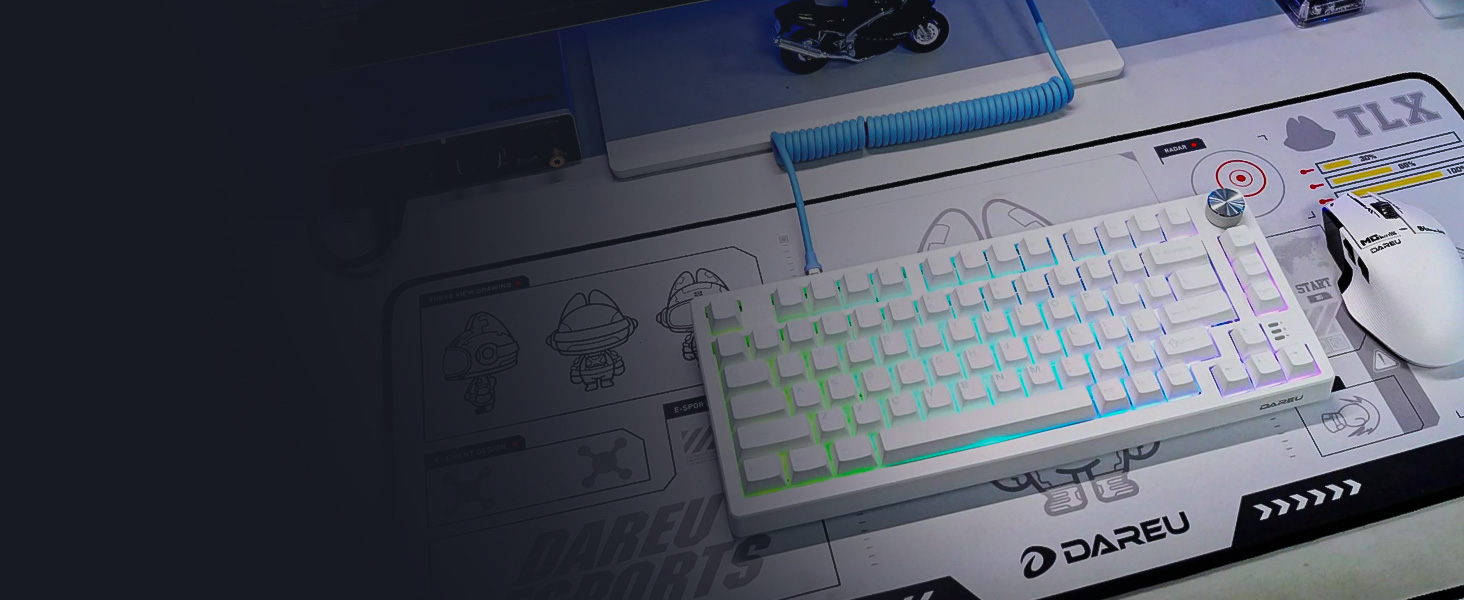
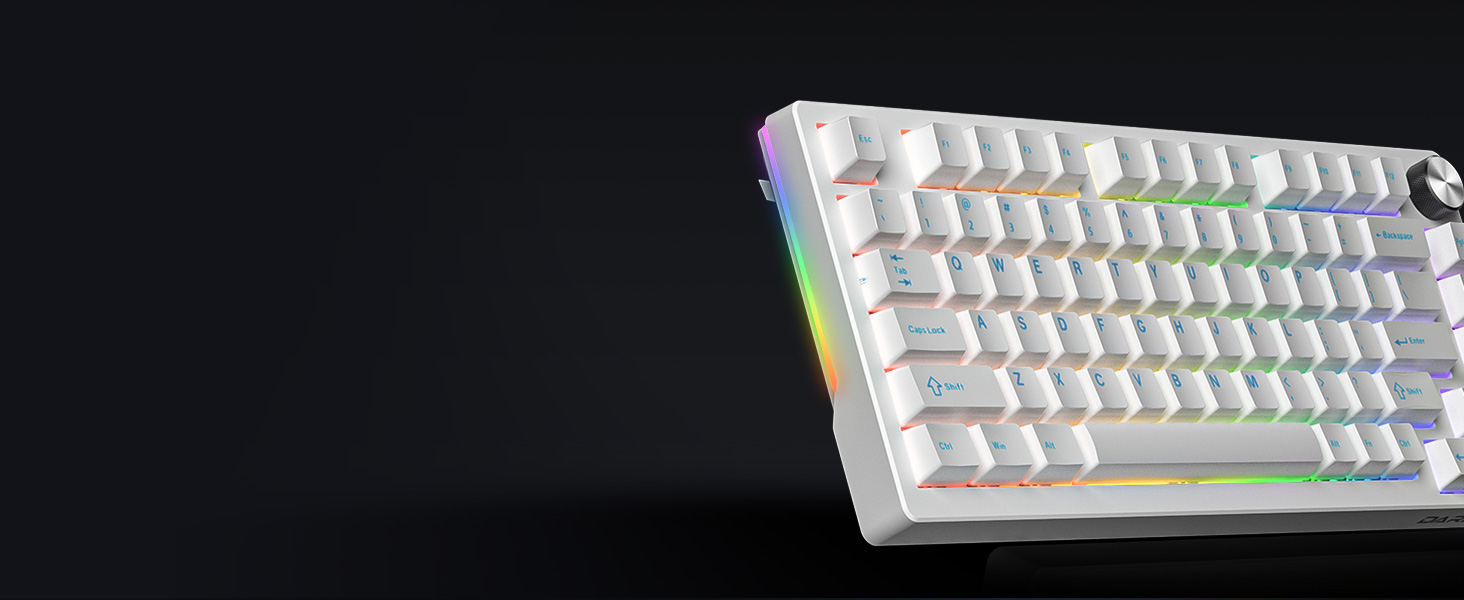
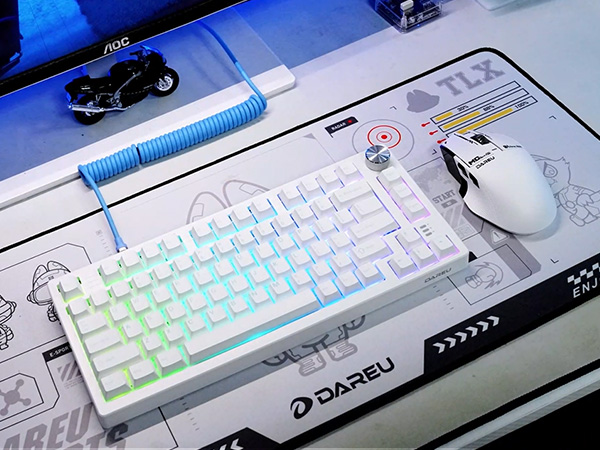
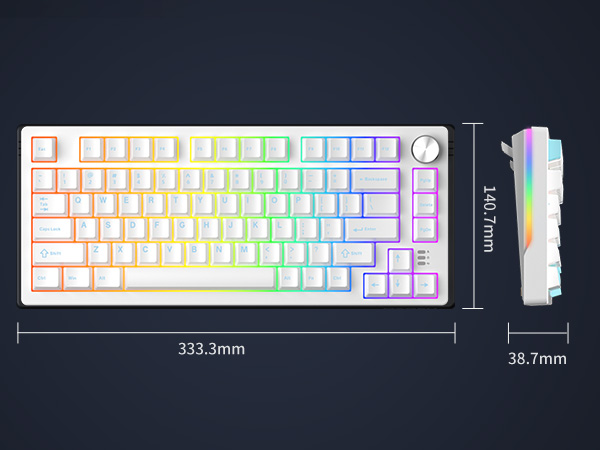
80-key compact layout,best gaming keyboard layout for full functionality and desktop space-saving.
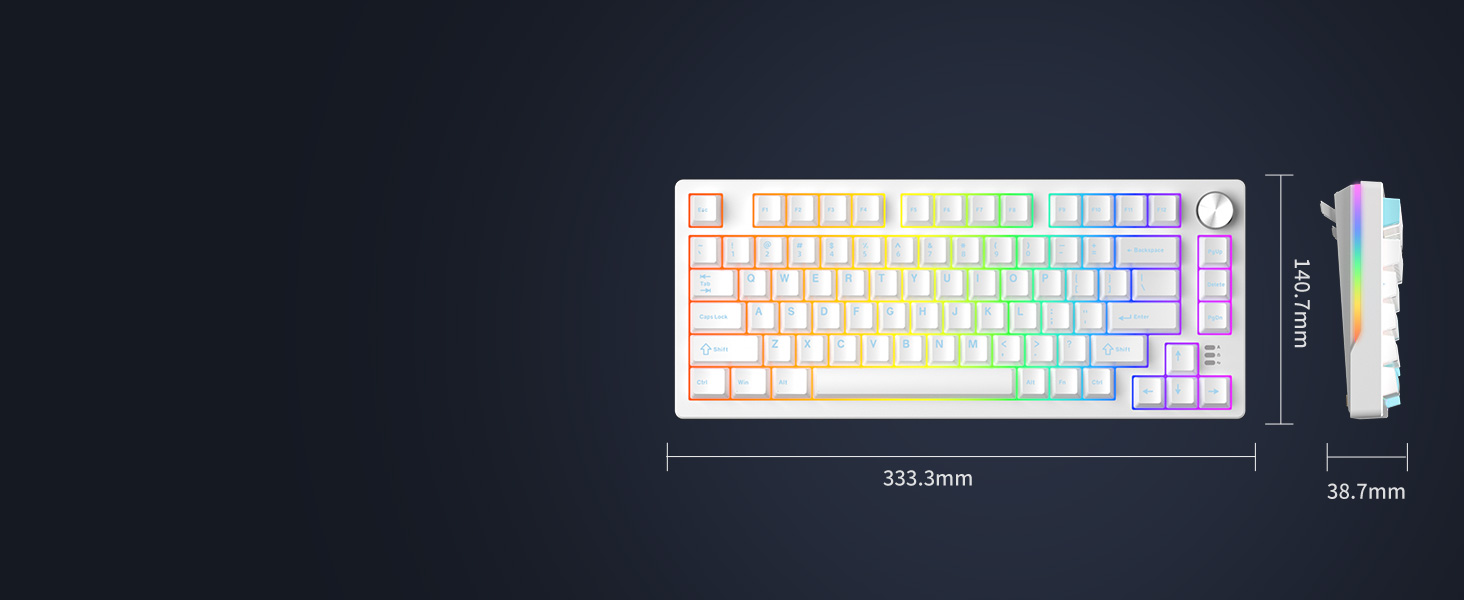
Practical and portable, an ideal gift for your family and friends.
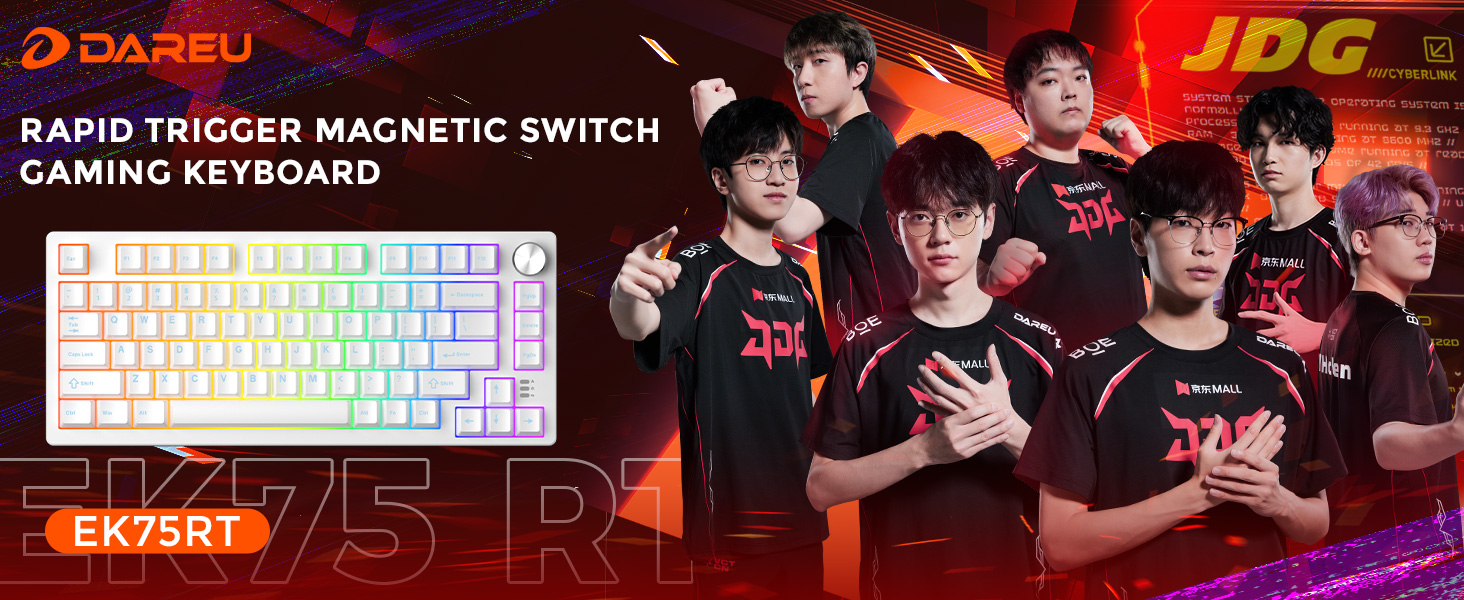
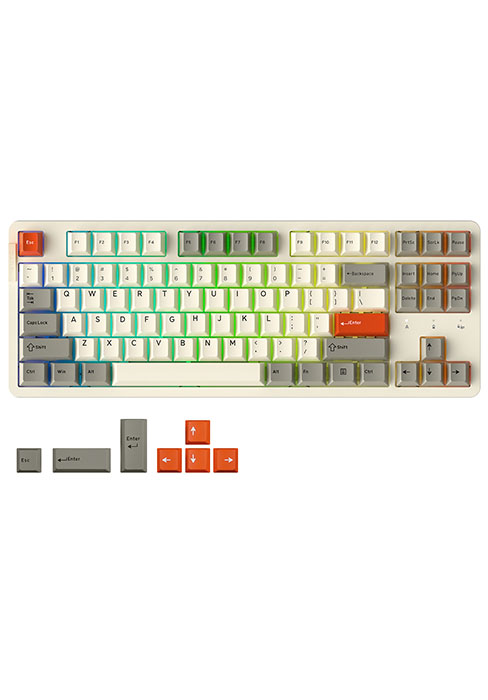
EK75RT
DAREU GAMING KEYBOARD
80 | Number of Keys | 87 |
Magnetic Switch | Switch | Linear Dream switch |
Adjustable Actuation | ||
Dynamic Keystroke | ||
50 | RGB Modes Optional | 26 |
PC | keycap Material | PBT |
Wired | Connection | Wired/2.4G Hz/BT |
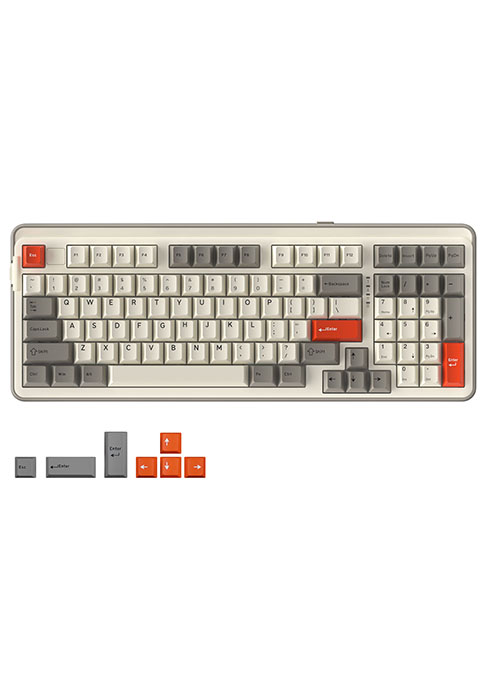
80 | Number of Keys | 97 |
Magnetic Switch | Switch | Linear Dream switch |
Adjustable Actuation | ||
Dynamic Keystroke | ||
50 | RGB Modes Optional | 26 |
PC | keycap Material | PBT |
Wired | Connection | Wired/2.4G Hz/BT |
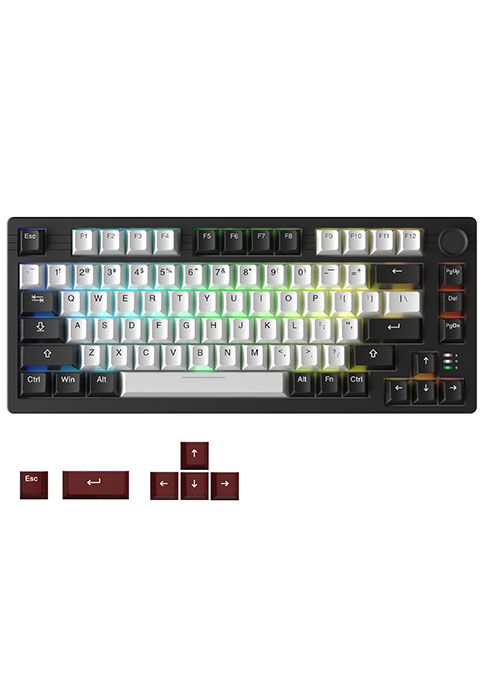
80 | Number of Keys | 80 |
Magnetic Switch | Switch | Linear Dream switch |
Adjustable Actuation | ||
Dynamic Keystroke | ||
50 | RGB Modes Optional | 12 |
PC | keycap Material | PBT |
Wired | Connection | Wired/2.4G Hz/BT |
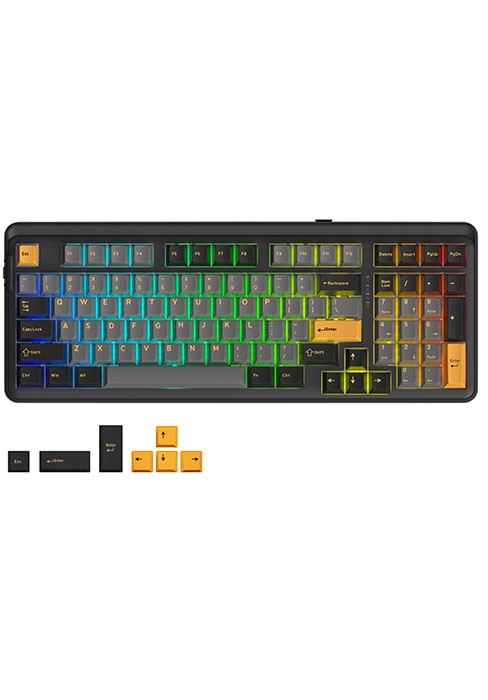
80 | Number of Keys | 97 |
Magnetic Switch | Switch | Linear Dream switch |
Adjustable Actuation | ||
Dynamic Keystroke | ||
50 | RGB Modes Optional | 26 |
PC | keycap Material | PBT |
Wired | Connection | Wired/2.4G Hz/BT |
Is it compatible with Windows and Mac OS?
Yes, this keyboard is compatible with both Windows and Mac OS systems. Please note that the keyboard connects via a USB-C cable, if your device does not have a USB port, you will need to connect a hub adapter to connect your device to the keyboard.
Some keycaps will key or press themselves. Did I receive a defective product?
This problem can be caused by setting the trigger force of the magnetic switch too low. This can be solved by turning up the trigger point and fast trigger values instead of using trigger values as low as 0.1 in the software.
What should I do if some keys still self-trigger when the trigger force is turned up?
It is recommended that you update the FW version to the latest version in the settings in the upper right corner of the driver.
Can the RGB light be turned off? How to reset the keyboard?
Fn+Space bar=Backlight brightness cycle adjustment.
FN+ESC (3 sec.) = reset.
How to avoid interference when using the magnetic switch keyboard?
The keyboard contains magnetic-sensitive components. Please keep it at least30cm away from magnetic objects such as speakers and headphones when using it.
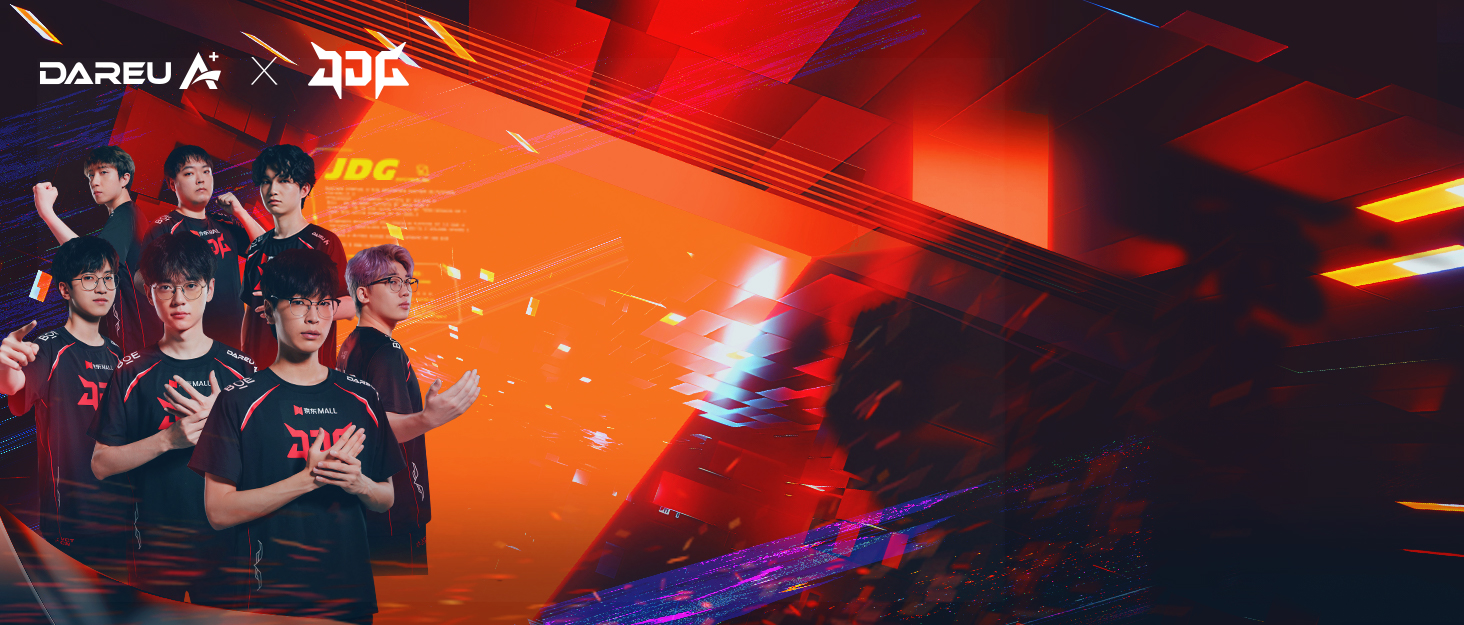

ABOUT DAREU
Founded in 2006, China's top gaming equipment brand DAREU.Products are sold in more than 100 countries and regions worldwide.DAREU focuses on product technology and quality and owns 25 invention patents in peripherals, such as the AIM sensor, KBS technology, and GASKET structure.
DAREU has been appointed as the exclusive gaming equipment brand for the world's top gaming competition, WCG2013 China.
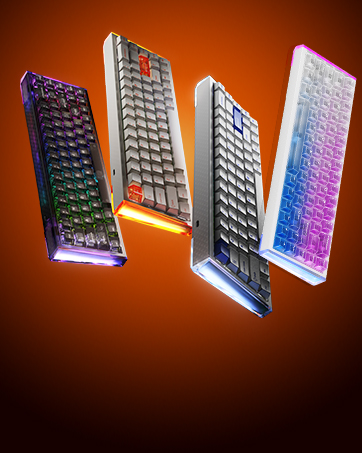
COOL68 65% Gaming Keyboard
- Hall Effect Magnetic Switch
- 0.01mm RT & 8K Polling Rate
- Gasket Mount & Side Light Box
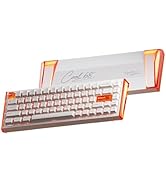
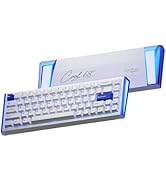
COOL68 Hall Effect Keyboard
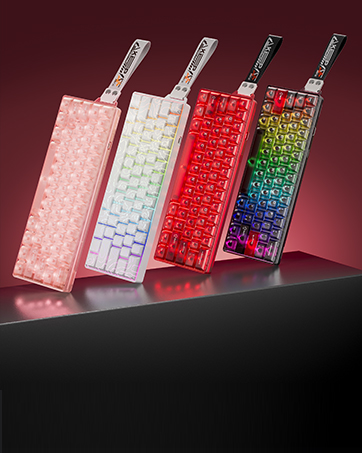
COOL60 60% Gaming Keyboard
- Hall Effect Magnetic Switch
- 0.01mm RT & 8K Polling Rate
- DAREU D.H.A+ Algorithm
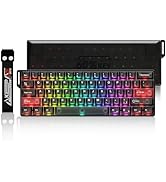
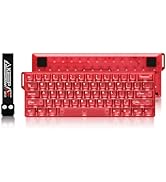
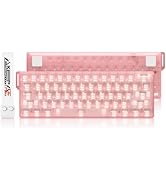
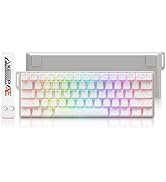
COOL60 Hall Effect Keyboard
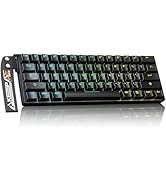
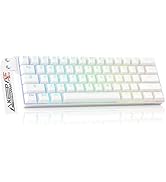
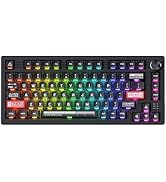
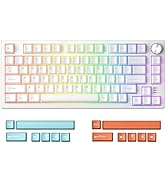
Magnetic Switch Keyboard
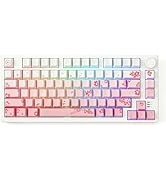
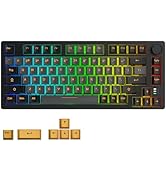
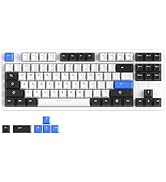
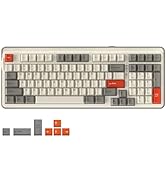
Mechanical Gaming Keyboards
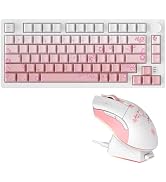
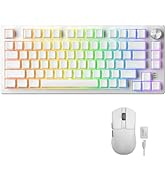
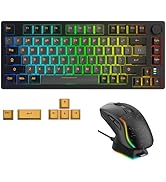
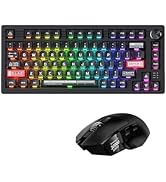
DAREU Mouse and keyboard Combo
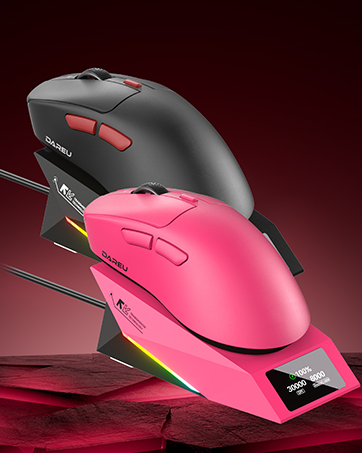
8K Wireless Gaming Mouse
- Keel Structure & Excimer Coating
- AlM-Speed Dual 8K Polling
- AIM-750U Sensor(Custom P3950)
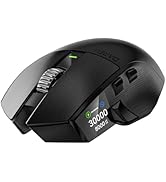
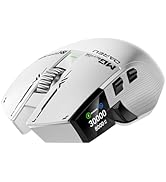
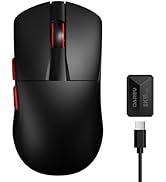
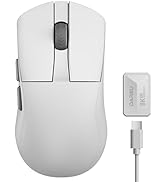
DAREU 8K Gaming Mouse
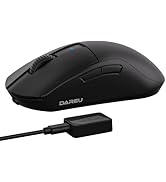
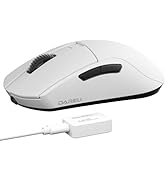
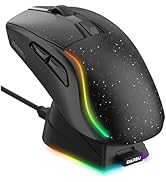
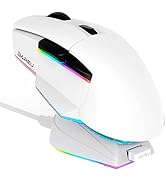
DAREU A+ Ultimate Edition
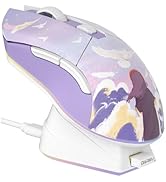
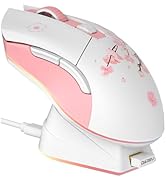
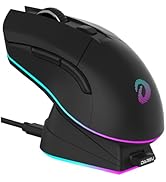
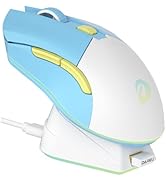
DAREU Limited Edition
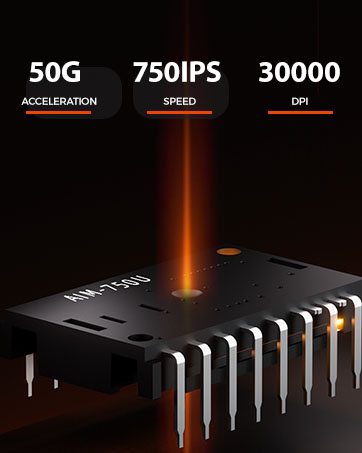
DAREU AIM-750U Sensor
Developed on PAW3950 ,but lower power consumption,selectable lift detection height,and wide surface coverage.
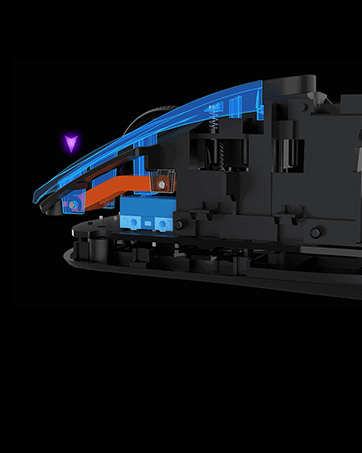
DAREU KBS 2.0 Button
DAREU KBS II button, with good mechanical design in POM material to provide consistent good clicking feelings at any clicking points.
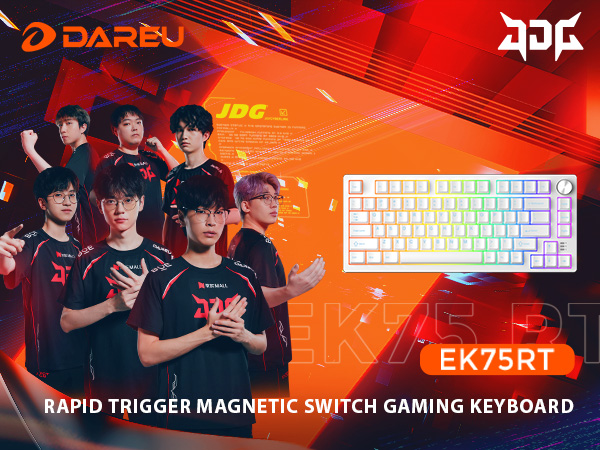
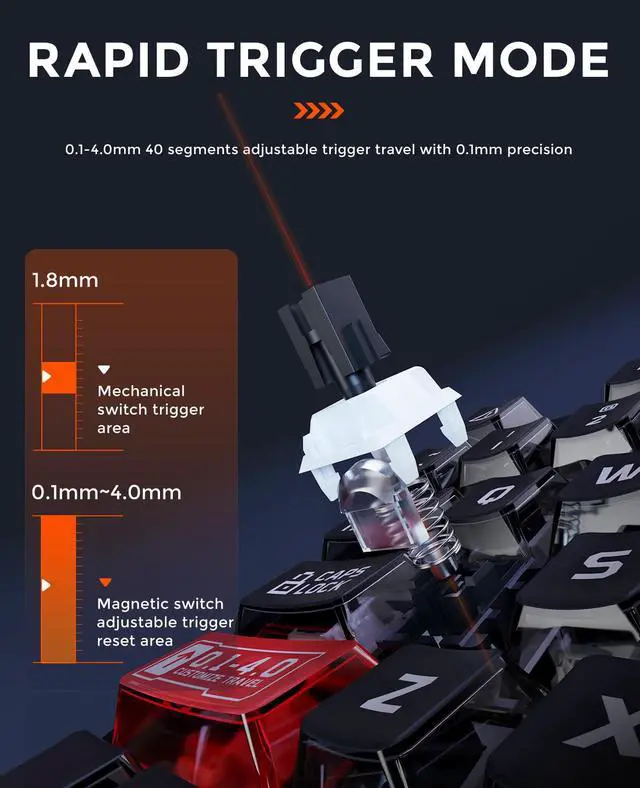
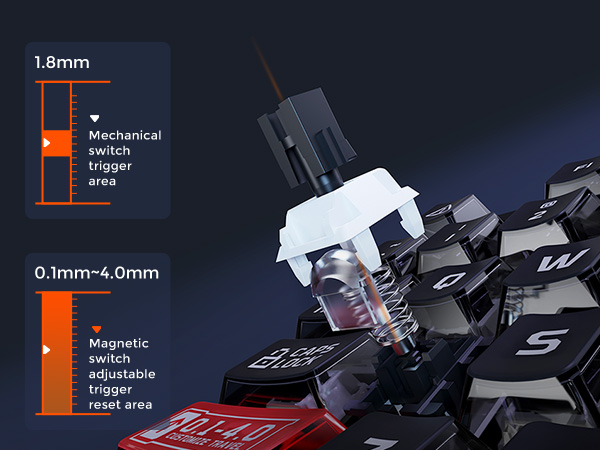
40 levels adjustable (0.1 – 4.0mm)
Meet both the fastest keystrokes in gaming and the accuracy of intentional keystrokes in typing.
Hall effect rapid trigger
Improves more than 10 times response speed over traditional mechanical keyboards
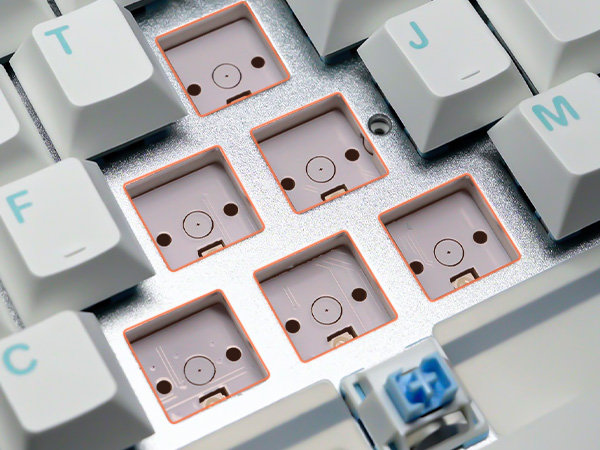
Just one step
Calibration by replugging the power cord, no more complicated setups.
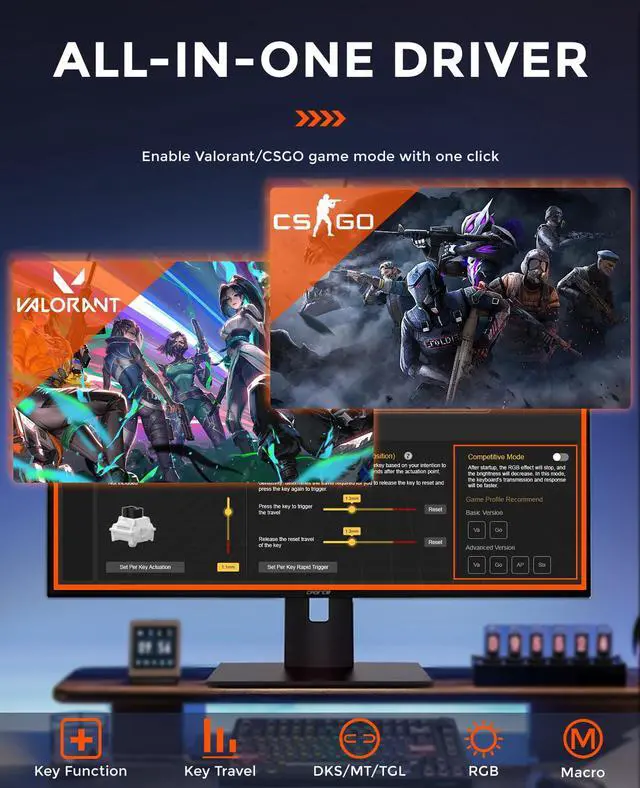
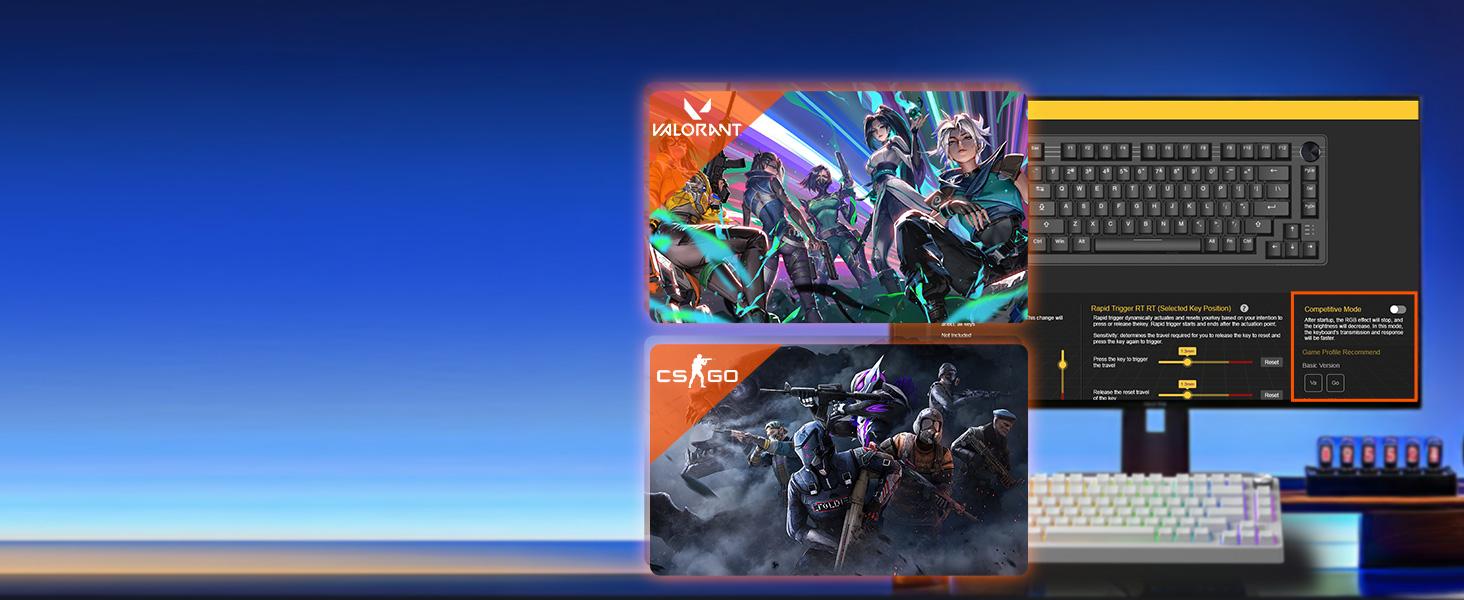
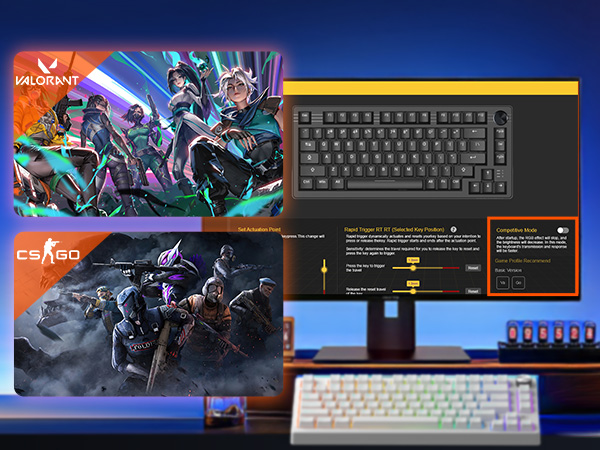
One click enable the games
Two game modes are preset in the driver, all configurations can be enabled with a single tick.
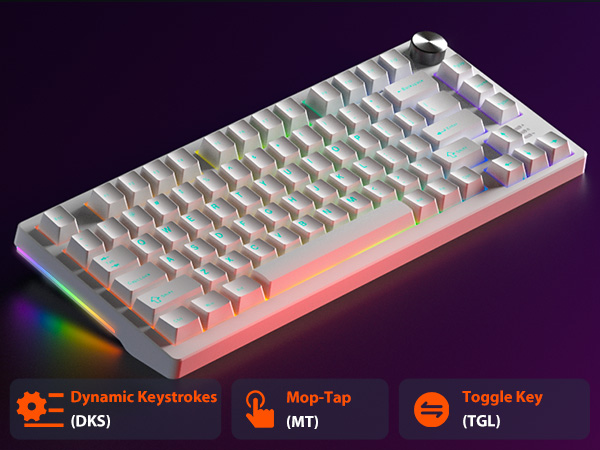
Four actions,one keypress
Enable 4 actions per keystroke with the driver setting to instantly complete a combo for victory.
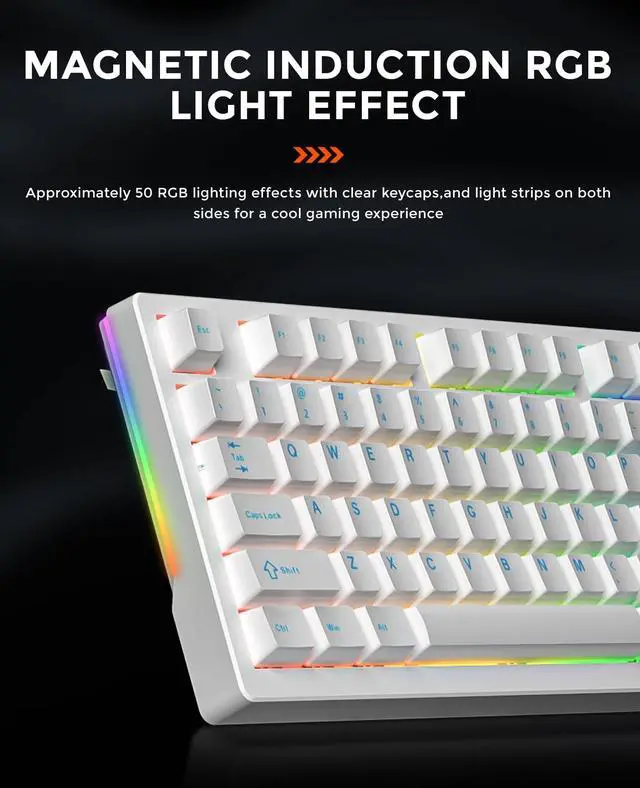
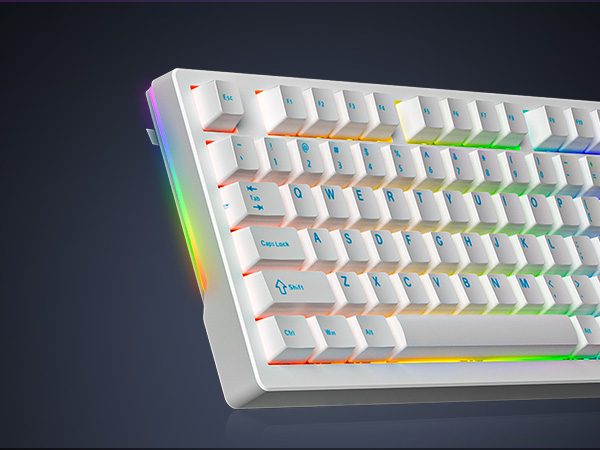
50 customizable RGB effects
Lighting effects change with the force of key presses to provide an immersive gaming experience.
More personalized
Adjustable side light strips further enrich RGB lighting effects for a unique gaming atmosphere.
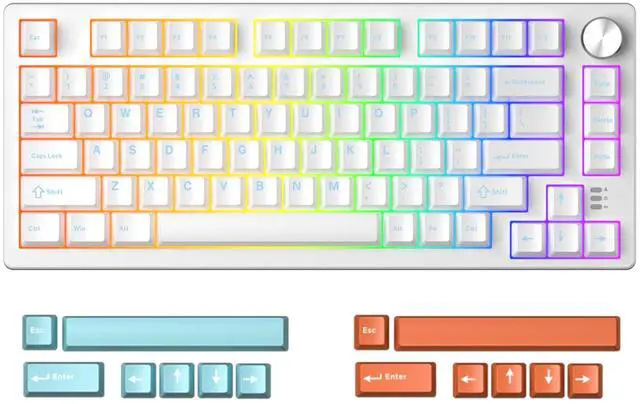
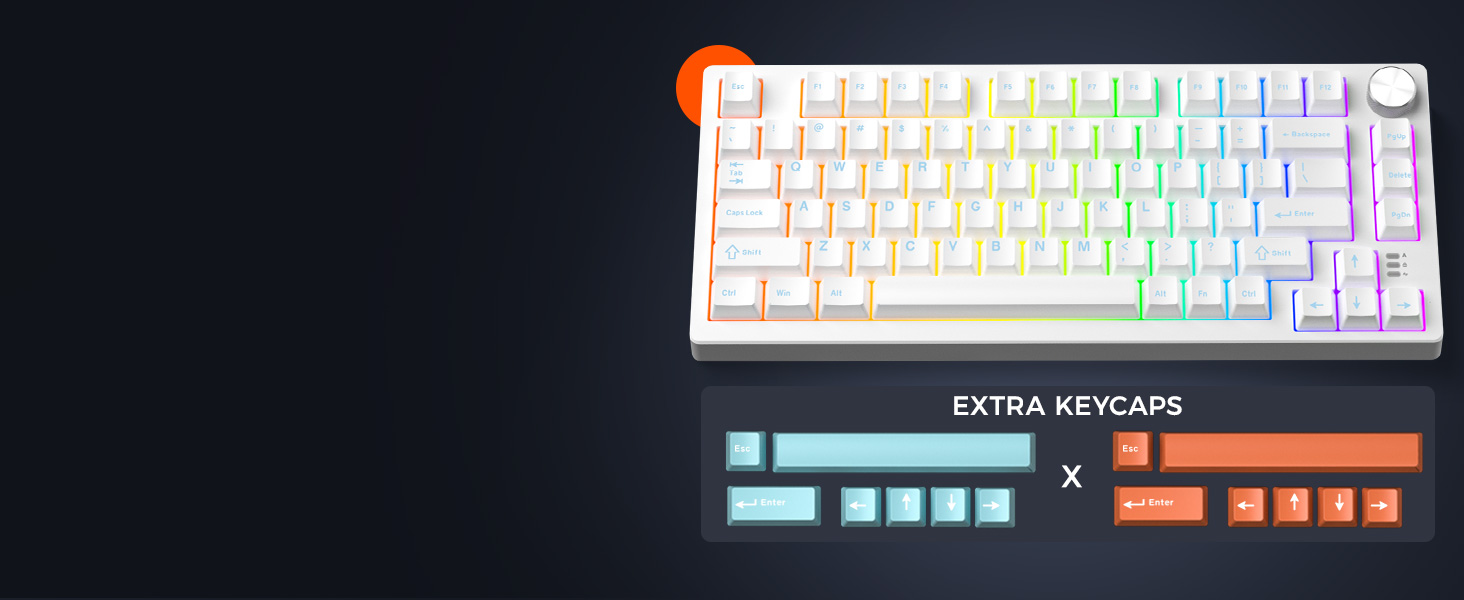
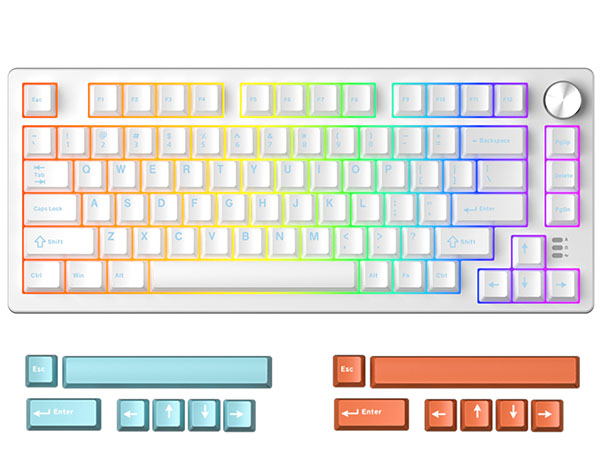
Two sets PBT extra keycaps
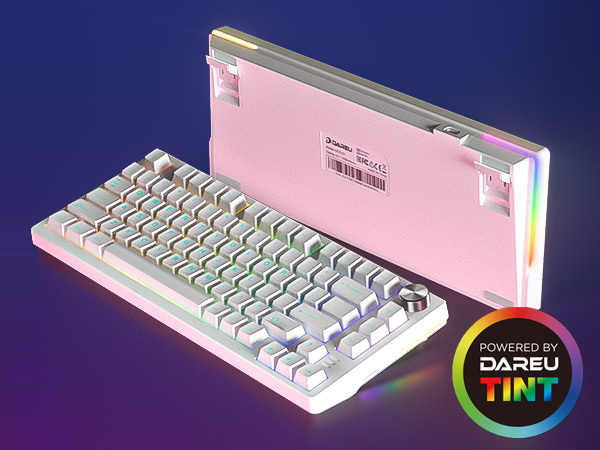
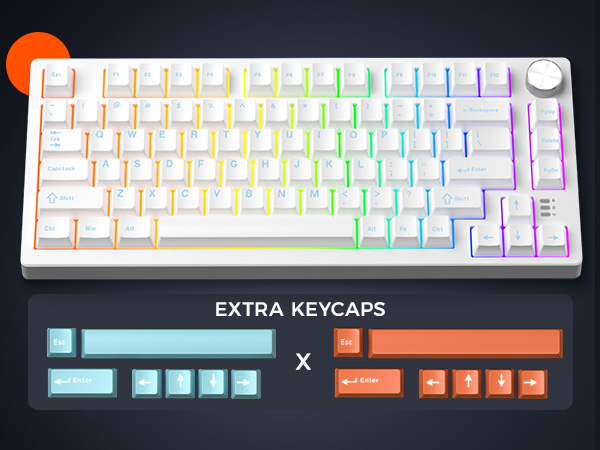
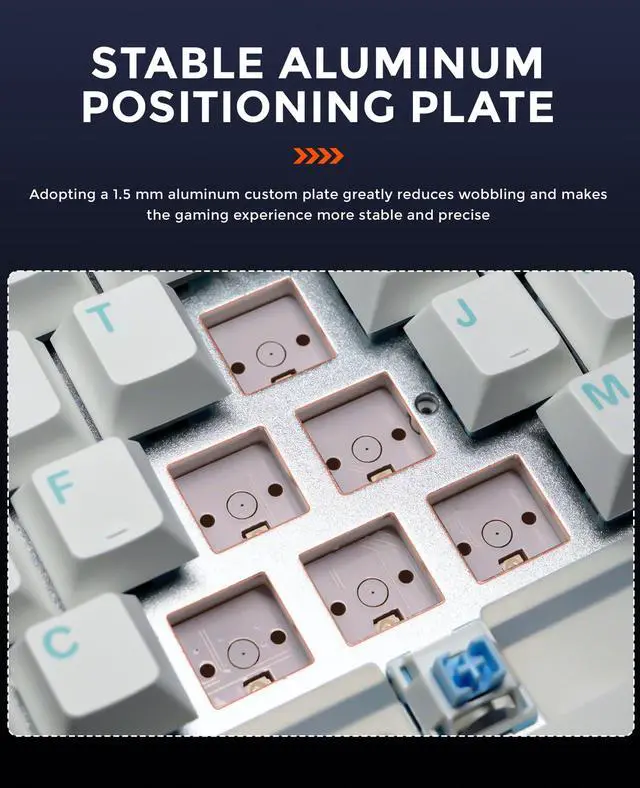
Adopting a 1.5mm aluminum board and sound-absorbing filling, more stable,solid and comfortable.
It's all made easier and more convenient(volume+/-, pause and start).
80-key compact layout,best gaming keyboard layout for full functionality and desktop space-saving.
Practical and portable, an ideal gift for your family and friends.
DAREU GAMING KEYBOARD
EK75RT
Number of Keys
80
Switch
Magnetic Switch
Adjustable Actuation
Dynamic Keystroke
RGB Modes Optional
50
keycap Material
PC
Connection
Wired
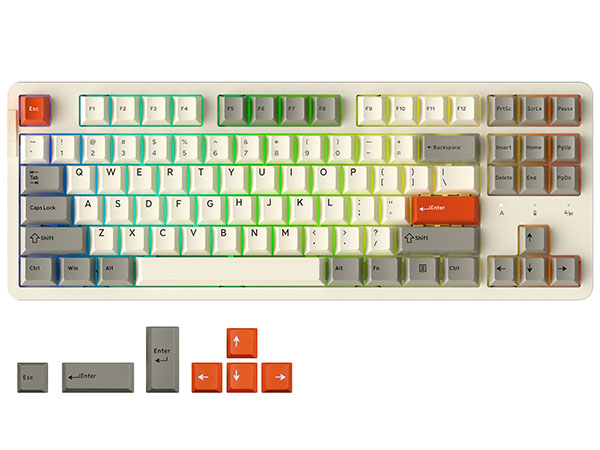
EK87PRO
Number of Keys
87
Switch
Linear Dream switch
Adjustable Actuation
Dynamic Keystroke
RGB Modes Optional
26
keycap Material
PBT
Connection
Wired/2.4G Hz/BT
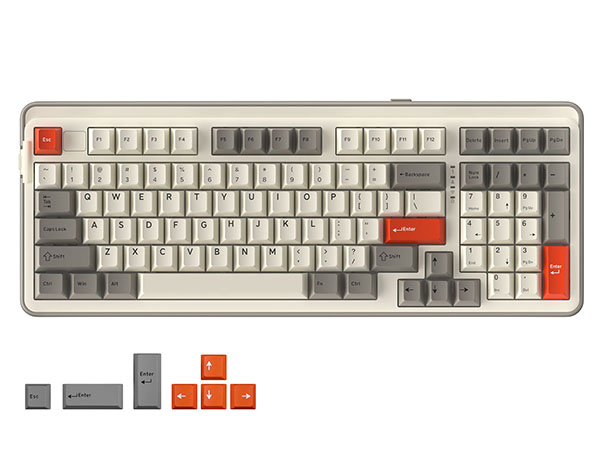
EK98PRO
Number of Keys
97
Switch
Linear Dream switch
Adjustable Actuation
Dynamic Keystroke
RGB Modes Optional
26
keycap Material
PBT
Connection
Wired/2.4G Hz/BT
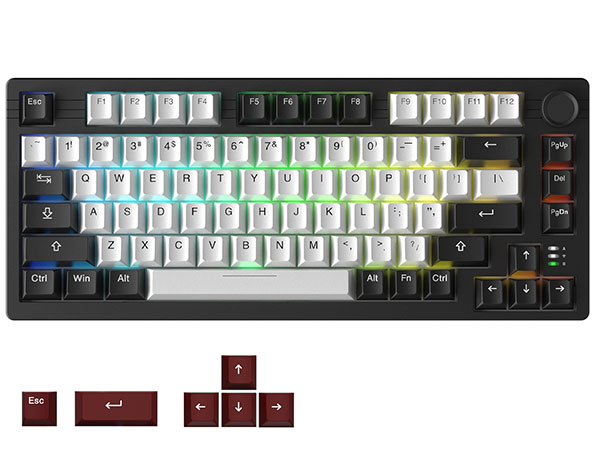
EK75PRO
Number of Keys
80
Switch
Linear Dream switch
Adjustable Actuation
Dynamic Keystroke
RGB Modes Optional
12
keycap Material
PBT
Connection
Wired/2.4G Hz/BT
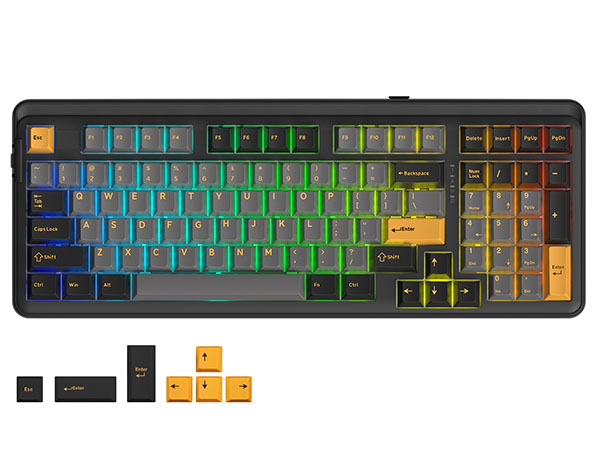
EK98PRO
Number of Keys
97
Switch
Linear Dream switch
Adjustable Actuation
Dynamic Keystroke
RGB Modes Optional
26
keycap Material
PBT
Connection
Wired/2.4G Hz/BT
Is it compatible with Windows and Mac OS?
Yes, this keyboard is compatible with both Windows and Mac OS systems. Please note that the keyboard connects via a USB-C cable, if your device does not have a USB port, you will need to connect a hub adapter to connect your device to the keyboard.
Some keycaps will key or press themselves. Did I receive a defective product?
This problem can be caused by setting the trigger force of the magnetic switch too low. This can be solved by turning up the trigger point and fast trigger values instead of using trigger values as low as 0.1 in the software.
What should I do if some keys still self-trigger when the trigger force is turned up?
It is recommended that you update the FW version to the latest version in the settings in the upper right corner of the driver.
Can the RGB light be turned off? How to reset the keyboard?
Fn+Space bar=Backlight brightness cycle adjustment.
FN+ESC (3 sec.) = reset.
How to avoid interference when using the magnetic switch keyboard?
The keyboard contains magnetic-sensitive components. Please keep it at least30cm away from magnetic objects such as speakers and headphones when using it.
ABOUT DAREU
Founded in 2006, China's top gaming equipment brand DAREU.Products are sold in more than 100 countries and regions worldwide.DAREU focuses on product technology and quality and owns 25 invention patents in peripherals, such as the AIM sensor, KBS technology, and GASKET structure.
DAREU has been appointed as the exclusive gaming equipment brand for the world's top gaming competition, WCG2013 China.
COOL68 65% Gaming Keyboard
- Hall Effect Magnetic Switch
- 0.01mm RT & 8K Polling Rate
- Gasket Mount & Side Light Box
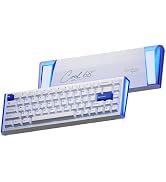
COOL68 Hall Effect Keyboard
COOL60 60% Gaming Keyboard
- Hall Effect Magnetic Switch
- 0.01mm RT & 8K Polling Rate
- DAREU D.H.A+ Algorithm
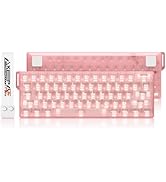
COOL60 Hall Effect Keyboard
Magnetic Switch Keyboard
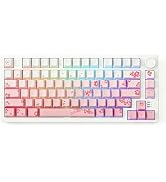
Mechanical Gaming Keyboards
DAREU Mouse and keyboard Combo
8K Wireless Gaming Mouse
- Keel Structure & Excimer Coating
- AlM-Speed Dual 8K Polling
- AIM-750U Sensor(Custom P3950)
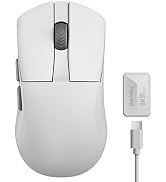
DAREU 8K Gaming Mouse
DAREU A+ Ultimate Edition
DAREU Limited Edition
DAREU AIM-750U Sensor
Developed on PAW3950 ,but lower power consumption,selectable lift detection height,and wide surface coverage.
DAREU KBS 2.0 Button
DAREU KBS II button, with good mechanical design in POM material to provide consistent good clicking feelings at any clicking points.
