





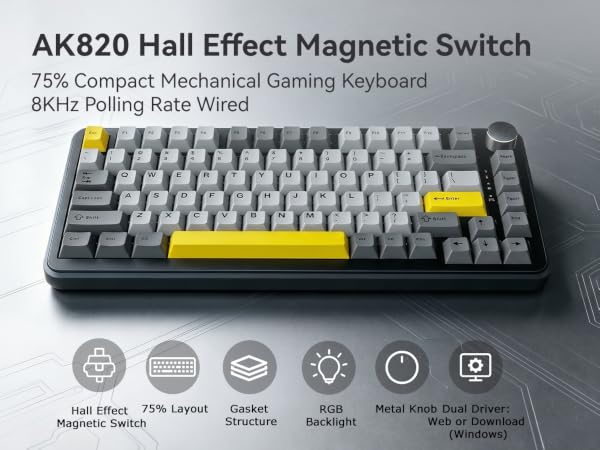
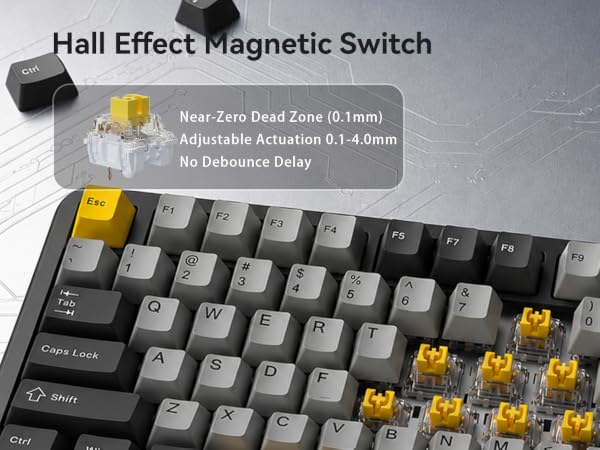
Q: What is a Hall Effect magnetic switch? How is it different from a mechanical switch?
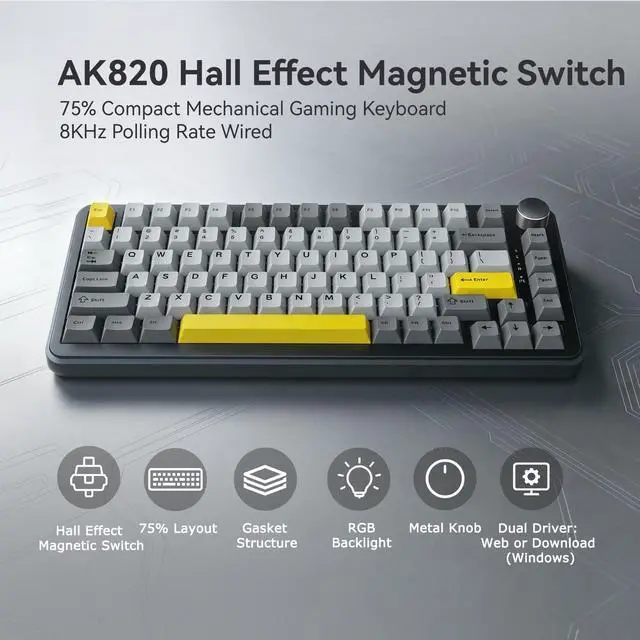
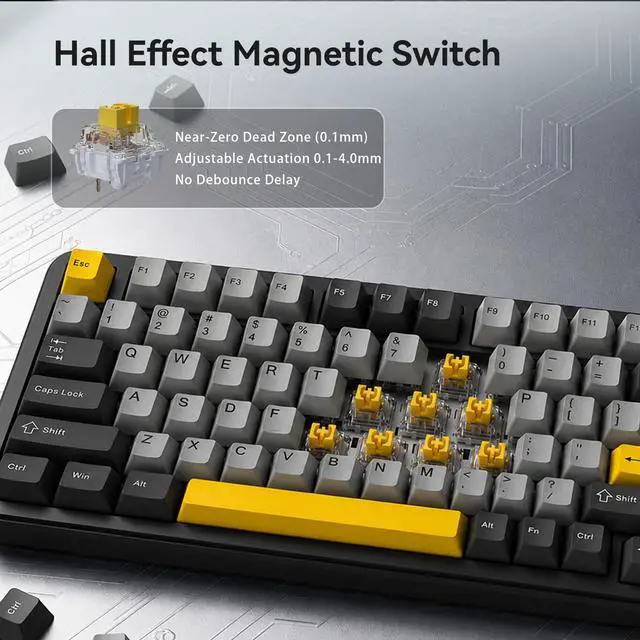
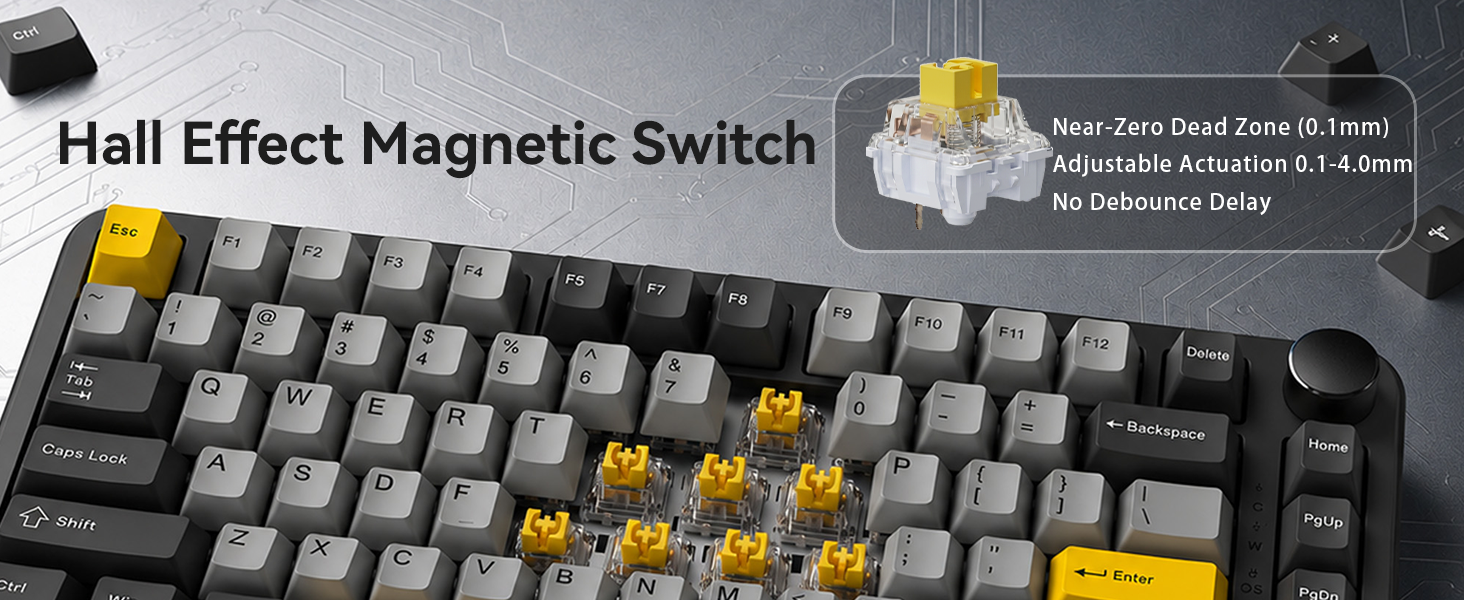
A: Traditional switches use metal contacts that wear out. Hall Effect switches use magnets with zero physical contact — near zero debounce delay, smoother keystrokes, longer lifespan, and consistent tournament-grade performance.
Q: What is Rapid Trigger? How does it help in games?
A: Rapid Trigger resets a key instantly as you lift it — no need to return to a fixed point. This enables faster strafing, double-taps, and counter-strafing in FPS games. Pure speed, zero compromise.
Q: What does 0.1-4.0mm adjustable actuation mean?
A: Set each key's trigger point in 0.1mm steps. Shallow (0.1mm) for instant taps. Deep (4.0mm) to avoid accidental presses. Tune every key to match your game, your style, your rules
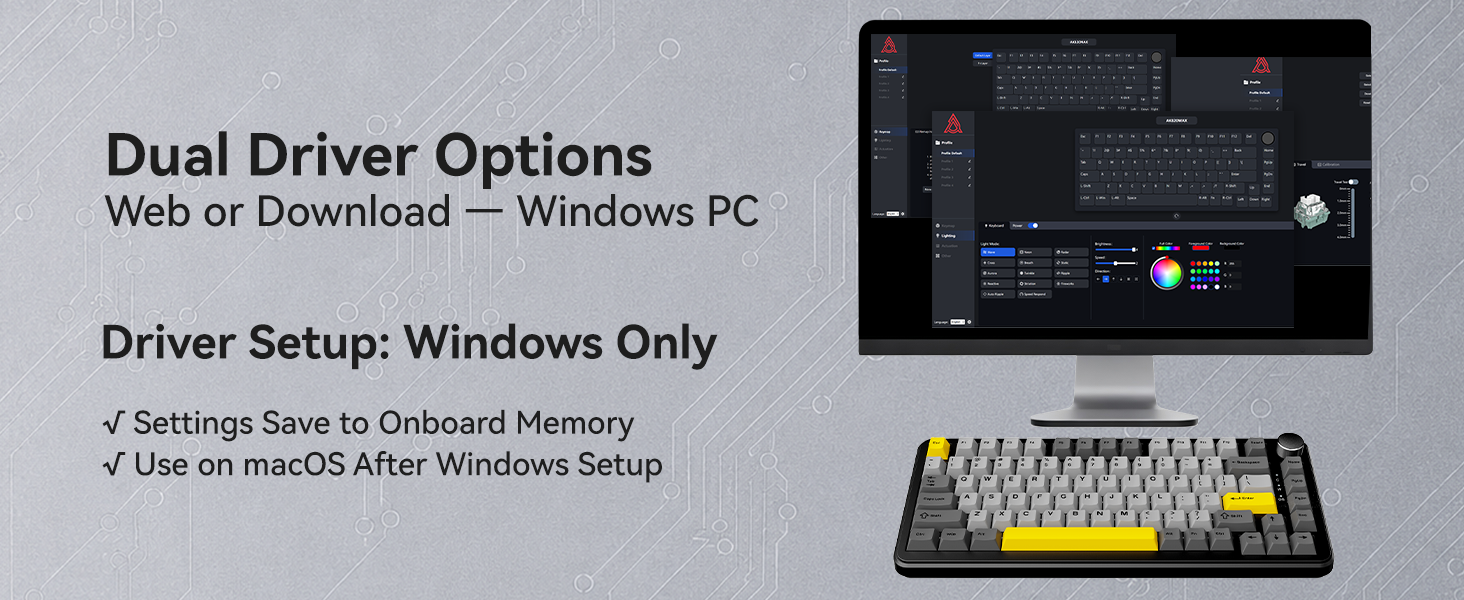
Q: Does this keyboard work with Mac? How?
A: Yes. Configure settings once on a Windows PC — the keyboard saves everything to onboard memory. Then plug into any Mac and your setup works instantly. Driver is Windows-only, but the keyboard itself is Mac-ready.
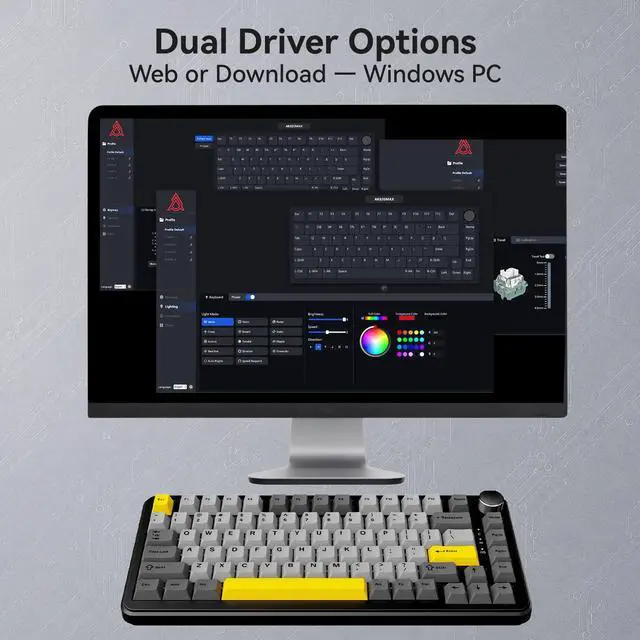
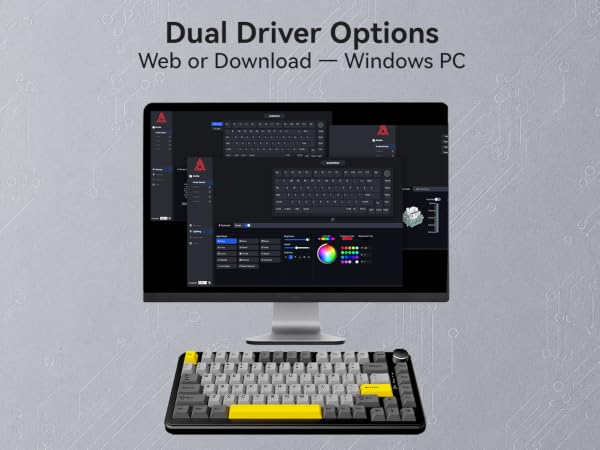
Q: How do I configure key mapping, RGB, and actuation settings?
A:Two driver options — both Windows-only. Web Driver: visit ajazz.com, open in browser, no install. Download Driver: app.box.com/s/jy11vs30drysn8tefuyi2kuqb0kur9gp. All settings save to onboard memory. Simple, fast, and always ready.



Q: What is a Hall Effect magnetic switch? How is it different from a mechanical switch?
A: Traditional switches use metal contacts that wear out. Hall Effect switches use magnets with zero physical contact — near zero debounce delay, smoother keystrokes, longer lifespan, and consistent tournament-grade performance.
Q: What is Rapid Trigger? How does it help in games?
A: Rapid Trigger resets a key instantly as you lift it — no need to return to a fixed point. This enables faster strafing, double-taps, and counter-strafing in FPS games. Pure speed, zero compromise.
Q: What does 0.1-4.0mm adjustable actuation mean?
A: Set each key's trigger point in 0.1mm steps. Shallow (0.1mm) for instant taps. Deep (4.0mm) to avoid accidental presses. Tune every key to match your game, your style, your rules
Q: Does this keyboard work with Mac? How?
A: Yes. Configure settings once on a Windows PC — the keyboard saves everything to onboard memory. Then plug into any Mac and your setup works instantly. Driver is Windows-only, but the keyboard itself is Mac-ready.
Q: How do I configure key mapping, RGB, and actuation settings?
A:Two driver options — both Windows-only. Web Driver: visit ajazz.com, open in browser, no install. Download Driver: app.box.com/s/jy11vs30drysn8tefuyi2kuqb0kur9gp. All settings save to onboard memory. Simple, fast, and always ready.
Gaming Mouse
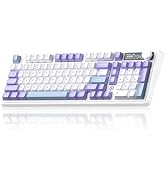
Gaming Mechanical Keyboard
