here!
here!
I’m your shopping assistant for PC builds, upgrades, and everything tech.
Got questions? Ask away!
Start a conversation
here!
I’m your shopping assistant for PC builds, upgrades, and everything tech.
Got questions? Ask away!
Start a conversation
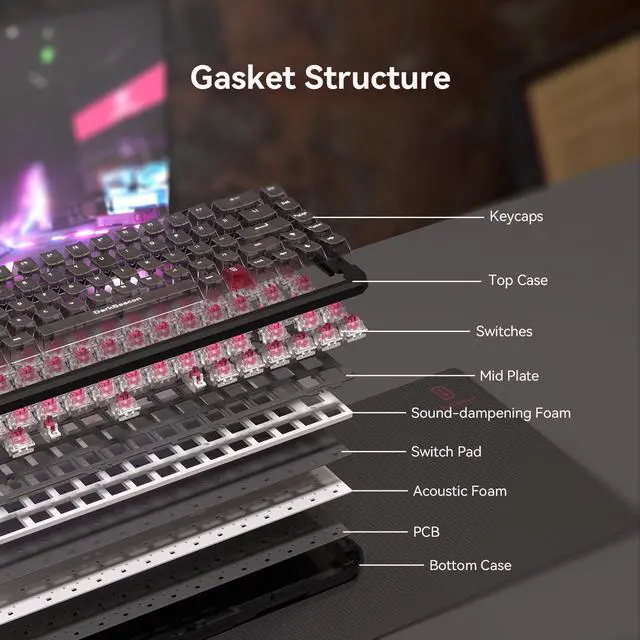



Any questions? Ask CelesteSM will help you find out quickly.
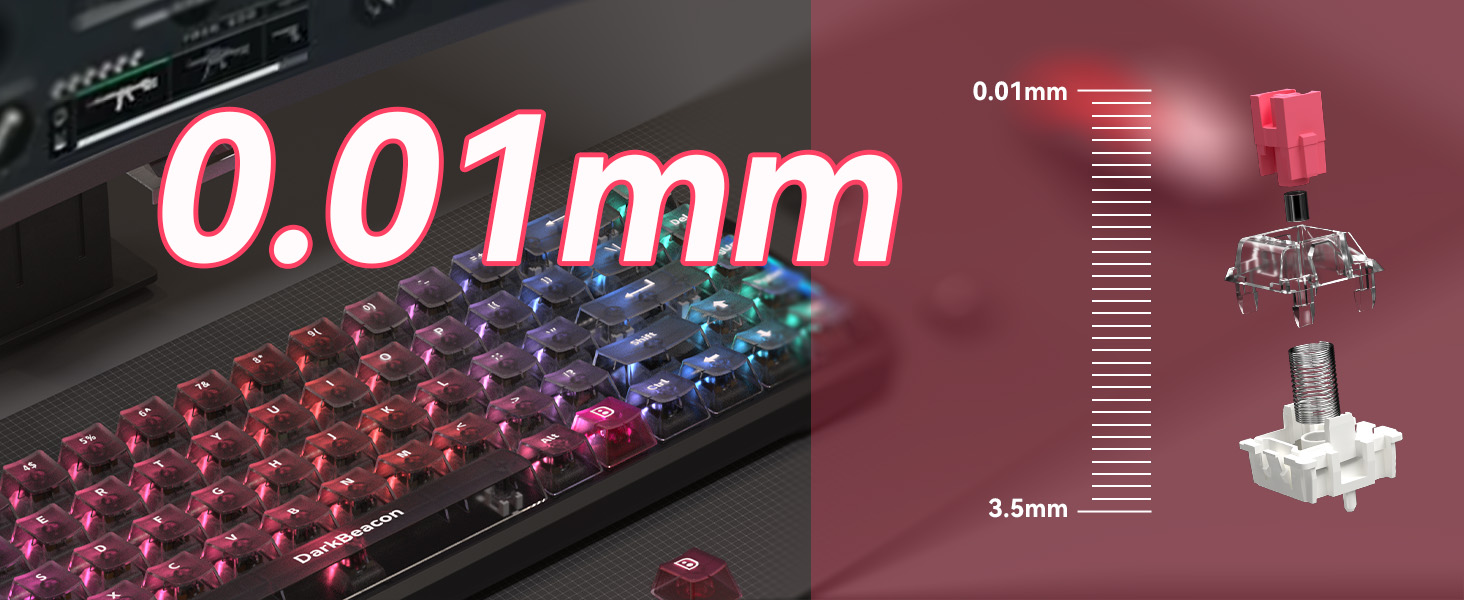
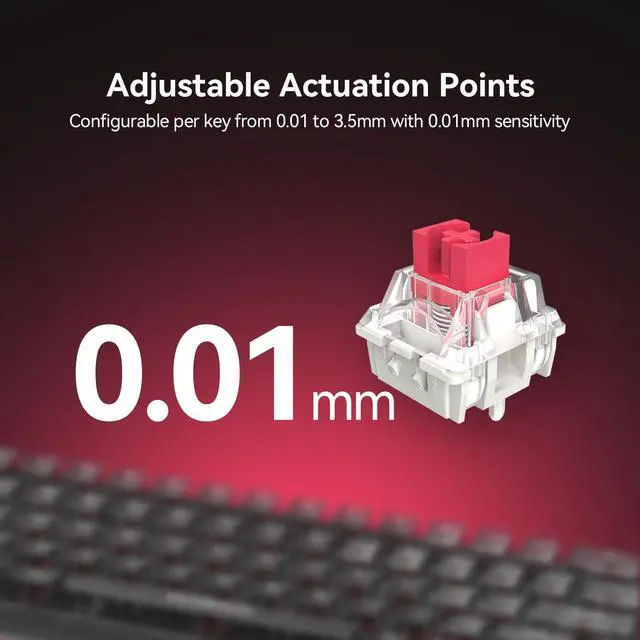
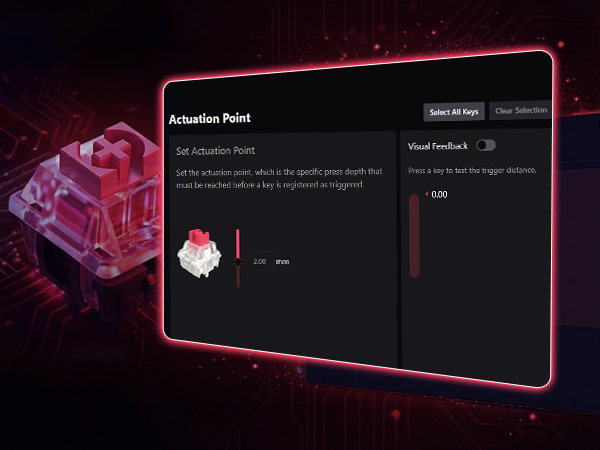
Customize actuation depth—shallow for faster taps, deep for fewer accidental presses.
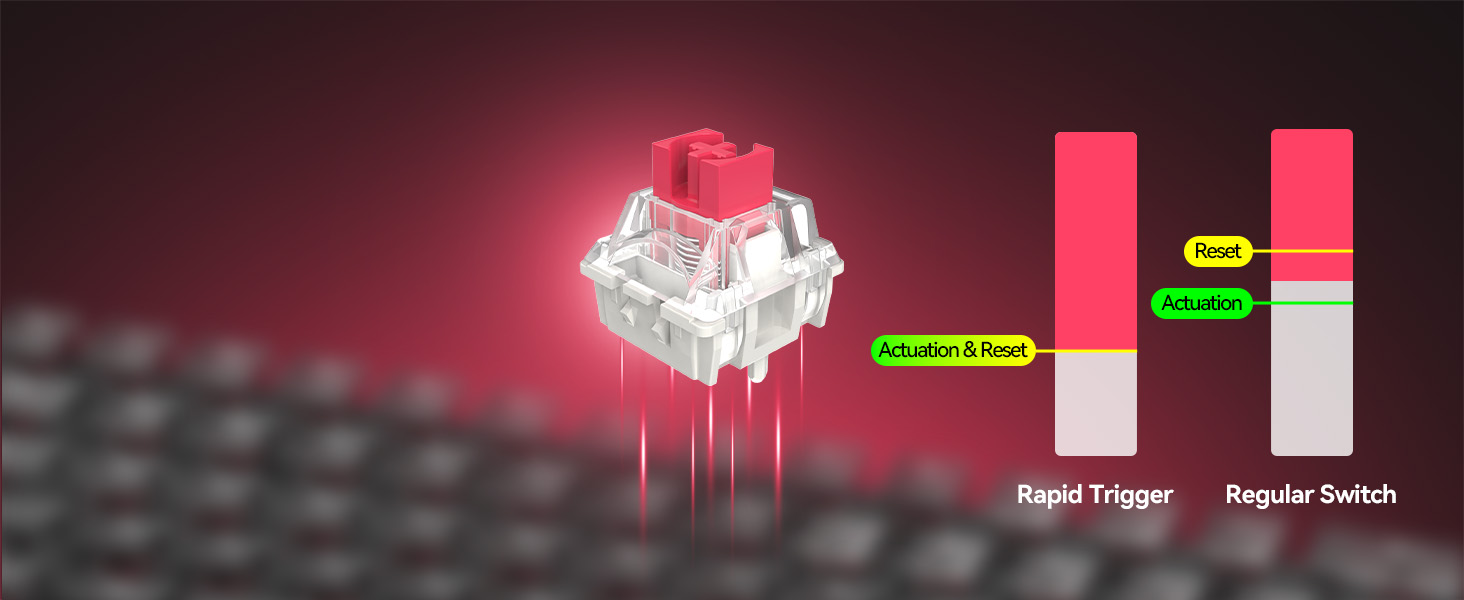
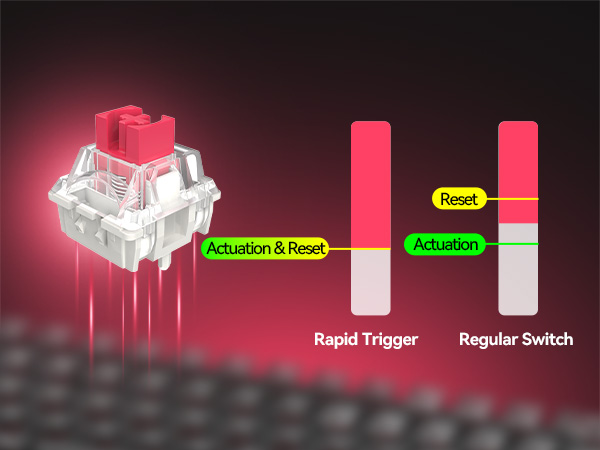
Releases as fast as presses—no reset delay, smoother and faster repeated inputs.
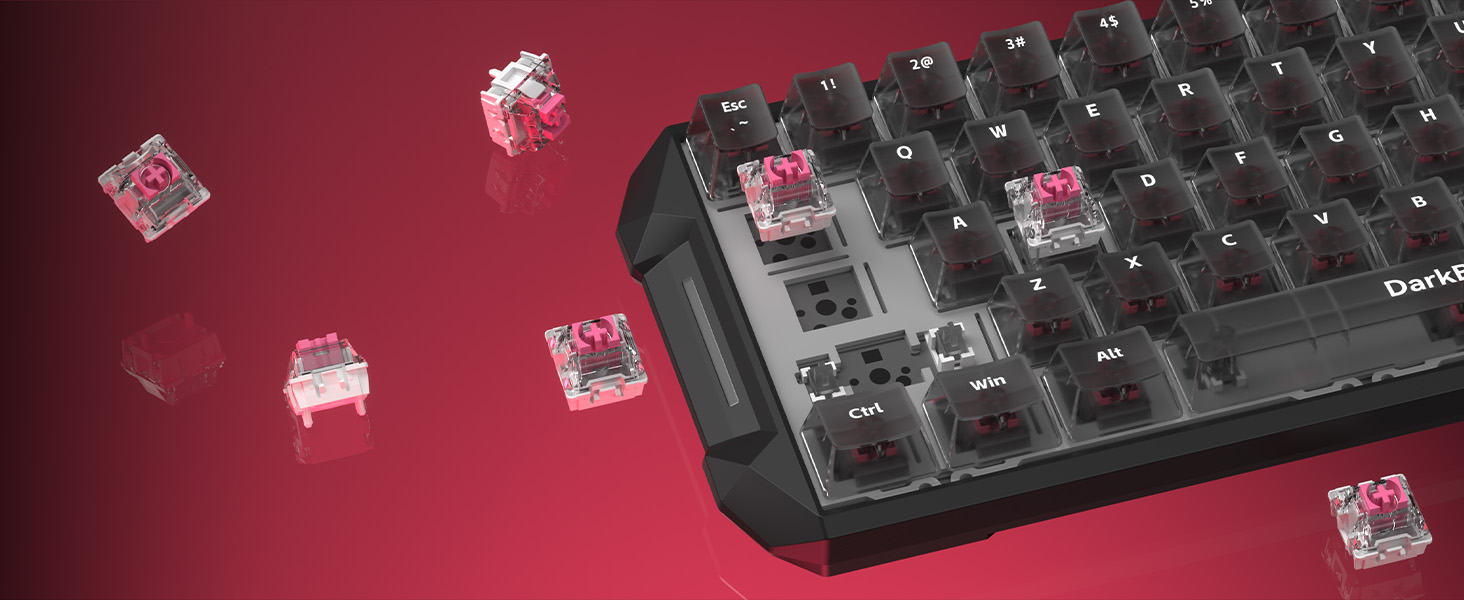
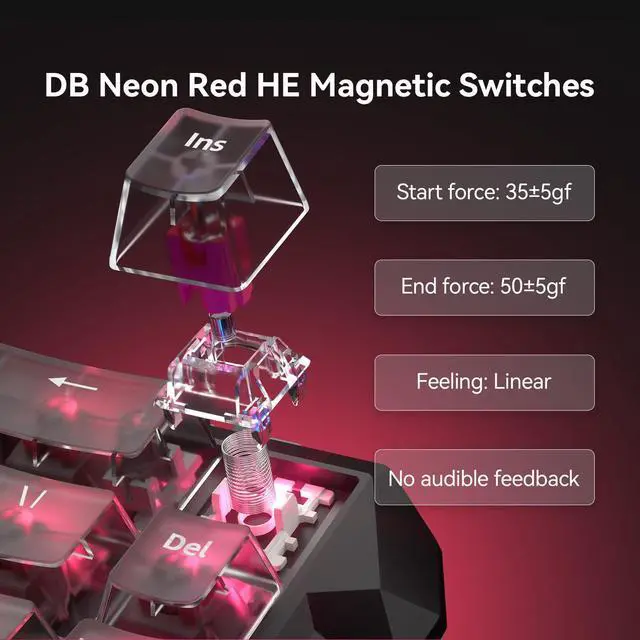
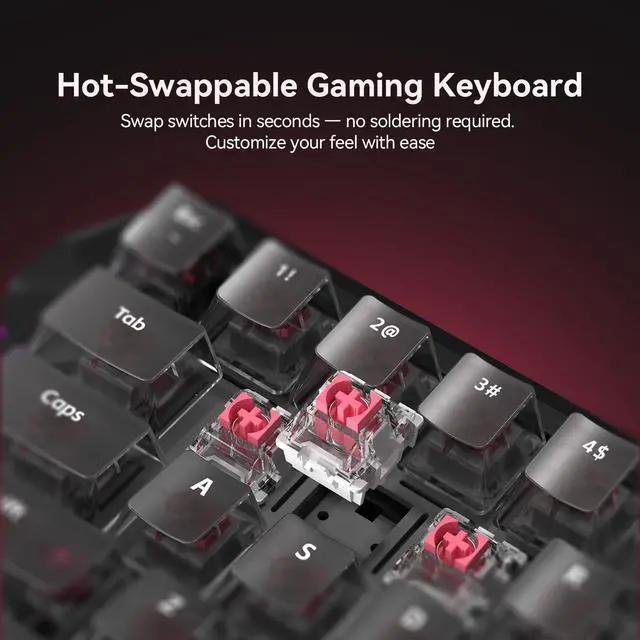
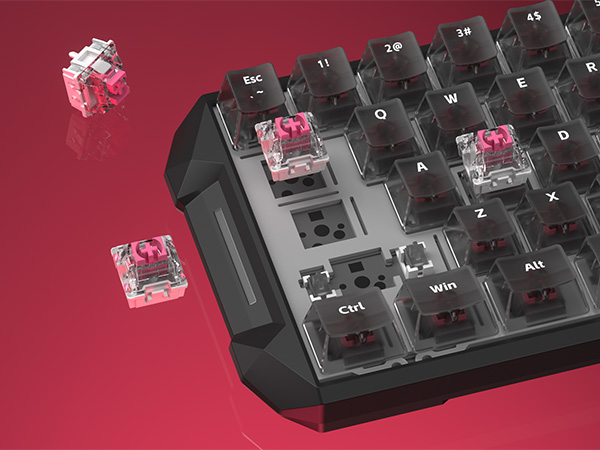
Customize your feel in seconds—swap switches easily with no soldering or hassle.
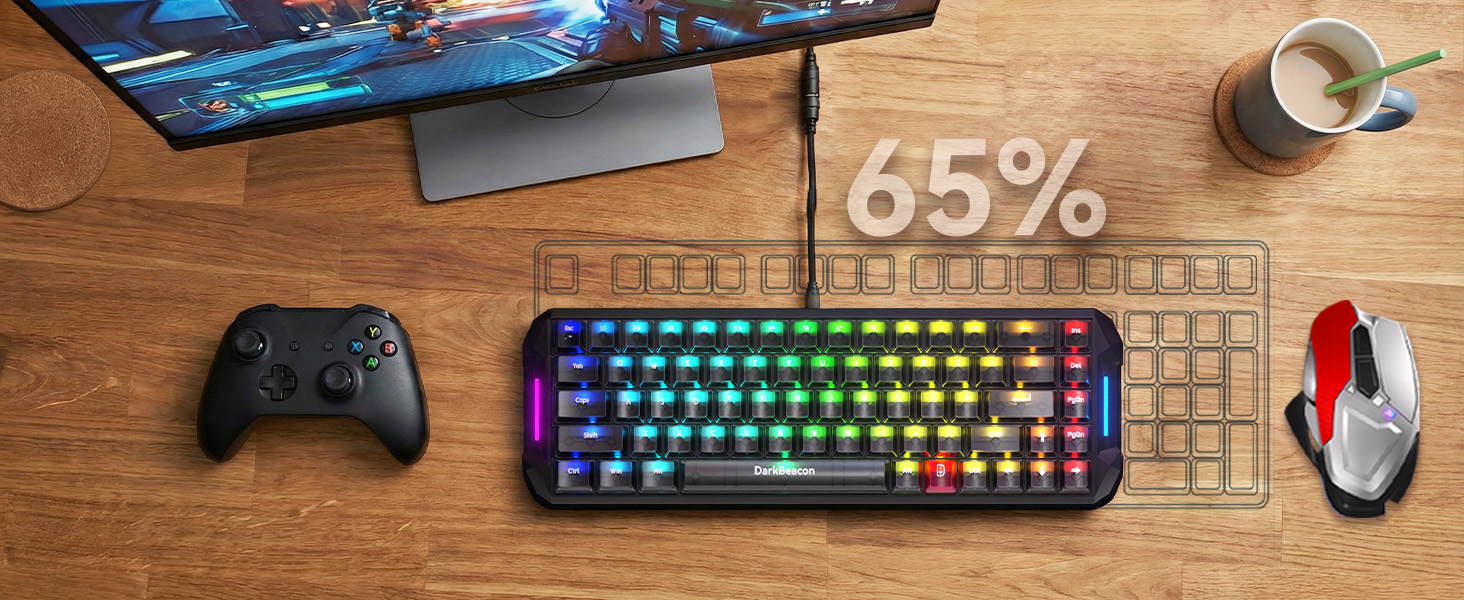
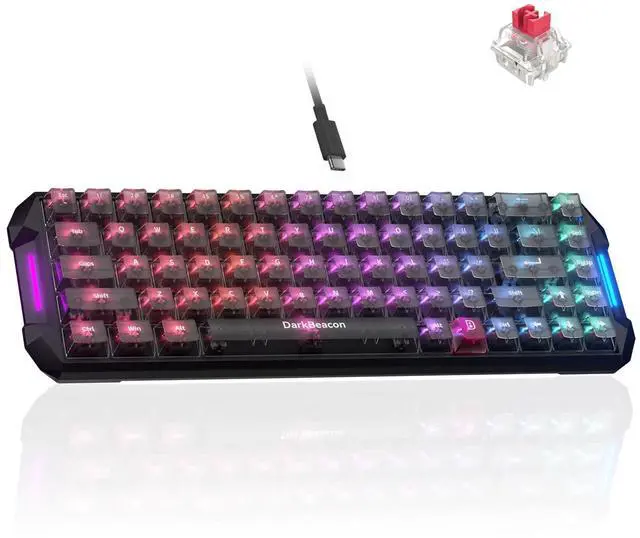
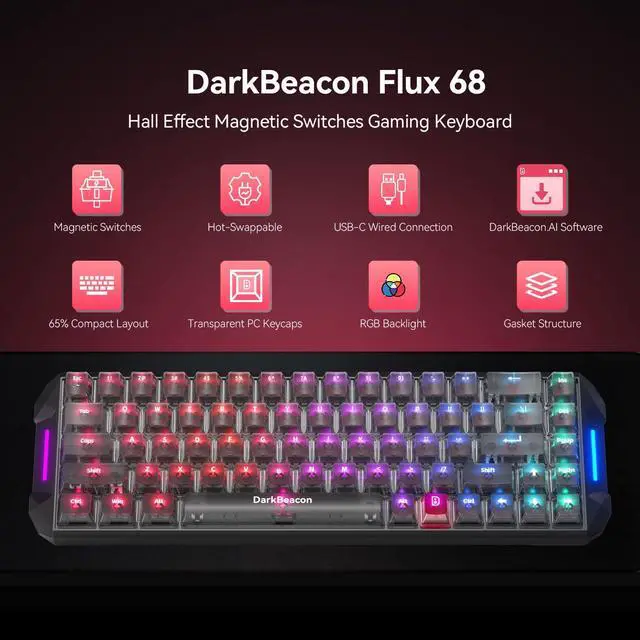
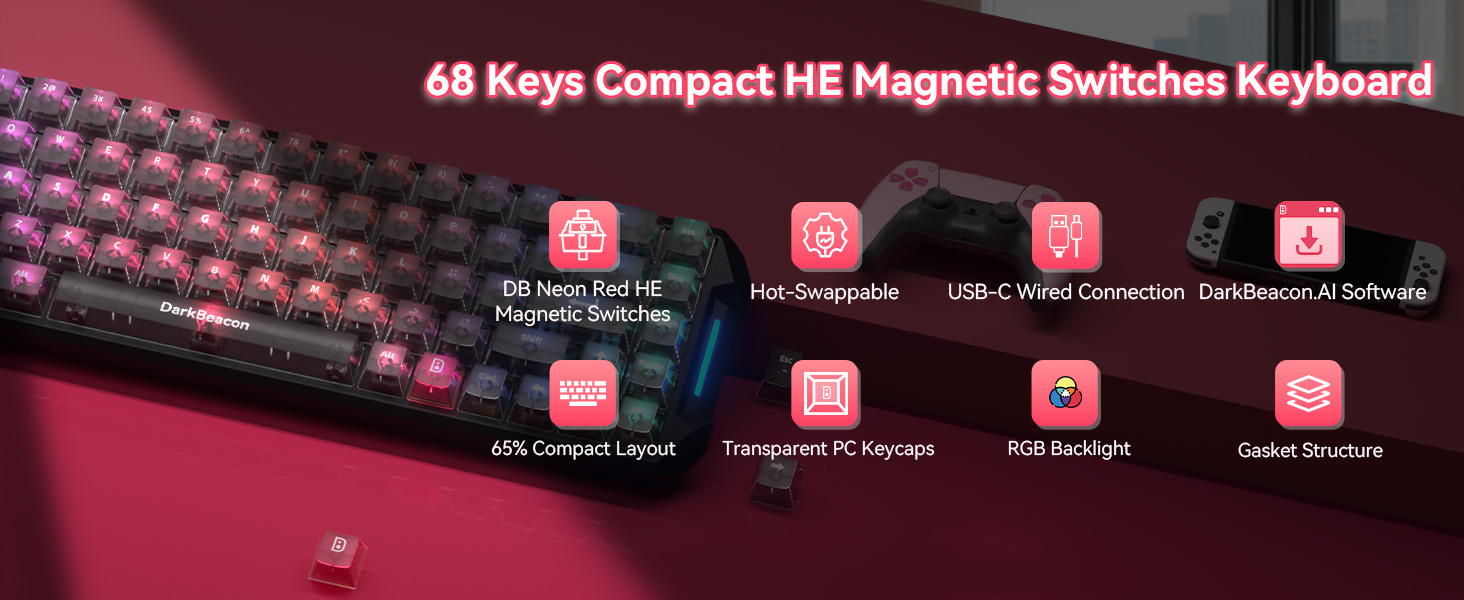
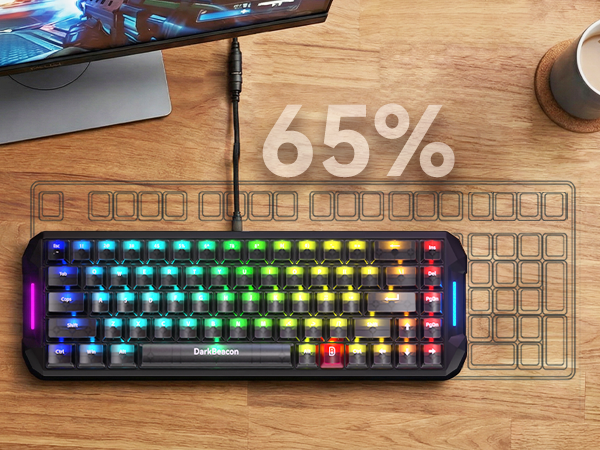
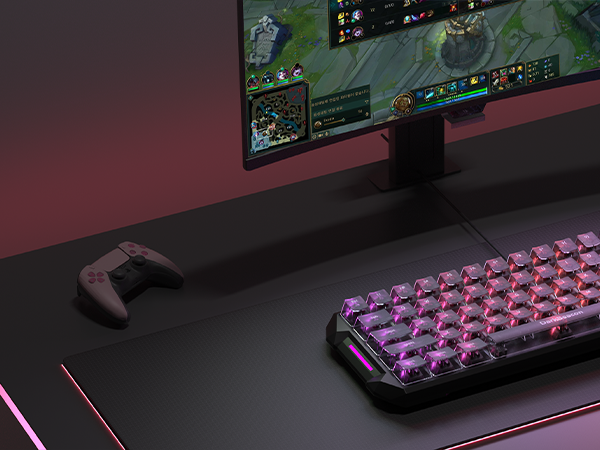
68-key layout with arrow keys, perfect for small desks and portable setups.
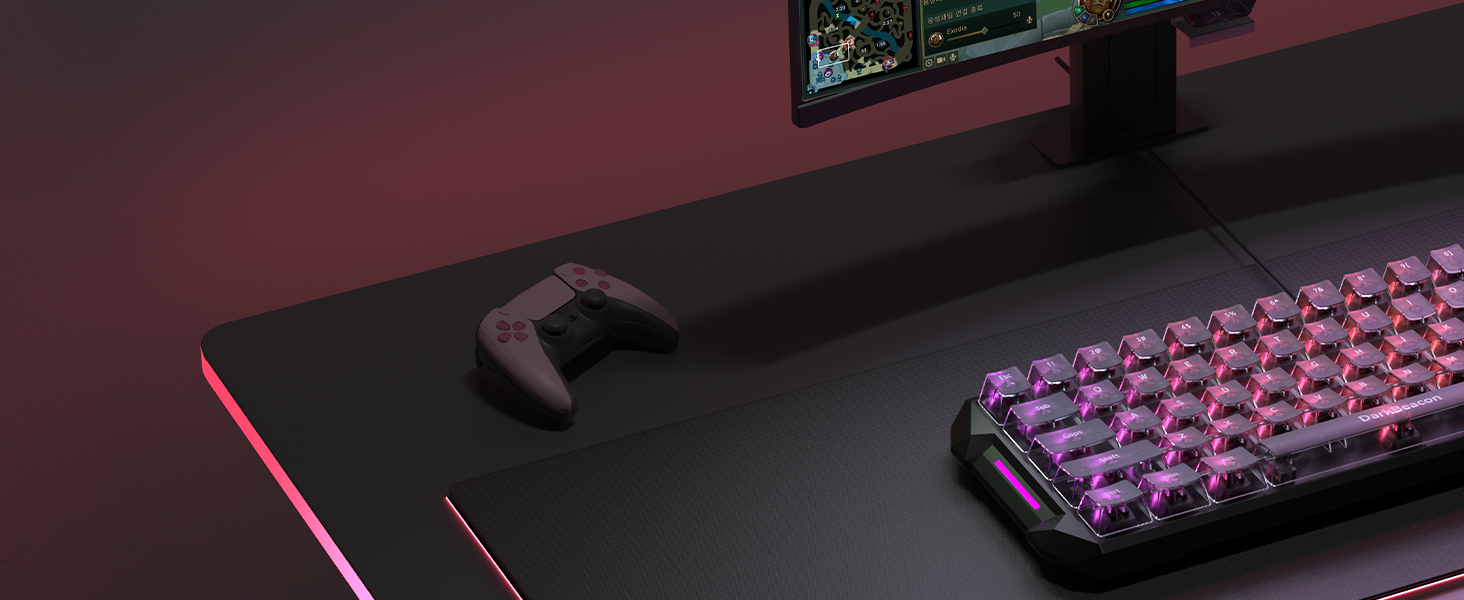
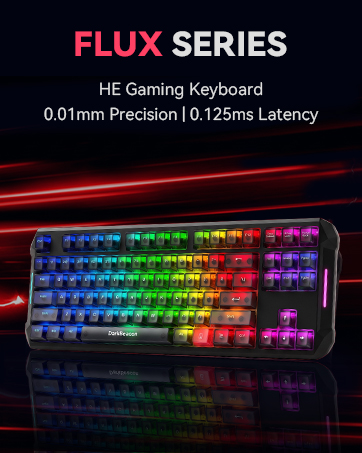
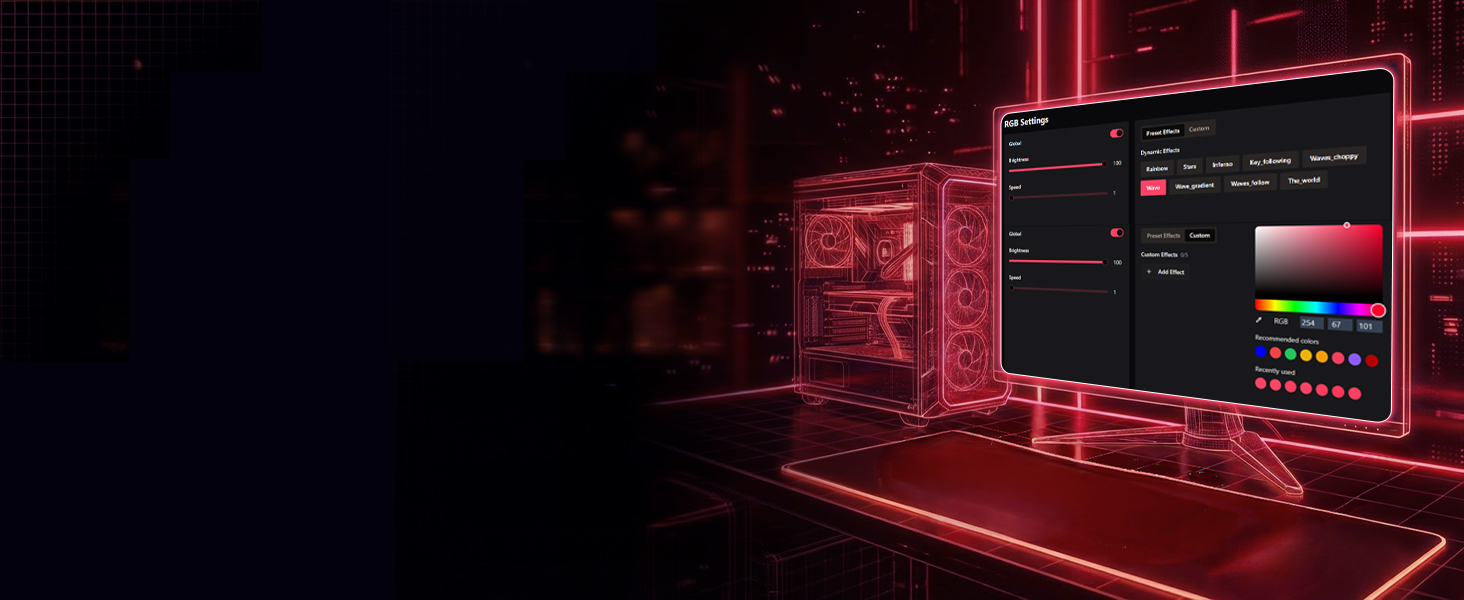
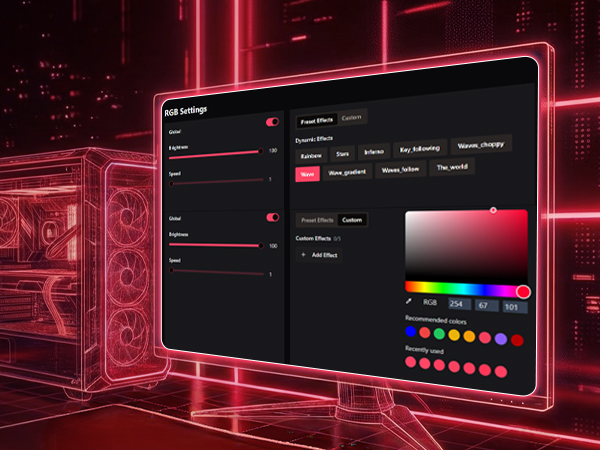
Customize vibrant RGB lighting and create stunning effects for immersive gameplay.
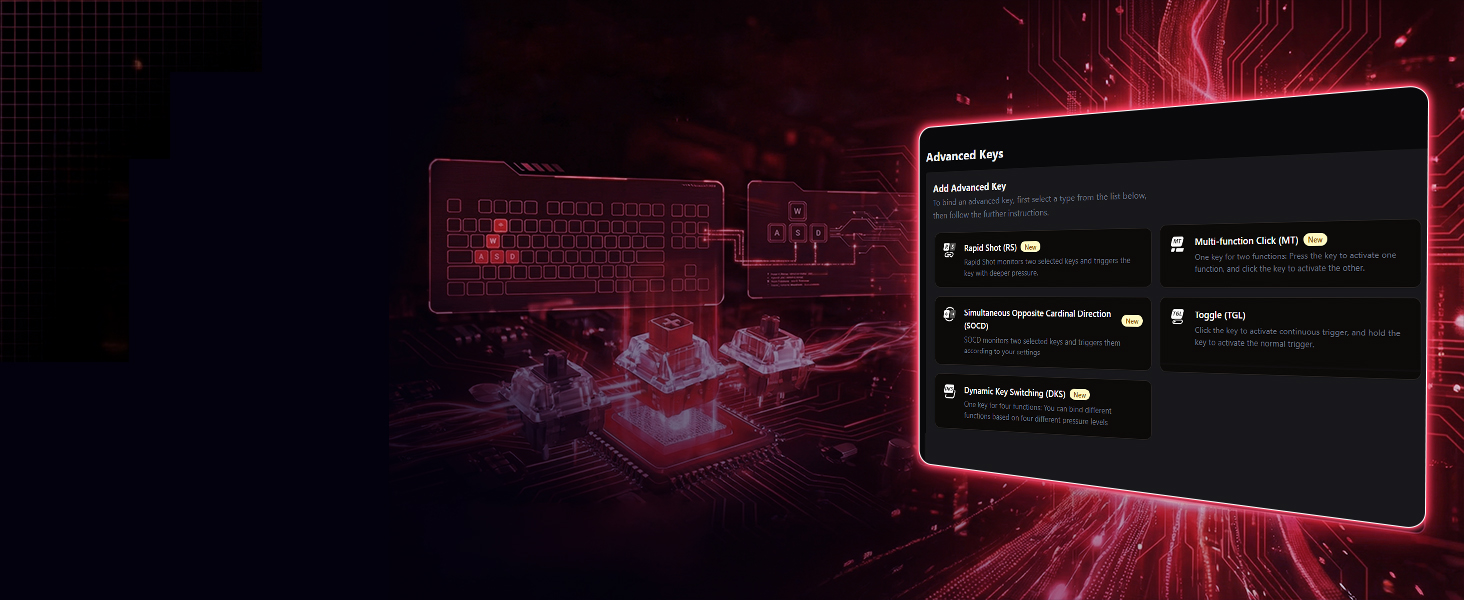
Download at darkbeacon.ai
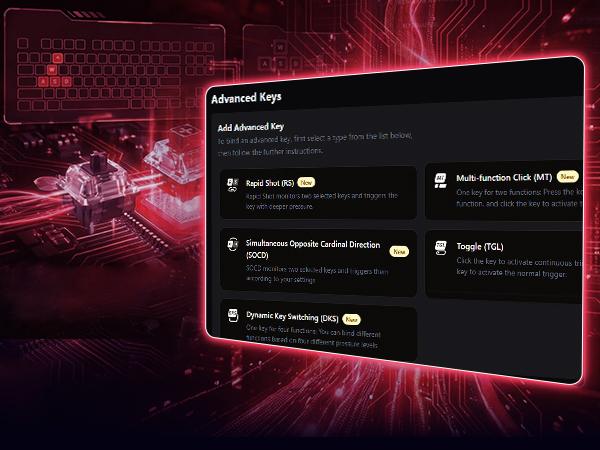
Enable RS, SOCD, DKS, MT, and TGL for advanced control with DarkBeacon software.
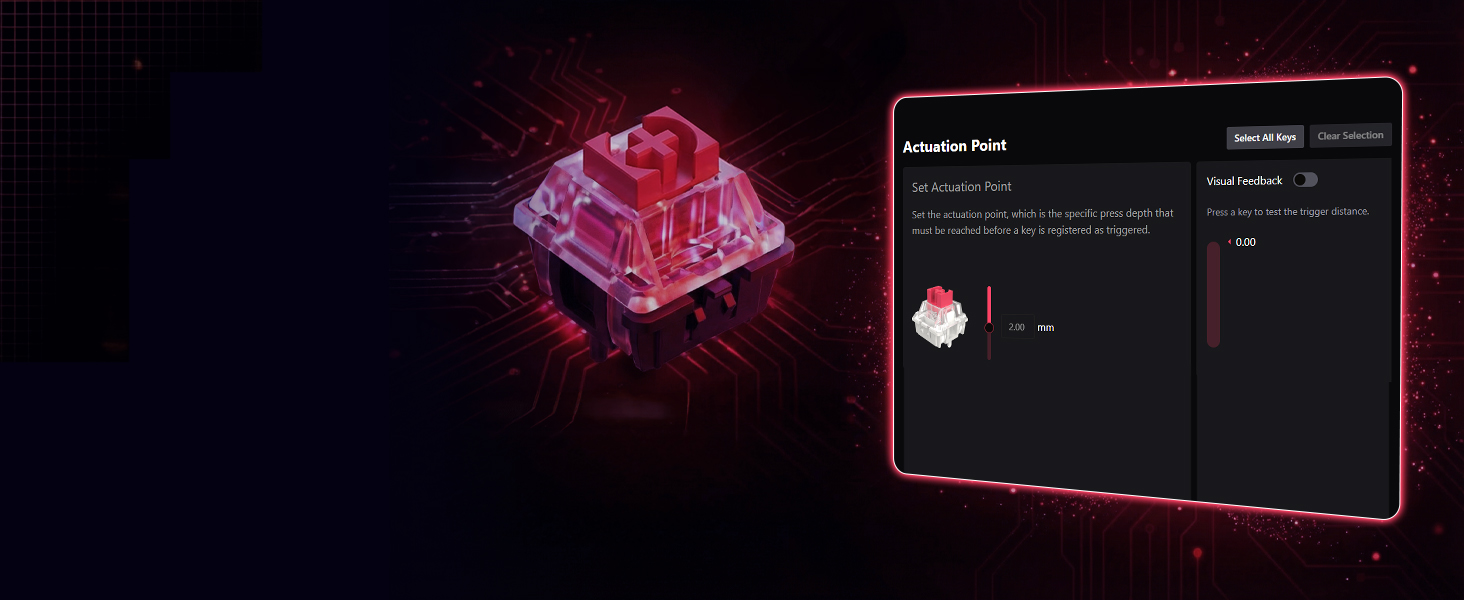
Download at darkbeacon.ai
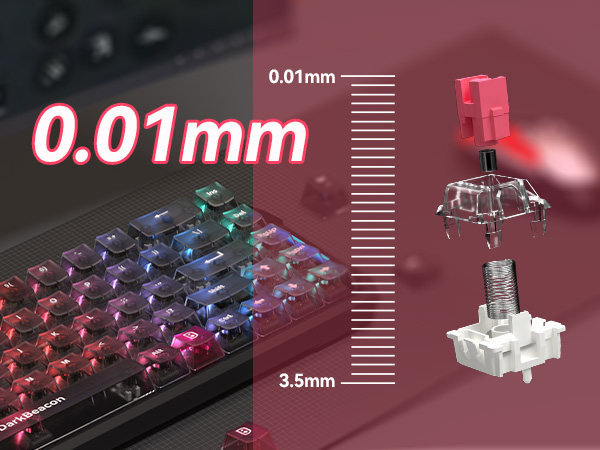
Adjust actuation from 0.01mm to 3.5mm for precise control with DarkBeacon software.
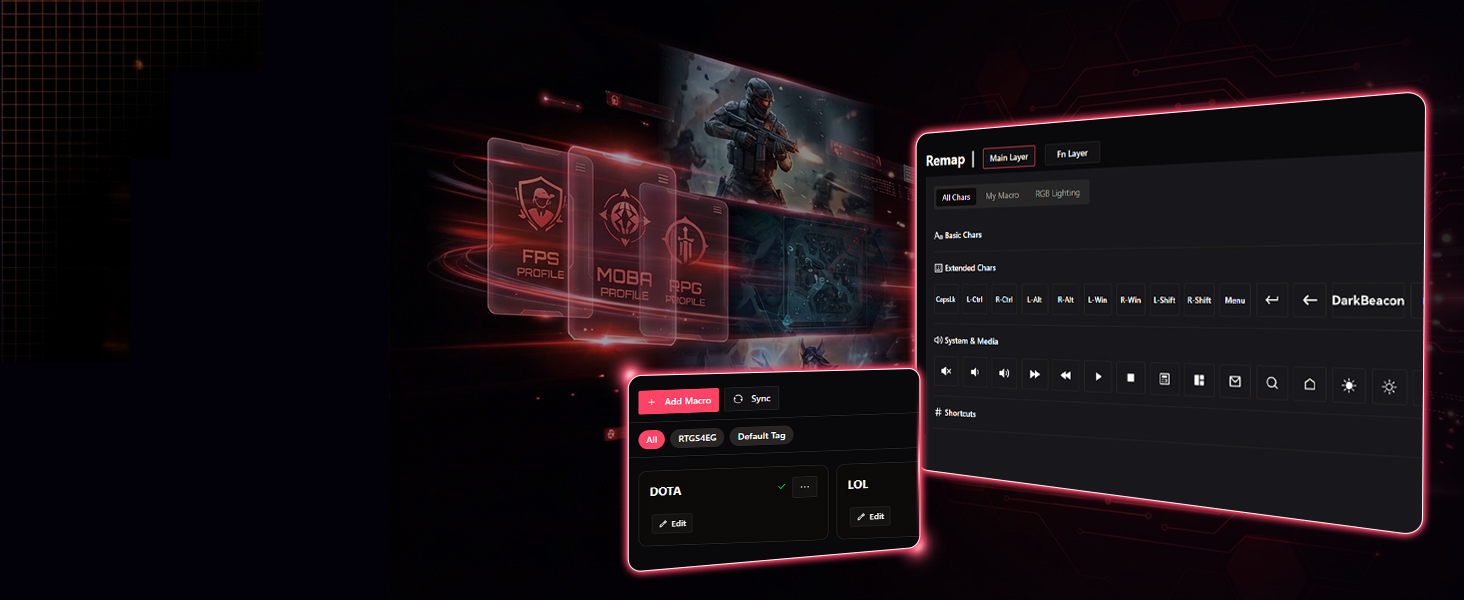
Download at darkbeacon.ai
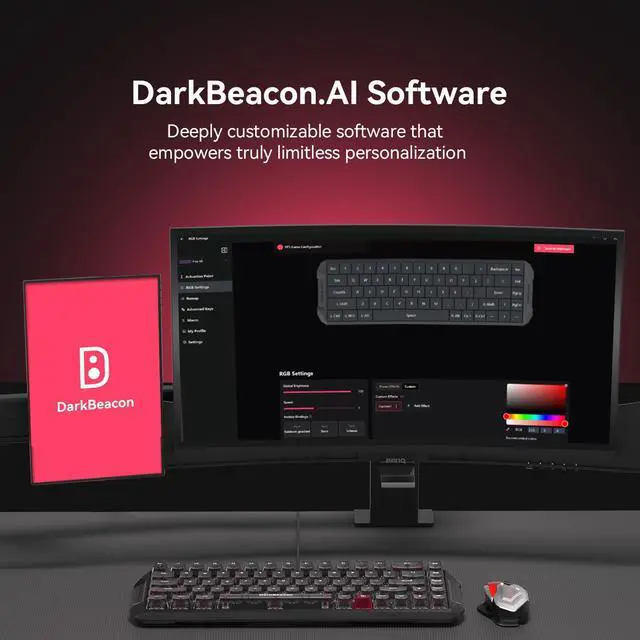
Customize every key, record macros, and save & manage profiles with DarkBeacon software.
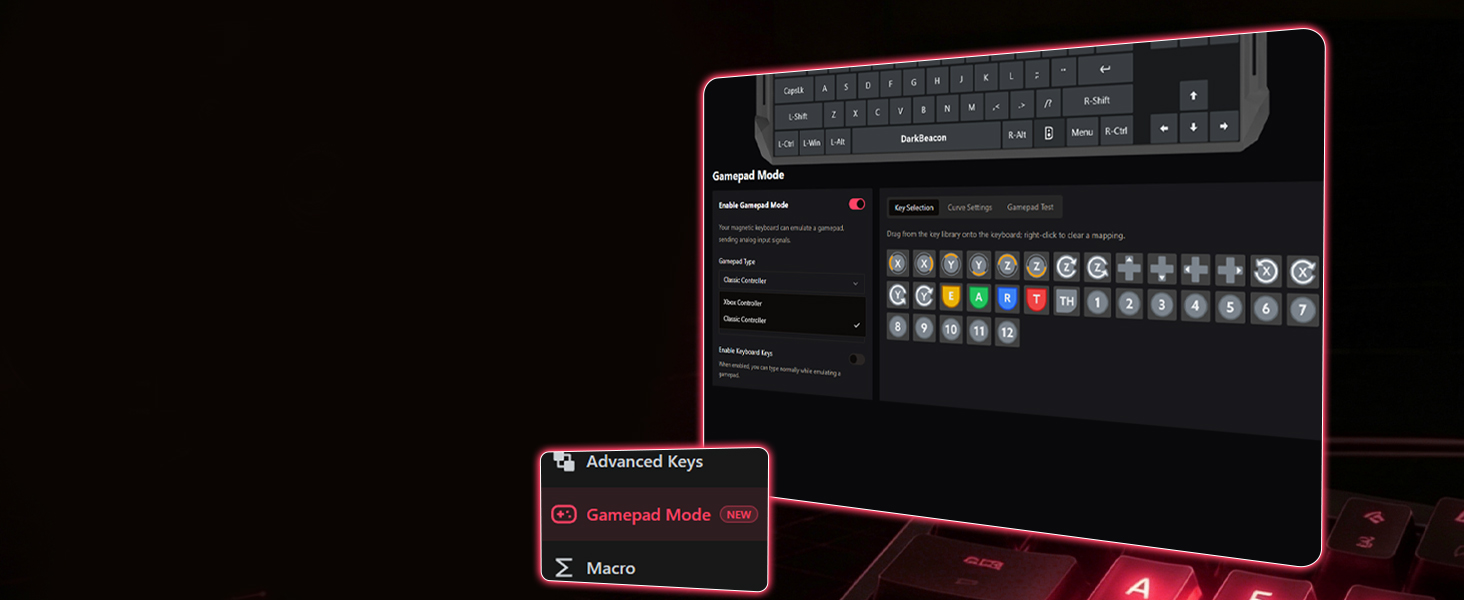
Download at darkbeacon.ai
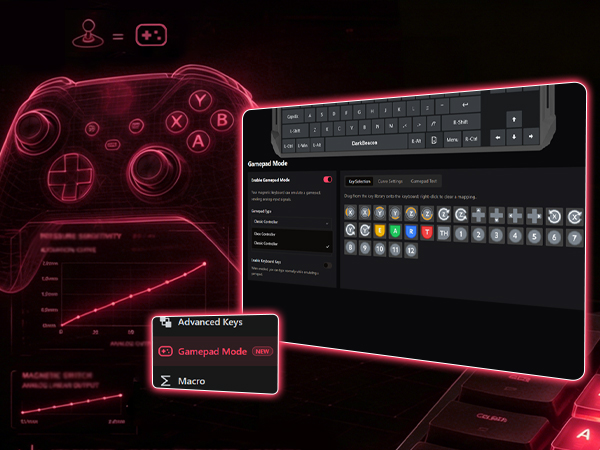
Map keyboard keys to gamepad inputs for flexible gameplay control.
Download at darkbeacon.ai
Multiple backlight modes and 16.8 million colors. Brightness and speed are adjustable.
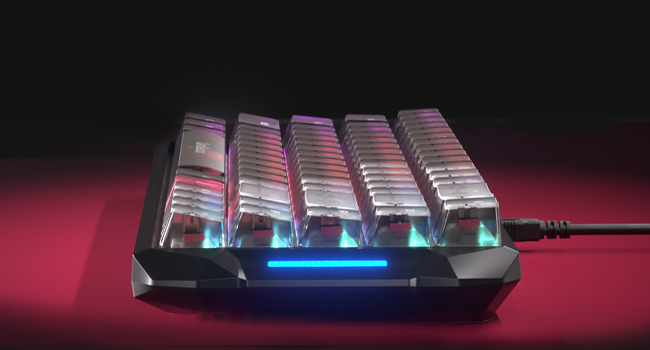
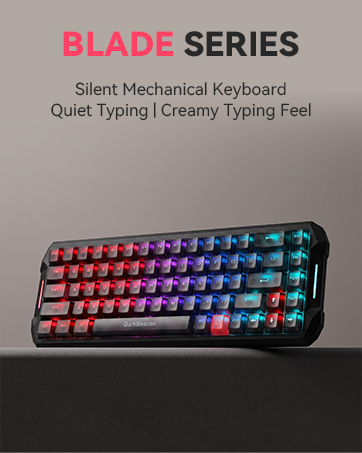
The OEM profile provides a familiar and comfortable typing experience. Crystal-clear PC keycaps enhance RGB lighting, featuring a textured anti-slip top surface for precise finger control.
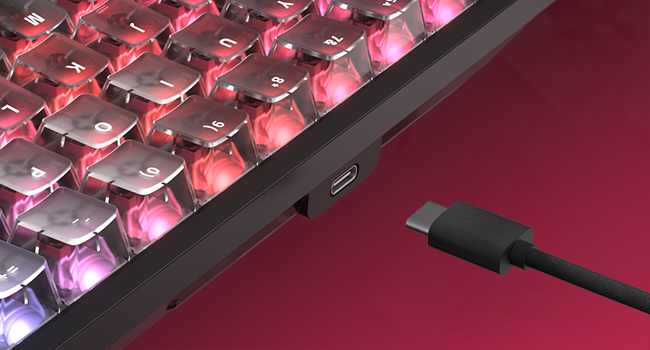
Durable cable ensures a rock-solid connection during intense gaming sessions, while its detachable design makes transport and storage effortless.
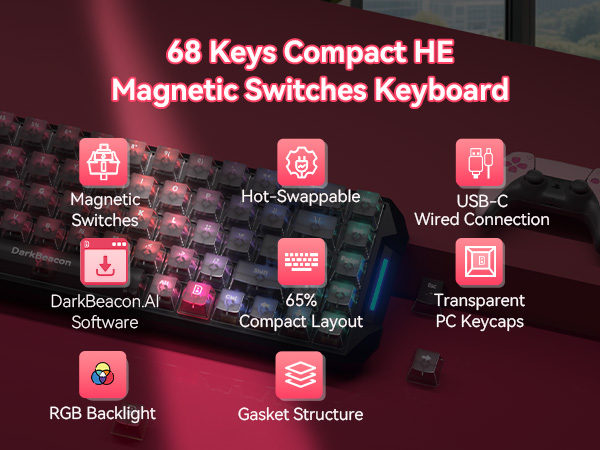
Customize actuation depth—shallow for faster taps, deep for fewer accidental presses.
Releases as fast as presses—no reset delay, smoother and faster repeated inputs.
Customize your feel in seconds—swap switches easily with no soldering or hassle.
68-key layout with arrow keys, perfect for small desks and portable setups.
Customize vibrant RGB lighting and create stunning effects for immersive gameplay.
Enable RS, SOCD, DKS, MT, and TGL for advanced control with DarkBeacon software.
Adjust actuation from 0.01mm to 3.5mm for precise control with DarkBeacon software.
Customize every key, record macros, and save & manage profiles with DarkBeacon software.
Map keyboard keys to gamepad inputs for flexible gameplay control.
Multiple backlight modes and 16.8 million colors. Brightness and speed are adjustable.
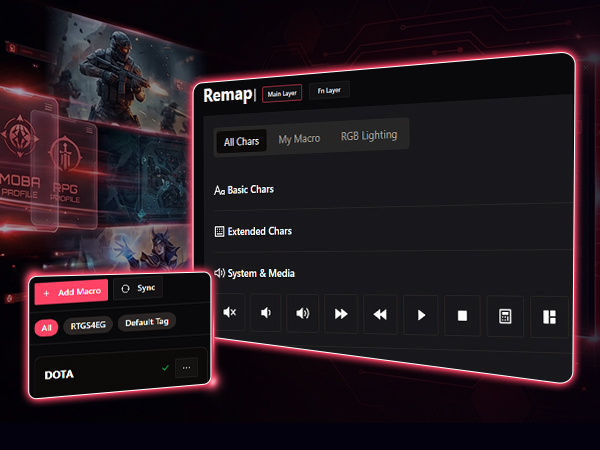
Turn ideas into personalized experiences with DB AI Companion. Chat with AI using text or voice to create custom lighting effects, generate macros, and remap keys. Share your creations with the community, discover ideas from other users, and apply them to your own devices.
AI Lighting·AI Macros·AI Remapping·Community Sharing
The OEM profile provides a familiar and comfortable typing experience. Crystal-clear PC keycaps enhance RGB lighting, featuring a textured anti-slip top surface for precise finger control.
Durable cable ensures a rock-solid connection during intense gaming sessions, while its detachable design makes transport and storage effortless.
| Light Effect Control | Fn + P / [ / ] for (Before firmware update)switch 3 preset light effects; (After firmware update) switch preset effects/switch custom effects/light ON&OFF |
|---|---|
| Light Speed Control | Fn + K / L (Control keys can be customized via software) |
| Light Brightness Control | Fn + ;: / '" (Control keys can be customized via software) |
| Volume Control | Fn + < / > / /? for Mute, Volume Down, Volume Up |
| Playback Control | Fn + B/N/M for Previous, Play/Pause, Next |
| Media Launch & Switch | Fn + T/Y/U/I for mail, Home, Calculator, Search |
| Reset Keyboard | Press and hold Fn+Esc for 5 seconds |
| Other | Fn+Tab for PrtSc, Fn+Q/W for Brightness Down/Up |
| Keyboard is not working? | Try to reset the keyboard and make sure that both the software and the keyboard firmware are updated to the latest versions. |
| Customize Keyboard | The Windows software is stable and supports AI agent and configuration synchronization.(Download at “darkbeacon.ai".) |
| Save Custom Settings | After customizing settings in the software, please click “Save to Keyboard” in the top-right corner to apply and store the configuration on the keyboard. |
| Switches Support | Only compatible with 2-pin magnetic switches (5 spare magnetic switches are included in the package). |